
Seedance 3.0
What is Seedance 3.0?
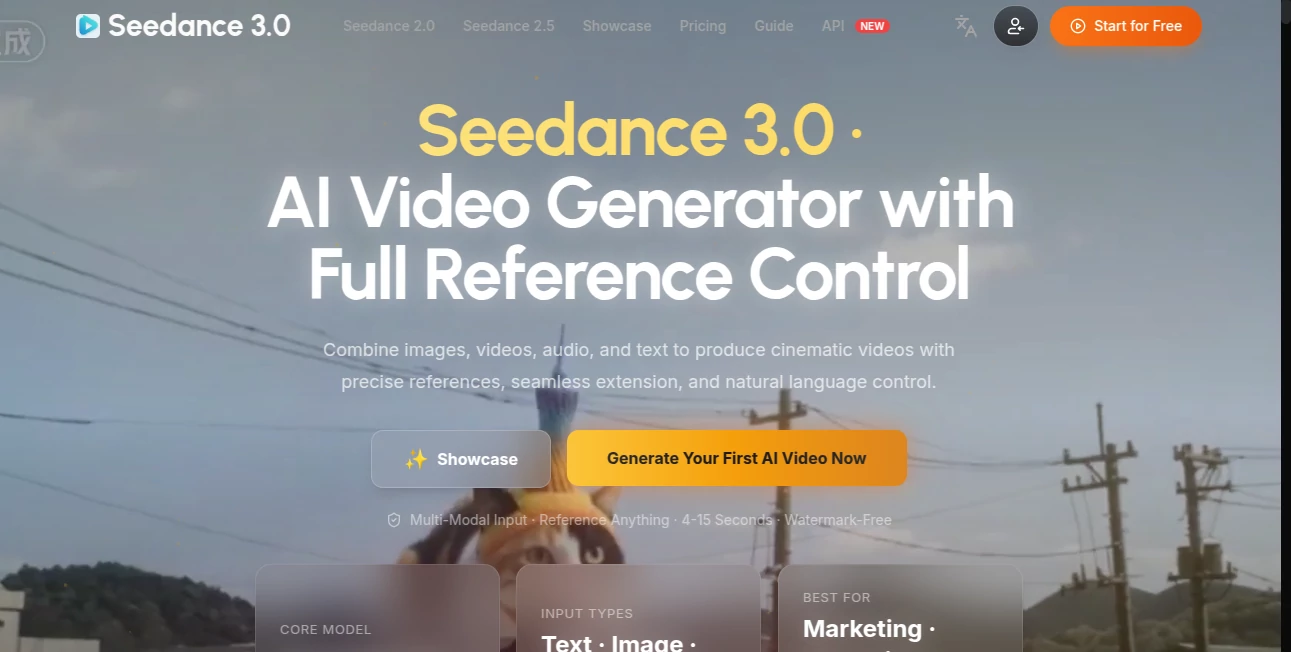
Creating a convincing AI video is no longer just about writing a sentence and hoping for a good result. Seedance 3.0 takes a more practical approach by letting creators combine text, images, videos, and audio as references before generating a scene. This makes it particularly useful when the goal is not simply to create a random clip, but to maintain control over characters, products, camera movement, atmosphere, and sound.
The platform is designed for a wide range of creative work, from short social media concepts and product demonstrations to storyboards, animated scenes, training material, and campaign previews. Its reference-based workflow gives creators more room to explain what they want visually without relying entirely on an extremely long text prompt.
Key Features
- Multimodal generation using text, images, videos, and audio.
- Support for up to 50 reference materials in a scene.
- Up to 30-second single video generations.
- Native 4K video output.
- Reference-led control for characters, products, lighting, movement, and camera direction.
- Tools for maintaining visual consistency across related shots.
- 3D spatial pre-visualization and camera blocking capabilities.
- Watermark-free video generation.
- Private generation options and commercial licensing on paid plans.
User Interface
The workspace is built around the idea of giving every reference a clear purpose. Instead of placing everything into one crowded prompt, creators can provide separate sources for a character, product, environment, movement, or audio direction. The workflow feels closer to preparing a small production brief than filling out a traditional text-to-video form.
This approach can be especially helpful for creators who already work with storyboards or reference images. For example, a product photograph can establish the physical appearance of an item while a video reference can help communicate movement and an audio file can provide the intended rhythm or atmosphere.
Accuracy & Performance
The strongest part of the platform is its reference-driven generation workflow. Rather than asking users to describe every visual detail from scratch, the system can use supplied materials to establish important elements of a scene. This is useful when consistency matters, particularly for branded content, product demonstrations, characters, and repeated visual concepts.
The ability to generate a single sequence of up to 30 seconds also gives creators more space to build an opening, main action, transition, and closing moment without immediately having to combine several short clips. Native 4K output adds another advantage for projects where fine details, product surfaces, packaging, lighting, or close-up shots need to remain clear.
Capabilities
The platform goes beyond simple text-to-video generation. Creators can combine multiple reference types and describe the subject, action, camera, lighting, mood, and sound in natural language. Up to 30 images, 10 videos, and 10 audio files can be included as part of a reference stack, giving larger projects considerably more room for visual direction.
It can also be used for storyboard-to-motion experiments, character-driven shorts, product demonstrations, music performances, training sequences, property walkthroughs, brand films, and campaign pre-visualization. The 3D spatial pre-visualization capability is another useful addition for projects where camera paths and subject placement need to be considered before production.
Security & Privacy
Privacy becomes important when working with unreleased products, campaign material, character designs, or other creative assets. Paid plans include private generation, while the service also lists commercial licensing as part of its paid offerings. Creators working with proprietary material should still review the current terms and licensing conditions before uploading sensitive or client-owned assets.
Use Cases
Social media creators can use the platform to develop vertical hooks, transformations, music-led concepts, and short promotional scenes. Because multiple reference types can be combined, a creator can establish the appearance of a subject while separately controlling motion and audio.
For e-commerce, it can turn product references into demonstrations that show how an item looks and how it might be used. This can be particularly useful for brands that already have product photography but need additional video material.
Animation teams can use separate references for character appearance, wardrobe, environment, and movement. This makes it easier to experiment with different scenes while keeping the core visual identity recognizable.
Marketing teams can also use generated footage for campaign pre-visualization. Before investing in a complete production, they can test compositions, camera movement, transitions, and final frames to communicate an idea more clearly.
Pros and Cons
- Pros: Multimodal input, large reference capacity, up to 30-second generations, native 4K output, strong reference control, useful scene-planning capabilities, watermark-free output, and commercial licensing on paid plans.
- Cons: Higher-volume production requires a paid credit plan, and achieving the best results still depends on providing clear references and well-structured prompts. Users working on complex scenes may also need several generations before reaching the exact result they have in mind.
Pricing Plans
The service offers both recurring subscriptions and one-time credit packages. Annual subscription pricing currently starts at $14.90 per month for the Basic plan when the annual discount is applied. The Standard plan is listed at $24.90 per month, Pro at $49.90 per month, and Max at $99.90 per month when billed annually.
For users who prefer not to subscribe, one-time credit packs are also available. These range from a $39.90 Starter Pack with 1,400 credits to larger packages reaching 180,000 credits. Paid plans include features such as private generation, priority processing, storage, API access, and commercial licensing, although the exact benefits vary by plan.
How to Use It
Start by deciding where the finished video will be published and what type of scene you want to create. A product advertisement, social media clip, animated short, and campaign preview may all require different pacing and visual direction.
Next, prepare your references and give each one a specific job. One image can define a character, another can establish a product, while a video can demonstrate movement and an audio file can influence the rhythm or atmosphere.
Write the scene in a logical order. Describe the subject, setting, action, camera movement, lighting, and desired ending. Once the first generation is available, refine one major element at a time rather than completely rewriting the concept after every attempt.
Comparison with Similar Tools
Many AI video platforms focus primarily on text-to-video or image-to-video generation. This platform takes a broader reference-led approach, allowing several types of source material to participate in the same scene. That distinction can matter when a project requires a specific character, product, movement style, camera direction, and sound concept at the same time.
The longer generation duration is another practical difference. A single generation can extend to 30 seconds, giving creators more room to develop a complete sequence rather than treating every result as a very short visual experiment. Native 4K output and the ability to work with a large reference stack also make it attractive for creators who need more control over production-oriented content.
Conclusion
For creators who want more control than a basic text-to-video workflow provides, this is a compelling option. Its biggest strength is the way it treats references as part of the creative process rather than as an afterthought. Images, videos, audio, and text can work together to establish a much clearer production direction.
The combination of longer generations, native 4K output, extensive reference support, and scene-planning capabilities makes it suitable for everything from quick social experiments to product marketing and pre-production work. It is particularly appealing for creators who care about consistency and want the generated footage to follow a specific visual idea rather than simply produce something visually interesting.
Frequently Asked Questions (FAQ)
What type of videos can be created?
You can create product demonstrations, social media clips, animated scenes, character-based videos, training sequences, property walkthroughs, brand films, music-related visuals, and campaign pre-visualizations.
Can multiple reference files be used?
Yes. The platform supports up to 50 reference materials in a scene, including up to 30 images, 10 videos, and 10 audio files.
Can videos be generated in 4K?
Yes. Native 4K output is available for projects where higher visual detail is important.
How long can a generated video be?
A single generation can run for up to 30 seconds, providing enough space for a beginning, main action, transition, and closing moment.
Is the generated content watermark-free?
The service advertises watermark-free video generation.
Is commercial use available?
Commercial licensing is included with the listed paid plans. Users should review the current licensing terms for their specific project before commercial publication.
Does it support audio references?
Yes. Audio can be used alongside text, images, and video to help guide speech, music, rhythm, or the overall atmosphere of a scene.
Is there a subscription-free option?
Yes. One-time credit packages are available for users who prefer to purchase credits without maintaining a recurring subscription.
AI Video to Video , AI Image to Video , AI Video Generator , AI Text to Video .
These classifications represent its core capabilities and areas of application. For related tools, explore the linked categories above.
Seedance 3.0 details
Website unavailable — View Alternatives
Pricing
- Freemium
Apps
- Web App
Categories

Seedance 3.0 Alternatives Product

Seedance 3.0

Seedance 3.0…

Happy Horse:…

Fuser Studio

Try OC Maker
Meigen AI

kling 4.0

Sora 2

Veo 3.1