Skydive
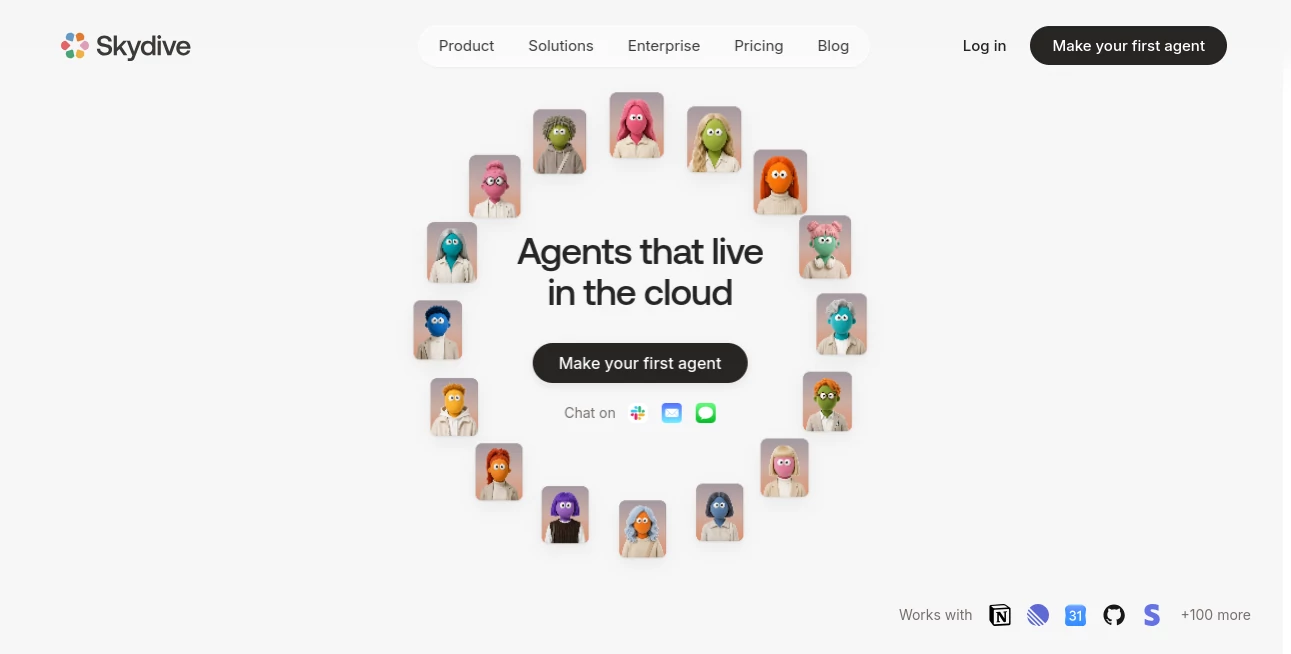
What is Skydive?
Skydive is a cloud-based AI agent platform built for teams that want AI to handle real work rather than simply answer questions. Instead of stopping at suggestions or requiring users to build detailed automation workflows, it lets teams describe an outcome and create an agent around that job.
Each agent gets its own cloud computer, browser, tools, and persistent memory. That means an agent can navigate websites, work with files, use business applications, run code, collect information, and complete tasks from beginning to end. For a busy team, this changes the role of AI from something you consult into something you can delegate work to.
The approach is particularly interesting for startups and growing teams where repetitive operational work can consume a surprising amount of time. Marketing, engineering, customer support, sales, operations, and executive work can all be handled by agents configured for specific roles.
Key Features
- AI agents with their own cloud computer and browser.
- Persistent memory that keeps useful context and corrections across conversations.
- Scheduled routines that allow agents to monitor and perform recurring work.
- Multi-agent collaboration for larger jobs that benefit from different roles.
- Access through web, Slack, email, and iMessage.
- Support for hundreds of integrations and the ability to work with existing tools through browser-based computer use.
- Agent activity timelines that make actions easier to review and understand.
- Pre-built agents for roles such as engineering, project management, customer support, marketing, and executive assistance.
User Interface
The experience is designed around delegation rather than complicated automation diagrams. Instead of opening a large workflow canvas and manually connecting every step, users can describe what they want an agent to accomplish.
This makes the platform approachable for people who understand their business processes but do not want to spend their time designing automation logic. Agents can also be reached through familiar communication channels, including Slack, email, iMessage, and the web.
The interface becomes more useful as agents start working because users can review what happened, see which tools were used, and understand how a task progressed. For teams, that visibility can be more valuable than a simple chatbot conversation.
Accuracy & Performance
Performance is closely tied to the type of work being delegated. The platform is designed for multi-step tasks where an agent needs to browse, interact with software, process information, and deliver a finished result.
One notable advantage is persistent context. If an agent receives a correction about a company's preferred terminology, process, or working style, that information can be remembered and applied to future work. Over time, this can reduce the need to repeatedly explain the same instructions.
There is still an important reason to review agent activity, especially when an agent has permission to make changes in business systems. The ability to inspect actions and timelines gives teams a practical way to catch mistakes and refine how their agents work.
Capabilities
The platform goes beyond conventional chat-based assistance. An agent can use a real browser, work with files, navigate business applications, browse the web, and perform actions across connected systems.
For example, an operations agent could reconcile information from receipts and a shared spreadsheet. A marketing agent could examine advertising performance and prepare actions based on the results. An engineering agent can work with repositories, reproduce issues, interact with development tools, and help move fixes through the development process.
Multiple agents can also work as a team. A larger task can be divided between specialized roles, allowing one agent to investigate an issue while another handles a related part of the job.
Security & Privacy
Security is an important part of the platform because agents may interact with company accounts and sensitive business tools. Agents operate in isolated, single-tenant sandboxes, with access controlled at the network layer.
Credentials are stored in dedicated encrypted storage, while permissions can be configured for individual agents. Teams can make agents private, internal, or externally accessible depending on the intended audience.
Activity is also recorded through audit logs, giving teams visibility into agent and team-member actions. The platform states that it conducts regular third-party penetration testing and has completed a Cloud Application Security Assessment at Assurance Level 1.
Enterprise customers also receive additional governance options, including more advanced security controls, spend controls, model controls, audit capabilities, and deployment options.
Use Cases
- Marketing: Agents can research opportunities, monitor campaign performance, prepare content, and assist with recurring marketing operations.
- SEO and AEO: Agents can discover search opportunities, create optimized content, publish it, and monitor rankings and AI citations.
- Engineering: Agents can work with repositories, investigate bugs, run code, interact with development systems, and assist with pull requests.
- Customer Support: Support agents can monitor queues, research customer issues, and help prepare or execute responses.
- Operations: Agents can handle repetitive administrative work, reports, data checks, and recurring processes.
- Sales: Agents can research prospects, work with CRM information, prepare outreach, and keep sales operations moving.
- Executive Assistance: Agents can help manage inboxes, calendars, research, recurring reports, and other administrative responsibilities.
- Project Management: Agents can monitor projects, organize information, follow up on recurring tasks, and keep teams informed.
Pros and Cons
Pros
- Agents can perform real actions instead of only generating suggestions.
- Each agent has its own cloud computer and browser.
- Persistent memory allows agents to learn from corrections and previous interactions.
- Recurring routines can continue running after the user leaves the platform.
- Multi-agent collaboration makes the platform suitable for larger workflows.
- Agents can work with many existing business tools without requiring users to build every workflow manually.
- Detailed activity timelines improve visibility into what agents actually did.
Cons
- Usage costs are separate from the base subscription because AI models and compute are billed according to actual usage.
- Tasks involving important business decisions still benefit from human review.
- Teams need to configure permissions carefully when agents are given access to sensitive systems.
- The platform is most valuable for teams with recurring operational work rather than users looking only for a simple chatbot.
Pricing Plans
The platform uses a subscription model combined with usage-based billing. The Starter plan begins at $20 per month and includes unlimited agents and up to five users, with AI model costs and compute charged according to actual usage without an additional markup.
The Team plan is listed at $200 per month and is aimed at teams that need greater usage capacity and priority support. Enterprise plans add advanced governance, security, audit, model and integration controls, along with options for organizations that require customized deployment or commercial arrangements.
Because model and compute usage can vary significantly depending on the work assigned to agents, teams should consider both the subscription price and expected agent activity when estimating their total cost.
How to Use It
- Create an account and enter the workspace.
- Choose a pre-built agent template or create an agent for a specific role.
- Describe the outcome you want in plain language, similar to briefing a new teammate.
- Connect the tools and accounts the agent needs to perform its work.
- Set the appropriate permissions and visibility level.
- Give the agent an initial task and review its actions.
- Correct the agent when it needs guidance so future work can benefit from that feedback.
- Turn recurring work into routines when you want the agent to continue operating on a schedule.
Comparison with Similar Tools
Traditional chat assistants are excellent at answering questions and generating content, but they often leave the final action to the user. Workflow builders take a different approach by giving users precise control over every step, but that can require considerable setup.
This platform sits between those two approaches while pushing further toward autonomous execution. Users describe the desired outcome, and the agent determines how to carry out the work using its own computer and connected tools.
That distinction matters for teams dealing with messy, multi-step processes. Instead of designing a rigid automation for every possible situation, a team can give an agent a role, connect the necessary tools, and refine its behavior over time.
It is not necessarily a replacement for every automation platform or AI assistant. For simple repetitive triggers, a traditional workflow tool may still be easier. For questions that only require an answer, a conventional chatbot may be faster. The strongest fit is work that requires an AI worker to actually navigate systems and complete a result.
Conclusion
The most appealing part of this platform is its focus on finished work. It treats AI agents less like chat windows and more like digital coworkers that can operate inside the software a team already uses.
Persistent memory, scheduled routines, dedicated cloud computers, browser-based interaction, multi-agent collaboration, and activity visibility give the platform a practical foundation for delegating operational work. For a growing company, that can mean fewer repetitive tasks sitting on people's desks and more time available for decisions that genuinely require human judgment.
It is particularly compelling for teams that have already identified recurring work across marketing, engineering, sales, support, operations, or SEO. Instead of asking whether AI can provide another answer, the more useful question becomes whether an agent can take ownership of the task and return with the job completed.
Frequently Asked Questions (FAQ)
What is this platform?
It is a platform for creating AI agents that can perform real work inside the tools a team already uses. Agents can browse the web, interact with applications, process files, run code, and complete multi-step tasks.
Is it a chatbot?
Not in the traditional sense. While users can communicate with agents through familiar channels, the main purpose is delegation. Agents are designed to take actions and complete work rather than simply provide an answer.
Can agents work while I am offline?
Yes. Recurring tasks can be configured as routines, allowing agents to monitor situations, take actions, and report results on a schedule even after the user has closed their computer.
Does it support multiple AI agents?
Yes. Teams can create multiple agents with different roles, and agents can hand work to one another for larger assignments.
Can non-technical users create agents?
Yes. The platform is designed around describing the desired outcome in plain language rather than requiring users to write code or manually construct complex workflow logic.
What tools can agents use?
Agents can work with a wide range of business applications and services, including tools used for communication, engineering, project management, documents, spreadsheets, analytics, marketing, and customer support. Browser-based computer use also allows agents to interact with systems that may not have a dedicated integration.
Does it remember previous instructions?
Yes. Agents maintain persistent memory across interactions, allowing useful preferences, corrections, and context to carry forward into future work.
How much does it cost?
Starter begins at $20 per month, while Team is listed at $200 per month. Usage for AI models and compute is billed according to actual consumption, and Enterprise plans provide additional governance and security options.
Is it secure?
The platform uses isolated agent sandboxes, encrypted credential storage, access controls, network-level restrictions, and audit logging. It also states that it performs regular penetration testing and has completed a CASA Assurance Level 1 assessment.
AI Workflow Management , AI SEO Assistant , AI Project Management , AI Productivity Tools .
These classifications represent its core capabilities and areas of application. For related tools, explore the linked categories above.

Skydive Alternatives Product

Calculadora …

YT Video Sum…

gemini omni …

Zloth

Alloy

mainaro

Domain Rank …

Eleven AI
Thinkesta