

















Snappy
What is Snappy?
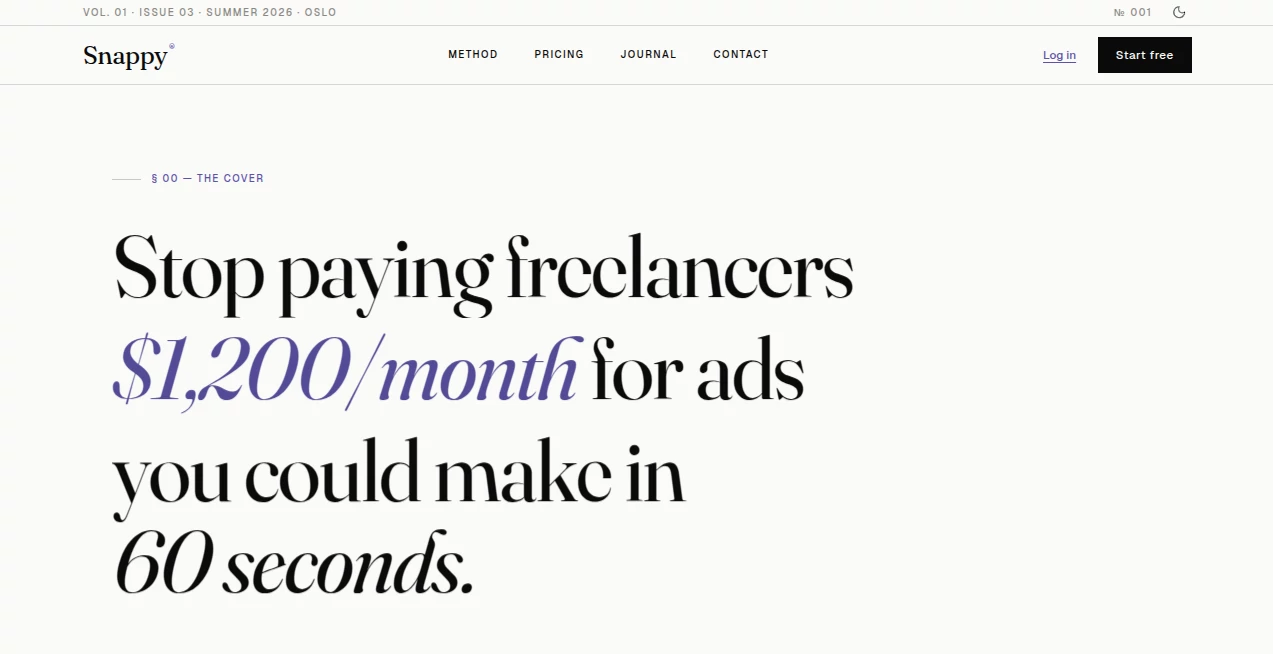
Creating effective advertising campaigns often requires a combination of design skills, copywriting expertise, and hours of testing. For many ecommerce brands, startups, and marketers, this process can become expensive and time-consuming. This platform simplifies the entire workflow by transforming a single product image into multiple ready-to-use advertising creatives within minutes.
Instead of spending hours writing briefs, designing graphics, and brainstorming marketing angles, users can upload a product image or import a product page and receive professionally crafted ad variations complete with compelling copy and calls-to-action. The platform focuses on helping businesses launch campaigns faster while maintaining a strong marketing message that feels native to modern advertising channels.
Its approach is particularly appealing for founders, small teams, agencies, and online sellers who need a constant stream of fresh creative assets without hiring additional designers or copywriters.
Key Features
User Interface
The platform offers a remarkably simple experience. Users can upload a product image or import information directly from an ecommerce product page. The workflow is clean and intuitive, allowing even non-technical users to generate ad creatives without a learning curve.
Various creative styles are available, enabling users to select a tone that matches their audience and marketing objectives. The process feels streamlined from start to finish, making campaign creation accessible to businesses of all sizes.
Accuracy & Performance
The system analyzes product visuals and details to generate advertising content tailored to different marketing channels. Rather than producing generic promotional text, it focuses on creating attention-grabbing hooks, persuasive messaging, and conversion-oriented calls-to-action.
Multiple creative variants are generated from a single input, giving marketers the ability to test different angles and identify top-performing concepts more efficiently.
Capabilities
- Generate multiple ad creatives from a single product image.
- Create platform-specific advertising copy.
- Produce different creative styles for various audiences.
- Generate marketing hooks and calls-to-action.
- Create editorial-style text graphics for social media content.
- Maintain brand consistency through saved brand profiles.
- Support marketing campaigns across major advertising platforms.
- Provide creative variations for testing and optimization.
Security & Privacy
The platform uses secure payment processing for premium subscriptions and clearly states that generated advertising assets belong to the user. Businesses retain commercial rights to the creatives they generate, allowing them to use the content across advertising campaigns, social media promotions, and marketing materials.
This ownership model provides confidence for brands that require complete control over their creative assets.
Use Cases
- Ecommerce brands launching new product campaigns.
- Shopify store owners creating social media advertisements.
- Digital marketers testing multiple advertising concepts.
- Agencies producing creatives for multiple clients.
- Startups seeking affordable advertising solutions.
- Content creators promoting products on social platforms.
- Small businesses with limited design resources.
- Founders managing their own marketing campaigns.
Pros and Cons
Pros
- Fast creative generation process.
- Minimal learning curve.
- No design experience required.
- Multiple ad variations from a single upload.
- Supports several advertising styles.
- Includes editorial content creation features.
- Brand customization options available.
- Commercial usage rights included.
Cons
- Advanced customization may not match professional design software.
- Creative performance still depends on product quality and audience targeting.
- Some advanced features require paid plans.
- Generated content may benefit from occasional manual refinement.
Pricing Plans
The platform offers a flexible pricing structure designed for individuals, growing businesses, and agencies.
- Free Plan: Includes limited monthly ad generations and access to core creative tools.
- Growth Plan: Designed for businesses running regular campaigns with significantly higher usage limits and additional branding features.
- Pro Plan: Suitable for agencies and larger brands requiring unlimited generation capabilities, advanced brand management, and multi-workspace functionality.
A free option allows users to test the platform before committing to a subscription.
How to Use Snappy
Getting started is straightforward and requires only a few steps.
- Upload a product image or import a product page.
- Select a creative style that fits your campaign goals.
- Allow the system to analyze the product.
- Review the generated advertising variations.
- Choose the best-performing concepts.
- Download or use the creatives in your campaigns.
- Optionally save brand preferences for future consistency.
Many users can move from product photo to campaign-ready assets in just a few minutes, making it ideal for fast-moving marketing teams.
Comparison with Similar Tools
Many advertising generators focus solely on producing text or static images. This platform stands out by combining visual analysis, copy generation, creative styling, and brand consistency features within a single workflow.
Unlike traditional design tools that require manual editing and copywriting, it automates both creative development and messaging. Compared to generic content generators, it emphasizes advertising structures such as hooks, audience engagement, and conversion-focused calls-to-action.
The inclusion of editorial content creation and brand memory functionality also provides a more complete marketing solution for businesses seeking consistent creative output.
Conclusion
This platform offers a practical solution for businesses that need high-quality advertising creatives without the overhead of traditional production processes. By combining image analysis, persuasive copywriting, multiple creative styles, and brand customization, it helps marketers move from concept to campaign in a fraction of the usual time.
Whether you're running an ecommerce store, managing client campaigns, or launching a new product, the platform provides a fast and accessible way to create compelling advertisements that are ready for testing and deployment. Its balance of simplicity, speed, and marketing-focused functionality makes it a valuable addition to any modern advertising workflow.
Frequently Asked Questions (FAQ)
Is the platform suitable for beginners?
Yes. The interface is designed to be simple enough for users without design or copywriting experience.
Can generated ads be used commercially?
Yes. Users retain ownership and commercial rights to the creatives they generate.
Does it support multiple advertising channels?
Yes. Generated content can be adapted for social media advertising, search advertising, and organic marketing campaigns.
Can brands maintain a consistent visual identity?
Yes. Brand profiles allow users to save preferences such as colors, voice, and audience information for future generations.
Is there a free plan available?
Yes. Users can access a free plan with limited monthly generations before upgrading to premium options.
AI Social Media Assistant , AI Ad Creative Assistant , AI Ad Generator , AI Digital Marketing Generator .
These classifications represent its core capabilities and areas of application. For related tools, explore the linked categories above.

Snappy Alternatives Product

AILeadz.io

Carouzel AI

Kapwing

Miroir AI

Schedpilot

PostingCat

AiProposer

XreplyAI

Reddit Campa…
