
















XreplyAI
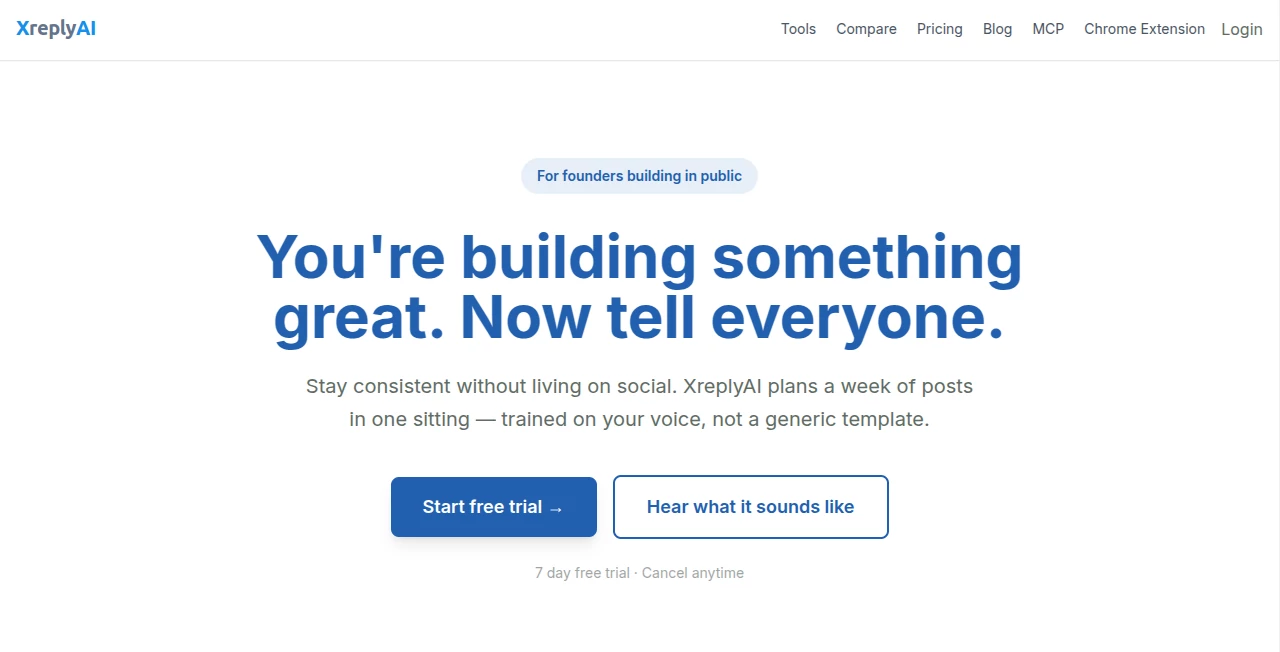
What is XreplyAI?
Let’s be honest for a second. Engaging on X (formerly Twitter) takes time. Real time. You read a post, think of something clever, type it out, delete it, retype it… and then scroll past five other posts while you’re at it. Before you know it, an hour is gone and you’ve replied to maybe three people. That’s not a strategy. That’s a drain.
There’s a smarter way to handle this without losing your personality in the process. The goal here isn’t to turn you into a spam bot. It’s to help you sound like you on a good day — quick, clever, and consistent. That’s exactly where this tool comes into play. It’s designed for real humans who want to grow their presence without spending their whole day glued to a screen. Think of it as a co-pilot for your conversations, not a replacement for your voice.
Key Features
You might have seen other AI reply generators before. Most of them spit out generic, robotic nonsense that anyone can spot from a mile away. This one works differently because it actually learns from you. Here’s how it pulls that off:
User Interface
Simplicity is the name of the game. Once you install the Chrome extension, a small button sits right next to every post on X.com. No jumping between tabs. No copying and pasting. You click it, the magic happens, and a draft appears right there in the reply box. The interface is clean and doesn’t get in your way. You can generate a new variation, tweak the tone, or just use the draft as a starting point for your own thoughts. It feels like a natural part of the website, not some clunky add-on.
Accuracy & Performance
This is where most tools fall apart, right? They miss the sarcasm, take things too literally, or completely ignore the thread context. What makes this different is the "voice profile" system. You can upload your X archive (that’s the data export you can request from your account settings), and the tool analyzes 50 to over 1,000 of your past posts. It picks up on your favorite punctuation, your sentence length, your emoji habits, and even your go-to phrases. The result isn't just grammatically correct — it actually sounds like something you would say. People reading the reply won’t suspect a bot wrote it because the rhythm and vocabulary match your real style.
Capabilities
Beyond just writing a simple sentence, you have control over the structure. Want a quick one-liner? Done. Need a thought-provoking question? No problem. Prefer a short paragraph or a numbered list? You can choose that too. The tone options let you flip between casual, professional, witty, or empathetic. If you’ve got specific rules (like "never use emojis" or "always end with a question"), you can add those manually. And if the first draft isn't quite right, hit the "Try Again" button as many times as you want until it clicks. It works with Gemini, ChatGPT, or Claude, so you can pick the brain that fits your budget.
Security & Privacy
Here’s a relief: because you bring your own API key on the main plan, your data doesn't get funneled into some shady third-party server. You pay the AI provider directly (like OpenAI or Google). The voice profile is stored securely, but it’s not used to train public models or sold to advertisers. No one is reading your drafts. It’s just you, your key, and your growing audience.
Use Cases
Different people use this space for very different reasons. Here is who gets the most value out of a system like this:
- The Social Media Manager – Juggling three brands? Keep the voice consistent without spending 40 hours a week typing.
- The Startup Founder – You know you need to be visible, but you also have a product to build. Use this to stay active during "heads down" coding weeks.
- The Professional Networker – Want to comment on industry leaders' posts but struggle with the right wording? Let the AI draft a respectful, insightful reply you can post in seconds.
- The Content Creator – Turn one post into a conversation. Reply to every comment and mention without burning out.
Pros and Cons
No tool is perfect, but knowing the trade-offs helps you decide if it’s right for you.
Pros:
+ Sounds like a real human, not a robot.
+ Bring Your Own Key (BYOK) model keeps monthly costs super low.
+ Works directly on the X website without weird redirects.
+ Multiple AI providers (Gemini, ChatGPT, Claude) let you pick the best price/performance.
Cons:
- Chrome only at the moment (sorry Firefox fans).
- Requires an API key setup, which takes about two minutes but is an extra step.
- The voice model works best if you have a decent history of past posts to analyze.
Pricing Plans
The pricing structure is refreshingly straightforward. You aren't forced into a huge annual contract to get the good stuff.
- BYOK Plan (Bring Your Own Key): $19 per month. This gives you unlimited AI replies, access to the Chrome extension, the voice profile feature, auto-DM replies for new followers, and custom rules. You plug in your own Gemini, ChatGPT, or Claude key so you only pay for what the AI actually uses.
- Pro Plan: $49.99 per month. This includes everything in the BYOK plan plus 100 AI replies per day without needing your own key. It also includes the MCP server for Claude Code if you are a developer.
- Yearly Pro Plan: $499 per year. Same as the monthly Pro, but you save a chunk of change by paying annually.
Both plans come with a 7-day free trial, so you can kick the tires before pulling out your wallet.
How to Use XreplyAI
Getting started won't take you more than five minutes. Here’s the step-by-step:
- Install the Chrome extension from the Web Store.
- Choose your AI provider (Google Gemini is great for keeping costs low, ChatGPT is the solid all-rounder, Claude is best for complex nuance).
- Add your API key. If you don’t have one, the providers give you instructions to get it in about 60 seconds.
- (Optional but recommended) Upload your X archive. Go to your X settings, request your data archive, and upload the file when it’s ready. This teaches the AI your voice.
- Browse X as usual. When you see a post you want to reply to, click the extension button.
- Review the generated reply. Edit it slightly if you need to, or hit "Generate Again" for a different take.
- Post it. Watch the engagement roll in.
Comparison with Similar Tools
How does this stack up against the competition? Most other tools either charge a huge markup on AI usage or they don't bother learning your voice at all. Tidio offers a reply assistant, but it’s built for customer service tickets and email, not for social media banter. Hypertype integrates with Gmail and Intercom, which is great for support teams but useless for growing a personal brand on X. Other generic Chrome extensions just paraphrase the original post without any context.
Where this one wins is the focus. It’s built specifically for X. It understands the culture, the short attention spans, and the need for authenticity. The voice training feature is a game-changer because it doesn't just rephrase the post — it actually adds your perspective. Plus, the BYOK plan means you aren't paying a middleman $50 a month for $5 worth of API calls.
Conclusion
Growing on social media isn't just about posting your own stuff anymore. It's about the conversations you have on other people's posts. But replying to dozens of posts a day by hand is exhausting, and using a generic AI bot makes you look cheap.
This tool strikes the perfect balance. It handles the heavy lifting of drafting replies, but it does it in your voice. You stay present, stay authentic, and stay sane. If you are serious about turning your X account into a growth engine without selling your soul (or your spare time) to the algorithm, give the 7-day trial a shot. You might be surprised how much easier the game gets when you have a co-pilot who actually gets you.
Frequently Asked Questions (FAQ)
Do I need technical skills to set up my own API key?
Not really. It’s about as hard as signing up for a new email account. The AI providers (Google, OpenAI) give you a key string that you copy and paste into the extension box. Total time: about two minutes.
Will X know I am using an AI to reply?
X sees normal API traffic, just like any other third-party app. There is no "reported by AI" flag. As long as your replies are valuable and not spammy, you are following the rules.
What happens if I don’t upload my X archive?
The tool still works, but it will rely on general prompts. It’s like talking to a ghostwriter who has never met you. It will be coherent, but it won’t sound like you. Uploading the archive is highly recommended for the best results.
Can I use this for LinkedIn or Instagram replies?
Currently, the extension is optimized specifically for X.com. While the underlying AI could technically write for other platforms, the "one-click" integration only works on X right now.
Is my data safe?
Yes. On the BYOK plan, you are talking directly to the AI provider. The extension essentially acts as a messenger. Your voice profile is stored securely, but your specific API calls aren't stored or monitored for training data.