


















Telegram Video Downloader
What is Telegram Video Downloader?
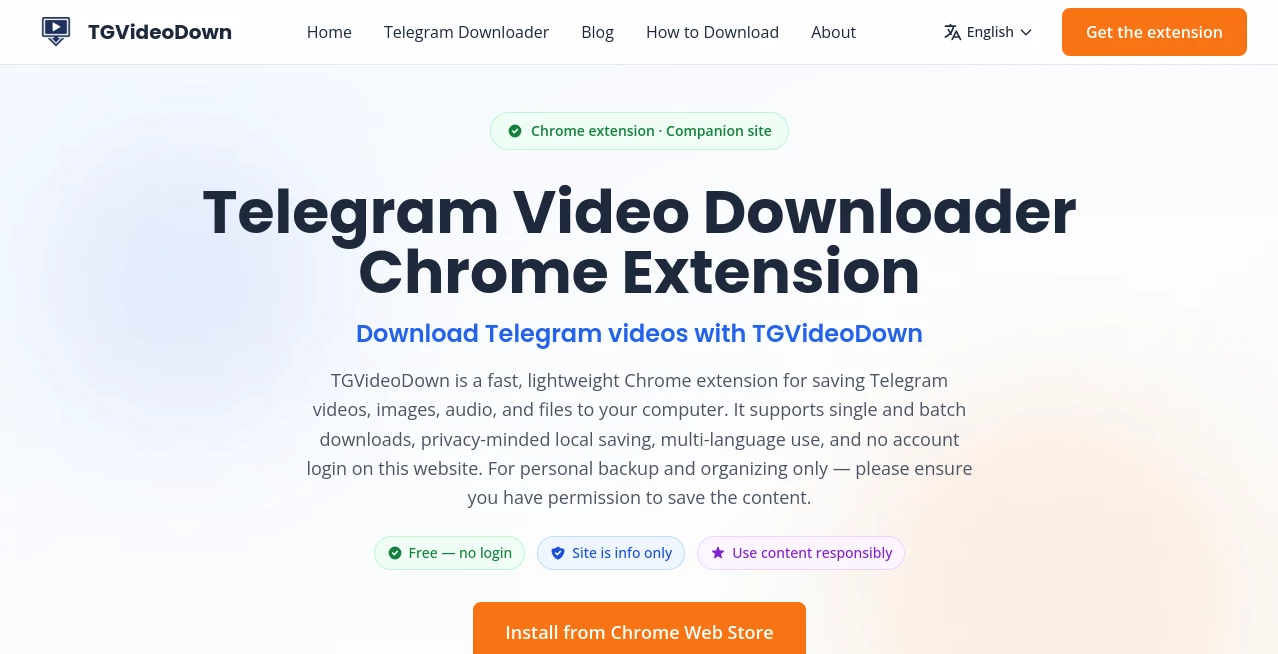
TGVideoDown is a simple and efficient Telegram media downloader designed to help users save videos, images, audio files, GIFs, and other shared content from Telegram quickly and conveniently. Built for users who need a faster way to manage Telegram media, this solution provides a straightforward experience without complicated settings or unnecessary steps.
Many Telegram users come across valuable media in channels, groups, or conversations and want an easy way to keep those files locally. This tool focuses on making that process smoother with quick downloads, support for different media formats, and a beginner-friendly workflow. Whether you are saving educational videos, managing personal files, or organizing digital content, it offers a practical approach for everyday use.
The browser-based experience and lightweight design make it accessible for users who want a convenient Telegram media management solution without installing complex software. It is especially useful for people who regularly work with large amounts of shared content and need a reliable way to store files on their devices.
Key Features
- One-Click Media Download: Save Telegram videos, images, audio, GIFs, and files with minimal effort.
- Multiple File Format Support: Handle different types of Telegram media content from a single solution.
- Batch Download Capability: Download multiple files efficiently instead of saving each item separately.
- Large File Support: Designed to handle larger media files smoothly for better content management.
- No Account Requirement: Users can access the main functionality without creating complicated accounts.
- Simple Workflow: The clean design makes downloading accessible even for beginners.
- Chrome Extension Support: Provides a convenient browser-based method for managing Telegram media.
User Interface
The interface focuses on simplicity rather than unnecessary features. Users can quickly understand how to save content without spending time learning complicated controls. The clean layout makes it suitable for both casual users and people who frequently download Telegram files.
A straightforward design is especially helpful when dealing with large collections of media. Instead of navigating through multiple menus, users can complete their tasks with fewer actions and spend more time organizing the content they actually need.
Accuracy & Performance
Performance is one of the strongest aspects of this media downloader. The tool is designed to provide fast processing and reliable file saving, helping users download different types of Telegram content efficiently.
For users managing educational resources, business materials, or personal media collections, consistent download performance can make a noticeable difference. The lightweight approach helps reduce unnecessary delays during everyday usage.
Capabilities
This solution supports a wide range of Telegram media types, including videos, photos, music files, documents, GIFs, and other shared content. It is built to support different download scenarios, from saving individual files to managing multiple pieces of content.
The combination of browser accessibility and media support makes it useful for content collectors, researchers, students, marketers, and anyone who regularly interacts with Telegram communities.
Security & Privacy
Privacy is an important consideration when handling personal media files. The tool is designed to provide a simple downloading experience while allowing users to manage their own saved content responsibly.
Users should always make sure they have the necessary permissions before downloading or storing shared materials. Respecting content ownership and platform guidelines helps create a safer digital environment for everyone.
Use Cases
- Content Management: Save important Telegram media for easier organization and future access.
- Educational Resources: Download lectures, tutorials, and learning materials shared through Telegram communities.
- Business Communication: Keep important documents, presentations, and media files from professional channels.
- Personal Archives: Store memorable videos, images, and audio files locally.
- Research Projects: Collect publicly available digital resources for analysis and reference.
- Community Management: Organize media shared across Telegram groups and channels.
Pros and Cons
Pros
- Easy-to-use interface with minimal learning curve.
- Supports multiple Telegram media formats.
- Fast and convenient downloading process.
- No complicated setup requirements.
- Useful for both personal and professional media organization.
Cons
- Primarily focused on Telegram-related content.
- Users must ensure they have permission to download specific files.
- Advanced editing or media conversion features are not included.
Pricing Plans
The service is available as a free solution, allowing users to access its main downloading features without subscription barriers. This makes it suitable for individuals who need a simple Telegram media saving tool without additional costs.
Future improvements or additional functionality may introduce more advanced options, but the core experience focuses on providing accessible media downloads for everyday users.
How to Use TGVideoDown
Using the tool is designed to be quick and beginner-friendly. Follow these general steps:
- Open the Telegram content you want to save.
- Select the media file or content you need.
- Use the available downloading option.
- Choose the destination location on your device.
- Access your saved file whenever needed.
The simple process removes unnecessary technical steps, making it convenient for users who only want a reliable way to store Telegram media.
Comparison with Similar Tools
Compared with traditional download methods, this solution provides a more focused experience for Telegram users. Many general download managers require additional configuration or only support specific file types, while this tool is designed around Telegram media workflows.
For users who frequently interact with Telegram channels and groups, having a dedicated downloader can save time and reduce the effort required to manually manage files. Its advantage comes from specialization, simplicity, and accessibility.
Conclusion
TGVideoDown provides a practical way to download and manage Telegram videos, images, audio files, and documents without unnecessary complexity. Its simple interface, broad media support, and convenient workflow make it a useful choice for anyone who wants better control over Telegram content.
Whether you are organizing personal memories, collecting educational resources, or managing professional materials, this tool offers a straightforward solution that focuses on speed and ease of use. For users who regularly work with Telegram media, it can become a valuable addition to their digital toolkit.
Frequently Asked Questions (FAQ)
Is this tool free to use?
Yes, the main downloading functionality is available as a free solution for users who want to save Telegram media.
What types of files can be downloaded?
It supports various Telegram media formats, including videos, images, audio files, GIFs, and other shared documents.
Do I need to create an account?
No complicated account setup is required for using the main downloading features.
Can it download large Telegram files?
The tool is designed to support larger media files, helping users save bigger content collections more conveniently.
Is it legal to download Telegram content?
Users should only download and store content they have permission to access and should respect copyright and ownership rights.
AI Productivity Tools , Video , AI Files Assistant .
These classifications represent its core capabilities and areas of application. For related tools, explore the linked categories above.
Telegram Video Downloader details
Website unavailable — View Alternatives
Pricing
- Free
Apps
- Web App
- Chrome Extensions
Categories

Telegram Video Downloader Alternatives Product

Miro

Jamy.ai | Au…

Graph Maker

VercelAPP

Embedful

YouTube Thum…

Gemini Omni

WhatIsThisMo…

ShipBoost
