
Topaz Labs
What is Topaz Labs?
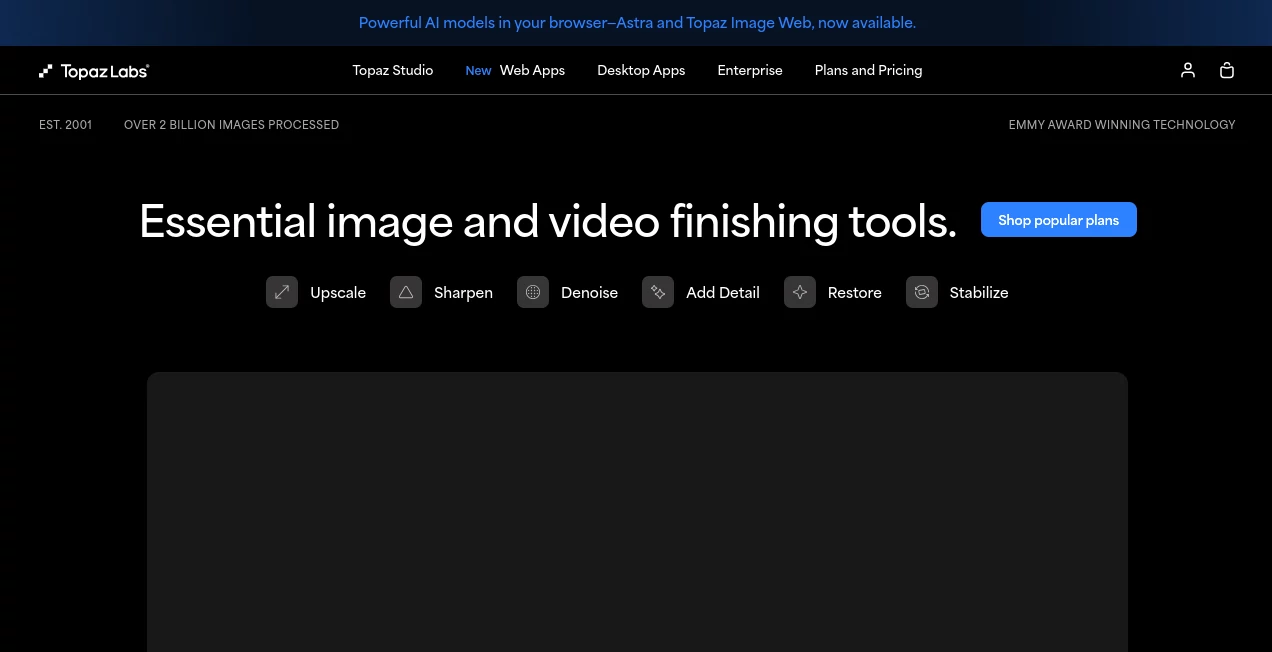
Creating stunning visuals often comes down to the smallest details. Whether it is recovering fine textures, removing digital noise, restoring old photographs, or transforming low-resolution footage into crisp, high-quality content, modern creators expect results that look natural rather than artificially processed.
This platform has earned a strong reputation among photographers, filmmakers, designers, and digital artists by focusing on one goal: improving image and video quality with advanced AI models instead of replacing creative work. Rather than generating entirely new content, it intelligently restores, sharpens, enlarges, stabilizes, and enhances existing media while preserving realistic detail.
Its collection of desktop and cloud-based applications supports professional workflows ranging from everyday photo editing to cinematic video restoration. The combination of machine learning, local processing, cloud rendering, and continuous model improvements makes it a dependable choice for anyone who values image quality.
Key Features
User Interface
The interface is clean, modern, and designed for creative professionals without becoming overwhelming for beginners. Images and videos can be loaded with simple drag-and-drop functionality, while enhancement controls remain organized and easy to understand.
Real-time previews allow users to compare the original file with AI-enhanced results before exporting. Batch processing further simplifies editing large collections of photos or lengthy video projects.
Accuracy & Performance
One of the strongest qualities of the software is its impressive attention to detail. AI models distinguish between genuine image texture and unwanted artifacts, producing remarkably natural improvements.
Instead of excessive sharpening or unrealistic smoothing, the enhancement process preserves fine edges, facial features, textures, and lighting. Video restoration performs equally well by increasing resolution, reducing compression artifacts, improving stability, and generating smoother frame interpolation.
Many creative professionals appreciate the option to process files locally with modern GPUs while also taking advantage of cloud rendering for demanding workloads.
Capabilities
- AI-powered photo enhancement
- Professional video upscaling
- Image enlargement up to very high resolutions
- Noise reduction
- Motion blur correction
- Image sharpening
- Face recovery and enhancement
- Photo restoration
- Video stabilization
- Frame interpolation for smoother motion
- Background removal
- Creative AI upscaling
- Cloud rendering options
- Desktop applications for Windows and macOS
- Support for high-resolution professional workflows
Security & Privacy
Users can process many projects directly on their own computers, giving photographers and production teams greater control over sensitive media. Cloud services are available when additional computing power is required, allowing creators to choose the workflow that best matches their privacy preferences and production needs.
Use Cases
- Upscaling low-resolution photographs for large-format printing.
- Restoring family photos that suffer from blur, scratches, or digital noise.
- Improving wildlife and sports photography captured in challenging lighting conditions.
- Preparing marketing images for websites, advertisements, and social media campaigns.
- Enhancing AI-generated artwork before commercial use.
- Converting archival video into cleaner, sharper 4K footage.
- Improving drone videos by reducing shake and increasing detail.
- Producing professional-quality content for YouTube and filmmaking projects.
Pros and Cons
Pros
- Exceptional image and video enhancement quality.
- Natural-looking sharpening and noise reduction.
- Excellent AI upscaling capabilities.
- Professional desktop applications.
- Fast GPU acceleration.
- Cloud rendering support.
- Suitable for both photographers and filmmakers.
- Regular improvements to AI models.
Cons
- Hardware-intensive for maximum performance.
- Some advanced cloud features require paid plans.
- Processing very large files can take time depending on system specifications.
Pricing Plans
Several pricing options are available to accommodate different types of users. Individual applications can be purchased separately, while subscription plans provide access to the complete creative suite, cloud rendering, and additional AI services. Professional and enterprise plans include expanded commercial capabilities for production teams and businesses.
How to Use Topaz Labs
Begin by importing a photo or video into the application. The AI automatically analyzes the media and recommends suitable enhancements based on image quality, noise levels, blur, or resolution.
Select the desired improvements, review the live preview, fine-tune settings if necessary, and export the finished result in the preferred format. For larger projects, batch processing allows multiple files to be enhanced automatically, significantly reducing editing time.
Comparison with Similar Tools
Unlike many traditional editing applications that rely heavily on manual adjustments, this solution emphasizes AI-driven restoration trained specifically for photographic and cinematic quality enhancement.
Compared with standard image editors, it delivers noticeably stronger performance in areas such as intelligent upscaling, facial recovery, denoising, video stabilization, and resolution enhancement. Instead of replacing creative software, it integrates naturally into existing editing workflows by improving source material before final editing.
Conclusion
For photographers, videographers, designers, and digital artists seeking consistently high-quality results, this platform stands out as one of the most capable AI enhancement solutions available. Its balance of intelligent automation, professional controls, and outstanding visual quality makes it suitable for everything from personal memories to commercial production work.
Whether restoring old family photographs, preparing images for large-format printing, or transforming low-quality footage into professional-grade video, it delivers results that save time while maintaining impressive realism.
Frequently Asked Questions (FAQ)
Is it suitable for beginners?
Yes. Automatic AI recommendations make it approachable for newcomers while still offering advanced controls for experienced professionals.
Can it improve both photos and videos?
Yes. Dedicated AI models are available for image enhancement, photo restoration, video upscaling, stabilization, sharpening, and noise reduction.
Does it support batch processing?
Yes. Multiple images or videos can be processed together, making it efficient for large creative projects.
Can files be processed locally?
Yes. Many enhancements can run directly on compatible hardware, with cloud rendering available for additional flexibility.
Who benefits the most from this software?
Professional photographers, filmmakers, content creators, digital artists, marketing teams, and anyone who needs exceptional image or video quality will gain the greatest value from its AI-powered enhancement tools.
Photo & Image Editor , AI Photo Enhancer , AI Video Enhancer , AI Image to Image .
These classifications represent its core capabilities and areas of application. For related tools, explore the linked categories above.

Topaz Labs Alternatives Product

Nano Banana …

Image Text E…

Yodayo AI

FitHairAI

Beard Remover
Blur & Unblu…

Video Upscal…

Image To Ima…

insMind