
















Blur & Unblur AI
What is Blur & Unblur AI?
Blur Unblur is an AI-powered image enhancement solution designed to help users improve unclear, soft, or blurry images with a simple and accessible workflow. Instead of relying on complicated photo editing software, this tool focuses on making image restoration easier for everyday users who want sharper and cleaner visual results.
Whether you are trying to improve an old photograph, fix a slightly out-of-focus picture, or make an image easier to view, this solution provides a straightforward approach to enhancing image quality. The browser-based experience makes it convenient for users who need quick results without installing heavy editing applications.
Key Features
User Interface
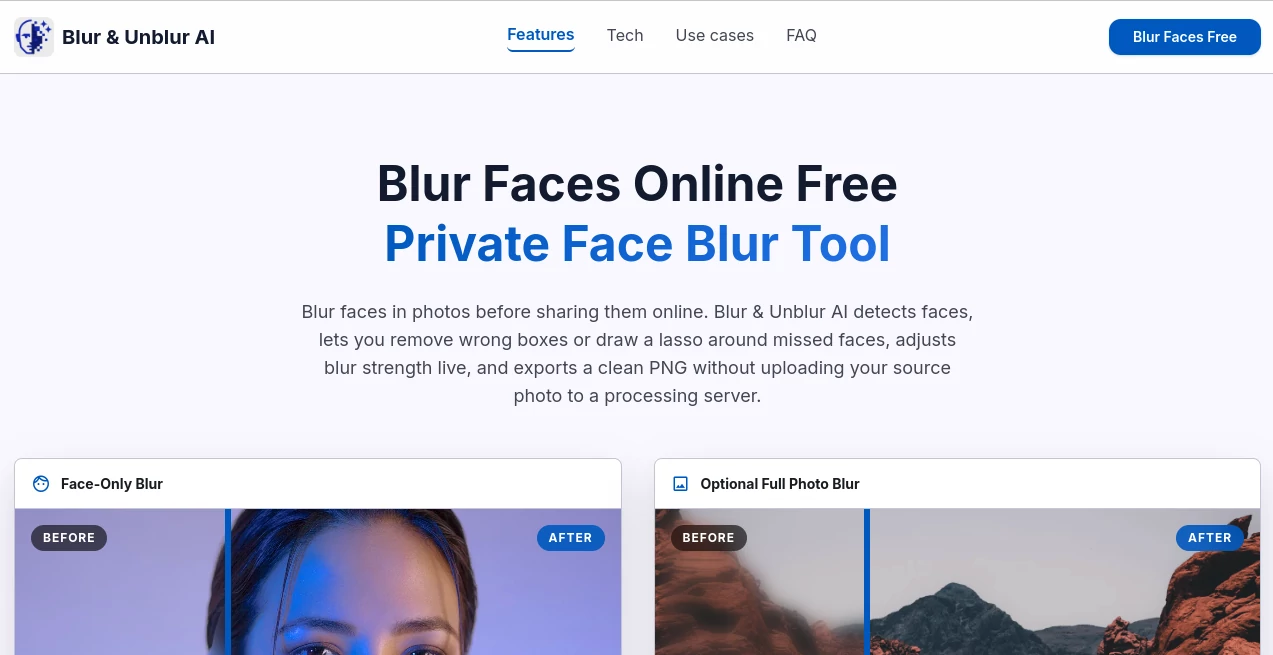
The platform offers a simple and lightweight interface that allows users to focus on the task rather than learning complex editing controls. The clean design helps beginners upload an image and start the enhancement process without unnecessary steps.
Its easy-to-understand workflow makes it suitable for photographers, content creators, students, and anyone who wants to improve image visibility with minimal effort.
Accuracy & Performance
The tool uses AI-based image processing techniques to analyze blurry areas and improve overall sharpness. It aims to preserve natural details while reducing the softness that often appears in low-quality or poorly captured images.
Performance can vary depending on the original image quality and the level of blur, but it provides a practical solution for improving many common image issues quickly.
Capabilities
The solution is focused on image deblurring and clarity enhancement. It can be useful for restoring personal photos, improving visual assets for online content, and making images more suitable for sharing or further editing.
- AI-based blur reduction
- Image clarity improvement
- Quick browser-based processing
- Simple upload and enhancement workflow
- Useful for personal and creative projects
Security & Privacy
A browser-based image enhancement workflow provides a convenient way for users to process images without managing complicated software installations. Users should always review the platform's privacy practices when uploading personal or sensitive images.
Use Cases
This tool can support a variety of image improvement needs. A user with an old family photo can try to bring back clearer details, while a content creator may use it to improve visuals before publishing them online.
- Restoring slightly blurry personal photographs
- Improving images for blogs and social media posts
- Enhancing visual materials for presentations
- Preparing images for creative projects
- Improving readability of unclear visuals
Pros and Cons
Pros
- Simple and beginner-friendly experience
- No advanced editing knowledge required
- Fast way to improve image appearance
- Useful for different types of image projects
Cons
- Results depend on the original image quality
- Extremely damaged images may have limited improvement
- Advanced professional editing controls may not be available
Pricing Plans
The service is available as a web-based tool. Users should check the official platform for the latest information about available access options, limitations, or potential premium features.
How to Use the Tool
Using the platform is designed to be a simple process. Start by selecting an image that needs improvement, upload it through the interface, and allow the AI system to analyze and enhance the visual quality. After processing, review the result and save the improved image if it meets your needs.
- Select a blurry image
- Upload the file through the online interface
- Wait for AI enhancement to complete
- Review the improved result
- Use the enhanced image for your project
Comparison with Similar Tools
Compared with traditional photo editing applications, AI image enhancement tools provide a faster approach by automatically analyzing image problems instead of requiring users to manually adjust sharpness, contrast, and other settings.
Many professional editing programs offer more detailed controls, but simpler AI-based solutions are often a better choice for users who want quick improvements without spending time learning complex features.
Conclusion
Blur Unblur provides a practical way to improve image quality through an easy and accessible AI-powered workflow. Its focus on simplicity makes it appealing for users who want better-looking images without technical challenges.
From personal memories to digital content creation, image clarity can make a significant difference. This type of AI enhancement technology helps users recover more value from their existing images and create visuals that look cleaner and more professional.
Frequently Asked Questions (FAQ)
What does this AI image tool do?
It helps improve blurry images by using AI-based processing methods to enhance clarity and sharpness.
Can it fix every blurry photo?
The results depend on the original image condition. Mild and moderate blur usually provides better improvement than heavily damaged images.
Do I need professional editing skills?
No. The platform is designed for users who want a simple way to enhance images without advanced editing knowledge.
Who can benefit from this tool?
Photographers, creators, students, businesses, and everyday users who need clearer images can benefit from this type of solution.
Is AI enhancement better than manual editing?
AI enhancement can save time by automatically analyzing images, while manual editing remains useful for users who need detailed creative control.