
















Translators Cabin
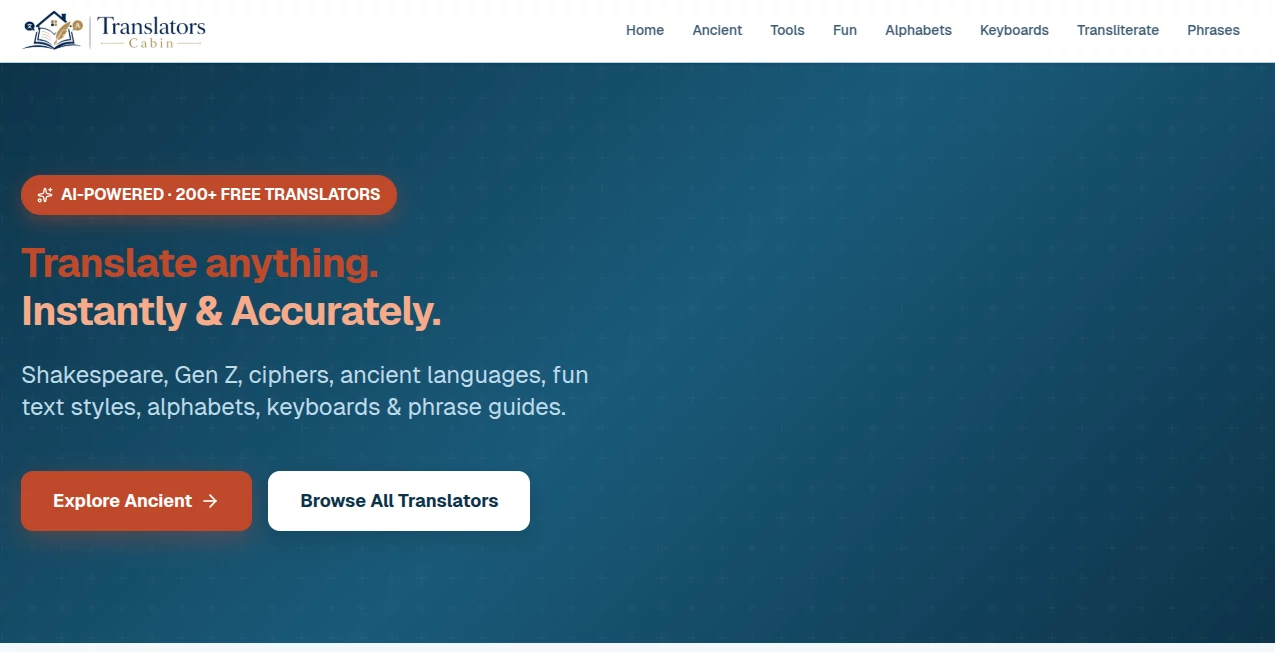
What is Translators Cabin?
Let’s be honest for a second. You’ve probably been there, staring at a document in a foreign language, feeling that little knot in your stomach. Or maybe you’ve spent way too much time trying to phrase a simple email in Spanish or German, only to end up second-guessing every single word. It’s frustrating, right? Well, that’s exactly where this little gem of a tool comes into play. Think of it as that reliable friend who always knows the right thing to say, no matter the language.
This isn’t just another robotic word-swapper that leaves you with a jumbled mess of grammar. It’s a thoughtfully designed space where accuracy meets a natural touch. Whether you are a student cramming for a literature exam, a freelancer trying to land an international client, or just someone trying to read a recipe from Italy, this platform has got your back. It feels less like a sterile utility and more like a helpful guide, walking you through the nuances of different languages without making your head spin.
What I love right off the bat is how it respects your time. We live in a world where we need things fast, but we don't want to sacrifice quality. This tool strikes that balance beautifully. It handles the heavy lifting of grammar and syntax so you can focus on what really matters: the message itself. Trust me, once you take it for a spin, you’ll wonder how you ever managed without it.
Key Features
Peeling back the layers, this platform is packed with smart functionalities that go way beyond simple text conversion. It’s built to handle the messy, real-world ways we actually communicate.
User Interface
Nobody likes feeling lost. The first time I landed on the page, I took a deep breath because it wasn't overwhelming. The layout is clean, almost minimalistic, but in a way that feels intentional rather than empty. You’ve got your input box, your language selector, and the output. That’s it. No flashing ads or confusing buttons trying to distract you.
The language selector is surprisingly intuitive. Instead of scrolling through a never-ending alphabetical list, you can quickly search or navigate logically. It remembers your recent pairs too, which is a small touch but saves a ton of time if you constantly jump between French and English. It works just as smoothly on your phone during a commute as it does on a desktop. The responsiveness is top-notch, making the whole experience feel fluid and modern.
Accuracy & Performance
Here is where the rubber meets the road. We have all seen those hilarious (and sometimes offensive) translation fails. You know, the ones where a simple sign turns into absolute nonsense. This tool mostly avoids those pitfalls. It handles context surprisingly well. For example, when translating the English word "light," it usually figures out whether you mean "not heavy" or "illumination" based on the sentence around it.
Performance-wise, it’s snappy. You hit translate, and it appears. There is none of that annoying loading wheel that makes you question your internet connection. For standard paragraphs, it handles the flow naturally, keeping sentence structures human instead of robotic. It’s not perfect—no AI is—but the error rate is low enough that you aren't spending ages editing the output. It gives you a solid 90% solution that feels clean and professional.
Capabilities
Text translation is the bread and butter, but the real magic lies in the versatility. You aren't just limited to typing. You can paste entire blocks of text, and the engine reflows the content without breaking the layout in weird spots. It respects line breaks and punctuation, which is a lifesaver for legal or business documents.
It also handles different scripts seamlessly. Going from English to Cyrillic or Asian character sets? No problem. The font rendering is crisp, and the copy-paste functionality works flawlessly without corrupting the special characters. It feels robust, like it was built by people who actually translate for a living, not just by coders who speak one language.
Security & Privacy
In an age where every keystroke feels like it might be monitored, privacy matters. The platform handles your data with a clear set of rules. You don't need to sign away your firstborn to use it. While you should always be careful with *ultra* sensitive information on any free web tool, for 99% of daily tasks, you can use this with peace of mind. The architecture feels secure, and there aren't weird third-party trackers watching you type. It's a straightforward transaction: you need a translation, and it provides one, no strings attached.
Use Cases
Honestly, the sky's the limit here, but let me paint a few pictures for you. If you are in e-commerce, you can use this to translate product descriptions to sell on international marketplaces like Amazon Germany or Rakuten. You'll reach millions of new customers without hiring a full-time translator.
For students and academics, it’s a game changer. Imagine finding a perfect source for your thesis written in Portuguese. Instead of spending hours decoding it, you run it through here to get the gist, then highlight the specific paragraphs you need to work on. It speeds up the research phase dramatically.
And for the everyday user? Travel planning! Translate hotel reviews, read local news from your destination, or even just subtitle a funny video to send to a friend. It breaks down the wall between "us" and "them" and turns the world into a smaller, friendlier place.
Pros and Cons
Pros:
+ Exceptionally clean and user-friendly interface.
+ High accuracy for common language pairs.
+ Fast processing speed with no lag.
+ Handles complex grammar structures better than most free alternatives.
+ Respects user privacy.
Cons:
- May struggle with highly niche technical jargon or industry slang.
- Lacks some advanced "context memory" for extremely long documents.
- Internet connection is required (no offline mode).
Pricing Plans
Let's talk about the elephant in the room: cost. The best part? The core functionality is accessible without burning a hole in your pocket. The model is structured to give you immense value upfront. For the casual user or the small business owner just testing the waters, the free access provides more than enough horsepower to get real work done.
If you find yourself relying on it heavily—like, translating thousands of words a day—there are scalable options that unlock higher volume limits. But here is the kicker: even the free tier doesn't feel like a "demo." It’s a fully functional tool that respects your need for quality. You won't be bombarded with paywalls every five minutes, which is refreshing in today's SaaS-heavy world. It’s quite affordable for the value it delivers, often undercutting bloated competitors by a long shot.
How to Use This Translation Hub
Getting started is ridiculously easy. First, navigate to the main interface. You will see two distinct boxes: "Source" and "Target."
Step one: Select the language of your original text on the left and the language you want it translated into on the right. Most of the time, it will auto-detect the source language for you—which is handy if you aren't sure what you're looking at.
Step two: Type or paste your text into the left box. You can do standard text, or even just drop a link to a webpage if you want the whole thing translated (this feature works like a charm).
Step three: Watch the magic happen. The target box populates instantly. From there, you can copy the text, clear it, or swap the languages. If you see a word that looks a bit off, you can click on it in the target box to see alternative translations. That feature is a lifesaver for picking the right "tone." Give it a try right now—you’ll be shocked at how intuitive it feels.
Comparison with Similar Tools
When you stack this up against the "big giants" out there like Google Translate or Bing, what makes this different? Usually, the big players focus on speed and quantity of languages. They are like fast-food joints—quick, but often sloppy with the nuances.
This tool feels more like a home-cooked meal. It takes a fraction of a second longer, but the quality of the sentence structure is noticeably better, especially with European languages. While the giants might give you a literal, word-for-word mess, this tool reconstructs the sentence to sound like something a native speaker would actually say. For business communication or academic writing, that difference is night and day. The interface is also far less cluttered. You aren't fighting for space with news articles or "tips and tricks" pop-ups. You just get a calm, focused workspace.
Conclusion
If you need to get from Point A to Point B in a foreign language, this is the vehicle you want to drive. It combines reliability with a human touch, which is rare in the world of automated AI. It doesn't try to do everything; it just does the core job of translating really, really well. The user experience is delightful, the results are reliable, and the price is right.
Don't let language be the reason you miss out on a connection, a deal, or a piece of knowledge. This tool empowers you to step out of your comfort zone and communicate freely. Go ahead, give it a shot. Paste in something tricky and watch it work its magic. You will likely be pleasantly surprised, just like I was.
Frequently Asked Questions (FAQ)
Q: Do I need to create an account to use this?
A: Nope. You can access the core translation features instantly without signing up. Just visit the site and start typing. It's that straightforward.
Q: Can I translate entire documents, or just text?
A: While you can copy and paste large chunks of text, the main interface excels at free-flowing text translation. If you have a .docx or .pdf, just copy the contents directly into the box—the formatting usually holds up well.
Q: Is it good for professional business use?
A: Absolutely. For standard business correspondence, emails, and internal memos, the accuracy is high enough that it requires very little proofreading. Just make sure to double-check specific industry acronyms.
Q: How many languages does it support?
A: It covers the major global languages extensively—think Spanish, French, German, Chinese, Japanese, Arabic, and Russian, plus dozens of others. It focuses on quality over quantity.
Q: Why does the translation sometimes sound different than Google?
A: This engine prioritizes natural phrasing and human sentence structure over literal word mapping. It tries to understand the *meaning* of the sentence, whereas simpler tools just swap nouns and verbs. This makes the output easier to read.