
unbg.video
What is unbg.video?
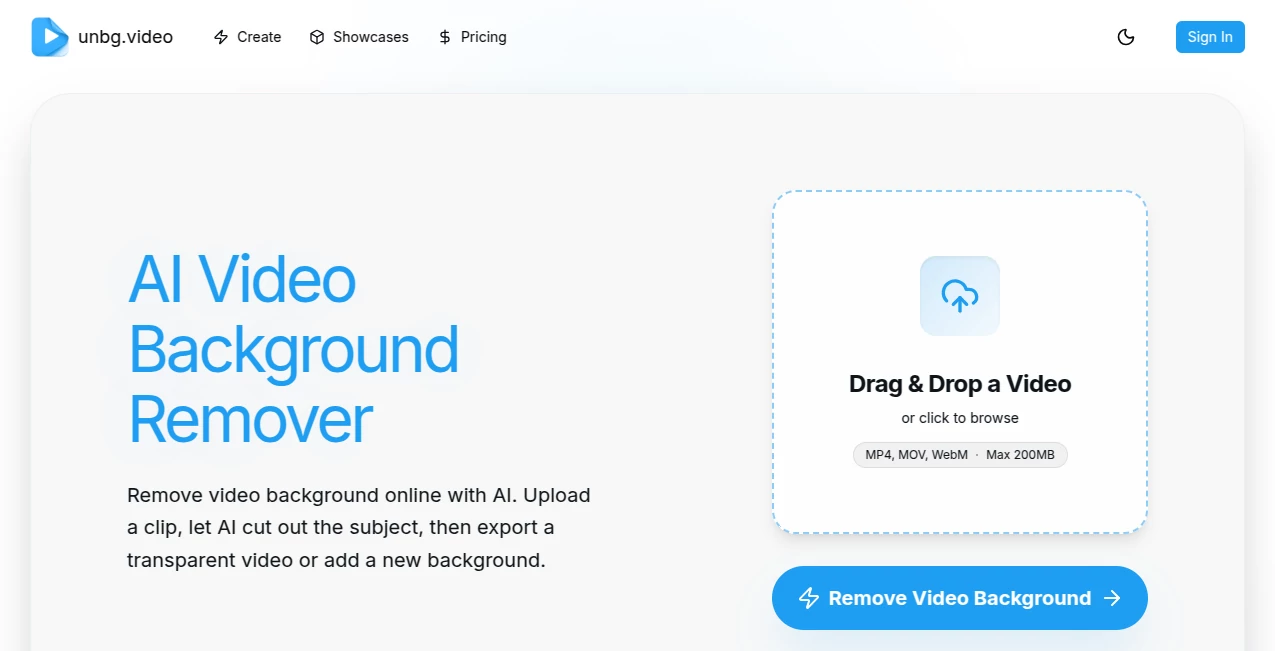
Creating clean and professional-looking videos no longer requires expensive editing software or a studio setup. This AI-powered solution automatically removes video backgrounds in just a few clicks, making it easy to create transparent videos or replace the background with a solid color, image, or another video. It is designed for creators, marketers, educators, and businesses that need polished video content without spending hours on manual editing.
Key Features
User Interface
The platform offers a simple drag-and-drop workflow that makes background removal accessible to everyone. Upload a video, preview the result, and export the finished file without navigating a complicated editor.
Accuracy & Performance
Advanced AI detects subjects frame by frame, producing smooth cutouts even in moving scenes. A standard mode handles everyday projects quickly, while a higher-quality mode delivers cleaner edges for more detailed footage.
Capabilities
- Remove video backgrounds without a green screen.
- Replace backgrounds with colors, images, or videos.
- Export transparent videos for professional editing.
- Support for MP4, MOV, and WebM files.
- Preview results before downloading.
Security & Privacy
User uploads are processed through secure cloud services, and the platform provides account management and privacy controls for handling personal content responsibly.
Use Cases
- Create engaging social media videos.
- Produce professional product demonstrations.
- Edit educational lessons and tutorials.
- Prepare marketing videos with branded backgrounds.
- Generate transparent clips for advanced video editing software.
Pros and Cons
- Pros
- Fast AI-powered processing.
- No green screen required.
- Simple interface suitable for beginners.
- Multiple export options, including transparent video.
- Cons
- Longer videos require additional processing time.
- Premium features require paid credits.
Pricing Plans
A free trial is available for new users. Paid credit packages unlock higher processing limits, advanced export options, and professional-quality results for frequent creators.
How to Use Unbg.video
Upload your video, choose the preferred processing mode, let the AI remove the background automatically, preview the output, replace the background if needed, and export the finished video in your preferred format.
Comparison with Similar Tools
Unlike many traditional background removal solutions, this platform does not rely on a green screen. It combines automatic subject detection, transparent exports, and background replacement inside a straightforward online workflow, making it an excellent choice for both beginners and professionals.
Conclusion
This tool delivers an impressive balance of speed, quality, and simplicity. Whether you are creating promotional videos, social media content, or educational materials, it removes one of the most time-consuming editing tasks and helps produce professional results with minimal effort.
Frequently Asked Questions (FAQ)
Can I remove a video background without a green screen?
Yes. The AI automatically separates the subject from the background without requiring special filming equipment.
Which video formats are supported?
Common formats including MP4, MOV, and WebM are supported for upload.
Can I export a transparent video?
Yes. Transparent export is available for workflows that require professional editing and compositing.
Is there a free version?
New users can try the service with free trial credits before purchasing additional credits.
Who is this tool best suited for?
Content creators, marketers, educators, e-commerce businesses, and video editors looking for a fast online background removal solution.
AI Background Remover , AI Image to Video , AI Video Editor , AI Video Enhancer .
These classifications represent its core capabilities and areas of application. For related tools, explore the linked categories above.

unbg.video Alternatives Product

Veo 4 AI

Seedance 2.5

VIGGLE

Gemini Omni …

Quso AI

Shoorts AI

Fast Wan

GPT Image 2

seedance 3.0