
















GPT Image 2
What is GPT Image 2?
We've all been there. You snap what you think is the perfect shot, only to realize later that a random stranger photo-bombed the background, or the lighting just looks... off. For years, fixing these issues meant shelling out big bucks for complicated software or spending hours watching YouTube tutorials just to learn how to crop a picture. Well, those days are officially over. I recently stumbled across a web-based tool that completely changes the game for anyone who works with visuals, whether you're a small business owner, a social media manager, or just someone who wants their vacation pics to look professional. This platform puts enterprise-level editing power right into your browser, and the best part? You don't need a degree in graphic design to figure it out. It feels like having a professional retoucher sitting right next to you, ready to execute your commands instantly.
Key Features
What makes this particular editor stand out in a sea of "free" tools that usually end up asking for your credit card? It's the sheer depth of the technology packed behind that simple interface. We aren't just talking about slapping a filter on a photo. We are talking about structural changes driven by artificial intelligence. You can type exactly what you want, and the software makes it happen. Want to change a sunny day to a snowy evening? Done. Need to remove a power line ruining a landscape shot? It vanishes like magic. The system handles complex rendering tasks that used to take hours, now completed in the time it takes to make a cup of coffee. It supports high-volume processing too, so if you have a whole catalog of product images to edit, the workflow doesn't slow down.
User Interface
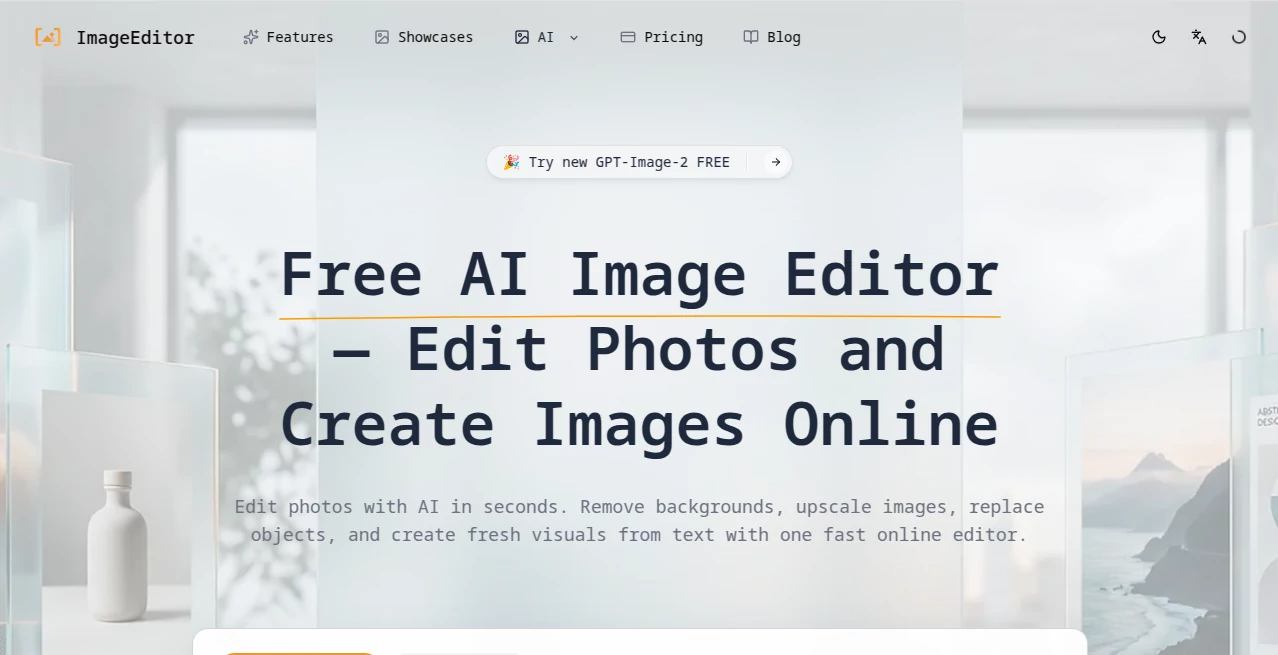
Honestly, I was skeptical at first. So many "AI" tools claim to be easy but hide their best features behind layers of confusing menus. This one is refreshingly different. When you land on the page, the layout is clean and uncluttered. The upload button is right there—no hunting for it. Once you load a picture, a simple toolbar appears, but the real star is the text prompt box. You literally tell the computer what you want to change. I tested it by asking it to "turn the sky into a starry night" on a random daytime photo of a park. Within seconds, the lighting adjusted, the stars appeared, and the reflection in the small pond even updated to match. There is no learning curve here. If you can type a sentence, you can use this editor. It’s that intuitive.
Accuracy & Performance
This is where the rubber meets the road, right? Anyone can blur a background, but doing it cleanly without chopping off someone's hair is the real test. I tried the background remover on a photo of a friend with curly hair standing against a complex, messy backdrop. Usually, free tools turn curly hair into a jagged, blocky mess. This tool handled the flyaways perfectly. The edge detection is seriously impressive. It seems to understand the difference between the subject and the environment on a pixel level. Furthermore, the upscaling feature doesn't just make the image bigger; it intelligently fills in the missing detail. I uploaded a tiny, 200px wide logo and asked it to double the size. The result was crisp and sharp, not blurry or pixelated. Performance-wise, the processing is blazing fast. I never sat waiting for a loading bar to crawl across the screen.
Capabilities
This isn't just a one-trick pony. The range of what you can do here is vast. Besides the standard cropping and color correction, you have access to generative fill. This means you can expand the borders of a photo, and the AI will hallucinate what should be there to fill the space seamlessly. It is wild to watch. The object replacement feature is equally powerful. I circled a coffee cup on a desk and typed "potted cactus," and the cup turned into a cactus with the exact same lighting and shadow angles as the original object. It also supports text-to-image generation. If you don't have a photo at all, you can just describe a scene—like "a futuristic city street in the rain"—and it will generate a unique, high-quality visual from scratch.
Security & Privacy
Obviously, when you upload personal photos or sensitive business assets to a website, you want to know they aren't ending up somewhere they shouldn't be. I dug into the technical setup here, and the site uses valid SSL encryption (the industry standard for secure data transfer). This means the connection between your computer and their servers is locked down tight. While no public online tool can guarantee 100% absolute anonymity if the server is breached, the infrastructure here is built on reputable hosting with standard security protocols, and it supports major payment processors with fraud protection if you ever step up to a paid plan. For everyday editing, your data is generally processed and then removed according to standard caching practices.
Use Cases
Who is actually going to get the most value out of this? Pretty much everyone, but let’s break it down into real-world scenarios.
- E-commerce Sellers: If you sell on eBay, Shopify, or Etsy, product images are everything. You can remove messy backgrounds and replace them with clean white backgrounds or lifestyle settings (like a sofa in a living room) instantly without a photo shoot.
- Real Estate Agents: Have a listing with grey skies? Turn them blue. Need to stage an empty room virtually? You can generate furniture into the space to help buyers visualize the potential.
- Social Media Managers: Need 10 variations of a quote post or a product shot for Instagram stories? You can generate different colorways and backgrounds in bulk without starting from scratch each time.
- Marketing Teams: Adapting ad creatives for different sizes (square for Instagram, landscape for YouTube, portrait for TikTok) is a breeze with generative expand. No more cropping out important elements.
- Everyday Users: Restoring old family photos, removing tourists from vacation pictures, or just making your profile picture look a little sharper.
Pros and Cons
Let's be real. No tool is perfect, but this one comes pretty close for a free online service. Here is the honest breakdown of what works and what might bug you.
Pros:
- Completely web-based. No downloads, no installs, no storage space eaten up.
- Blazing fast processing speeds.
- Intuitive UI that anyone can learn in minutes.
- High-quality output that rivals expensive desktop software.
- Generous free tier that actually lets you test the heavy features.
Cons:
- Being a relatively new site (only live for about half a year), it doesn't have the long-term track record of giants like Adobe.
- Heavy traffic times might slow down processing slightly, though I didn't experience this.
- Requires an internet connection (obviously, since it's online).
Pricing Plans
Money talks, right? The barrier to entry here is delightfully low. The site operates on a freemium model. You can jump in and start editing for free right now. The free version covers a huge range of basic to intermediate tasks, including background removal, basic upscaling, and standard object removal. If you find yourself hitting the limits or needing higher-resolution exports and faster processing speeds, they have opted for a subscription model that unlocks unlimited access. Payment methods are flexible, supporting major cards and digital wallets like PayPal and Mastercard, which offer buyer protection. This means if the service ever didn't deliver what was promised, you have recourse to get your money back. It’s a low-risk setup for a high-reward tool.
How to Use [Tool Name]
Getting started is so simple it almost feels like cheating. First, navigate to the website. You don't need to sign up for an account to test the basic features, which is a massive green flag in my book. Just click the upload area and select the image you want to edit from your computer. Once the image loads, you will see the editing suite. If you want to remove the background, just click the "Remove Background" button and wait one second. If you want to do something more complex, look for the text prompt box. Type something like "change the shirt color to red" or "add a dog sitting on the grass." Select the area you want to change (or let the AI detect the whole scene), hit generate, and watch the magic happen. When you are happy with the result, hit the download button. That's it. No checkout process, no "start your free trial" pop-ups blocking your view.
Comparison with Similar Tools
You might be thinking, "Can't I just use Canva or Photoshop?" Well, yes, but you'll hit different walls. Canva is great for templates and layouts, but its photo manipulation AI often feels like an afterthought—clunky and limited in scope [citation:5]. It's good for adding text, not for changing the physical reality of a photo. On the other end of the spectrum, Adobe Photoshop is the industry gold standard, but it comes with a hefty monthly fee (around $20/month) and a steep learning curve that requires hours of study just to do basic masking [citation:8]. Our tool sits right in the sweet spot. It offers the sophisticated, prompt-based editing of high-end AI models (similar to what you see in the latest Firefly updates) [citation:10], but without the subscription fatigue or the complex interface. Fotor is another competitor, but reviews often note that their free version restricts export resolutions heavily, forcing you to pay to get usable files [citation:7][citation:9]. This editor gives you actual usable high-res outputs for free, making it the best value for money on the market right now.
Conclusion
The era of struggling with complex software just to fix a photo is officially ending. Tools like this are democratizing design, putting power that used to belong exclusively to professionals into the hands of everyday people. Whether you are an entrepreneur trying to make your product stand out, a creator racing a deadline, or just a nostalgic person trying to restore an old memory, this platform delivers. It is fast, free to start, and frankly, kind of fun to play with. Seeing a blank sky turn into the Northern Lights just by typing a sentence never gets old. I highly recommend keeping this bookmarked. It is the kind of tool you don't think you need until you suddenly desperately need it, and when that moment comes, you'll be glad it's there.
Frequently Asked Questions (FAQ)
Q: Do I need to create an account to use the editor?
A: Not for the basic features! You can upload, edit, and download images without signing up. Creating an account might unlock higher usage limits or save your history, but it is not required to test the core tools.
Q: Is the image upscaler really free?
A: Yes, it is included in the free tier. You can increase the resolution of your images significantly without paying a cent, which is rare to find these days.
Q: What happens to my uploaded photos?
A: The site uses standard security protocols to process your images. Generally, uploaded files are processed temporarily and then removed from the server's active storage. It is always best practice not to upload highly sensitive personal documents, but for standard photos, it is safe.
Q: Can I use these images for commercial purposes?
A: Yes. Generally, images you create or edit using AI tools like this belong to you. You can use them for social media, product listings, or even client work without worrying about copyright strikes from the editor itself.