


















PatchWork
What is PatchWork?
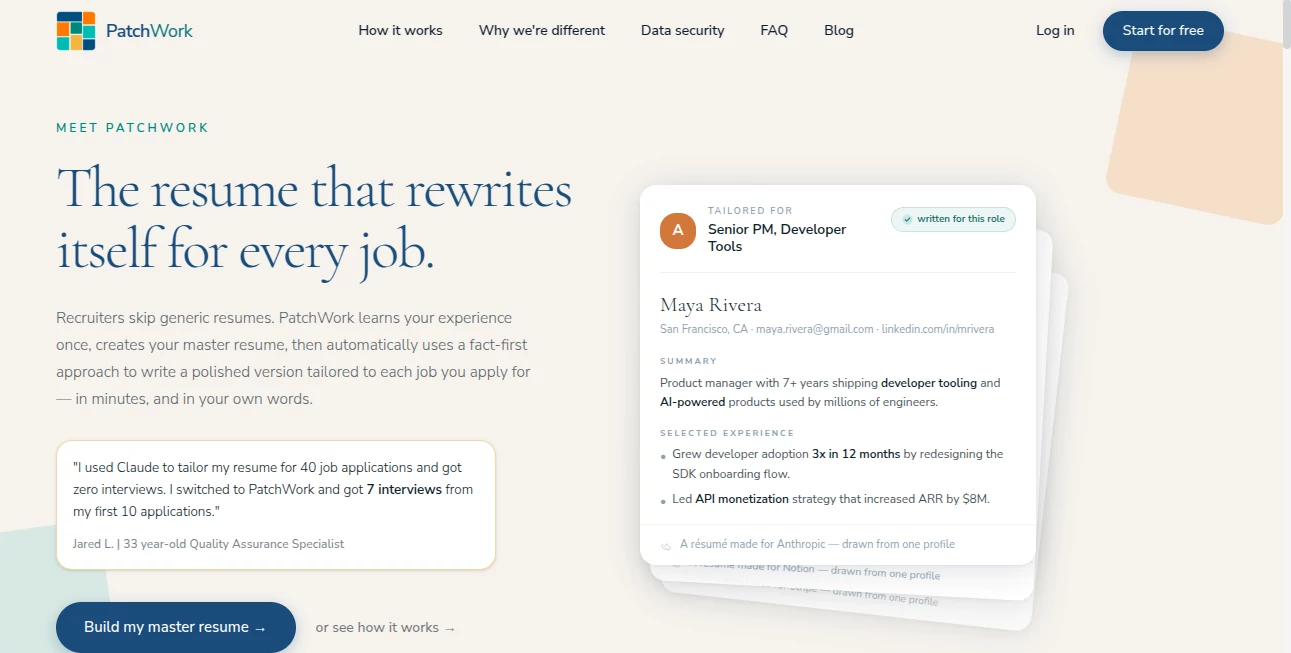
Collecting website feedback often means jumping between emails, chat apps, screenshots, and long message threads. This platform brings everything together by letting clients leave comments directly on a live website. Each request can be transformed into a ready-to-review pull request, helping development teams spend less time organizing feedback and more time building better products.
Key Features
User Interface
The interface feels familiar from the first click. Clients can pin comments directly on any section of a live page without creating an account, making the review process simple for everyone involved.
Accuracy & Performance
Feedback is translated into structured code changes that integrate with popular coding agents. Developers stay in full control by reviewing every pull request before merging.
Capabilities
- Visual comments on live websites.
- Automatic pull request generation.
- Support for desktop, tablet, and mobile annotations.
- Works with existing AI coding assistants.
- Designed for agencies, freelancers, and product teams.
Security & Privacy
Every implementation runs in an isolated environment with temporary repository access. Changes are delivered through pull requests, ensuring nothing reaches production without human approval.
Use Cases
- Managing client website revisions.
- Speeding up agency delivery workflows.
- Reducing manual copy-and-paste of feedback.
- Improving collaboration between clients and developers.
Pros and Cons
- Pros
- Easy for non-technical clients.
- Saves time during website revisions.
- Fits naturally into existing Git workflows.
- Supports multiple AI coding assistants.
- Cons
- Best suited for web development projects.
- Code review is still required before deployment.
Pricing Plans
A free plan is available for small projects, while paid plans are designed for freelancers, studios, and agencies that manage multiple client websites with higher monthly usage limits.
How to Use Patch
Connect your project, add the website widget, invite your client to review the live site, and let them place comments wherever changes are needed. Review the generated pull request, make adjustments if necessary, and merge when everything looks right.
Comparison with Similar Tools
Unlike traditional feedback platforms that stop after collecting comments, this solution continues the workflow by preparing implementation-ready pull requests. That extra step can significantly reduce repetitive development work while keeping developers in control of every change.
Conclusion
For teams that build websites professionally, this platform offers a practical way to simplify client communication and shorten revision cycles. It removes unnecessary friction, keeps feedback organized, and turns ideas into actionable code with remarkable efficiency.
Frequently Asked Questions (FAQ)
Who is this platform designed for?
It is ideal for freelancers, web studios, and agencies working on client websites.
Do clients need an account?
No. Clients can leave feedback without creating an account.
Can developers review changes before publishing?
Yes. Every update is delivered as a pull request that requires manual approval.
Does it support mobile feedback?
Yes. Comments can be added from desktop, tablet, or mobile views.
AI Code Assistant , AI Team Collaboration , AI Developer Tools , AI Productivity Tools .
These classifications represent its core capabilities and areas of application. For related tools, explore the linked categories above.

PatchWork Alternatives Product

hd image con…

Scillus

Skywork Supe…

Notion

SlideStorm AI

git-lrc

Your Own AI
Thinkesta

TutuoAI
