

















Vidtool AI
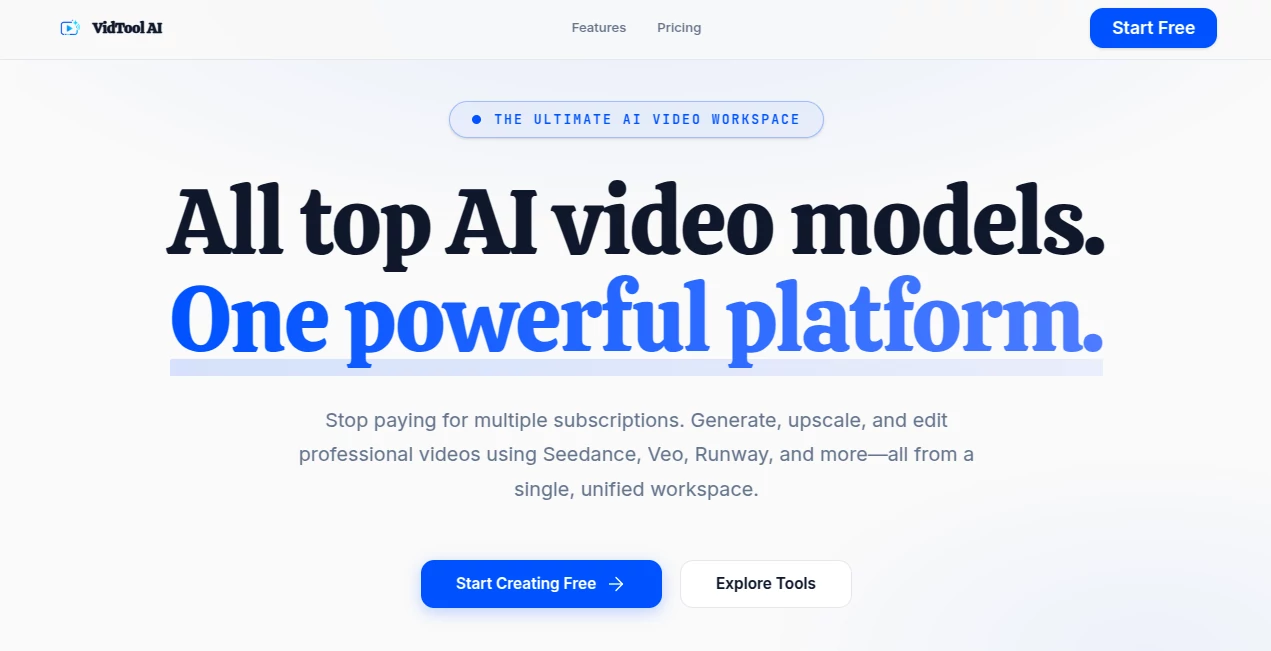
What is Vidtool AI?
Let’s be honest—video creation used to be a headache. You either needed expensive software, hours of training, or a team of editors just to get something decent online. That’s not the case anymore. This platform changes the game for anyone who wants stunning videos without the usual stress. Whether you run a small business, create content for social media, or just want to test a crazy idea, this tool handles the heavy lifting. It takes your raw concepts—sometimes just a few sentences—and turns them into watch-worthy clips. No timeline dragging. No rendering anxiety. Just smooth, smart video generation that actually looks good. What really stands out is how natural the output feels. Many AI video tools give you robotic transitions and weird lip movements. This one? It feels alive. You get crisp visuals, clear audio syncing, and real creative control when you want it. For anyone tired of staring at a blank timeline, this might be the breath of fresh air you've been waiting for.
Key Features
This tool packs a punch without overwhelming you. It focuses on what actually matters: speed, quality, and flexibility. You get a suite of features that work together seamlessly, so you spend less time tweaking settings and more time publishing content.
User Interface
The dashboard is clean and straightforward. You won't find confusing menus or hidden buttons here. Everything sits right where you expect it. The moment you log in, you see a simple option to start a new project. From there, the platform guides you step by step. You can drag, drop, type, or paste your way through the process. Even your first time using it, you'll probably finish a short clip within ten minutes. That's the kind of design that respects your time.
Accuracy & Performance
Speed matters when you're on a deadline. This tool delivers results fast, usually within seconds or a couple of minutes depending on your inputs. More importantly, the accuracy is impressive. If you provide a script, the generated visuals actually match your descriptions. No random stock footage that barely relates to your topic. The system understands context, so you get relevant scenes, proper transitions, and natural voiceovers. From what I've seen, it handles complex prompts much better than similar platforms. The difference becomes obvious once you compare side by side.
Capabilities
This isn't just a text-to-video converter. You can create explainer videos, social media ads, educational clips, product demos, and even personal messages. The platform supports multiple aspect ratios, so you're covered for YouTube, Instagram, TikTok, and LinkedIn. You also get access to a library of AI avatars, voice options, and background music. Want to upload your own media? Go ahead. Need to edit specific frames? You can do that too. It's flexible enough for beginners but deep enough for power users.
Security & Privacy
Nobody wants their unreleased content floating around the internet. The platform takes privacy seriously. Your projects stay private unless you choose to share them. Uploaded files aren't used to train public models without permission. For businesses handling sensitive information, this level of protection matters. You can create internal training videos or client presentations without worrying about leaks. They've built the kind of security you'd expect from a professional-grade tool.
Use Cases
You might wonder where this tool fits into your daily workflow. The short answer: almost everywhere. Small business owners use it to create ad campaigns without hiring an editor. Teachers and trainers produce engaging lessons in half the usual time. Marketing teams generate multiple video variations to test different messages. Content creators repurpose blog posts into short clips for social media. Even freelancers building client pitches have started using it to stand out. One user mentioned creating a full product launch video in under an hour—something that used to take them two full days. That kind of efficiency changes how you approach content planning.
Pros and Cons
No tool is perfect, but the strengths here far outweigh the weaknesses. Let's break it down.
What works well: The speed is outstanding. Most videos render faster than you expect. The quality looks professional, not obviously AI-generated. You get plenty of customization without feeling lost. The learning curve is shallow, so almost anyone can start immediately. Customer support actually responds quickly when you need help.
What could improve: Some advanced editing features are still in development. If you're used to professional software like Premiere Pro, you might feel limited in fine-tuning. The free tier includes watermarks, which is standard but worth noting. Occasional glitches happen when processing very long scripts, though the team fixes those fast.
Pricing Plans
You'll find options for different needs and budgets. A free tier lets you test the basics and see if the platform fits your workflow. Paid plans unlock higher resolutions, longer videos, more avatars, and faster processing. Monthly subscriptions work well for active creators. Annual plans offer better value if you plan to stick around. There's also a pay-as-you-go option for light users who only need a few videos per month. Business plans include team seats and priority support. The pricing stays reasonable compared to hiring freelancers or buying expensive software licenses.
How to Use VidToolAI
Getting started takes five simple steps. First, sign up for an account using your email—no credit card required for the free tier. Second, click on "Create New Project" and choose your video type. Third, write or paste your script into the text box. You can keep it short or go into detail. Fourth, select your preferred avatar, voice, and background music from the libraries. Fifth, hit generate and wait a minute or two. That's it. You can preview the result, make quick edits, then download or share directly. The whole process feels more like assembling LEGO blocks than building from scratch.
Comparison with Similar Tools
Compared to other AI video generators on the market, this one holds its own. Some competitors focus only on slideshow-style videos with robotic voiceovers. Others require technical know-how just to adjust basic settings. This platform strikes a better balance. It's more intuitive than Synthesia for beginners. It offers more realistic avatars than Pictory. It renders faster than many open-source alternatives. The main difference comes down to the output quality. Videos don't look like templates. They feel custom-made. For context, other tools often produce clips that scream "I used AI." This tool creates content that viewers assume a human edited. That subtle distinction matters when you're building a brand or trying to connect with an audience.
Conclusion
If you need to create videos regularly—whether for work, fun, or business—this tool deserves a spot in your arsenal. It removes the traditional barriers of cost, skill, and time. You don't need to learn complex software or wait days for results. Just bring your ideas, and the platform handles the rest. The quality continues to improve with each update, and the team seems genuinely invested in making video creation accessible to everyone. Give the free version a try. Create something small, like a thirty-second promo or a personal greeting. See how it feels. Chances are, you'll wonder how you ever managed without it.
Frequently Asked Questions (FAQ)
Do I need any video editing experience to use this?
Not at all. The platform is designed for complete beginners. If you can type a sentence, you can create a video.
Can I use my own voice or music?
Yes. You can upload custom audio files, including your own voiceovers and background tracks.
What languages does the AI voice support?
The system supports dozens of languages and accents, including English, Spanish, French, German, Japanese, and more.
Is there a watermark on free videos?
Yes, free videos include a small watermark. Paid plans remove it completely.
How long can my generated videos be?
Free users have shorter limits. Paid plans allow videos up to 30 minutes or longer depending on the tier.
Can I cancel my subscription anytime?
Absolutely. Monthly plans can be canceled with one click. No hidden fees or long-term contracts.