Vynzo
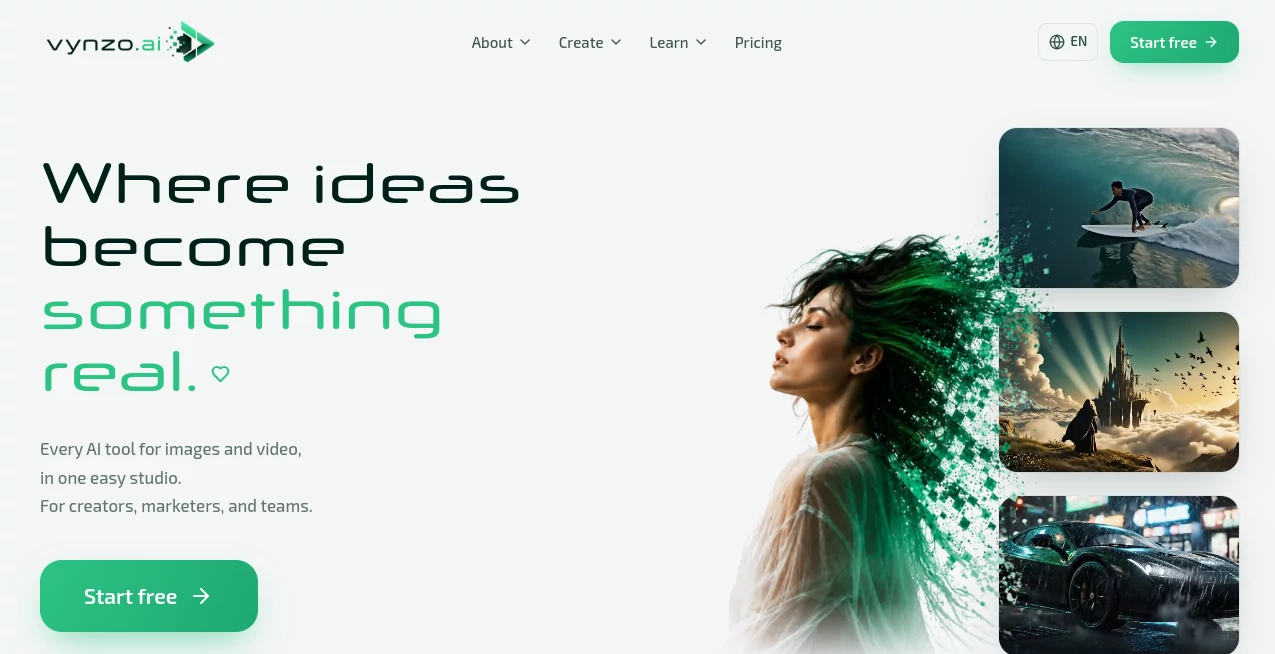
What is Vynzo?
Creating polished visual content usually means jumping between several different tools. One handles images, another turns images into video, and a third is needed for editing. Vynzo takes a different approach by bringing image generation, video creation, editing, face swapping, restyling, and other creative features into one workspace.
Built for creators, marketers, artists, founders, and content teams, the platform is designed to make the journey from a simple idea to a finished visual much shorter. You can describe what you want with a prompt, generate an image or video, refine the result, and export it without building a complicated workflow around multiple services.
What makes the experience particularly appealing is the pay-as-you-go model. New users receive starter credits to test the creative tools, while additional credits can be purchased when needed without committing to a recurring subscription.
Key Features
- Text-to-image generation for creating original visuals from written prompts.
- Text-to-video generation for turning ideas into short video clips.
- Image-to-video creation for animating existing images.
- AI-powered image editing and prompt-based refinements.
- Face swapping for creative photo compositions.
- AI photoshoot creation for professional-looking visual concepts.
- Carousel creation for social media content.
- Duo and collaboration scenes featuring two people.
- Video restyling for giving existing footage a different visual direction.
- Anime restyling, fantasy scenes, product visuals, portraits, and character creation.
- Multiple AI engines available through the same creative workspace.
- High-quality exports, including support for 4K output in supported workflows.
User Interface
The interface is built around a straightforward creative process rather than a collection of disconnected utilities. Users can start with a prompt, generate an image or video, make changes through additional instructions, and then export the result.
This approach is useful when an idea changes during production. For example, a creator might generate a portrait, decide that the clothing does not fit the campaign, and request a different outfit while keeping the same subject. Instead of starting from scratch, the editing workflow allows the creator to continue refining the visual.
Keeping these functions together also makes the platform approachable for users who do not want to learn several separate creative applications.
Accuracy & Performance
Output quality naturally depends on the selected generation model, prompt, reference material, and type of project. The platform supports a range of modern image and video engines, giving users more flexibility than a single-model generator.
Performance is another practical advantage. The service states that most jobs render in under a minute, allowing creators to test variations without spending a large part of the production process waiting for each generation.
For video work, supported engines can provide features such as text-to-video, image-to-video, reference-driven generation, synchronized audio, and different output formats depending on the model being used.
Capabilities
The creative range goes well beyond basic prompt-to-image generation. Users can produce portraits, product shots, fantasy environments, anime-style visuals, social media assets, characters, and short videos from a central workspace.
Image workflows include text-to-image generation, AI photoshoots, face swapping, image editing, carousel creation, and prompt-based modifications. Video workflows include text-to-video, image-to-video, and video restyling.
The availability of different generation engines is particularly useful for creators with varied requirements. Some projects may need realistic marketing imagery, while others benefit from cinematic movement, consistent characters, dialogue, or multi-reference video generation.
For example, a marketer can create a product visual, refine its setting, turn the finished image into a short video, and prepare the result for a social campaign without moving the project through several unrelated platforms.
Security & Privacy
Privacy is presented as an important part of the creative workspace. Prompts and generated outputs remain private within the user's account, and the service states that users own what they create.
The platform also makes it clear that users should work with their own likeness, original characters, or authorized material. Real people's likenesses should not be used without their consent. This is an important consideration for creators using face-related generation and editing features.
Use Cases
- Social media creators: Produce portraits, short videos, carousels, creative concepts, and visual variations for social platforms.
- Marketing teams: Create product visuals, advertising concepts, campaign imagery, and creative tests without arranging a full production shoot for every idea.
- E-commerce businesses: Develop product-focused imagery and promotional scenes for online stores and campaigns.
- Artists and designers: Explore characters, environments, styles, fantasy worlds, and experimental concepts.
- Content teams: Move from an initial concept to images and video within one shared creative workflow.
- Founders and small businesses: Produce marketing assets without needing a large collection of specialized creative software.
- Video creators: Animate still images, generate short clips, and experiment with different visual styles.
Pros and Cons
- Pros: Images and video are available in one workspace.
- Pros: New users receive free starter credits.
- Pros: Pay-as-you-go credits are available without a recurring subscription.
- Pros: Supports several creative workflows, including image generation, video generation, editing, face swapping, and restyling.
- Pros: Prompt-based refinement makes it easier to iterate on an existing concept.
- Pros: Most jobs are designed to render quickly.
- Cons: Credit usage can vary depending on the generation tool and model.
- Cons: Advanced creative work still depends heavily on the quality of the prompt and reference material.
- Cons: Users looking for a traditional manual photo or video editor may find the AI-first workflow different from conventional software.
Pricing Plans
The pricing structure is designed around usage rather than a mandatory monthly subscription. New accounts receive free starter credits, allowing users to test the platform before spending money.
After the initial credits are used, customers can purchase additional credits starting from $19. The credits can be used across the available creative tools instead of requiring separate subscriptions for different features.
This model can be attractive for occasional creators who do not want another recurring monthly bill. It also gives users the flexibility to purchase additional usage when a specific project requires more generations.
How to Use
- Start by creating an account and using the available starter credits.
- Choose the type of visual you want to create, such as an image or video.
- Describe the desired result using a clear and detailed prompt.
- Generate the first version and review the result.
- Use additional prompts to change the scene, clothing, style, details, or other elements when needed.
- For supported workflows, turn an image into a video or apply an AI restyle to existing footage.
- Export the finished creation in the available quality and format.
A useful approach is to begin with the most important visual details in the first prompt and then make smaller changes during refinement. This tends to be easier than trying to describe every possible variation at once.
Comparison with Similar Tools
Many AI creative platforms specialize in a single area. Some focus mainly on image generation, while others are built around video creation or image editing. The main difference here is the attempt to combine several of these workflows into one studio.
For someone who only needs a basic text-to-image generator, a specialized service may provide a simpler experience. However, creators who regularly move between images, video, editing, face swapping, product visuals, and social content can benefit from having these capabilities in the same environment.
The availability of different generation engines also adds another layer of flexibility. Instead of committing every project to one generation approach, users can select workflows that better match the type of visual they are trying to produce.
Conclusion
For creators who want to move quickly from an idea to finished visual content, this platform offers a practical combination of image generation, video creation, editing, and creative experimentation. The clean workflow is one of its strongest points: describe an idea, generate it, refine it, and export the result without constantly switching between services.
The free starter credits make it easy to explore the experience before purchasing anything, while the pay-as-you-go model is a welcome option for people who prefer not to maintain another monthly subscription.
Whether the goal is a product campaign, social media content, concept art, a short video, or a quick creative experiment, the combination of multiple visual tools in one workspace makes it a compelling option for modern content production.
Frequently Asked Questions (FAQ)
What is this AI creative platform used for?
It is designed for creating and editing AI-generated images and videos. Common uses include social media content, product visuals, advertising concepts, portraits, characters, creative experiments, and short-form video.
Can I try it for free?
Yes. New accounts receive starter credits that can be used to test the available creative workflows without immediately purchasing a credit package.
Does it require a monthly subscription?
No. The service uses a pay-as-you-go credit system. Users can purchase credits when they need additional generation capacity rather than maintaining a recurring subscription.
Can I edit an image after generating it?
Yes. Prompt-based editing allows users to request changes to elements such as clothing, scenes, and other visual details while continuing to work from an existing creation.
Can I create videos from images?
Yes. Image-to-video generation is one of the supported video workflows, allowing still images to be turned into short animated clips.
Are my creations private?
The service states that prompts and outputs remain private within the user's account and that users own what they create. Users should also make sure they have permission to use any real person's likeness or other third-party material.
Who can benefit most from it?
It is particularly useful for social media creators, marketers, artists, founders, e-commerce businesses, and content teams that need to produce visual assets regularly without relying on several separate AI services.
AI Image to Video , AI Video Generator , AI Face Swap Generator , AI Text to Image .
These classifications represent its core capabilities and areas of application. For related tools, explore the linked categories above.

Vynzo Alternatives Product

Nano Banana 2

UndressMe AI
Veo 4

vei4 ai

Gemini Omni …

Sora-2.co
VeoNano

grok images

ImagineToVid…