
Wan 3.0 Video Generator
What is Wan 3.0 Video Generator?
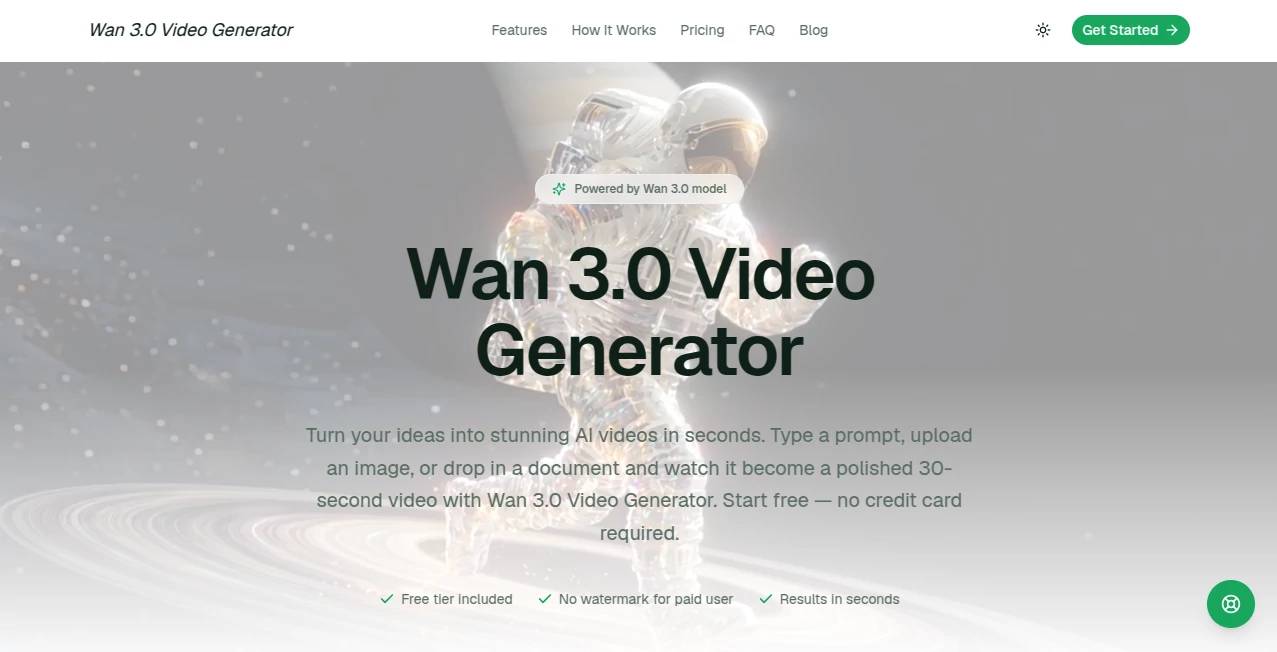
Wan 3.0 Video Generator makes the jump from an idea to a finished video surprisingly simple. Instead of opening a complicated editing suite, users can start with a text prompt, an image, or even a document and turn that material into a short AI-generated video. The browser-based workflow is designed for creators who want to experiment quickly without dealing with software installation, servers, or API configuration.
One particularly useful aspect is the range of input options. A marketer can animate a product image, a teacher can turn course material into a visual lesson, and a small business can transform a report or proposal into a short explainer. The platform also supports videos of up to 30 seconds, making it useful for social content, product presentations, concept development, and quick promotional pieces.
The experience feels more like creating a visual draft than operating traditional video production software. You describe the result, provide supporting material when needed, generate the clip, and decide whether the first version is ready or deserves another attempt.
Key Features
- Text-to-video generation: Turn a written description into a complete video scene without manually building a timeline.
- Image-to-video: Upload a still image and add motion to product photography, portraits, landscapes, screenshots, and other visual assets.
- Document-to-video: Convert PDFs, Word documents, and spreadsheets into short explainer-style videos.
- Natural voiceover: Generated narration can accompany the visual content and follow the pacing of the scene.
- 30-second video generation: Create a continuous video of up to 30 seconds rather than relying exclusively on very short clips.
- Multiple aspect ratios: Support for 16:9, 9:16, and 1:1 formats makes the output suitable for different publishing channels.
- Browser-based workflow: There is no desktop application or complicated installation process required.
- Free starting option: New users can test the service before committing to a paid plan.
User Interface
The interface keeps the main creation process in one place. Users can begin by entering a description and optionally upload an image, with the service presenting generation as a straightforward step rather than a collection of technical controls.
This simplicity is valuable for people who have creative ideas but do not necessarily have experience with professional video software. Someone working on a product campaign, for example, can start with a product photograph and describe the movement, atmosphere, or presentation they want to see instead of building the animation manually.
The upload limit shown on the creation page is 10MB, which is reasonable for many lightweight source images and documents. The overall design is clearly aimed at keeping the creative process quick and accessible.
Accuracy & Performance
Performance is one of the strongest parts of the experience. The service promotes generation in seconds and describes a typical workflow of roughly a minute from input to finished result. Actual generation time can naturally vary depending on the selected task and system load.
The underlying Wan model family is also capable of handling several modern video-generation workflows. Current Alibaba Cloud documentation lists Wan models for text-to-video, image-to-video, first-and-last-frame generation, video continuation, audio-driven generation, and other video tasks. This provides a strong technical foundation for a service built around the model family.
For everyday content production, the practical advantage is iteration. If a first result is close but not quite right, users can adjust the description and generate another version rather than rebuilding the entire project from scratch.
Capabilities
The platform goes beyond simple text-to-video generation. Text prompts can be used to create new scenes, while existing images can be given movement and documents can be converted into visual explanations.
The document workflow is especially interesting for business and education. A report, proposal, or spreadsheet can contain useful information but may be difficult to present visually. Turning that material into a short narrated video offers another way to communicate the same information.
Creators can also choose different formats depending on where the finished video will appear. Landscape output works naturally for YouTube and presentations, while vertical video is better suited to short-form social platforms. Square output provides another practical option for feed-based content.
Security & Privacy
The service provides a published privacy policy explaining how account, usage, device, cookie, and payment-related information is handled. According to the policy, full card numbers are not stored on its own servers and payment details are handled by third-party payment processors.
The policy also states that personal information is not sold and may be shared with service providers operating the platform, or when required for legal and security reasons. It describes measures including encryption in transit, access controls, and regular security reviews.
Users should still exercise normal caution when uploading confidential business documents or sensitive personal material to any online AI service. The privacy policy provides useful information about data handling, but users should review the current terms before uploading material that requires strict confidentiality.
Use Cases
- Social media content: Create short vertical videos for Reels, Shorts, TikTok, and other social channels.
- Product demonstrations: Add movement to product images and turn static photography into more engaging promotional material.
- Explainer videos: Transform reports, proposals, and other documents into concise visual presentations.
- Training material: Convert educational documents and internal resources into short video lessons.
- Marketing campaigns: Produce visual concepts for advertisements, landing pages, product launches, and promotional campaigns.
- Client presentations: Create fast visual prototypes before investing time and money into a full production.
- Creative projects: Animate personal photographs or turn imaginative concepts into moving visuals.
- Content experimentation: Test several visual directions quickly before deciding which concept deserves a larger production budget.
Pros and Cons
Pros
- Simple browser-based video creation workflow.
- Supports text, image, and document inputs.
- Video generation can reach 30 seconds.
- Useful voiceover and audio capabilities.
- Multiple aspect ratios for different publishing platforms.
- Free plan available for testing.
- Paid plans remove the watermark.
- Higher plans provide priority processing and API access.
Cons
- Free usage has daily generation limits.
- Free downloads include a watermark.
- Generation quality can vary depending on the prompt and source material.
- AI-generated videos may still require revisions for demanding professional projects.
- Users with strict confidentiality requirements should carefully review the privacy terms before uploading sensitive documents.
Pricing Plans
The service uses a free-to-paid model, allowing users to test the workflow before moving to a larger generation allowance. The free plan costs $0 per month and includes 2 video credits per day, along with text, image, and document inputs. Free downloads include a watermark and access to the generation queue is limited.
The Basic plan costs $20 per month and includes 55 video credits, high-quality output, all supported aspect ratios, and email support. The Pro plan costs $40 per month and increases the allowance to 115 video credits while adding a priority rendering queue, priority support, and API access.
The Max plan is priced at $150 per month and provides 450 video credits. It includes the Pro features together with commercial usage rights and dedicated support, making it more appropriate for teams, agencies, and higher-volume production.
How to Use the Platform
- Choose your input: Start with a text prompt, upload an image, or provide a supported document such as a PDF, Word file, or spreadsheet.
- Describe the video: Explain the desired subject, visual style, mood, movement, duration, and any narration you want. More specific instructions generally give the generation system more useful creative direction.
- Generate the video: Start the generation and wait for the preview to become available.
- Review the result: Check the movement, composition, narration, and overall presentation.
- Refine when necessary: If something feels wrong, adjust the prompt or source material and generate another version.
- Download and publish: Once the result matches your needs, download it in the available quality and use the appropriate aspect ratio for your target platform.
Comparison with Similar Tools
AI video generators increasingly compete on more than visual quality alone. Some focus heavily on cinematic text-to-video generation, while others are designed around avatars, editing, templates, or social-media workflows.
This platform takes a broader input-oriented approach. The ability to work with text, images, and documents in the same general workflow makes it particularly appealing for users who frequently start with existing material rather than a completely blank canvas.
Another advantage is the combination of video generation, narration, and multiple aspect ratios in a relatively simple interface. For a creator who needs a quick product clip or an explainer rather than a complete professional film-production environment, that balance can be more useful than having a large collection of advanced editing controls.
At the same time, professional filmmakers and production teams may still prefer specialized platforms when they need extensive shot control, detailed editing, sophisticated character consistency, or a complete post-production workflow. The best choice ultimately depends on whether speed and accessibility or deep production control is the priority.
Conclusion
For creators looking for a practical shortcut from written ideas or existing assets to video, this service offers a compelling workflow. Text-to-video, image animation, document conversion, voiceover, multiple aspect ratios, and a 30-second generation capability cover a surprisingly broad range of everyday content needs.
The strongest part of the experience is its low barrier to entry. You do not need to install editing software, understand video production pipelines, or configure an API before testing an idea. A marketer can create a campaign concept, a teacher can visualize course material, and a small business can turn a product image into a promotional clip within a relatively short workflow.
It is not a replacement for every professional video-production application, but that is not where its value lies. Its real strength is helping users move quickly from a rough concept or existing material to something visual, shareable, and ready for further refinement.
Frequently Asked Questions (FAQ)
Is there a free plan?
Yes. The free plan costs $0 per month and provides 2 video credits per day. Free downloads include a watermark and have limited queue resources.
Can I create a video from an image?
Yes. Users can upload an image and use it as the starting point for an animated video. This can be useful for product photography, portraits, landscapes, screenshots, and social media visuals.
Can documents be converted into videos?
Yes. Supported document inputs include PDFs, Word files, and spreadsheets. The service can use their contents as the basis for short explanatory videos.
How long can the generated videos be?
The service supports video generation of up to 30 seconds, making it suitable for short-form content, product demonstrations, explainers, and social media clips.
Does the free version add a watermark?
Yes. The free plan includes a watermark on downloads. Paid plans provide downloads without the free-plan watermark.
Does it support different video formats?
Yes. Users can create content in 16:9, 9:16, and 1:1 aspect ratios, allowing the same workflow to serve platforms with different publishing requirements.
Is video editing experience required?
No. The workflow is designed around selecting an input, describing the desired result, generating the video, and reviewing the output. Users do not need traditional video-editing experience to get started.
Does it provide API access?
API access is included with the Pro plan and higher-level offerings, making the service more suitable for users who want to incorporate video generation into their own workflows.
Can the generated videos be used commercially?
Commercial usage rights are specifically listed with the Max plan. Users should review the current terms of service and the applicable plan before using generated content for commercial purposes.
Is the service browser-based?
Yes. The creation workflow runs in the browser, so users do not need to install dedicated desktop software or configure a local server.
AI Image to Video , AI Video Generator , AI Video Editor , AI Text to Video .
These classifications represent its core capabilities and areas of application. For related tools, explore the linked categories above.
Wan 3.0 Video Generator details
Website unavailable — View Alternatives
Pricing
- Freemium
Apps
- Web App
Categories

Wan 3.0 Video Generator Alternatives Product

Seedance 2.5

seedance 2

AI Motion Co…

Kling 5.0

Veo 4 AI

Seedance 2 V…

Wurt.app

Klyra AI

ViewMax Stud…