
Acedly
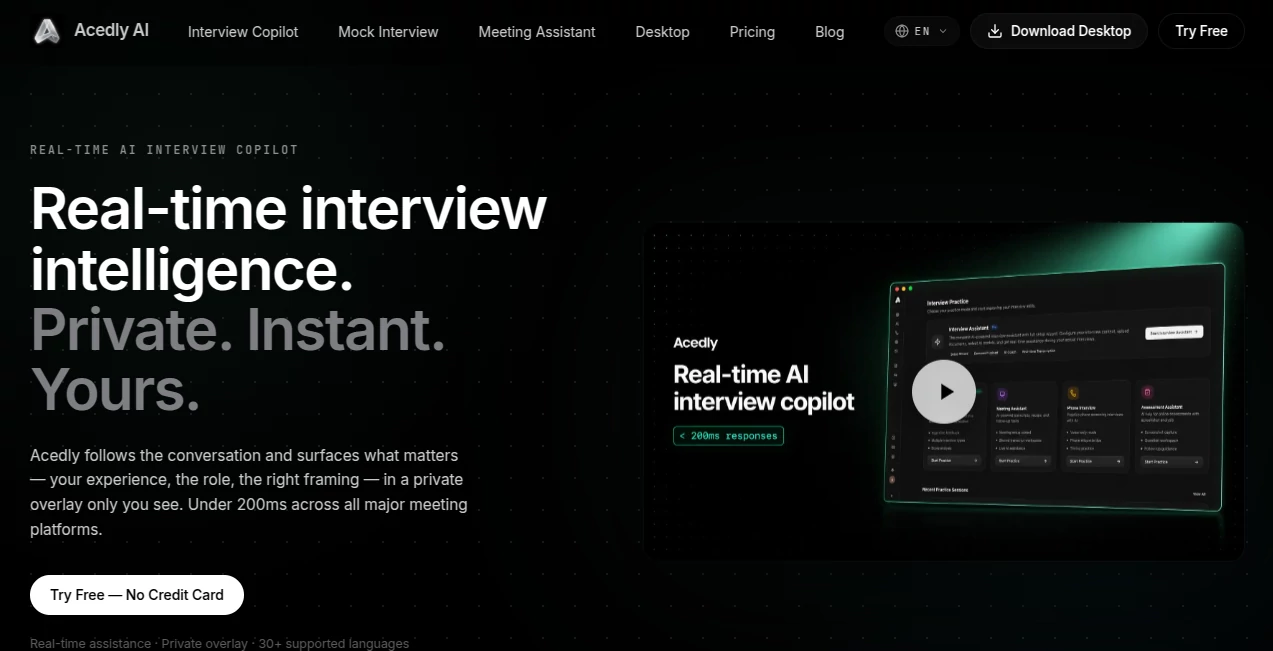
What is Acedly?
Preparing for exams often means spending hours creating notes, flashcards, and summaries. This platform simplifies that process by turning videos, PDFs, presentations, audio files, and images into organized study materials within seconds. Instead of juggling multiple apps, students can focus on learning while the system handles the repetitive work.
Key Features
User Interface
The dashboard is clean and beginner-friendly. Uploading learning materials takes only a few clicks, and every generated resource is neatly organized for quick access.
Accuracy & Performance
Study notes are structured around the most important concepts, while quizzes and flashcards are generated directly from the uploaded content. The fast processing speed makes it practical for daily study sessions.
Capabilities
- Generate detailed study notes from PDFs, videos, audio, and presentations.
- Create flashcards automatically.
- Build quizzes for self-assessment.
- Turn notes into AI-powered podcasts for learning on the go.
- Solve academic problems with step-by-step explanations.
Security & Privacy
Uploaded learning materials remain associated with the user's account, and the platform provides secure access for managing personal study resources.
Use Cases
- Review lecture recordings before exams.
- Convert long PDFs into easy-to-read notes.
- Create revision quizzes in minutes.
- Study while commuting through AI-generated podcasts.
- Summarize YouTube educational videos for faster learning.
Pros and Cons
- Pros
- Supports multiple file formats.
- Produces notes, quizzes, and flashcards automatically.
- Simple workflow with almost no learning curve.
- Free plan available.
- Cons
- Premium features require a paid subscription.
- Generated content should be reviewed for specialized subjects.
Pricing Plans
A free plan is available for getting started, while premium plans unlock higher usage limits and advanced learning features.
How to Use Acedly
Create an account, upload a document, video, audio file, or presentation, then wait a few seconds while study notes, quizzes, flashcards, and podcasts are generated automatically. Review the material, make edits if needed, and start studying immediately.
Comparison with Similar Tools
Unlike traditional note-taking applications, this solution combines summarization, quiz generation, flashcards, AI problem solving, and podcast creation in a single workspace. That integrated experience helps students spend more time learning instead of organizing content.
Conclusion
This is an excellent choice for students who want to reduce study time without sacrificing quality. Its combination of intelligent note generation, interactive revision tools, and flexible content support creates a practical learning assistant for everyday academic success.
Frequently Asked Questions (FAQ)
Is there a free version?
Yes. A free plan lets new users explore the core learning features before upgrading.
What content can be uploaded?
PDFs, YouTube videos, presentations, audio recordings, images, and several other study materials are supported.
Can the generated notes be edited?
Yes. Notes can be reviewed and modified to match personal learning preferences.
Who is this platform best suited for?
It is ideal for students, self-learners, and anyone looking for faster, more organized study sessions.
AI Knowledge Management , AI Quizzes , AI Education Assistant , AI Notes Assistant .
These classifications represent its core capabilities and areas of application. For related tools, explore the linked categories above.

Acedly Alternatives Product

ukamiru

ChatView-AI …

YouMind

SlideStorm AI

Your Own AI

Elispeak

SuperAI

Sourcetable

Nifty