

















Agentkit

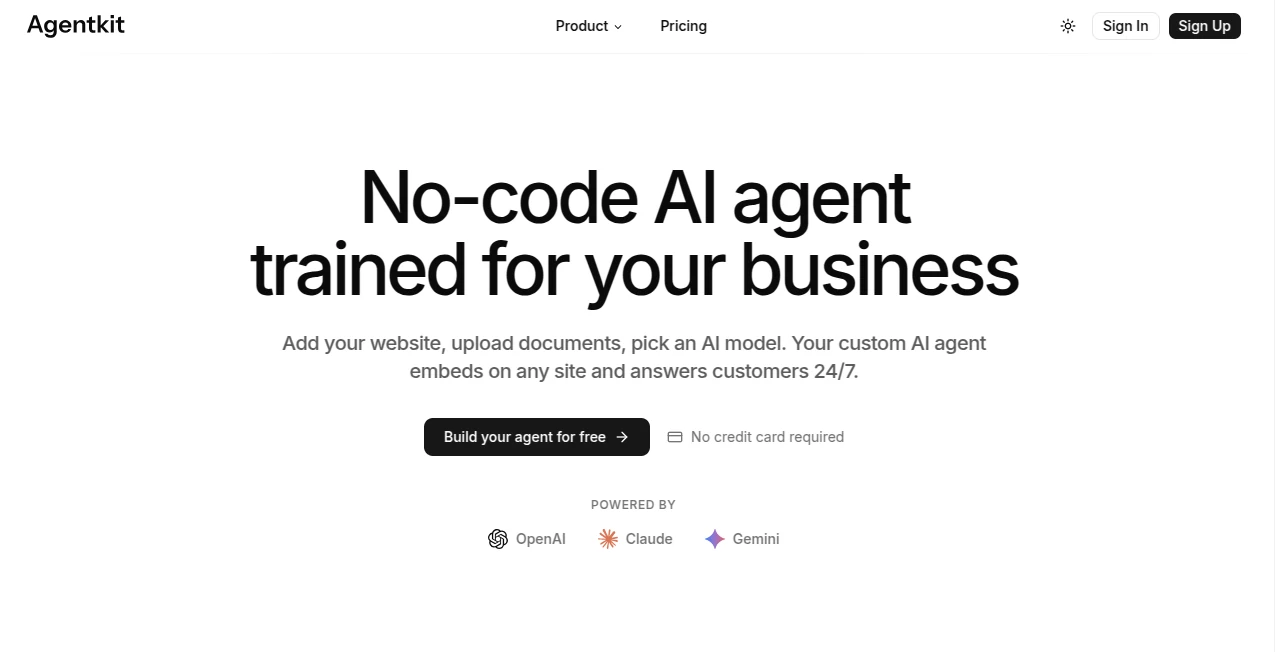
What is Agentkit?
There’s something exciting about watching an idea turn into an actual working AI agent that can handle tasks, make decisions, and interact with tools—without spending weeks wrestling with code and integrations. This platform makes that leap feel natural and surprisingly fast. You sketch out a workflow, connect a few blocks, test it live, and suddenly you have something useful that can run on its own. I’ve seen developers go from “I wish I could automate this” to having a functional agent in an afternoon, and the best part is it doesn’t feel like a toy—it feels production-ready from the start.
Introduction
Building AI agents used to mean gluing together a dozen different libraries, hoping the memory worked, praying the tool calls didn’t break, and then spending even more time on testing. AgentKit changes that story. It brings together everything you need—visual design, reliable orchestration, evaluation tools, and deployment options—into one cohesive experience. Whether you’re a solo builder prototyping a customer support helper or part of a team creating complex multi-agent systems, it removes the usual friction and lets you focus on what the agent should actually do. The visual canvas feels like drawing a flowchart, but every node actually works when you hit run. That combination of simplicity and real power is why more people are turning to it for serious projects.
Key Features
User Interface
The canvas is clean and intuitive. You drag in pre-built blocks for logic, tools, memory, or actions, connect them with simple lines, and see everything laid out like a proper workflow. Real-time previews and testing happen right there in the editor—no switching tabs or running separate scripts. It’s the kind of interface that feels welcoming to both technical and less-technical users. You can version your agents, branch different paths, and collaborate without the usual chaos of shared codebases.
Accuracy & Performance
Agents built here tend to stay on track better than many homegrown solutions because the orchestration layer is solid and the tool-calling is reliable. Responses feel consistent, memory persists properly across steps, and the built-in evaluation tools help you catch problems early. Performance scales nicely—even more complex flows run smoothly without constant babysitting. Developers often mention how much less debugging they do compared to piecing things together themselves.
Capabilities
You can build single-purpose agents or full multi-agent teams that hand off tasks intelligently. Connect to external tools and APIs, maintain long-term memory, add guardrails for safety, and embed chat interfaces directly into your apps. The visual builder speeds up prototyping while still giving you access to code-level control when needed. Evaluation features let you test against real scenarios, measure success rates, and improve over time. It supports everything from simple automation to sophisticated reasoning chains.
Security & Privacy
Enterprise teams especially appreciate the built-in guardrails, audit logs, and fine-grained control over what agents can access. Data stays within your environment where possible, and there are clear boundaries around tool usage. For companies moving agents into production, that balance of openness and control makes a big difference in confidence levels.
Use Cases
A support team builds an agent that reads customer tickets, checks order status, and suggests solutions—freeing humans for the complex cases. A content creator sets up a research agent that gathers sources, summarizes findings, and drafts outlines. Sales teams create qualification agents that ask smart questions and route leads. Developers use it to prototype internal tools that interact with company systems. The common thread is turning repetitive or knowledge-heavy work into something that runs reliably on its own.
Pros and Cons
Pros:
- Visual builder dramatically speeds up development and makes complex flows understandable.
- Strong orchestration and tool integration reduce common agent failures.
- Built-in evaluation and versioning help move from prototype to production faster.
- Works well for both simple helpers and sophisticated multi-agent systems.
- Great balance between no-code ease and deeper customization options.
Cons:
- Advanced enterprise features and heavy usage require paid plans.
- Some very specialized use cases may still need custom code alongside the visual tools.
Pricing Plans
It starts with a generous free tier that lets you build and test real agents without paying upfront—perfect for individuals and small experiments. Paid plans unlock higher usage limits, advanced features, priority support, and enterprise-grade security options. Pricing scales with actual usage and team needs, which feels fair for the time and headaches it saves.
How to Use AgentKit
Start a new project on the canvas, drag in your first agent or action block, describe what it should do, and connect it to the tools or data sources it needs. Test individual steps or the full flow right in the editor. Add memory, guardrails, or branching logic as complexity grows. Once it behaves as expected, deploy with a few clicks and embed the agent interface wherever your users are. Monitor performance, tweak based on real interactions, and iterate quickly. The loop from idea to working agent is refreshingly short.
Comparison with Similar Tools
Many agent frameworks require heavy coding and manual orchestration. Others are purely no-code but lack depth for production use. This one sits comfortably in the middle—visual enough for speed and clarity, robust enough for real-world reliability. The combination of canvas-based design, strong evaluation tools, and seamless deployment gives it an edge over fragmented solutions that force you to stitch everything together yourself.
Conclusion
AgentKit makes building useful AI agents feel less like a science project and more like actual product development. It respects your time, rewards clear thinking, and gives you tools that scale with your ambition. Whether you’re automating small daily tasks or creating sophisticated systems that handle complex workflows, it provides a solid foundation without unnecessary complexity. For anyone who wants agents that actually deliver instead of just demo well, this is a platform worth exploring.
Frequently Asked Questions (FAQ)
How technical do I need to be?
Not very—the visual builder lets non-engineers create functional agents, while developers can go deeper when needed.
Can I connect it to my existing tools and data?
Yes—strong integration capabilities with APIs, databases, and common services.
Is it suitable for production use?
Absolutely—many teams run customer-facing agents built on this platform.
What about testing and reliability?
Built-in evaluation tools and versioning make it much easier to test thoroughly before going live.