AI Logo Generator
What is AI Logo Generator?
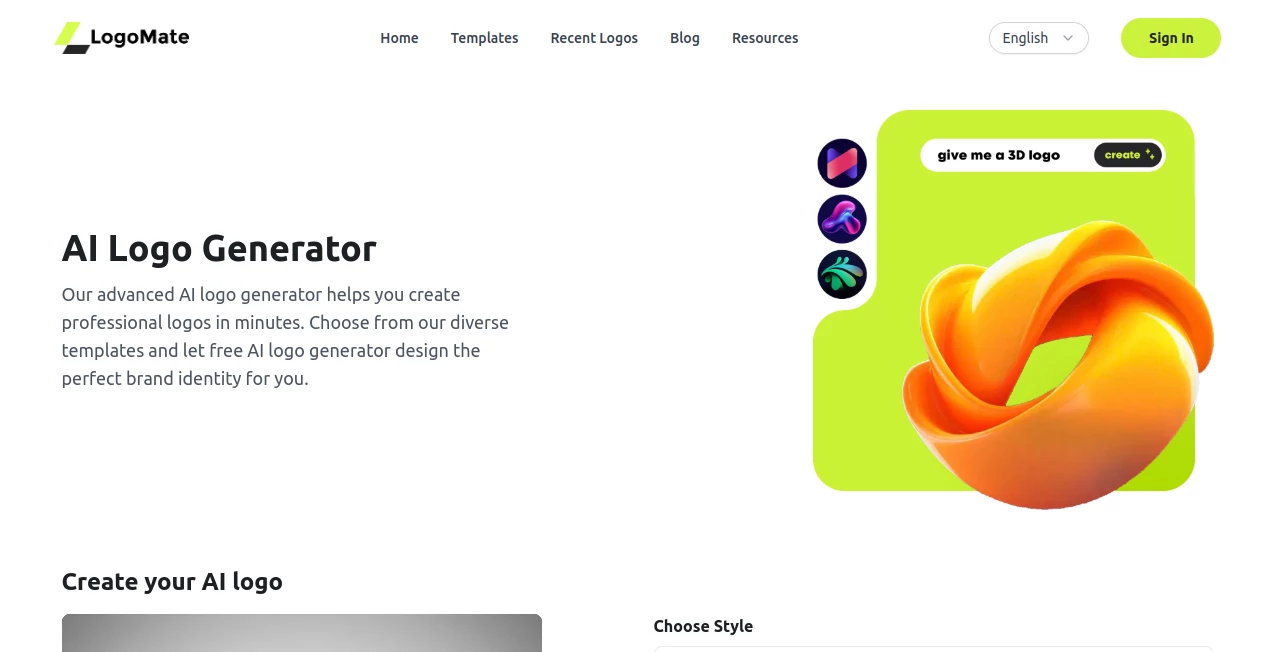
Building a memorable brand begins with a logo that instantly communicates personality and purpose. Designing one from scratch can be expensive, time-consuming, and often requires professional design experience. This platform changes that process completely by allowing anyone to create polished, business-ready logos with the help of artificial intelligence.
Whether you are launching a startup, opening an online store, creating a YouTube channel, or refreshing an existing brand, the platform delivers high-quality logo concepts within seconds. Simply describe your business, choose your preferred style, and the AI generates multiple creative options that can be customized until they perfectly match your vision. The result is a smooth design experience that combines speed, flexibility, and professional quality.
Key Features
User Interface
The interface is thoughtfully designed for users of all experience levels. Every step of the logo creation process is straightforward, from entering your brand details to selecting colors, fonts, and icons. Live previews make editing effortless, allowing users to experiment with different design directions without feeling overwhelmed.
Accuracy & Performance
The AI interprets brand names, keywords, and design preferences to generate logos that closely reflect the intended identity. Results appear quickly, making it possible to compare several creative concepts in just a few minutes. High-resolution exports ensure the finished designs are suitable for websites, social media, printed materials, and merchandise. The platform also supports extensive customization, giving users control over colors, typography, icons, and layouts. :contentReference[oaicite:0]{index=0}
Capabilities
- Create professional logos from simple text prompts.
- Generate multiple design styles for different industries.
- Customize fonts, colors, layouts, and icons.
- Produce high-resolution files for digital and print.
- Create branding assets for startups, creators, agencies, and small businesses.
- Design logos suitable for websites, packaging, presentations, and marketing materials.
Security & Privacy
User privacy receives considerable attention. Design inputs are processed securely, while payment information is handled by trusted payment providers. According to the published privacy policy, design data is transmitted only for logo generation, and user inputs are not retained by third-party AI providers for model training. Encryption and modern security practices help protect user information throughout the design process. :contentReference[oaicite:1]{index=1}
Use Cases
- Creating a professional logo for a new startup.
- Refreshing an outdated company identity.
- Designing branding for freelancers and consultants.
- Producing logos for YouTube channels and podcasts.
- Developing visual identities for online stores.
- Creating event, gaming, or community logos.
- Building personal brands for creators and influencers.
Pros and Cons
Pros
- Very fast logo generation process.
- Beginner-friendly interface.
- Professional-quality visual results.
- Extensive customization options.
- High-resolution downloads suitable for print.
- Affordable pricing compared to hiring a designer.
Cons
- Premium downloads require a paid plan.
- Trademark availability should always be verified independently.
- Some advanced branding assets may require additional purchases.
Pricing Plans
The platform offers free logo generation for users who want to explore concepts before making a purchase. Premium downloads and additional features are available through affordable paid plans, with pricing starting at approximately $5, making it an accessible solution for entrepreneurs, creators, and small businesses. :contentReference[oaicite:2]{index=2}
How to Use AI Logo Generator
- Enter your business or brand name.
- Add keywords that describe your brand identity.
- Select your preferred style, colors, or industry.
- Allow the AI to generate multiple logo concepts.
- Customize fonts, icons, layouts, and colors.
- Preview the final design.
- Download the logo in high resolution for commercial use.
Comparison with Similar Tools
Compared with traditional logo makers, this platform provides a faster workflow while offering meaningful customization instead of relying on fixed templates alone. The AI interprets user descriptions to generate unique concepts rather than requiring manual assembly from predefined elements.
Compared with many competing AI logo generators, the experience feels lightweight and efficient. It is particularly well suited for entrepreneurs, freelancers, and small businesses looking for a professional logo without investing days in the design process or paying high agency fees. Its balance of speed, customization, and affordability makes it an attractive branding solution. :contentReference[oaicite:3]{index=3}
Conclusion
A strong logo is often the first impression customers have of a business, and creating one no longer needs to be complicated. This AI-powered platform makes professional branding accessible to everyone, regardless of design experience. The combination of intelligent logo generation, flexible editing tools, fast performance, and high-quality exports delivers an impressive experience for individuals and businesses alike.
For anyone seeking an efficient way to build a memorable visual identity while maintaining creative control, this platform offers an excellent balance between automation and customization. It significantly reduces the time needed to move from an idea to a polished, ready-to-use brand logo.
Frequently Asked Questions (FAQ)
Can beginners use this platform?
Yes. The interface is designed for users without graphic design experience, making logo creation simple and intuitive.
Can I customize the generated logos?
Yes. Colors, fonts, layouts, and icons can all be adjusted to better match your brand identity.
Are the logos suitable for commercial use?
Commercial usage rights are available after purchasing the appropriate download or paid plan. Users should still perform independent trademark verification before official registration. :contentReference[oaicite:4]{index=4}
Can I use the logo for print?
Yes. High-resolution exports are suitable for business cards, packaging, banners, apparel, and other printed materials.
Who is this platform best suited for?
It is an excellent choice for startups, entrepreneurs, freelancers, agencies, content creators, online stores, and anyone who needs a professional logo quickly.
AI Logo Generator , AI Design Assistant , AI Design Generator , AI Graphic Design .
These classifications represent its core capabilities and areas of application. For related tools, explore the linked categories above.
AI Logo Generator details
Website unavailable — View Alternatives
Pricing
- Free
Apps
- Web App
Categories

AI Logo Generator Alternatives Product
Kynelio

FitHairAI

Seedream 5.0
Apprentice

SparkIconAI
YoFont
AI Tattoo Ge…

Banana Promp…
image2ai.art