
AiMovieFinder
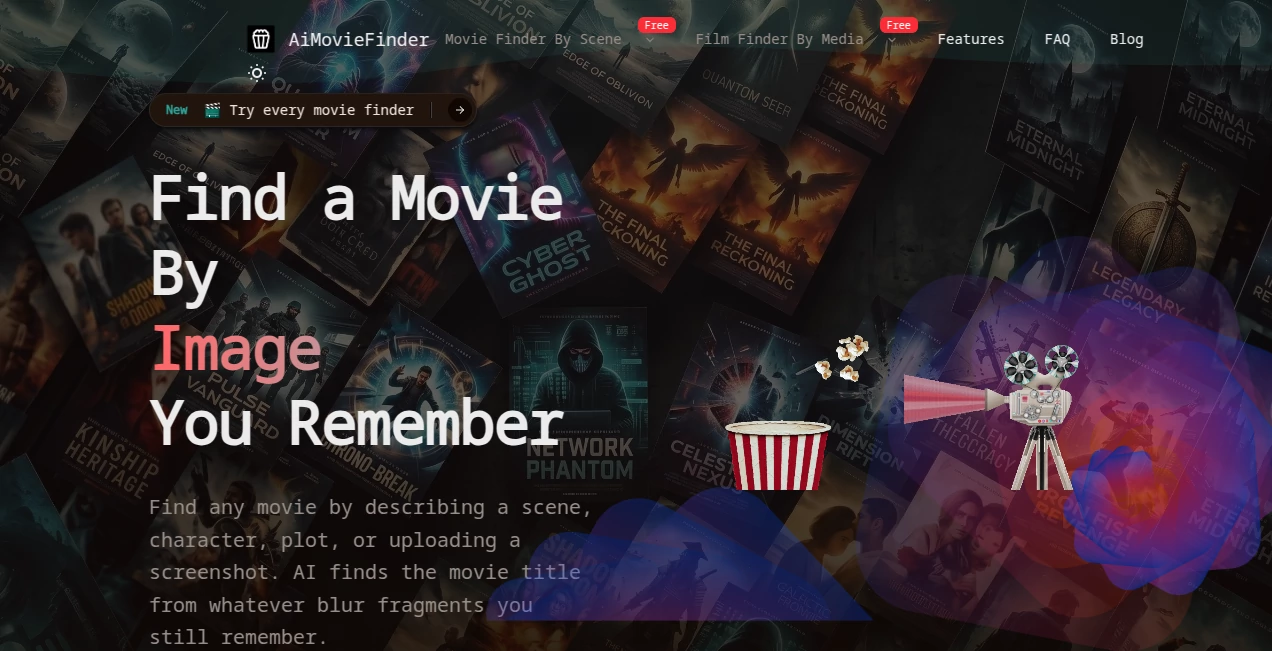
What is AiMovieFinder?
AI Movie Finder is designed for one of those surprisingly frustrating moments: you can remember the scene, the actor, a line of dialogue, or even the way a movie looked, but the title has completely disappeared from your mind. Instead of trying dozens of vague Google searches, this tool lets you search using the clues you actually remember.
You can describe a scene or plot, upload a screenshot, search using an actor or director, enter a quote or line, or even use a song as your starting point. The system then returns five likely movie matches ranked by confidence. Each result includes useful movie information such as the poster, release year, rating, overview, and links for verification.
That approach makes the experience particularly useful for people whose memories are incomplete. You do not need to know the exact title or remember the wording perfectly. A rough description can be enough to begin the search.
Key Features
- Search for movies using descriptions, scenes, plots, quotes, lines, songs, images, screenshots, actors, directors, and cast clues.
- Upload a movie frame or picture and use visual evidence as the main search clue.
- Receive five ranked candidate films instead of relying on a single potentially incorrect guess.
- View movie posters, overviews, release years, ratings, and other canonical metadata.
- Verify results through direct IMDb links.
- Use additional context such as an approximate decade, genre, actor, location, or other memorable detail.
- Switch between different search methods when the first clue does not produce the right movie.
User Interface
The interface is straightforward and focused on getting the search started quickly. The main search area allows users to provide a primary clue and optionally add supporting information. For image-based searches, a screenshot or movie picture can be uploaded directly, with PNG and JPG supported on the main finder.
The different discovery methods are also clearly separated. Someone who remembers an actor can use the actor search, while someone who remembers a distinctive scene can choose a description or scene-based search. This is a practical design choice because movie memories are rarely identical from one person to another.
Accuracy & Performance
Movie identification from vague memories is inherently difficult because several films can share similar plots, characters, settings, or visual styles. Rather than presenting one answer as certain, the system provides five candidates ordered by model confidence. This makes the result easier to evaluate.
The verification layer is another useful part of the process. Movie metadata is resolved using established movie databases, with TMDb used first and OMDb as a fallback, while IMDb links provide another way to confirm the result. This separation between AI matching and movie metadata helps make the final shortlist more useful than an unsupported guess.
For image searches, the quality of the uploaded frame can make a noticeable difference. A clear image containing a distinctive character, costume, prop, setting, or piece of production design gives the system stronger visual evidence to work with.
Capabilities
The biggest strength is the variety of ways users can approach the same problem. If you remember a quote, search for the quote. If you remember the music, search by song. If you have a screenshot, use the image finder. If you only remember a strange sequence of events, describe the plot or scene.
The description-based approach is particularly convenient. A user could describe a rainy science-fiction setting, a detective investigating a mysterious disappearance, or a family hiding from danger without knowing a single character name. Additional clues can then narrow the search further.
The visual search options are equally useful for screenshots and saved pictures. The system can work with frames, poster crops, photographs of a screen, and other movie-related images. Users can also try different search paths when their first attempt is unsuccessful.
Security & Privacy
The site states that an uploaded file is used to generate the movie search. For image searches, users should therefore upload material that they are comfortable submitting for this purpose and avoid including unrelated private information in screenshots.
As with any service that processes uploaded images or search information, reviewing the site's privacy policy before submitting sensitive material is a sensible precaution. For ordinary movie screenshots, posters, and public movie-related images, the service is designed around the specific task of identifying films.
Use Cases
Remembering an old movie: You may remember the story or one unusual scene but have completely forgotten the title. A natural-language description gives you a practical starting point.
Identifying a movie from a screenshot: If you saved a frame from a video, social media post, or television broadcast, uploading the image can help narrow down the film.
Finding a movie from a quote: A memorable line can sometimes be more useful than a title fragment. The quote and line search options are built for this type of memory.
Searching by actors: When the faces are familiar but the film is not, actor, cast, or co-star clues can provide another route to the answer.
Tracking down a movie from its soundtrack: Remembering a song or soundtrack cue can be enough to begin the identification process.
Checking a movie seen years ago: Even approximate details such as the decade, setting, genre, or plot can be added as supporting clues to make the search more specific.
Pros and Cons
Pros
- Supports many different ways of remembering a movie.
- Useful when the exact title is completely unknown.
- Provides five candidate movies for comparison.
- Combines AI matching with movie metadata from established sources.
- Includes IMDb links for independent verification.
- Image-based searching is useful for screenshots, stills, and posters.
- Additional context can be used to improve a vague search.
Cons
- Very vague clues can still produce ambiguous results.
- Image searches depend on the quality and distinctiveness of the uploaded picture.
- The first-ranked result is not guaranteed to be the correct movie.
- Users may need to try another search method when the original clue is too broad.
Pricing Plans
No paid pricing plan or subscription structure is prominently presented on the main site information available for the service. The core movie-finding experience is presented as a direct search utility, with users able to submit clues and review candidate matches.
Because pricing and access policies can change, users who require information about future paid features or usage limits should check the service's current terms before relying on a particular pricing assumption.
How to Use AI Movie Finder
Start by choosing the type of clue you have. If you remember the story, use a description or plot search. If you have a screenshot, choose an image or picture-based search. For a memorable line, use the quote or line option. Actor and director searches are useful when the people involved are easier to remember than the movie itself.
Next, provide your strongest clue. Do not worry about making the description sound perfect. Explain the scene in ordinary language, just as you would describe it to a friend.
If you know anything else, add it as supporting context. An approximate release decade, actor, country, genre, location, or distinctive object can help separate similar films.
After submitting the search, review the five ranked candidates. Compare their posters, release years, ratings, summaries, and other metadata. When a result looks promising, follow the verification link to confirm that it is the movie you had in mind.
If none of the candidates looks right, do not assume the search has failed. Try a more distinctive clue or switch to another search method. A screenshot may work better than a plot description, while an actor or quote may work better than an image.
Comparison with Similar Tools
Traditional movie databases are excellent when you already know part of the title, actor, director, genre, or release information. Their limitation is that they generally expect the user to know what they are searching for.
This approach is different because it starts with incomplete memory. Instead of forcing the user to reconstruct an exact title, it accepts several forms of evidence and turns them into a shortlist of possible films.
General web search can also work for distinctive quotes or plot descriptions, but vague movie memories often produce unrelated pages and forum discussions. A dedicated movie identification workflow has the advantage of keeping the search centered on films and presenting comparable candidates together.
The five-result model is also a practical distinction. When a memory is uncertain, showing several plausible matches is more honest and useful than confidently presenting one answer that may be wrong.
Conclusion
For anyone who has ever thought, “What was that movie?” and had only a handful of disconnected clues to work with, this is a genuinely useful type of search tool. It does not require perfect recall. A scene, screenshot, quote, actor, director, song, or rough plot can become the starting point.
The combination of multiple search methods, ranked candidates, recognizable movie metadata, and verification links makes the experience especially practical. Instead of spending an evening trying increasingly strange combinations of keywords, users can turn their imperfect memory into a focused list of films worth checking.
Frequently Asked Questions (FAQ)
Can I find a movie if I do not remember its title?
Yes. The service is specifically designed for situations where the title is unknown. You can start with a scene, plot, character, quote, song, image, actor, director, or another clue.
Can I search for a movie using a screenshot?
Yes. You can upload a screenshot, movie still, poster crop, or another useful picture. Clear images containing distinctive visual information generally provide better evidence.
How many movie results are returned?
The finder presents five candidate movies ranked by model confidence. This gives you several options to compare instead of relying on a single prediction.
Can I search using a movie quote?
Yes. The available search methods include dedicated options for quotes and lines of dialogue, making them useful when a memorable sentence is the strongest clue you have.
What should I do if the first result is wrong?
Check the other candidates first. If none is correct, add a more specific clue or try another search method. An approximate decade, actor, location, genre, or distinctive plot detail can help narrow the possibilities.
Can I search by actor or director?
Yes. Actor, cast, director, and related people-based clues are supported as alternative ways to identify a film.
Can I identify a movie from its music?
Yes. The movie-finding tools include a song-based search option for users who remember a song title, lyric, or soundtrack cue connected with the film.
Are the movie results verified?
The service provides canonical movie metadata and direct IMDb links so users can independently check the suggested title, cast, plot, and other details.
Do I need to describe the movie perfectly?
No. The service is built around incomplete memories. Start with the strongest detail you remember and add supporting information when possible. If the first search is not successful, try another clue or search method.
What kind of image works best?
A clear frame containing a recognizable face, costume, prop, location, poster element, or distinctive visual composition is usually more useful than a heavily cropped or obstructed image.
AI Image Recognition , AI Search Engine .
These classifications represent its core capabilities and areas of application. For related tools, explore the linked categories above.

AiMovieFinder Alternatives Product

HostFinder

Where Is Thi…

Photo Locati…

Face Symmetr…

Sparqo AI

Reverse Vide…

Denoisr

AI Image Enh…

obbylist