

















What is Ai Pixel Boost?
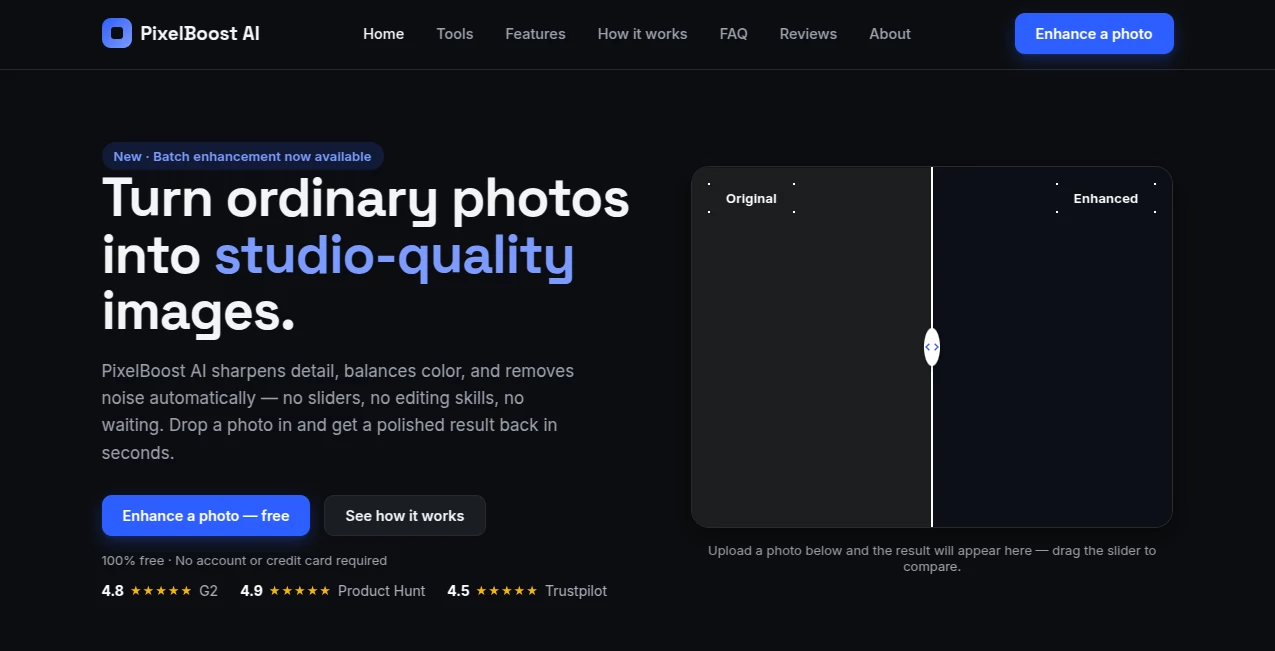
PixelBoost AI is a free photo enhancement tool designed for people who want better-looking images without spending time learning complicated editing software. Its approach is refreshingly simple: upload a photo, let the automatic enhancement process handle the adjustments, and download the finished result.
The service focuses on practical improvements rather than heavy-handed effects. It can sharpen soft details, reduce noise and compression artifacts, and improve color balance and contrast. It is also particularly useful for faded photographs, scanned prints, old family pictures, and images that have lost quality over the years.
There is no account or credit card requirement, and images can be uploaded in PNG, JPG, or WebP format up to 24MB. For someone who simply wants to clean up a photo quickly, that makes the experience easy to try.
Key Features
- Automatic photo enhancement without manual sliders or complicated presets.
- Sharpness and clarity improvements for softer images.
- Noise and compression artifact reduction while preserving edges and texture.
- Color and white-balance correction for more natural-looking results.
- Photo restoration features aimed at faded and older images.
- Colorization support for suitable black-and-white or faded photographs.
- Before-and-after comparison with an interactive slider.
- Batch enhancement is available for users working with multiple photos.
- Additional browser-based tools for background removal, image-to-text conversion, cropping, and resizing.
- PNG, JPG, and WebP upload support with files up to 24MB.
User Interface
The interface keeps the main task front and center. Instead of presenting a wall of editing controls, it asks users to upload a photo and handles the enhancement automatically. This is a good fit for beginners, occasional users, and anyone who would rather spend a few seconds improving an image than several minutes adjusting individual settings.
The before-and-after comparison is especially useful because it lets you inspect the changes before downloading the result. For a product photo, family snapshot, or scanned print, being able to compare the original and enhanced versions makes it easier to decide whether the improvement is worth keeping.
Accuracy & Performance
The enhancement process uses three main passes: sharpening and clarity improvement, noise and artifact removal, and color and balance correction. The goal is to recover useful visual detail without making photographs look excessively processed.
Results naturally depend on the original image. Mild to moderate blur can respond well to sharpening, while a severely out-of-focus photograph cannot be expected to regain detail that was never captured. The same principle applies to restoration: an old or faded photograph can often be improved considerably, but missing information cannot always be reconstructed perfectly.
The workflow is designed for quick results, with the website presenting the enhanced image within seconds in typical use.
Capabilities
The main strength is its automatic enhancement pipeline. It can address several common photo problems in one pass rather than requiring separate adjustments for sharpness, noise, contrast, and color.
It also goes beyond ordinary enhancement. Users can work with old prints, scanned family photographs, faded wedding albums, and other archival images. The collection of supporting tools adds practical value as well, especially when a photo needs to be cropped, resized, converted into readable text, or separated from its background.
Security & Privacy
The service provides dedicated privacy and terms pages, giving users a place to review how the platform handles its service and data. Since photographs can contain personal or sensitive information, users should still consider the nature of an image before uploading it to any online processing service.
For routine photographs, the straightforward browser-based workflow makes the service convenient. For highly confidential material, it is sensible to review the current privacy policy before processing the files.
Use Cases
Old family photographs: Faded prints and scanned pictures can benefit from sharper detail, improved contrast, and more natural color.
Online sellers: Product photos often need cleaner details and better color before being used on an online store or marketplace. A quick enhancement can make an otherwise ordinary image more presentable.
Photographers: It can serve as a quick first-pass enhancement tool when a large number of images need basic cleanup.
Social media creators: Images that look slightly dull, noisy, or soft can be polished before being published without opening a full editing application.
Family archivists: People digitizing boxes of old photographs can use the restoration and enhancement workflow to give aging prints a cleaner digital appearance.
Everyday photo cleanup: A picture affected by compression, camera noise, or minor softness can be improved without requiring professional editing knowledge.
Pros and Cons
- Pros: Free to use, no account required, simple workflow, automatic enhancement, before-and-after comparison, support for common image formats, useful restoration features, and several additional photo utilities.
- Pros: The absence of complicated controls makes it approachable for users who are not familiar with photo-editing software.
- Cons: The automatic approach provides less manual control than professional image-editing applications.
- Cons: Extremely blurry or severely damaged images may still have limitations because enhancement cannot reliably recreate every missing detail.
- Cons: Users working with sensitive photographs should review the privacy information before uploading them.
Pricing Plans
The service is currently presented as completely free, with no account or credit card required. The main enhancement workflow is available without a paid subscription, which makes it particularly appealing for users who only need occasional photo improvements.
There is also a broader collection of free image utilities, including background removal, image-to-text conversion, cropping, and resizing. For someone who wants a simple browser-based photo toolkit rather than a subscription-heavy editing platform, this pricing model is a strong advantage.
How to Use It
- Open the photo enhancement page.
- Upload a PNG, JPG, or WebP image up to 24MB, or drop the file into the upload area.
- Let the automatic enhancement process analyze and improve the photograph.
- Compare the original and enhanced versions using the before-and-after slider.
- If the result meets your expectations, download the enhanced image.
No editing experience is required, and there are no complicated settings to configure before starting.
Comparison with Similar Tools
Many photo enhancement platforms concentrate on one specific function, such as upscaling or sharpening, and may introduce multiple controls, usage limits, or subscription tiers. This service takes a simpler route by combining several everyday corrections into one automatic process.
That makes it particularly suitable for users who value convenience over fine-grained editing control. Someone working professionally with RAW files and detailed color grading will still benefit from dedicated desktop software, but for quick web-based improvements, the simpler workflow can be a real advantage.
The inclusion of restoration-oriented features and supporting tools also gives it a broader practical range than a basic one-purpose sharpener. If the goal is to take an imperfect everyday photograph and make it look cleaner with minimal effort, the streamlined approach is compelling.
Conclusion
PixelBoost AI stands out by keeping photo enhancement straightforward. Instead of asking users to understand sharpening levels, noise reduction settings, or color controls, it handles the core corrections automatically and provides a visual comparison of the result.
Its combination of enhancement, restoration, color improvement, and supporting image tools makes it useful for a wide range of situations, from cleaning up product photography to bringing more life back into an old family print. The fact that the service is free and does not require an account makes experimenting with different images even easier.
It is not a replacement for a professional photo editor when detailed creative control is required. For quick, accessible photo cleanup and restoration, however, it offers a practical solution that gets out of the way and lets the image remain the focus.
Frequently Asked Questions (FAQ)
Is the photo enhancement tool free?
Yes. The website presents the enhancement service as completely free and states that no account or credit card is required.
Which image formats are supported?
PNG, JPG, and WebP images are supported, with an upload limit of 24MB.
Can it improve old photographs?
Yes. The service is designed to help with faded photographs, scanned prints, old wedding albums, and other aging images by improving detail, reducing visual artifacts, and correcting color.
Can it fix a blurry photograph?
It can improve mild to moderate blur through sharpening, but heavily out-of-focus photographs have inherent limitations because severely missing detail cannot always be recovered.
Does it work with black-and-white photographs?
Yes. The site specifically describes colorization and restoration capabilities for faded or black-and-white originals.
Can I compare the original and enhanced photo?
Yes. An interactive before-and-after slider is provided so users can inspect the changes before downloading the result.
Are there other image tools available?
Yes. The website also provides tools for removing backgrounds, extracting text from images, cropping photos, and resizing images.
Do I need photo-editing experience?
No. The main enhancement process is automatic, so users do not need to learn editing controls or adjust individual settings.
Can it process multiple photos?
Yes. Batch enhancement is listed as an available feature, making the service more practical when several photographs need basic improvement.