

















UnblurImage AI
What is UnblurImage AI?
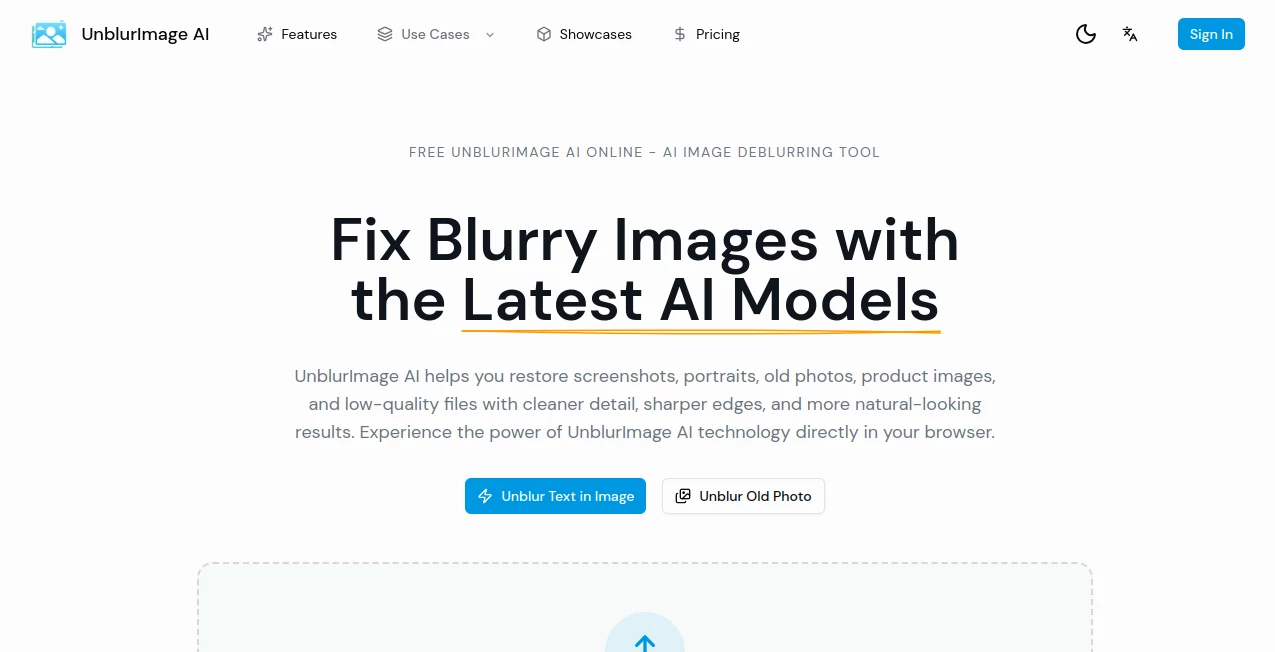
Blurry images can be frustrating, especially when the original file is no longer available. A soft family photo, unreadable screenshot, low-quality product image, or compressed web graphic may contain useful information that is simply difficult to see. UnblurImage AI is built to address these situations with AI-powered image restoration directly in the browser.
The service takes a use-case-driven approach rather than treating every blurry image exactly the same way. Users can work with screenshots, portraits, old photos, product images, pixelated files, low-resolution visuals, and other common image problems. This makes it particularly useful for people who want a clearer result without opening a complicated photo editor.
The browser-based workflow supports JPG, PNG, and WebP files, with the main upload interface accepting images up to 20MB. Users can also choose between Light, Medium, and Strong enhancement levels when starting with the general restoration workflow.
Key Features
- AI-powered image deblurring and restoration
- Support for JPG, PNG, and WebP images
- Browser-based upload and restoration workflow
- Light, Medium, and Strong enhancement levels
- Specialized workflows for different types of blurry images
- Text-aware and face-aware recovery approaches
- Support for screenshots, portraits, old photos, and product images
- Low-resolution and pixelated image recovery
- Before-and-after previews for evaluating improvements
- Upscale-friendly results for images that need additional resolution
User Interface
The interface keeps the starting point simple. Instead of asking users to learn a collection of complicated editing controls, it begins with an upload area where an image can be dragged and dropped or selected from the device.
One of the more useful ideas is the emphasis on choosing the image problem first. Someone repairing an old family photograph has different requirements from a person trying to make a blurry screenshot readable. The dedicated workflows help users move toward the appropriate restoration path instead of experimenting blindly with generic sharpening controls.
Accuracy & Performance
Image restoration is not simply a matter of making every edge sharper. Excessive sharpening can introduce halos, artificial textures, and distracting artifacts. The service therefore focuses on detail recovery, edge cleanup, texture handling, and more natural-looking output.
Its specialized routes are especially practical for different source types. Text-heavy images need readability, portraits need attention to facial detail, and product photographs need clean edges and presentation-ready results. Low-resolution files may also benefit from a combination of deblurring and resolution recovery.
Results will naturally depend on the original image. A severely damaged or extremely small file cannot always be reconstructed perfectly, so users should judge the restored version against the original rather than expecting missing information to be recovered with complete accuracy.
Capabilities
The platform covers a surprisingly broad range of restoration scenarios. Dedicated workflows are available for blurry text, screenshots, old photos, faces, product photographs, pixelated images, anime artwork, compressed images, low-resolution files, printing, and website graphics.
This makes it useful beyond personal photography. An online seller could clean up an older product image before reusing it, while a marketing team might improve a compressed visual for a campaign. Someone sorting through an old photo archive could use a different restoration route for faded family photographs.
The service also considers the fact that many blurry images are simultaneously low-resolution. Its upscale-friendly approach is intended to make improved images more practical for websites, presentations, social media, and selected print applications.
Security & Privacy
Because image restoration can involve personal photographs, screenshots, and business assets, privacy is an important consideration when using any online image service. The website provides dedicated Privacy Policy and Terms of Service pages, allowing users to review the service's policies before uploading sensitive material.
For particularly private images, users should always review the current privacy terms and avoid uploading material that they are not comfortable processing through an online service.
Use Cases
Old family photos: Older photographs can lose clarity through age, scanning, repeated copying, or physical damage. A dedicated old-photo workflow provides a convenient starting point for restoration.
Blurry screenshots: Screenshots containing menus, interface elements, or small text can become difficult to read after compression or resizing. Specialized screenshot restoration is useful when readability matters more than decorative sharpness.
Product photography: E-commerce sellers often need to reuse existing product images across listings, catalogs, advertisements, and websites. Cleaning up soft edges and visual details can make an older source more practical.
Low-resolution images: Small images can become noticeably soft when enlarged. The low-resolution recovery workflow combines enhancement with upscale-aware processing rather than simply stretching the original pixels.
Website and marketing graphics: Downloaded, compressed, or older web assets may look fine at small sizes but fall apart when reused in larger layouts. Image cleanup can help make these assets more presentable.
Pros and Cons
Pros:
- Simple browser-based workflow
- Specialized restoration paths for different image problems
- Supports common JPG, PNG, and WebP formats
- Useful for personal, e-commerce, marketing, and archival images
- Includes before-and-after comparison functionality
- Offers plans with batch processing and API access for higher-volume users
Cons:
- Extremely damaged images may still have limited recoverable detail
- Different image problems may require choosing a more specific workflow
- Higher-volume features are reserved for paid plans
- Users working with highly sensitive images should review the privacy terms before uploading
Pricing Plans
The pricing structure is designed around the amount of restoration work a user needs. The Basic plan is listed at $12 per month, or $9 per month when billed annually, and includes 50 image restorations, the AI deblurring engine, a before-and-after comparison slider, JPG and PNG downloads, files up to 10MB, and standard processing.
The Pro plan costs $39 per month, or $29 per month with annual billing. It increases the allowance to 300 restorations and adds priority AI processing, batch uploads, support for images up to 20MB, higher output resolution, and email support.
For teams, agencies, and high-volume users, the Business plan is listed at $99 per month, or $79 per month when billed annually. It includes unlimited image restorations, API access, a bulk processing queue, a dedicated processing lane, priority email and chat support, and custom output settings.
The annual option is advertised as saving 20%, making it more attractive for users who expect to use the service regularly throughout the year.
How to Use UnblurImage AI
- Start by identifying the type of image you want to improve, such as a screenshot, portrait, old photograph, product image, or low-resolution file.
- Open the workflow that most closely matches the problem with the image.
- Upload the original file. JPG, PNG, and WebP are supported on the main upload interface.
- Use the available enhancement options or the restoration mode suited to the image.
- Review the result and compare it with the original image to check whether important details have improved.
- Download or continue with the appropriate workflow if the image requires another type of enhancement.
Comparison with Similar Tools
Many image editors offer sharpening filters, resizing controls, and manual adjustments. Those tools can be useful when someone wants precise creative control, but they may require more time and experience. This service takes a different approach by focusing specifically on blurry and degraded images.
The strongest distinction is its collection of scenario-specific workflows. Rather than relying entirely on one generic enhancement process, users can choose a route based on whether they are dealing with text, a screenshot, a portrait, an old photograph, a product image, or a low-resolution file.
That makes it a particularly convenient option for users whose main goal is straightforward restoration rather than comprehensive photo editing.
Conclusion
For anyone who regularly encounters blurry, pixelated, compressed, or low-resolution images, this service offers a focused alternative to traditional photo editors. Its biggest strength is not simply the promise of sharper images; it is the effort to match restoration methods to the actual problem a user is trying to solve.
From rescuing an old family photograph to cleaning up an e-commerce product image or making a blurry screenshot easier to read, the range of dedicated workflows gives the platform plenty of practical applications. The straightforward browser interface also means users can get started without learning a full professional editing suite.
For occasional personal restoration, the entry-level plan provides a reasonable starting point, while batch processing, API access, and unlimited restorations make the higher tiers more relevant to businesses and teams with larger image workloads.
Frequently Asked Questions (FAQ)
What types of images can be improved?
The service is designed for screenshots, portraits, old photographs, product images, pixelated files, compressed images, low-resolution visuals, and several other common blur-related problems.
What file formats are supported?
The main upload workflow supports JPG, PNG, and WebP images.
Can it improve blurry text in an image?
Yes. There is a dedicated workflow for blurry text, screenshots, scans, captions, and other text-heavy images where readability is the primary goal.
Can it restore old photographs?
Yes. A dedicated old-photo restoration workflow is available for older family photographs, faded prints, and vintage portraits.
Can it improve product photos?
Yes. Product and catalog images are among the supported use cases, making the service suitable for e-commerce sellers and businesses reusing older visual assets.
Is it useful for low-resolution images?
Yes. The low-resolution workflow combines deblurring, edge cleanup, and detail reconstruction with an upscale-aware approach.
Does it require professional photo-editing skills?
No. The service is designed around a browser-based upload and guided workflow, so users can start without learning a complex editing application.
Is there a free option?
The website promotes free online image-unblurring tools and previews, while its paid plans provide defined restoration allowances and additional processing features.