


















AnyDoc
What is AnyDoc?
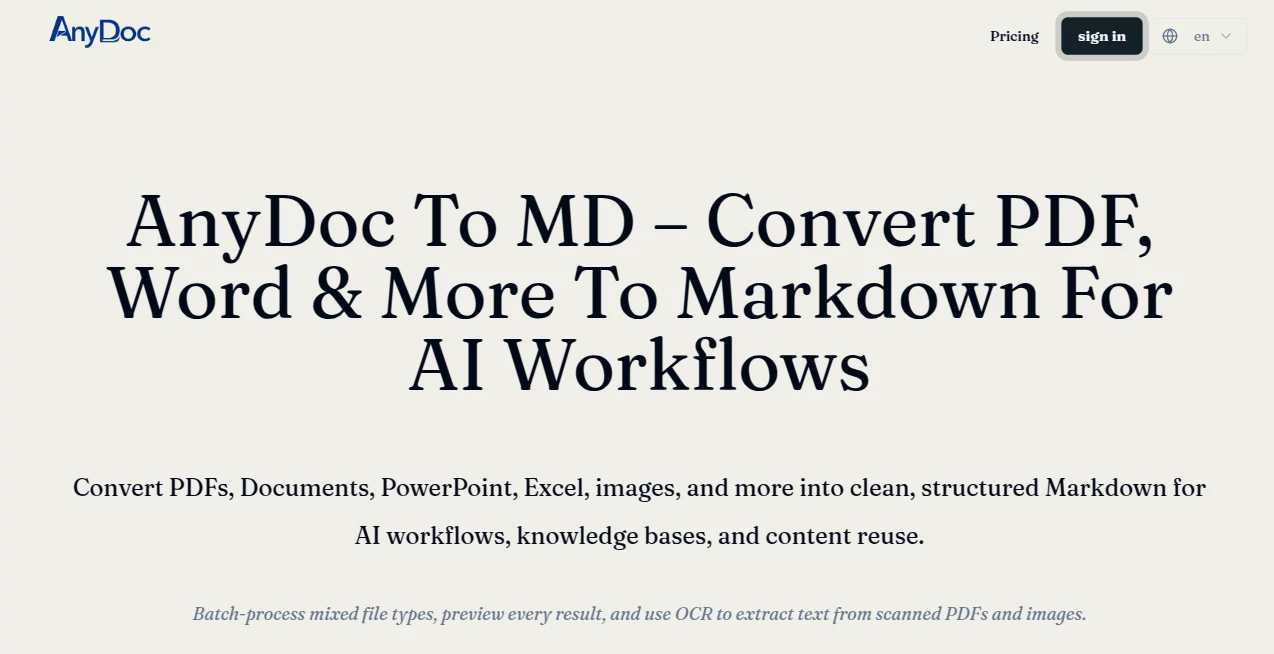
AnyDoc Online is a practical document conversion tool designed for people who need to turn different types of files into clean, structured Markdown. Instead of manually copying information from Word documents, presentations, spreadsheets, PDFs, images, and other sources, users can bring their files into one browser-based workflow and prepare the content for AI systems, knowledge bases, search, publishing, or further editing.
What makes the approach particularly useful is its focus on structure rather than simply extracting plain text. Headings, paragraphs, lists, links, code, and supported tables can be represented in Markdown, making the resulting content much easier to reuse. The service also supports OCR for scanned PDF pages and images, which is helpful when the original file does not contain selectable text.
For someone working with a large collection of mixed documents, this can remove a surprisingly tedious part of the workflow. A report, spreadsheet, slide deck, scanned document, and image no longer need completely different conversion processes.
Key Features
- Convert DOCX, PPTX, XLSX, XLS, PDF, HTML, CSV, JSON, XML, IPYNB, EPUB, ZIP, PNG, JPG, JPEG, and WEBP files into Markdown.
- Process multiple supported files in the same queue.
- Convert supported tables and spreadsheet data into readable Markdown tables.
- Extract text from common image formats.
- Use OCR for scanned or image-based PDF pages.
- Preview converted Markdown before downloading it.
- Download individual Markdown files or package completed results into a ZIP archive.
- Accept files from a device as well as public file URLs.
User Interface
The interface is deliberately straightforward. Users can drag and drop files or select them from their device, and there is also an option to provide a public file URL. After adding the source material, the conversion workflow is easy to follow without requiring complicated settings.
The preview is an important part of the experience. Rather than blindly downloading the output and discovering formatting problems later, users can inspect the generated Markdown first. This is especially useful when working with documents containing tables, headings, or content extracted through OCR.
Accuracy & Performance
Document conversion is rarely as simple as extracting every visible word. Different formats store structure in very different ways, and tables or scanned pages can introduce additional challenges. The service uses format-aware conversion and attempts to retain useful elements such as headings, lists, links, emphasis, code, and tables when the source provides enough structural information.
Performance will naturally depend on the size and complexity of the files as well as the user's device and browser. Because device-selected files are processed locally in the browser, the available computing power of the user's system can also influence the conversion experience.
Capabilities
The broad format support is one of the strongest aspects of the service. It can handle documents, presentations, spreadsheets, web and data files, notebooks, ebooks, PDFs, archives, and images through a common Markdown workflow.
This makes it particularly useful for AI-related content preparation. Markdown is a convenient text-based format for indexing, chunking, retrieval, documentation, and supplying context to AI assistants or RAG pipelines. A team building a knowledge base, for example, can convert a collection of source documents into a more consistent format before processing them further.
Batch conversion is another useful capability. Several supported files can be queued and processed while their results remain associated with their original filenames. For recurring documentation or migration projects, that can save considerable manual work.
Security & Privacy
Privacy is a notable part of the workflow. Files selected from a user's device are processed entirely in the browser rather than being uploaded to the service. This approach can be valuable when converting internal reports, private notes, business documents, or other material that users would prefer to keep on their own machine.
Users should still review the privacy requirements of their particular workflow, especially when working with confidential information, but local browser processing provides an important layer of control for device-based conversions.
Use Cases
There are several situations where this type of converter can be genuinely useful.
- AI and RAG preparation: Convert source documents into structured Markdown before indexing them or supplying them as context to an AI system.
- Knowledge base migration: Turn mixed collections of reports, documents, spreadsheets, and PDFs into a more consistent text format.
- Documentation: Convert existing business or technical material into Markdown that can be edited and maintained more easily.
- Spreadsheet conversion: Transform supported spreadsheet information into Markdown tables for documentation or content workflows.
- Scanned document extraction: Use OCR when working with PDFs or images that do not contain a reliable text layer.
- Content reuse: Prepare information from different file formats for publishing, search, editing, or downstream processing.
- Batch file migration: Process groups of mixed documents without setting up a separate converter for every format.
Pros and Cons
Pros:
- Supports a wide range of document and data formats.
- Combines document conversion and OCR in one workflow.
- Useful for AI, knowledge-base, and RAG preparation.
- Preserves important document structures where possible.
- Supports batch processing.
- Provides a preview before downloading results.
- Processes device-selected files locally in the browser.
- Can export completed files individually or as a ZIP package.
Cons:
- Conversion quality can vary depending on the structure and complexity of the original file.
- Browser-based processing means performance can depend on the user's device.
- Markdown is focused on reusable structure rather than pixel-perfect reproduction of the original document layout.
Pricing Plans
The service provides a free way to get started, making it possible to test the conversion workflow before committing to a paid plan. The available paid options are designed for heavier usage, with higher limits intended for people who regularly convert documents, use OCR, or process larger batches.
According to the currently published plan information, the Pro plan is available at $9.99 per month and includes unlimited file conversion, unlimited OCR, batch processing for up to 30 files, and a maximum file size of 300MB. A Lifetime plan is also listed at $69.90 as a one-time payment with similar higher usage limits.
For occasional conversions, the free option may be enough. Users handling document collections regularly are more likely to benefit from the higher limits available in the paid plans.
How to Use AnyDoc Online
Start by adding a supported document from your device or providing a public file URL. Multiple files can be selected when working with a batch rather than a single document.
If the material contains scanned PDF pages or image-only content, enable the appropriate OCR option. This allows the system to extract text that would otherwise not be available as a selectable text layer.
Next, start the conversion process. The files are routed through the appropriate conversion path based on their format, and the resulting content is presented as structured Markdown.
Before downloading anything, review the preview carefully. This is a useful step for documents containing tables, unusual formatting, or OCR-generated text. Once everything looks correct, download the individual Markdown file or package the completed results into a ZIP archive.
Comparison with Similar Tools
Traditional document converters often focus on converting one format into another, while this workflow is more specifically oriented toward producing Markdown that can be reused in modern content and AI pipelines. That distinction matters when the goal is not simply to open a document in another office application but to turn its information into structured, searchable text.
Compared with manual copy-and-paste workflows, the main advantage is consistency. Headings, lists, links, tables, and other useful structures can remain represented in the output instead of requiring users to rebuild them by hand.
It also has a practical advantage for mixed collections. Rather than switching between separate tools for Word files, spreadsheets, presentations, images, and PDFs, users can handle many of those formats through one conversion workflow.
Conclusion
For anyone who regularly moves information from traditional files into AI tools, documentation systems, knowledge bases, or searchable repositories, a reliable Markdown conversion workflow can be extremely valuable. The combination of broad file-format support, OCR, batch processing, structured output, previewing, and browser-based file processing makes this solution more than a simple file converter.
Its biggest strength is convenience. Instead of spending time repairing copied text and rebuilding document structure, users can start with their existing files and move toward a cleaner format that is easier to edit, search, index, and reuse. For AI-focused workflows in particular, that can make the preparation stage considerably less frustrating.
Frequently Asked Questions (FAQ)
What types of files can be converted?
Supported formats include DOCX, PPTX, XLSX, XLS, HTML, CSV, JSON, XML, IPYNB, EPUB, ZIP, PNG, JPG, JPEG, WEBP, and PDF-related workflows.
Can scanned PDFs be converted to Markdown?
Yes. OCR can be enabled for scanned or image-only PDF pages where a reliable embedded text layer is not available.
Can images be converted into Markdown?
Yes. The service can extract text from supported image formats such as PNG, JPG, JPEG, and WEBP, with OCR functionality available for relevant content.
Does it preserve tables?
Supported source tables and spreadsheet data can be converted into Markdown tables so that headings and values remain easier to understand and reuse.
Can multiple files be converted together?
Yes. Multiple supported files can be placed into a processing queue, making the workflow useful for mixed document collections and larger conversion tasks.
Are files uploaded to a server?
Files selected directly from the user's device are processed locally in the browser, so they are not uploaded to the service for conversion.
Is the output useful for AI workflows?
Yes. Structured Markdown is well suited to preparing content for AI assistants, knowledge bases, indexing, retrieval, and RAG pipelines.
Can I preview the Markdown before downloading it?
Yes. Each conversion can be reviewed in the browser before the resulting Markdown is downloaded or packaged with other completed files.
Does the converter reproduce the original document exactly?
The goal is structured and reusable Markdown rather than a pixel-perfect reproduction of the original visual layout. The service attempts to preserve meaningful elements such as headings, lists, links, code, and tables when the source structure allows it.
Do I need an account to try the service?
The service provides a free way to start converting files, allowing users to test the workflow before choosing a higher-usage plan.
AI Document Extraction , AI PDF , AI Documents Assistant , AI Files Assistant .
These classifications represent its core capabilities and areas of application. For related tools, explore the linked categories above.

AnyDoc Alternatives Product

heicpdf.to

UPDF AI

Ryne AI

AIDeckly

jpg to excel

aipen.ink

DocReplacer

BookTranslat…

Odysseus AI
