


















Autopilot
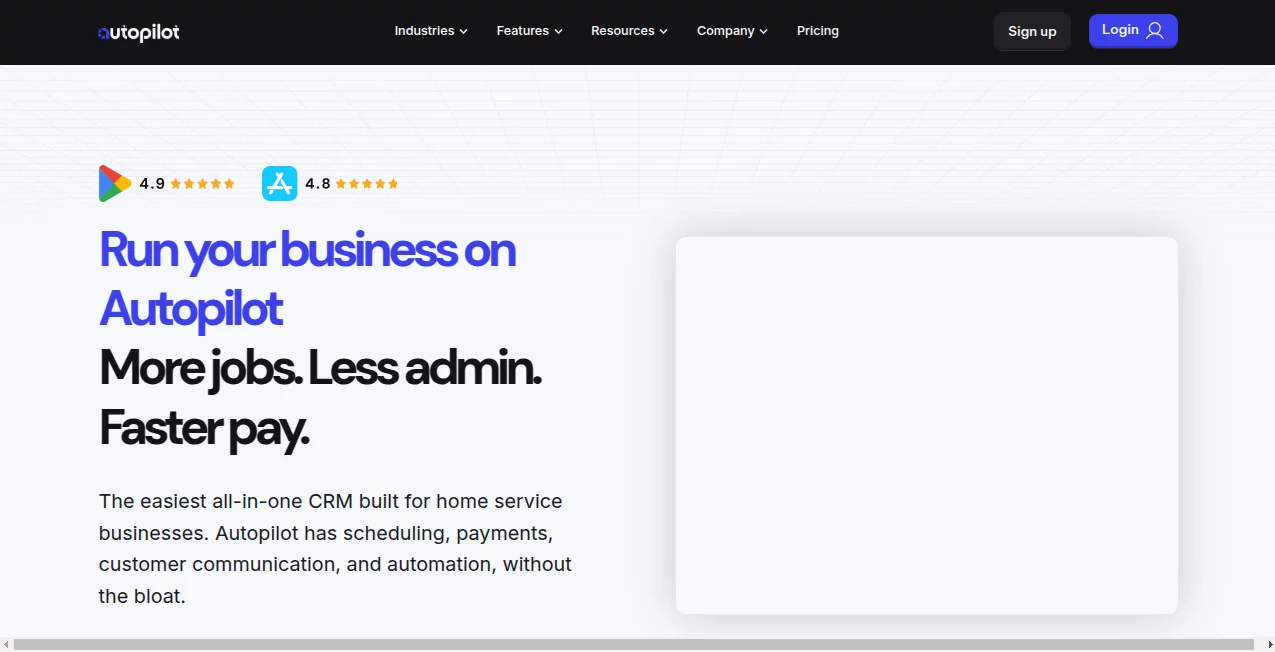
What is Autopilot?
Marketing teams today face a constant challenge: more channels, more data, and less time to manage everything manually. This platform was built to simplify that chaos by bringing customer journeys, email campaigns, and behavioral automation into one clean, visual workspace.
Instead of juggling multiple tools, users can design complete marketing flows that respond in real time to customer actions. It feels less like managing software and more like guiding conversations with your audience at scale.
Key Features
User Interface
The interface is built around a visual journey builder that makes automation feel intuitive. Even complex workflows become easy to understand because everything is displayed as connected steps rather than hidden logic.
Accuracy & Performance
Automation runs smoothly and reacts instantly to user behavior such as email opens, clicks, website visits, and form submissions. This real-time responsiveness helps businesses stay relevant without manual intervention.
Capabilities
- Drag-and-drop customer journey builder
- Email marketing automation and personalization
- Behavior-based triggers and segmentation
- Lead nurturing workflows
- Multi-channel campaign orchestration
Security & Privacy
Data protection is handled with enterprise-grade standards, ensuring customer information remains secure while allowing teams to scale campaigns confidently.
Use Cases
- Automating welcome email sequences for new users
- Nurturing leads through targeted content journeys
- Re-engaging inactive customers with smart triggers
- Building conversion-focused sales funnels
Pros and Cons
Pros:
- Highly visual and easy-to-use workflow builder
- Strong automation capabilities for marketing teams
- Great for scaling personalized communication
Cons:
- Can feel overwhelming for absolute beginners at first
- Advanced features may require a learning curve
Pricing Plans
Pricing typically follows a tiered model based on contact volume and feature access. Smaller teams can start with entry-level plans, while larger organizations benefit from advanced automation and analytics features at higher tiers.
How to Use This Platform
Getting started is straightforward. After onboarding, users can begin by creating a new customer journey. The visual builder allows you to drag triggers, actions, and conditions into a flow that represents your marketing strategy.
From there, you can connect email sequences, define audience segments, and set behavioral rules. Once activated, the system runs automatically and adjusts based on how users interact with your content.
Comparison with Similar Tools
Compared to traditional email marketing platforms, this solution focuses more heavily on full customer journeys rather than isolated campaigns. While many tools only handle newsletters or broadcasts, this one emphasizes automation and behavioral targeting in a unified system.
It is especially strong for teams that want to move beyond basic email marketing and into fully automated lifecycle marketing.
Conclusion
This platform stands out as a powerful solution for businesses that want to scale their marketing without increasing manual workload. By combining automation, personalization, and visual workflow design, it helps teams create meaningful customer experiences that run on autopilot.
Frequently Asked Questions (FAQ)
What is this tool mainly used for?
It is primarily used for marketing automation, including email campaigns, customer journeys, and behavior-based workflows.
Is it suitable for small businesses?
Yes, small businesses can start with basic automation and scale as they grow.
Does it support email personalization?
Yes, emails can be customized based on user behavior, segments, and actions.
Can beginners use it easily?
Yes, although there is a short learning curve, the visual builder makes it accessible for non-technical users.
What makes it different from other marketing tools?
Its focus on full customer journeys and real-time automation sets it apart from traditional email-only platforms.
AI Workflow Management , AI Marketing Plan Generator , AI Email Marketing , AI CRM Assistant .
These classifications represent its core capabilities and areas of application. For related tools, explore the linked categories above.

Autopilot Alternatives Product

AiDisco

AI text clea…

Groniz

Husslix1.1

Orchestra

Meev

Enji

Agent Grid

Chatref
