


















BrainGrid
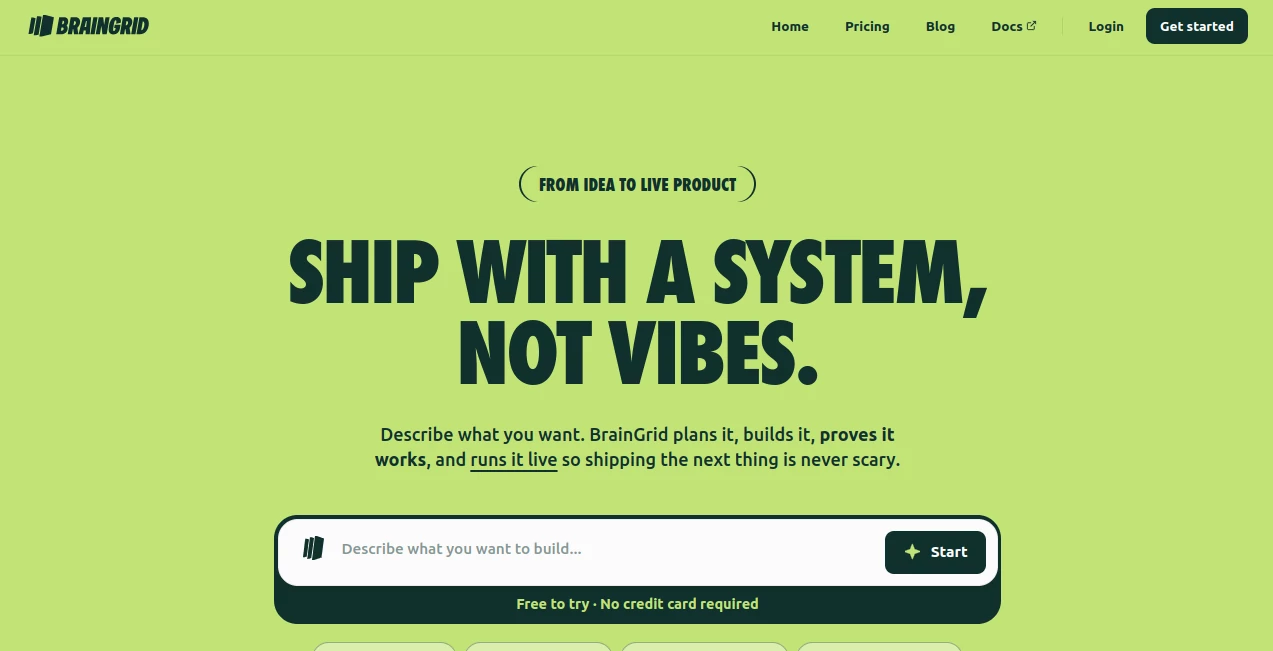
What is BrainGrid?
I’ve watched too many good ideas die in the “vibe coding” phase — that exciting but chaotic stage where you prompt an AI agent over and over, only to end up with something that looks impressive but breaks the moment you try to add one more feature. BrainGrid changes that story. It gives you a structured way to plan first, then build with confidence. You describe what you want, it creates clear specs with acceptance criteria, and then guides AI coding tools to deliver something that actually works and can grow. The difference between fragile prototypes and real, shippable products is huge — and this platform makes crossing that gap feel achievable, even if you’re not a full-time engineer.
Introduction
Building software with AI coding agents is incredibly powerful, but without a solid plan it often leads to messy, hard-to-maintain code. BrainGrid acts as the missing planning layer. It turns vague thoughts into detailed specifications, breaks them into verifiable tasks, and works alongside your favorite coding agents (Claude Code, Cursor, etc.) to help you ship faster with fewer headaches. Whether you’re a non-technical founder, indie hacker, or experienced developer who wants more structure, it brings discipline to the AI-powered workflow without slowing you down. The result is software you can actually trust and build upon.
Key Features
User Interface
The interface is clean and focused on getting you from idea to plan quickly. You describe your vision in plain language, and the planning agent asks smart clarifying questions before generating a full spec with acceptance criteria. Everything stays readable and editable by humans, so you’re never locked into black-box outputs. The workflow feels natural — plan once, then build with your tool of choice, whether in their cloud or your own repo.
Accuracy & Performance
The planning step dramatically improves outcomes. By defining clear criteria upfront, the AI coding phase produces far fewer bugs and regressions. Users report building features faster and with more confidence because they’re working from a solid foundation instead of improvising. The system scales well from small side projects to more complex applications, and the verification step ensures nothing slips through that “looks done but isn’t” trap.
Capabilities
It supports building full SaaS products, internal tools, AI-powered apps, marketing sites, and even rescuing existing “vibe-coded” projects. You can work entirely in their cloud or bring the plans into your own repository with Cursor, Claude Code, or other agents. Every feature follows the same reliable loop: plan, build, verify, repeat. This consistency makes scaling features or handing off work much smoother.
Security & Privacy
Your code and ideas stay under your control. The platform is designed for both individual builders and teams, with clear separation of concerns and no unnecessary data retention. For founders working on sensitive or competitive ideas, that respect for ownership and security provides important peace of mind.
Use Cases
A non-technical founder turns a business idea into a working SaaS MVP without hiring a full development team. An indie hacker rescues a messy prototype and rebuilds it on solid ground. A product team uses it to plan and verify new features before touching production code. A developer prototyping AI features gets structured plans that integrate cleanly with their existing workflow. It shines anywhere the gap between idea and reliable software feels too wide.
Pros and Cons
Pros:
- Excellent planning layer that dramatically improves AI coding results.
- Works with your existing tools — no forced lock-in.
- Verification step builds real confidence in the final product.
- Fast enough to keep creative momentum going.
- Helpful for both technical and non-technical builders.
Cons:
- Best results still require clear initial thinking from the user.
- Advanced team and enterprise features are on higher tiers.
Pricing Plans
It offers a free tier generous enough to try real projects and feel the difference. Paid plans unlock higher usage, team collaboration, priority support, and more advanced capabilities. The pricing is reasonable for the time and headaches it saves — many builders say it quickly becomes an essential part of their workflow.
How to Use BrainGrid
Describe your idea in plain language. Let the planning agent ask clarifying questions and generate a detailed spec with acceptance criteria. Choose whether to build in their cloud or bring the plan into your own repo with your preferred coding agent. Review the verification evidence as features are completed, then deploy and repeat for the next idea. The loop is designed to get easier and faster with every project you run through it.
Comparison with Similar Tools
Many AI coding tools jump straight into generation, which often leads to fragile results. BrainGrid adds the crucial planning and verification steps that most others skip, resulting in more reliable, maintainable software. It’s less about replacing your coding agent and more about making that agent dramatically more effective through better preparation and proof.
Conclusion
AI makes it easier than ever to build software, but without structure it’s still easy to build the wrong thing or something that breaks later. BrainGrid brings discipline and clarity to the process, helping you ship real products instead of fragile prototypes. For anyone serious about turning ideas into working software — whether solo or in a team — it’s one of the smartest investments you can make in your development workflow.
Frequently Asked Questions (FAQ)
Do I need to be a developer to use it?
No — it’s designed to help non-technical founders as well as experienced engineers.
Can I use my own coding tools?
Yes — the plans work with Cursor, Claude Code, and others in your own environment.
How fast can I ship something?
Many users ship their first real feature or small product in days rather than weeks.
Is there a free way to try it?
Yes, the free tier lets you test the full planning and building loop on real ideas.
AI Workflow Management , AI App Builder , AI No-Code & Low-Code , AI Developer Tools .
These classifications represent its core capabilities and areas of application. For related tools, explore the linked categories above.

BrainGrid Alternatives Product

Agent Grid

Zamicus

Weekly Brief

AI Complianc…

Chatref

ace.me

Duct Tape 3

TrySchedule

CatDoes
