
Celigo Ora
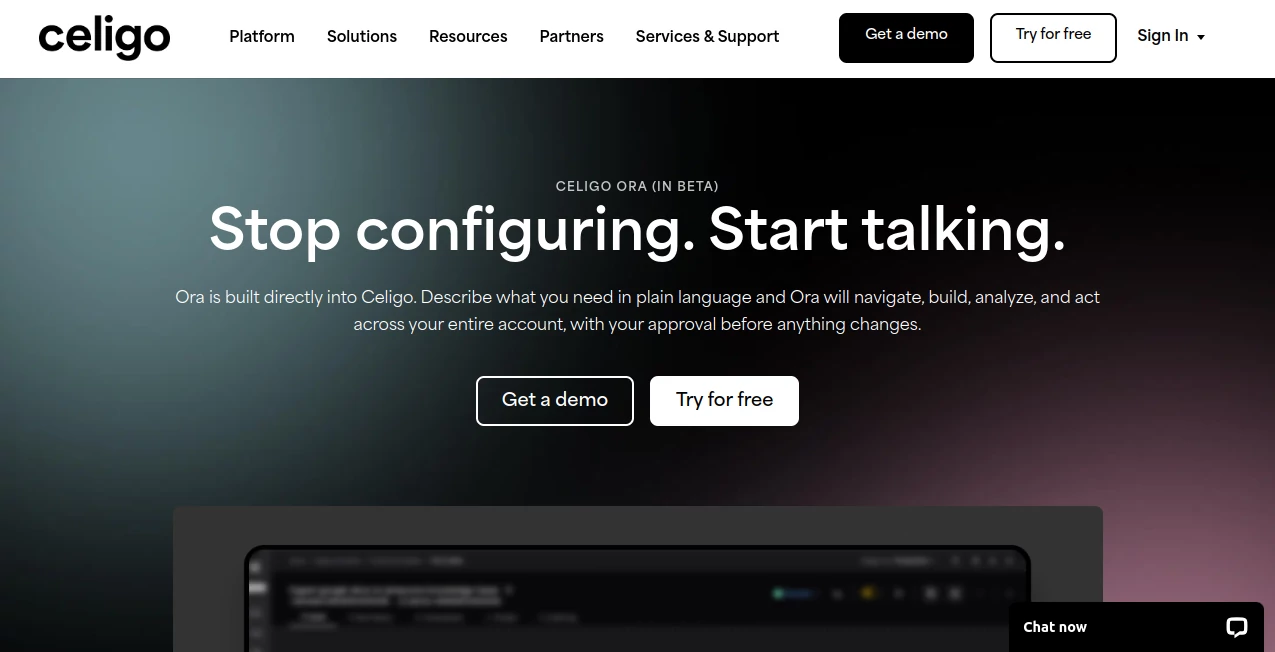
What is Celigo Ora?
In today’s fast-moving digital environment, businesses rely on dozens of applications to manage operations, sales, finance, and customer experience. The real challenge is not just using these tools, but making them work together seamlessly. This is where an advanced integration platform becomes essential.
The platform we are reviewing is designed to connect business applications, automate workflows, and remove the friction between systems that were never built to communicate naturally. Instead of manually transferring data or relying on fragile scripts, organizations can create smooth, automated processes that run reliably in the background.
What makes it particularly appealing is its ability to support both technical teams and non-technical users, making integration accessible without sacrificing power or flexibility.
Key Features
User Interface
The interface is designed with simplicity in mind, offering a clean visual environment where users can build and monitor integrations. Even complex workflows can be mapped out visually, reducing the need for deep coding knowledge. Navigation feels structured, and most essential tools are reachable within a few clicks.
Accuracy & Performance
Performance is one of the strongest aspects of this solution. Data synchronization happens in near real-time, ensuring that systems remain updated without delays. Whether handling large datasets or frequent API calls, the platform maintains stability and consistent execution without noticeable lag.
Capabilities
This system goes beyond basic automation. It supports multi-step workflows, data transformation, and integration across cloud and on-premise applications. Users can connect ERP, CRM, eCommerce, and analytics tools in a unified environment. Prebuilt connectors and templates help accelerate deployment significantly.
Security & Privacy
Security is treated as a core foundation rather than an add-on. The platform includes encryption protocols, secure authentication methods, and strict access controls. Enterprises can confidently handle sensitive business data knowing compliance and protection standards are maintained.
Use Cases
- Automating order-to-cash workflows across multiple systems
- Synchronizing inventory between eCommerce platforms and ERP systems
- Streamlining financial reporting and data consolidation
- Connecting CRM tools with marketing automation platforms
- Reducing manual data entry in operational processes
Pros and Cons
Pros:
- Highly flexible integration capabilities
- User-friendly visual workflow builder
- Strong support for enterprise-scale operations
- Extensive library of prebuilt connectors
Cons:
- Initial setup may feel complex for beginners
- Advanced workflows may require technical understanding
Pricing Plans
Pricing is typically tailored to business requirements rather than a one-size-fits-all model. Companies usually select plans based on the number of integrations, workflow complexity, and operational scale. While this may not be the cheapest option for small teams, it delivers strong value for organizations that rely heavily on automation.
How to Use Celigo Ora
Getting started involves connecting your business applications through available connectors. Once connected, users can create workflows by defining triggers, actions, and data transformations. The visual builder allows drag-and-drop configuration, making it easier to design automation sequences without writing extensive code.
After setup, workflows can be tested, deployed, and monitored through a centralized dashboard that provides real-time insights into system performance.
Comparison with Similar Tools
Compared to traditional integration tools, this platform stands out due to its balance between usability and enterprise-grade functionality. While some competitors focus heavily on developers, this solution opens the door for business users as well. It also offers more flexibility in workflow customization compared to lighter automation tools.
Conclusion
For organizations seeking to eliminate manual processes and unify their digital ecosystem, this platform offers a powerful and scalable solution. It bridges the gap between complex enterprise systems and user-friendly automation, making it a valuable asset for growing businesses that depend on efficiency and accuracy.
Frequently Asked Questions (FAQ)
Is coding required to use this platform?
No, most workflows can be created visually without writing code, although advanced users can extend functionality if needed.
Can it handle enterprise-level data?
Yes, it is built to support large-scale data operations and complex business environments.
Does it support cloud applications?
Yes, it integrates with a wide range of cloud-based and on-premise systems.
Is it suitable for small businesses?
It can be used by small businesses, but its full value is best realized in medium to large organizations with complex workflows.
AI Workflow Management , AI No-Code & Low-Code , AI API Design , AI DevOps Assistant .
These classifications represent its core capabilities and areas of application. For related tools, explore the linked categories above.

Celigo Ora Alternatives Product

ace.me

Zapier

AllInOneTools

AntForms

Sourcetable

MindSnapz

Bolt AI

Chatref

4ga Boards