


















Chatcomparison
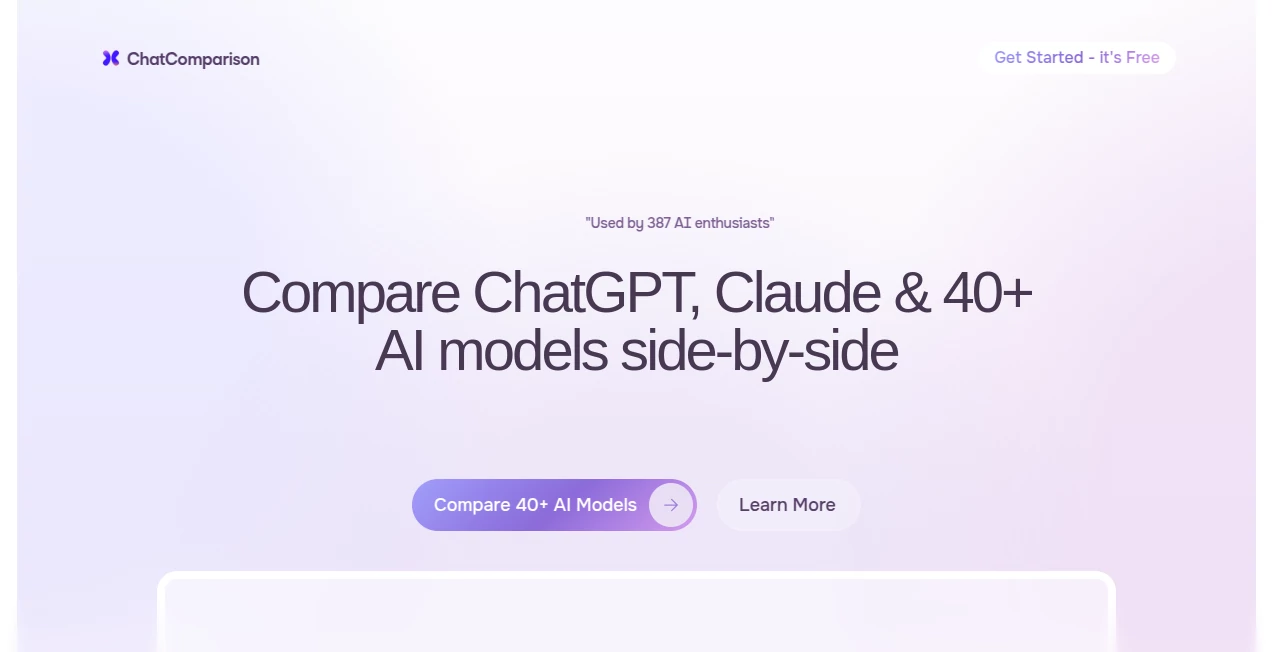
What is Chatcomparison?
Ever found yourself switching between ChatGPT, Claude, and Gemini just to see which one gives the better answer? It’s exhausting. This tool fixes that frustration by letting you talk to multiple AI models at the same time, in the same window. You ask once, and every model replies right next to each other. It’s simple, practical, and strangely addictive once you start using it. I’ve caught myself spending way more time than planned just testing the same prompt across different models to see how their personalities and strengths differ. It’s become my go-to way to actually understand what each AI is good (and not so good) at.
Introduction
AI chatbots are getting better every month, but they all have different strengths. One might be more creative, another more precise, another better at coding. The problem is you usually have to open multiple tabs or remember what each one said last time. This platform brings them together in one clean interface so you can compare answers instantly. No more mental gymnastics trying to remember which model gave the better response. It’s especially useful for writers, researchers, developers, and anyone who wants to make smarter choices about which AI to trust for different tasks. The best part? It feels like having a panel of experts at your fingertips instead of bouncing between apps.
Key Features
User Interface
The layout is clean and logical. You pick the models you want to compare (up to several at once), type your prompt once, and hit send. Responses appear side by side in clearly labeled columns. You can continue the conversation with any model individually or with all of them at the same time. Switching models or adding new ones is smooth and fast. It never feels cluttered, even when comparing four or five AIs simultaneously. The design just gets out of the way and lets the answers speak for themselves.
Accuracy & Performance
Because you see the answers next to each other, you quickly notice patterns: which model hallucinates less, which one explains concepts more clearly, or which one writes with better flow. The platform is fast — responses come in almost simultaneously, so you’re not left waiting. It stays up to date with the latest model versions, which means you’re always comparing current capabilities rather than outdated ones.
Capabilities
You can compare text responses, code generation, creative writing, reasoning tasks, and even how different models handle the same complex prompt. It supports long conversations, lets you fork threads with individual models, and makes it easy to copy or export the best response. Some users keep permanent comparison setups for specific tasks like SEO writing or debugging code. It turns what used to be scattered experimentation into structured, side-by-side evaluation.
Security & Privacy
Your chats stay private by default. The platform doesn’t train on your conversations, and you can delete any comparison at any time. For professionals working with sensitive prompts or proprietary information, that peace of mind matters. It strikes a good balance between being useful and respecting your data.
Use Cases
A copywriter tests the same product description prompt across four models and immediately sees which one has the best tone and persuasiveness. A developer compares code solutions and picks the cleanest, most efficient one. A student researching a topic gets multiple perspectives at once and builds a more balanced understanding. A product manager uses it to evaluate how different AIs summarize meeting notes. It’s become the secret weapon for people who refuse to settle for the first decent answer they get.
Pros and Cons
Pros:
- Instant side-by-side comparison saves enormous time and mental effort.
- Helps you truly understand the strengths and weaknesses of each model.
- Clean interface that scales well even with multiple models open.
- Great for learning which AI works best for your specific needs.
Cons:
- Free tier has usage limits (understandable given the compute cost).
- Not every cutting-edge model is available immediately.
Pricing Plans
The free plan gives you enough comparisons to get a real feel for the tool and use it regularly for lighter tasks. Paid plans remove limits, add priority access during peak times, unlock more simultaneous models, and include features like conversation history and export options. The pricing feels reasonable considering how much time and guesswork it removes from working with multiple AIs.
How to Use ChatComparison
Pick the models you want to test from the top bar. Type your prompt in the shared input box. Hit send and watch the answers appear next to each other. Continue the conversation by replying in any column — that model will respond individually. Want to test a new angle? Fork the conversation or start fresh. When you find a response you love, copy it or export the whole comparison. That’s really all there is to it.
Comparison with Similar Tools
Some platforms let you switch between models but don’t show answers side by side. Others are cluttered or slow. This one keeps things focused on comparison without unnecessary extras. The clean layout and thoughtful design make it more practical for daily use than most alternatives I’ve tried.
Conclusion
In a world with more and more powerful AI models, knowing which one to use for what task has become its own skill. This tool makes developing that skill enjoyable instead of frustrating. It removes the guesswork, saves time, and helps you get consistently better results by showing you the differences in real time. For anyone serious about getting the most out of AI, it’s quickly becoming essential rather than optional.
Frequently Asked Questions (FAQ)
How many models can I compare at once?
You can run several simultaneously — enough to see meaningful differences without overwhelming the screen.
Is my data private?
Yes — conversations are private by default and not used for training.
Does it support the latest models?
It stays current and adds new models as they become widely available.
Can I save my comparisons?
Yes, paid plans give you full history and export options.
Is there a free way to try it?
Absolutely — the free tier is generous enough to test properly.
AI Productivity Tools , AI Research Tool , AI Chatbot , Other .
These classifications represent its core capabilities and areas of application. For related tools, explore the linked categories above.

Chatcomparison Alternatives Product

Metal

Harvey

Free AI Chat

SEO Tools Hu…

AI Job Risk …

Weekly Brief

CheckAEO

Empiriolabs …

Where Is Thi…
