Cold Email Kit
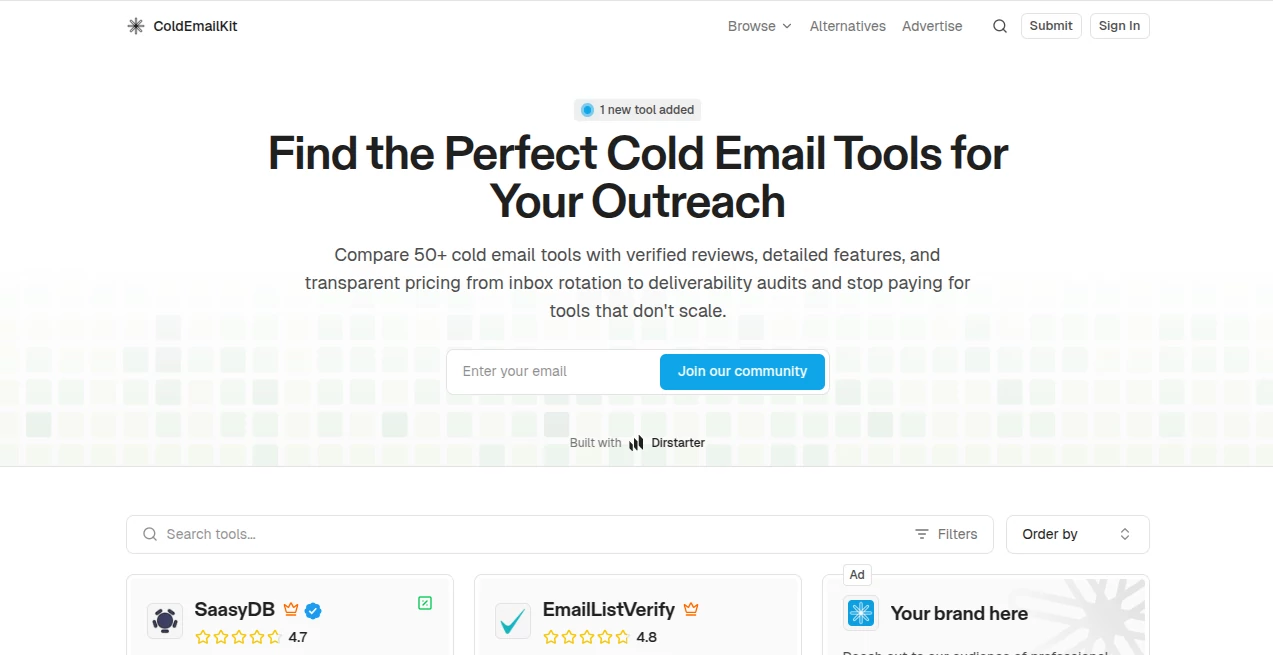
What is Cold Email Kit?
Let’s be real for a second. Sending cold emails these days feels like throwing messages into a void. You spend hours crafting the perfect pitch, only to watch it land in a spam folder or, even worse, get ignored entirely. I’ve been there, staring at an empty inbox, wondering if anyone even received my carefully worded follow-ups. The game has changed, and the old spray-and-pray method is dead. What works now is precision, timing, and genuine personalization.
You need a system that doesn't just blast emails but thinks like a salesperson. Imagine a tool that handles the grunt work, cleans your lists, warms up your inbox so you actually land in the primary tab, and even helps you write messages that don't sound like a robot wrote them. That is exactly what we are looking at today. It’s not just another sequencer; it’s like hiring a virtual assistant who works 24/7 to make sure your voice is heard. If you’ve struggled with low reply rates or felt overwhelmed by the technical side of email infrastructure, this might be the fresh start your business needs.
Key Features
What makes this platform stand out from the crowded market of email tools? It’s not just one thing; it’s how all the pieces fit together to protect your reputation while maximizing your reach. Most tools force you to piece together separate software for warming up, finding leads, and sending. That gets expensive and messy fast. This solution wraps everything into a clean, intuitive package.
User Interface
I’ve tested software that looks like it was designed by engineers for engineers—confusing menus, tiny buttons, and a learning curve that takes weeks. That is not the case here. The moment you log in, you feel a sense of calm. The dashboard is clean, showing you exactly what you need: campaign stats, inbox health, and reply rates without all the noise. Setting up your first campaign takes minutes, not hours. You just connect your email account, upload a list, and use the drag-and-drop builder to map out your sequence. It feels more like using a modern project management tool than clunky old email software. Even if you aren’t tech-savvy, you won't get lost.
Accuracy & Performance
The true test of any cold email tool is deliverability. You can have the best copy in the world, but if you land in spam, it’s worthless. I was honestly shocked by the difference this made. The platform includes a massive, built-in warm-up network. Instead of you begging friends to open your emails, it uses thousands of real inboxes to slowly build your sender reputation. It mimics human behavior—opening, replying, and moving emails to primary folders. Within a couple of weeks, my emails that used to vanish into the abyss started hitting the main inbox consistently. The analytics don’t lie; the open rates improved by over 40% just because the emails were actually seen. It handles the technical heavy lifting like SPF, DKIM, and DMARC checks automatically, so you don't accidentally shoot yourself in the foot.
Capabilities
Beyond just sending emails, the personalization engine is where the magic happens. We all know using "{First Name}" isn't enough anymore. This tool allows for deep custom variables and even AI-powered copy generation. I used it to create sequences that felt hand-written for every recipient. You can add images, custom links, and tailor the follow-ups based on whether someone clicked a link or not. It handles multichannel outreach too. While it excels at email, you can integrate LinkedIn touches seamlessly into the same sequence. Imagine connecting on LinkedIn, then sending a perfectly timed email follow-up. It automates the boring stuff, but keeps the human touch where it counts.
Security & Privacy
Security is a huge headache when dealing with cold outreach. Nobody wants their main domain blacklisted. This platform respects that. You can connect unlimited email accounts (like secondary domains) without risking your primary business domain. The system includes inbox rotation features that spread your sending volume across multiple addresses. This keeps you under the radar of strict providers like Google and Outlook. The data is encrypted, and the platform is GDPR compliant. They also have a "Do Not Contact" list feature to ensure you never accidentally email someone who asked to be removed, keeping you compliant with anti-spam laws. You can sleep easy knowing your domain reputation is safe.
Use Cases
I’ve seen a wide range of professionals fall in love with this workflow. Here is who benefits the most:
- B2B Sales Agencies: Running campaigns for multiple clients becomes a breeze. You can manage all your sending accounts from one master dashboard without risking cross-contamination of data.
- Recruiters: Finding top talent requires a soft touch. Use the tool to send personalized outreach to passive candidates on LinkedIn and via email, tracking who is interested without spamming them.
- Marketing Freelancers: If you are a solo consultant trying to land local clients, you need a cheap, effective way to get in front of business owners. This levels the playing field against big agencies.
- Founders & Startups: Don't waste your time on manual follow-ups. Automate your investor or early-adopter outreach so you can focus on building your product, not chasing replies.
Pros and Cons
No tool is perfect, but the good here heavily outweighs the bad. Here is my honest breakdown after heavy use:
Pros:
- ✅ Incredible deliverability thanks to the large warm-up network.
- ✅ Unlimited sending accounts on most plans – huge for scaling.
- ✅ The unified inbox (Unibox) saves hours by gathering all replies in one spot.
- ✅ AI sequence generator that actually creates usable, human-like text.
- ✅ Fair pricing model that doesn't punish you for adding more email addresses.
Cons:
- ❌ The free trial is only 14 days, which might be tight to see full warm-up results.
- ❌ It focuses heavily on email; if you need SMS or WhatsApp automation, you’ll need a different tool for that.
- ❌ There is a slight learning curve with the advanced "conditions" logic for sequences, but the knowledge base covers it well.
Pricing Plans
Let’s talk money because this is where a lot of tools try to trap you. Unlike competitors that charge per seat or per email address (which adds up fast when you have 10 clients), this platform uses a volume-based flat fee.
The entry-level Growth plan starts at around $37 per month. This includes the warm-up network, unlimited email accounts, and access to the AI generator. The Hyper plan (around $97/mo) is for power users and agencies, adding advanced reporting and a larger B2B lead database. The best part? You aren't forced to buy a more expensive plan just to add a second inbox. The pricing is predictable, which is a lifesaver for agency owners trying to budget their margins. Plus, there is usually a discount if you pay annually. Given the fact that one good client closed through this tool can pay for a year of subscription, the ROI is a no-brainer.
How to Use the Platform
Getting started is simpler than you think. Here is the typical workflow I followed to launch my first campaign in under an hour:
Step 1: Connect Your Inboxes
First, add the email accounts you want to send from (like sales@yourdomain.com). The platform will guide you through verifying the DNS settings—it takes about 2 minutes.
Step 2: Start Warming Up
Before you send a single sales email, hit the "Warm Up" button. This connects your inbox to the peer-to-peer network. Let this run for about 2 weeks while you prepare your list.
Step 3: Build Your Audience
Upload a CSV of leads. You can also use the built-in B2B database to find fresh leads directly inside the app, which saves you from buying expensive lists elsewhere.
Step 4: Create the Sequence
Use the drag-and-drop editor. Write your first email, set a delay of 2 days, then add a follow-up. Use the AI button to help rephrase your call to action so it sounds natural.
Step 5: Launch and Monitor
Start the campaign. The next morning, just check the "Unibox". Every reply from every inbox lands right there. Reply to interested leads instantly without logging in and out of different Gmail accounts.
Comparison with Similar Tools
You might be looking at other names out there like Lemlist or Apollo. I’ve tried them all. Lemlist is great for fancy personalized images and video, but their deliverability and warm-up network (Lemwarm) is much smaller. If you want volume and safety, this tool wins on infrastructure. Apollo has a massive database, but frankly, using Apollo for sending is risky; many users report their emails landing in spam because Apollo lacks the same level of dedicated deliverability controls. This platform is built strictly for sending, not just database management. Compared to Smartlead, the user interface here is much more modern and less clunky. For agencies looking to scale without hiring a full-time email technician, this is the current market leader for a reason.
Conclusion
If you are serious about cold email, stop trying to hack together free tools or risking your domain with outdated software. This platform removes every technical excuse you have for not reaching out to potential customers. It keeps you safe, automates the tedious follow-ups, and helps you write messages that actually sound like a real person. Whether you are a solo founder or running a massive agency, the peace of mind knowing your emails are landing in the inbox is worth every penny. Don't let your next big client slip through the cracks because your email went to spam. Give this a serious look—your future ROI will thank you.
Frequently Asked Questions (FAQ)
Q: Do I need technical skills to set up the DNS records?
A: Not at all. The platform provides step-by-step video guides for Google and Outlook. If you can log into your domain registrar, you can copy/paste the records in 5 minutes.
Q: How long does email warm-up take?
A: For best results, 2-4 weeks. However, you can start sending small volumes (like 20 emails/day) after just one week of warm-up if you are eager to start.
Q: Can I use my main Gmail/Outlook account?
A: It is highly recommended to use secondary domains (like .co or .io) or alternate email addresses to protect your primary corporate domain from any accidental spam flags.
Q: What happens if my emails get marked as spam?
A: The system has safety features that detect high bounce or spam rates and can automatically pause your campaign, alerting you to clean your list before you cause permanent damage.
Q: Is this tool compatible with CRMs like HubSpot or Salesforce?
A: Yes, it supports native integrations and Zapier/Webhooks, allowing you to sync leads and activities automatically between platforms.
AI Lead Generation , AI Sales Assistant , AI Productivity Tools , AI Email Assistant .
These classifications represent its core capabilities and areas of application. For related tools, explore the linked categories above.

Cold Email Kit Alternatives Product

Overlap

Zush

Markdown to …

AI Wire

Grok 4

Eleven AI

AfterSession

LeadAny

Hairstyle An…