


















DaemonGenie
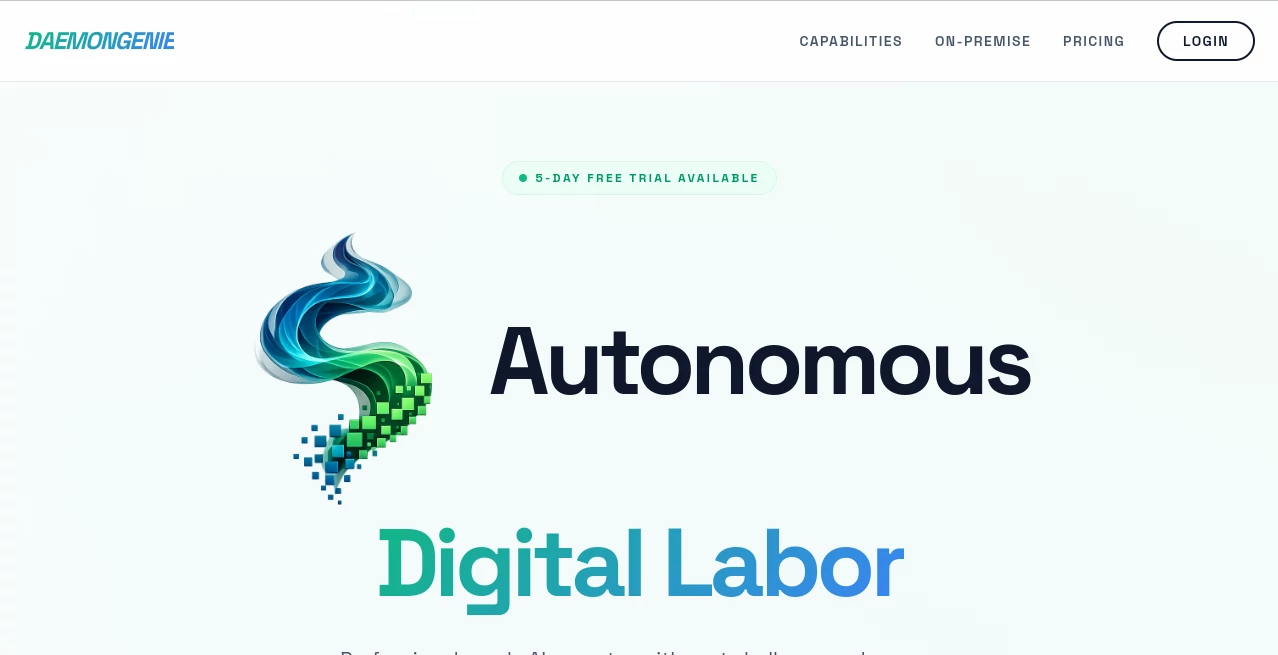
What is DaemonGenie?
Modern development teams often juggle coding, server management, browser automation, data collection, and infrastructure maintenance at the same time. Handling these responsibilities manually can slow projects and increase operational costs. This platform introduces a different approach by acting as an autonomous AI operator capable of performing technical tasks with minimal supervision.
Built for developers, DevOps engineers, technical teams, and enterprises, it combines native system access, browser automation, enterprise data connectivity, and long-term memory into one environment. Instead of switching between multiple tools, users can delegate complex workflows, allowing the AI agent to execute commands, analyze information, automate deployments, and interact with graphical interfaces while maintaining a persistent working environment.
Its combination of root-level system access, browser intelligence, OCR processing, SQL connectivity, and remote desktop interaction makes it particularly attractive for organizations seeking reliable AI-powered digital labor rather than a simple chatbot.
Key Features
User Interface
The platform provides a clean workspace designed for technical professionals. Users can launch autonomous tasks, monitor execution, interact with the agent through a graphical environment, and observe operations in real time. Remote desktop functionality also enables side-by-side collaboration whenever manual intervention is required.
Accuracy & Performance
Performance focuses on executing real operational tasks rather than generating text alone. Native shell execution, browser automation, OCR processing, structured database access, and persistent storage enable consistent workflows across software development, infrastructure management, and enterprise automation. The ability to maintain session memory further improves continuity during long-running projects.
Capabilities
- Root-level shell access for advanced system operations.
- Native support for C, C++, Python, and Go development.
- Automated software compilation and deployment.
- Browser autonomy powered by intelligent web interaction.
- Real-time web monitoring and information gathering.
- Industrial OCR for extracting structured data from documents.
- Direct SQL and NoSQL database querying.
- Data cleaning and structured information processing.
- Financial modeling and technical reporting support.
- SSH fleet management for remote server administration.
- Visual desktop interaction through remote GUI access.
- Persistent storage with long-term session memory.
Security & Privacy
The environment operates using isolated storage while preserving project data between sessions. Enterprise connectivity supports structured access to databases and infrastructure without sacrificing operational control. Teams working with sensitive development environments benefit from controlled execution, persistent workspaces, and secure automation workflows.
Use Cases
- Automating DevOps pipelines and deployment processes.
- Managing Linux servers through SSH.
- Executing software compilation and testing workflows.
- Performing browser-based research and automation.
- Extracting structured information from scanned documents.
- Generating technical reports from multiple data sources.
- Cleaning enterprise datasets.
- Monitoring websites and online resources automatically.
- Running quantitative financial analysis.
- Supporting engineering teams with autonomous technical operations.
Pros and Cons
Pros
- Industrial-grade autonomous AI capabilities.
- Powerful root-level operating system access.
- Supports multiple programming languages.
- Excellent for infrastructure automation.
- Integrated browser autonomy.
- Persistent memory between sessions.
- Enterprise-ready database connectivity.
- Remote desktop interaction expands automation possibilities.
Cons
- Designed primarily for technical users.
- Advanced capabilities may require familiarity with development environments.
- Some premium AI features require paid credits.
Pricing Plans
A free entry plan is available with Bring Your Own Key support, allowing users to explore the platform and access its execution environment. Professional subscriptions start at approximately $9.99 per month, offering unlimited usage, persistent storage, and additional capabilities. Certain internal AI features operate through a credit-based model depending on usage requirements.
How to Use DaemonGenie
Create an account and activate the available trial or free plan. Launch a workspace, connect the required infrastructure or development environment, and provide the agent with a task. Depending on the workflow, the AI can execute shell commands, automate browser actions, interact with databases, compile software, process documents, or manage remote servers. Users can observe execution in real time, collaborate through remote desktop access when needed, and continue projects later thanks to persistent session memory.
Comparison with Similar Tools
Unlike traditional AI chat assistants that primarily generate text or code suggestions, this platform focuses on autonomous execution inside real computing environments. It goes beyond answering questions by operating systems, controlling browsers, accessing databases, processing enterprise documents, and managing infrastructure. Teams seeking operational automation rather than conversational assistance will find its architecture significantly more capable for production workloads.
Conclusion
This solution represents a significant step toward practical autonomous AI for professional environments. By combining development tools, infrastructure automation, browser intelligence, enterprise connectivity, and persistent memory within one platform, it delivers a versatile digital operator capable of handling demanding technical workloads. Organizations aiming to automate repetitive engineering tasks, streamline DevOps operations, or improve enterprise productivity will appreciate the depth and flexibility offered by this platform.
Frequently Asked Questions (FAQ)
Is there a free version available?
Yes. Users can begin with a free entry option that includes environment access, while premium capabilities are available through paid plans and credits.
Who is this platform designed for?
It is best suited for developers, DevOps engineers, infrastructure teams, enterprise IT departments, and technical professionals managing complex workflows.
Can it automate browser tasks?
Yes. It includes browser autonomy capable of interacting with websites, monitoring online resources, and collecting information automatically.
Does it support programming workflows?
Yes. Native support includes C, C++, Python, and Go, along with compilation and deployment capabilities.
Can it connect to enterprise databases?
Yes. Direct SQL and NoSQL querying is supported, making it suitable for enterprise data analysis and automation workflows.
AI Workflow Management , AI Code Assistant , AI Developer Tools , AI DevOps Assistant .
These classifications represent its core capabilities and areas of application. For related tools, explore the linked categories above.

DaemonGenie Alternatives Product

Carmatec

MyToolster W…

AutoChangelog

TruthSpine

BetterAntisp…

TrySchedule

Lovable APP

Simple Dev T…

VercelAPP
