

















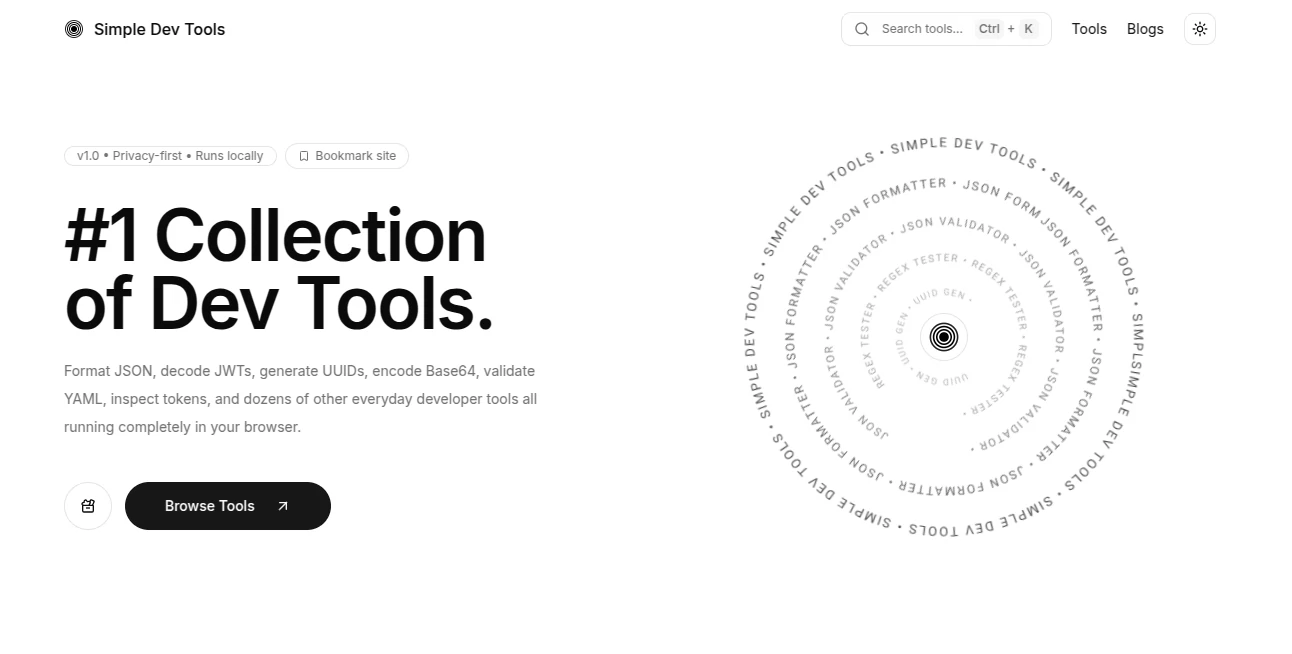
What is Simple Dev Tools?
Modern development often involves dozens of small, repetitive tasks that interrupt productivity. Whether it's validating JSON, decoding a JWT, generating API snippets, converting timestamps, or testing SQL queries, switching between multiple websites quickly becomes frustrating. This browser-based toolkit brings many of those everyday utilities together in one clean workspace, helping developers stay focused without installing additional software.
One of its biggest strengths is the local-first approach. Many utilities run directly inside the browser, meaning code, text, tokens, and sensitive information remain on the user's device whenever possible. This makes it an excellent choice for developers who value both speed and privacy while working on production projects or personal experiments.
The collection is thoughtfully designed rather than overloaded with unnecessary features. Every utility solves a real development problem, from generating UUIDs and testing regular expressions to formatting structured data and creating QR codes. Instead of navigating through complicated interfaces, users can open a tool and complete their task within seconds.
Whether you're building APIs, debugging applications, learning new technologies, or maintaining enterprise software, this toolkit offers practical utilities that reduce repetitive work and improve daily development efficiency.
Key Features
User Interface
The interface is minimal, responsive, and distraction-free. Tools are organized logically, allowing developers to quickly locate the utility they need without navigating through unnecessary menus. Keyboard shortcuts and fast search further improve accessibility, making everyday workflows feel effortless.
Accuracy & Performance
Each utility is designed to deliver instant results directly within the browser. JSON formatting, timestamp conversion, regex testing, encoding, and schema generation all respond immediately, creating a smooth experience even during complex debugging sessions.
Capabilities
- Generate API request snippets for multiple programming languages.
- Validate, format, and transform JSON, YAML, and CSV files.
- Create and inspect UUIDs, ULIDs, and timestamps.
- Test regular expressions with live matching.
- Convert and encode Base64, URLs, and QR codes.
- Work with SQLite directly in the browser.
- Generate TypeScript and schema definitions.
- Decode and inspect JWT tokens.
- Create Mermaid diagrams for documentation.
- Perform hashing and cryptographic helper functions.
Security & Privacy
Privacy is one of the platform's strongest advantages. Many operations are processed locally in the browser instead of uploading sensitive information to external servers. This approach helps developers safely inspect authentication tokens, configuration files, structured data, and application code while minimizing unnecessary exposure.
Use Cases
- Software developers building web applications.
- Backend engineers testing APIs and payloads.
- Frontend developers validating JSON responses.
- DevOps teams debugging configuration files.
- Students learning programming fundamentals.
- Technical writers creating diagrams and documentation.
- QA engineers validating data formats.
- Security professionals inspecting encoded tokens.
Pros and Cons
- Pros
- Fast browser-based experience.
- No complicated installation process.
- Strong privacy with local processing.
- Large collection of developer utilities.
- Clean and distraction-free interface.
- Useful for beginners and experienced engineers alike.
- Cons
- Primarily focused on developer workflows.
- Some advanced enterprise integrations are intentionally absent.
- Requires a modern browser for the best experience.
Pricing Plans
The platform is available as a free browser-based toolkit. Developers can access a wide range of utilities without installing desktop software, making it an attractive option for everyday development tasks.
How to Use Simple Dev Tools
- Open the website in your browser.
- Select the utility that matches your current task.
- Paste or upload your input data.
- Adjust available options if needed.
- Review the generated output instantly.
- Copy or export the results for use in your project.
Comparison with Similar Tools
Unlike many online utility websites that focus on a single function, this platform combines a broad collection of development tools into one consistent workspace. Its emphasis on local browser execution, clean design, and developer-focused workflows makes it especially appealing for engineers who regularly switch between debugging, data transformation, API development, and documentation tasks. Instead of relying on several unrelated websites, developers can complete multiple technical tasks from one organized environment.
Conclusion
For developers who regularly deal with APIs, structured data, encoding, testing, documentation, and debugging, this toolkit provides an efficient solution that saves time throughout the workday. Its thoughtful design, fast browser performance, and privacy-conscious architecture make it a practical companion for both individual developers and professional engineering teams. Rather than overwhelming users with unnecessary complexity, it focuses on solving common development problems quickly and reliably.
Frequently Asked Questions (FAQ)
Is the platform free to use?
Yes. A wide range of developer utilities can be accessed directly through the browser without requiring installation.
Does it support local data processing?
Many tools perform processing locally inside the browser, helping keep sensitive information on the user's device whenever possible.
Who benefits most from these tools?
Software developers, DevOps engineers, QA professionals, students, and technical teams who frequently work with APIs, structured data, and debugging tasks.
Can beginners use the tools?
Yes. The interface is straightforward, making it suitable for newcomers while still providing useful capabilities for experienced developers.
Does it include multiple developer utilities?
Yes. The collection includes tools for JSON, SQL, JWT inspection, API snippets, timestamps, regular expressions, QR generation, schema creation, and many other common development tasks.