

















Docs to Audio
What is Docs to Audio?
I used to dread long reports and research papers. Sitting at my desk staring at walls of text just drained my energy. Then I started listening instead of reading. This tool changed how I consume information. Upload a PDF, Word file, or even plain text, and it turns the whole thing into clear, natural audio you can listen to while walking, driving, or doing chores. The voices sound human — not robotic — and the pacing feels right. It’s one of those simple ideas that makes daily life noticeably better.
Introduction
We’re all drowning in documents: research papers, contracts, ebooks, meeting notes, articles. Reading everything takes time we don’t always have. DocsToAudio solves this by converting any document into high-quality spoken audio you can take with you. No more forcing yourself through dense text when your eyes are tired or your hands are busy. It respects the original formatting where it matters and delivers smooth narration that makes even complicated material easier to absorb. For students, professionals, commuters, or anyone who prefers listening, it feels like a genuine productivity upgrade.
Key Features
User Interface
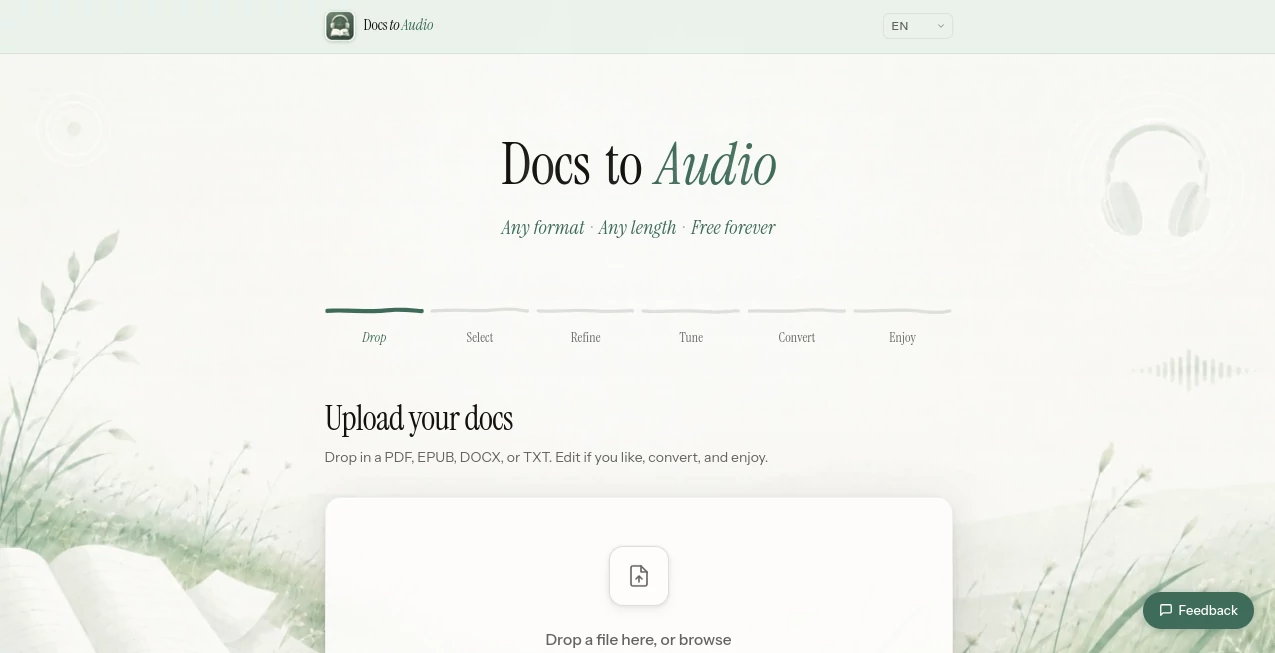
The design is wonderfully straightforward. You drag and drop your file or paste text, choose a voice that fits your preference, and hit convert. The player appears right away with easy controls for speed, pauses, and skipping sections. No complicated menus or hidden settings — everything you need is visible and intuitive. Even my non-technical friends figured it out instantly, which says a lot about how thoughtfully it’s built.
Accuracy & Performance
The speech quality stands out. Voices sound natural with proper intonation, breathing pauses, and emphasis on important points. It handles technical terms, names, and different writing styles surprisingly well. Conversion is fast — even longer documents finish in under a minute — and the audio stays clear whether you’re listening on phone speakers or good headphones. The accuracy of pronunciation and flow makes it easy to stay engaged for long sessions.
Capabilities
It supports PDFs, Word docs, TXT files, and pasted text. You can choose from multiple natural voices (male and female, different accents), adjust speaking speed, and even select specific pages or sections. The tool keeps headings, paragraphs, and lists structured so the audio feels organized. Perfect for turning long reports into podcasts for your commute, research papers into study material, or books into audiobooks when you don’t have the official version.
Security & Privacy
Your documents are processed securely and deleted after conversion. No unnecessary storage or sharing of your files. For professionals handling sensitive contracts or students with private notes, that peace of mind matters. The platform focuses on delivering the audio you need without lingering data risks.
Use Cases
A law student turns dense case studies into audio and listens while walking between classes. A busy executive converts long reports into podcasts for his morning run. A non-native speaker improves language skills by listening to articles while following along with the text. A researcher processes dozens of papers during a road trip. Parents turn bedtime stories or school readings into audio for their kids. The possibilities are as wide as the documents we deal with daily.
Pros and Cons
Pros:
- Extremely natural voices that don’t tire your ears after long listening.
- Fast conversion even for larger documents.
- Simple drag-and-drop workflow that anyone can use.
- Great for multitasking — learn while doing other things.
- Supports multiple file types and flexible playback options.
Cons:
- Very complex tables or highly formatted documents may need some cleanup first.
- Premium voices and unlimited usage require a paid plan.
Pricing Plans
It offers a generous free tier so you can test the quality on your own documents before committing. Paid plans unlock more voices, longer documents, higher usage limits, and priority processing. The pricing is reasonable for how much time and convenience it provides — many users say they save hours every week just by switching from reading to listening.
How to Use DocsToAudio
Go to the site, drag your document into the upload box or paste text directly. Choose your preferred voice and speed. Click convert and wait a short moment. Once ready, hit play and adjust as needed. Download the audio file for offline listening or save it to your favorite podcast app. You can process multiple files and build up a library of spoken content for your daily routines.
Comparison with Similar Tools
Many text-to-speech tools sound robotic or struggle with document structure. This one focuses on natural flow and real listening comfort while handling common file types cleanly. It’s simpler and more pleasant to use than heavy desktop software, and the quality often exceeds more expensive alternatives for everyday documents. For people who want practical, enjoyable audio conversion without complexity, it stands out clearly.
Conclusion
Time is our most limited resource. This tool helps you reclaim it by turning documents you need to consume into audio you can actually enjoy. Whether you’re learning, working, or just trying to get through a long report, it makes the process smoother and more human. Once you experience how natural and convenient it feels, reading everything on a screen starts to feel old-fashioned. Give your eyes a break and let your ears do the work — you’ll be surprised how much more you get done.
Frequently Asked Questions (FAQ)
What file types can I upload?
PDF, Word (.docx), TXT, and pasted plain text all work well.
How natural do the voices sound?
Very natural — with proper pauses, emphasis, and intonation that feels close to a real person reading.
Can I adjust the speed?
Yes, you can slow it down or speed it up depending on your preference.
Is my document stored after conversion?
No — files are processed and removed shortly after you download the audio.
Does it work on mobile?
Yes — the whole experience works smoothly on phones and tablets.
AI Documents Assistant , AI Text to Speech , AI Speech Synthesis , AI Voice & Audio Editing .
These classifications represent its core capabilities and areas of application. For related tools, explore the linked categories above.

Docs to Audio Alternatives Product

Read PDF Alo…

Rename files…

Sonicker
sam tts

DocReplacer

Qwen3 TTS

AfterSession
GLM-OCR Onli…

Seedance 2.5
