


















EchoRead
What is EchoRead?
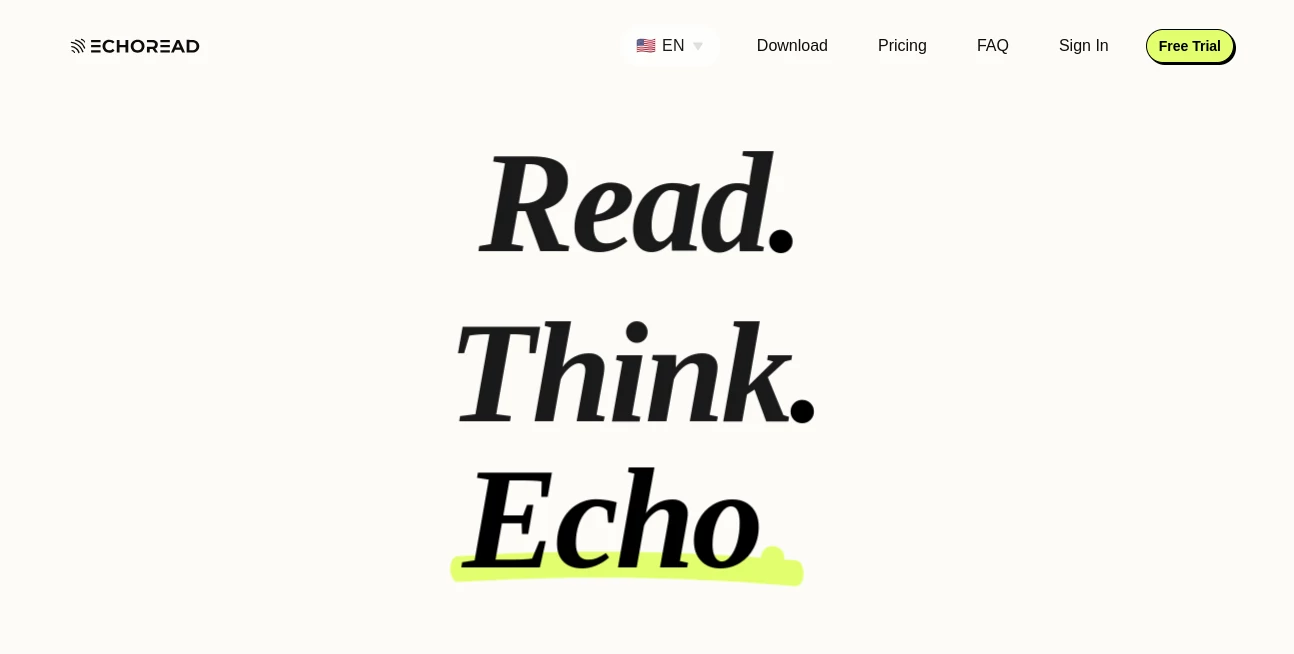
In a world where information overload is constant, reading everything manually can feel overwhelming. This platform offers a refreshing alternative by transforming written content into smooth, natural-sounding audio that you can listen to anytime. Whether you're studying, working, or simply multitasking, it helps you absorb information without being tied to a screen.
It is designed for users who prefer listening over reading, as well as those who want to improve productivity by turning articles, documents, and notes into spoken content. The experience feels intuitive, fast, and surprisingly human-like, making it more than just a typical text-to-speech tool.
Key Features
User Interface
The platform provides a clean and minimal interface that focuses entirely on ease of use. Users can paste text or upload documents and instantly convert them into audio with just a few clicks. Navigation feels natural even for first-time users.
Accuracy & Performance
Speech output is generated with impressive clarity and rhythm. Sentences are pronounced naturally, with proper pacing that avoids robotic tones. It handles long-form content efficiently without lag or distortion.
Capabilities
- Converts articles, notes, and documents into audio
- Supports multiple reading speeds for different preferences
- Works with long-form content and structured text
- Helps users consume content while multitasking
- Useful for learning, accessibility, and productivity enhancement
Security & Privacy
User content is processed with a focus on privacy and temporary handling. Uploaded or pasted text is not permanently stored, ensuring that sensitive information remains protected during use.
Use Cases
- Students converting study materials into audio for revision
- Professionals listening to reports during commuting
- Content creators reviewing scripts through audio playback
- Users with visual fatigue or reading difficulties
- Language learners improving comprehension through listening
Pros and Cons
Pros
- Very easy to use with minimal learning curve
- Natural and clear voice output
- Supports productivity and multitasking
- Works well with long documents
Cons
- Advanced customization options may be limited
- Requires internet connection for processing
Pricing Plans
The platform typically follows a flexible pricing structure that may include a free tier for basic usage and premium plans for advanced features such as higher usage limits, faster processing, or enhanced voice options. This makes it accessible for both casual users and professionals.
How to Use This Tool
Getting started is simple. Users begin by pasting text or uploading a document into the input area. After selecting preferred voice settings and speed, the system generates audio instantly. The playback can be controlled easily, allowing users to pause, rewind, or adjust speed as needed.
Comparison with Similar Tools
Compared to traditional text-to-speech solutions, this platform focuses more on natural flow and user experience. While many tools sound robotic or lack flexibility, this one emphasizes readability, smooth narration, and practical usability for everyday tasks. It positions itself between basic readers and advanced AI voice platforms, offering a balanced experience.
Conclusion
This tool is a practical solution for anyone who wants to consume written content more efficiently. It blends simplicity with functionality, making it useful for students, professionals, and everyday users. By turning text into natural audio, it helps save time and improves accessibility without complicating the process.
Frequently Asked Questions (FAQ)
Is it free to use?
A basic version is usually available for free, while advanced features may require a subscription.
Can it read long documents?
Yes, it is designed to handle long-form content without performance issues.
Does it support different voices?
Yes, users can typically choose from multiple voice options depending on availability.
Is my data safe?
User content is processed securely and is not permanently stored.
AI Transcription , AI Text to Speech , AI Speech to Text , Text & Writing .
These classifications represent its core capabilities and areas of application. For related tools, explore the linked categories above.

EchoRead Alternatives Product

ekstrakt

Speech Text
sam tts

Inpodcast AI

Transpocket

Quso AI

Fish Voice

AudioScribe

VoiceAILabs
