

















ekstrakt
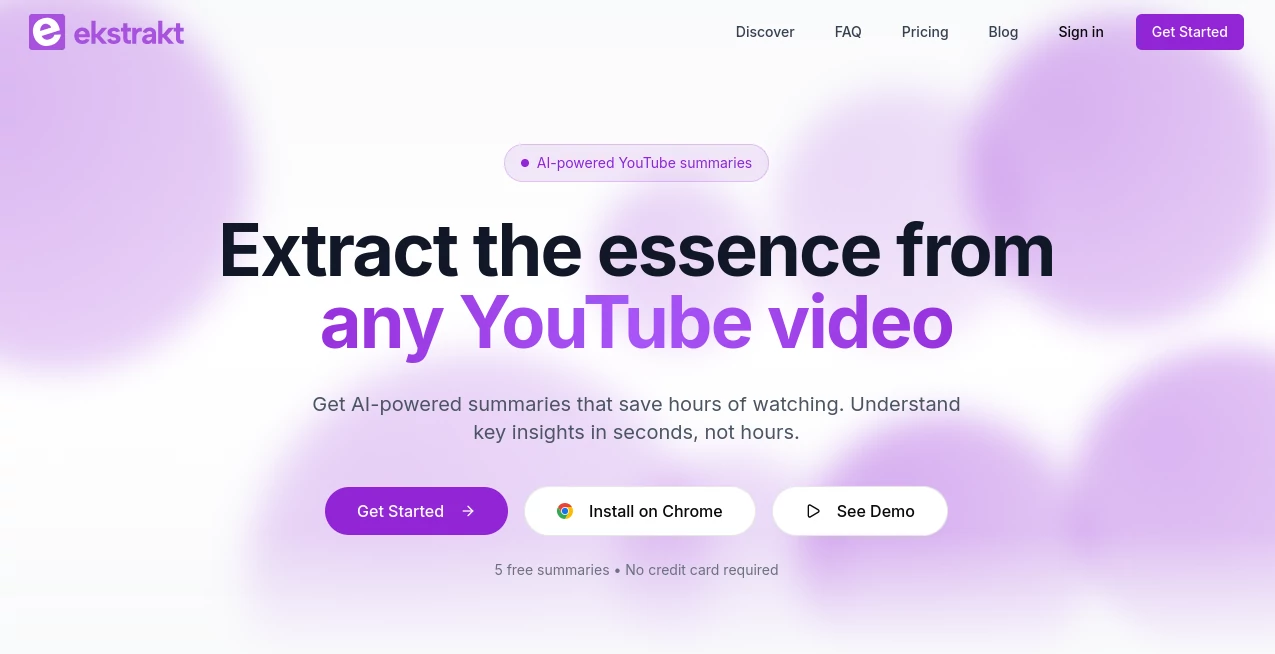
What is ekstrakt?
Watching long videos to find the important information can take a lot of time, especially when dealing with tutorials, lectures, interviews, research content, or professional presentations. ekstrakt is designed to make this process faster by bringing AI-powered summaries and transcripts directly into the YouTube experience.
Instead of switching between different apps, copying links, or manually taking notes, users can access summarized content while watching videos. The tool helps learners, researchers, creators, and professionals quickly understand the main ideas behind long-form videos without spending unnecessary hours.
With support for multiple summary formats, transcript access, timestamps, and convenient export options, this browser-based assistant creates a smoother way to consume and review video content. It is especially useful for anyone who wants to transform passive watching into a more productive learning workflow.
Key Features
User Interface
The interface is designed around simplicity and convenience. Once installed, the assistant works directly alongside YouTube videos, creating a dedicated panel where users can access summaries and transcripts without leaving the page.
The clean layout reduces distractions and makes it easy to switch between different summary styles, review transcripts, and interact with video information. The design also adapts to YouTube's appearance, helping it feel like a natural extension of the viewing experience.
- Integrated experience directly inside YouTube pages
- Simple summary and transcript navigation
- Theme-aware interface that matches user preferences
- Quick access while watching videos
Accuracy & Performance
The tool uses artificial intelligence to analyze video content and generate meaningful summaries based on the information presented. It can identify important points from long videos and convert them into shorter, easier-to-understand formats.
Real-time generation helps users receive results quickly, making it practical for everyday use. Whether reviewing educational material or checking industry content, the assistant helps reduce the time needed to extract valuable information.
- AI-generated summaries from video content
- Fast processing for quicker results
- Transcript generation for deeper review
- Timestamp connections for easier navigation
Capabilities
The platform offers different ways to understand video information depending on the user's needs. Someone looking for a quick overview can choose a short summary, while users performing deeper research can explore detailed notes or ask questions about the content.
- Short and detailed summary options
- Question-based understanding of videos
- AI-generated transcripts
- Multi-language summary support
- Copy and download options for generated content
Security & Privacy
Privacy is an important consideration when working with online productivity tools. The platform focuses on providing its core functionality while maintaining responsible handling of user interactions and preferences.
Users can review content efficiently without manually sharing video information across multiple services. The browser-based approach also keeps the experience lightweight and convenient.
Use Cases
This AI assistant can be useful in many situations where users need to understand video content faster. Students can turn lengthy lectures into study notes, while professionals can review webinars and industry discussions more efficiently.
- Students: Convert educational videos and tutorials into easier study materials.
- Researchers: Quickly identify important points from interviews, presentations, and discussions.
- Content Creators: Review videos for ideas, references, and content planning.
- Business Professionals: Extract key insights from meetings, talks, and expert sessions.
- Multilingual Users: Understand videos with summaries available in preferred languages.
Pros and Cons
Pros
- Works directly inside the YouTube environment
- Saves time when reviewing long videos
- Provides both summaries and transcripts
- Supports multiple summary styles
- Useful for education, research, and professional workflows
Cons
- Depends on available video captions and accessibility
- AI-generated summaries may require human review for complex topics
- Primarily focused on YouTube-based content
Pricing Plans
The service provides a free starting experience that allows users to explore AI summaries and transcripts. Additional usage options may be available through paid plans for users who need higher limits or more frequent access.
- Free access with trial credits
- Paid options for increased usage requirements
- No credit card required to begin testing the service
How to Use ekstrakt
Getting started is simple and requires only a few steps. After adding the browser extension, users can open a YouTube video and access the AI assistant directly from the video page.
- Install the browser extension
- Open a YouTube video
- Choose a preferred summary style
- Review the generated summary or transcript
- Copy or save important information for later use
Comparison with Similar Tools
Many AI summarization tools require users to copy video links and move content between different platforms. This approach can interrupt workflow and create extra steps.
This solution stands out by placing summaries and transcripts directly within the viewing environment. For users who regularly watch online videos, the ability to access information without changing tabs creates a more natural and efficient experience.
Compared with traditional note-taking methods, it offers a faster way to capture ideas while still allowing users to explore the original content whenever necessary.
Conclusion
For anyone who spends significant time watching online videos, having a faster way to discover important information can make a major difference. ekstrakt provides a practical solution by combining AI summaries, transcripts, and easy navigation directly with the video experience.
Whether you are studying, researching, creating content, or simply trying to save time, this tool helps transform long videos into accessible knowledge. Its straightforward workflow and useful features make it a valuable addition to modern productivity tools.
Frequently Asked Questions (FAQ)
What does this AI assistant do?
It creates AI-powered summaries and transcripts from YouTube videos, helping users understand long content faster.
Can it summarize different types of videos?
Yes. It can be used for educational videos, tutorials, interviews, presentations, and many other public YouTube videos.
Does it provide transcripts?
Yes. Users can access generated transcripts and use timestamps to navigate through video sections.
Is it useful for students?
Yes. Students can use it to turn lectures and tutorials into shorter notes that are easier to review.
Can summaries be generated in different languages?
Yes. The platform supports summary output in multiple languages based on user preferences.