Eigent
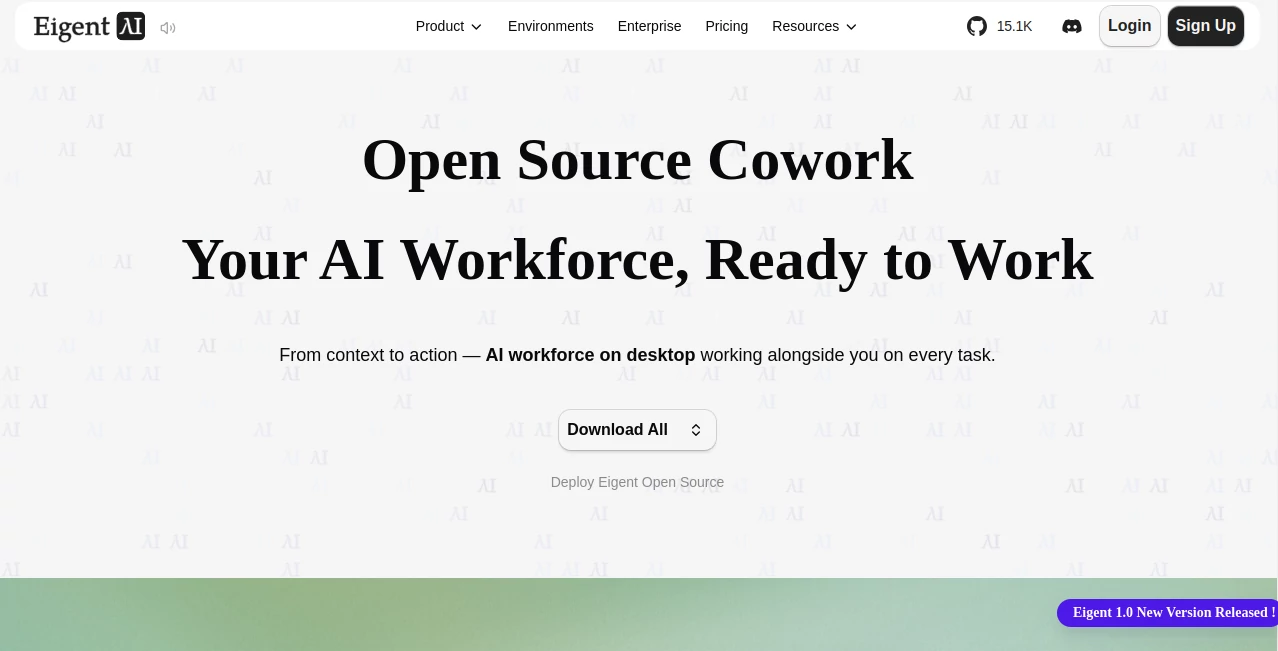
What is Eigent?
Eigent is an open-source desktop workspace built around the idea of turning AI from a simple chat assistant into a practical digital workforce. Instead of asking one model to handle every part of a complicated request, it can work with a single focused agent or coordinate several specialized agents that divide a larger job into smaller tasks.
The approach is particularly useful when a task involves research, files, coding, web browsing, document creation, analysis, or several steps that need to happen in sequence. You can give the workspace access to relevant folders and context, describe the outcome you want, and let the agents work through the task while keeping track of what they are doing.
One of the more appealing aspects is the choice of deployment. The open-source desktop version can be hosted locally with your own API keys or local models, while the hosted plans provide managed access and task credits. This makes the platform interesting for both individual users experimenting with agentic workflows and developers who want more control over their AI environment.
Key Features
- Single-agent workspace: A focused agent can research, write, debug, inspect files, and work through direct tasks.
- Multi-agent workforce: Complex jobs can be divided among specialized agents that operate in parallel.
- Workflow automation: Recurring tasks can be scheduled so reports, research, summaries, and other workflows run automatically.
- Local execution: The open-source version supports local-first workflows where files, credentials, and working context can remain under your control.
- Model flexibility: Users can connect different cloud models, enterprise gateways, or local inference systems instead of being tied to a single model provider.
- MCP integration: Model Context Protocol tools can connect agents with external capabilities and services, expanding what they can accomplish.
- Desktop workspace: Tasks, context, files, execution progress, and agent activity are brought together in one environment.
- Open-source foundation: The desktop application is openly available, allowing developers to inspect and modify the underlying project.
User Interface
The interface is designed more like a working environment than a conventional chatbot. Users can describe a task, select the context they want the agents to understand, and follow the progress as individual workers perform different parts of the job.
A useful example is market research. One agent can search the web while another handles documents and a coordinating agent brings the findings together. The workspace also exposes execution context, referenced files, tools, and generated outputs, which makes longer tasks easier to follow.
Accuracy & Performance
Performance depends heavily on the AI models, tools, context, and instructions used for a particular task. The multi-agent approach can nevertheless make complicated assignments more manageable because work can be separated into focused stages rather than forcing one model to handle everything at once.
For research, coding, document processing, and data-oriented projects, providing a clear workspace and relevant source files is especially important. The platform's own documentation recommends giving agents a useful folder or project context before describing the desired outcome. This reduces the need to repeatedly explain background information and gives the agents a better source of truth.
Capabilities
The range of tasks is broad. A single agent can work on writing, research, debugging, and desktop operations, while the workforce mode is intended for more involved processes that benefit from multiple specialists.
Examples include researching market trends and preparing a report, reviewing project files, generating and analyzing CSV data, creating documents, researching competitors, building software projects, preparing recurring reports, and connecting workflows to external services. Developer-focused tasks can also involve terminal operations and code execution, while multimodal agents can work with images and audio.
Scheduled automation adds another practical layer. A weekly research report, a daily standup summary, or a recurring content workflow can be configured to run without manually starting the task each time.
Security & Privacy
Privacy is one of the strongest reasons to consider the local deployment option. The open-source desktop edition can run on your own machine with local models or your own API credentials. For enterprise local deployments, the provider states that prompts, files, outputs, terminal logs, and other customer data processed within the customer's environment are not routinely accessed or stored by the provider.
The cloud-connected version works differently because information required to provide the hosted service may be processed through its infrastructure and selected subprocessors. Users connecting third-party model providers, APIs, MCP tools, or other services should also review those providers' individual privacy terms.
Use Cases
The platform is a strong fit for work where several actions need to be connected. A developer might ask an agent to inspect a codebase, investigate a problem, modify files, and test the result. A researcher could gather information from multiple sources, organize findings, and turn them into a structured report.
Business users can use scheduled workflows for recurring research, reporting, document processing, or competitive analysis. Marketing teams may find the automation useful for preparing regular content briefs or market updates. Another interesting scenario is working with a folder full of project documents: rather than manually opening each file, the agent can inspect the workspace, understand its structure, and help determine what should happen next.
For technically inclined users, the local and model-agnostic approach is particularly attractive. It gives them room to experiment with different models, tools, integrations, and agent configurations without committing the entire workflow to one AI provider.
Pros and Cons
- Pros: Open-source desktop application, multi-agent workflows, local deployment, support for different models, scheduled automation, MCP integration, desktop file access, and strong flexibility for developers.
- Pros: The ability to use local models or bring your own API keys can reduce vendor lock-in and provide more control over sensitive workflows.
- Pros: Single-agent mode keeps simple tasks straightforward, while workforce mode provides a path for more complicated projects.
- Cons: Results still depend on the quality and limitations of the selected AI models and connected services.
- Cons: Multi-agent workflows can require more setup, monitoring, and model resources than a conventional chat assistant.
- Cons: Users who want a completely hands-off experience may need time to configure context, tools, permissions, and workflows properly.
Pricing Plans
There are two main ways to use the platform. The open-source Cowork desktop application is available for free and can be self-hosted with your own API keys or local models.
The hosted pricing page currently lists a Free tier with 500 registration credits and support for BYOK and local models. The Plus plan is listed at $19.90 per month and includes 2,000 task credits per month, while the Pro plan is listed at $99.99 per month and includes 10,000 task credits per month. Both Plus and Pro currently include a 7-day free trial.
For organizations, a Teams plan is marked as coming soon. Enterprise pricing is custom and adds options such as local deployment, enterprise-grade security, custom integrations, custom agent training and evaluation environments, invoice or purchase-order billing, and priority support.
How to Use It
Start by installing the desktop application and opening a workspace. A good first step is to select a folder containing the project, documents, code, research material, or other information relevant to the task.
Next, ask the agent to explore the folder and explain what it finds. Once it understands the available context, describe the result you want rather than giving it a long list of disconnected instructions. For example, you could ask it to review a project folder, summarize the current state, and suggest the next three tasks.
For straightforward work, a single agent may be enough. When a task contains several independent stages, switch to the workforce approach so specialized agents can collaborate. You can also configure recurring workflows when a task needs to happen on a regular schedule.
Comparison with Similar Tools
Traditional AI chat applications are excellent for conversations, brainstorming, and individual prompts, but they generally require the user to manage the surrounding workflow. Agentic desktop environments take a different approach by giving AI access to context, files, tools, and multi-step execution.
Compared with closed AI workspaces, the open-source approach here is particularly notable. Users can run the desktop environment locally, connect their preferred models, and inspect the underlying project. Compared with simpler automation platforms, the multi-agent design is better suited to workflows where different kinds of work need different capabilities, such as web research, coding, document handling, and multimodal processing.
The trade-off is complexity. Someone who only wants quick answers may find a traditional chatbot simpler, while developers, researchers, and power users who regularly perform multi-step tasks can benefit more from an agent workforce.
Conclusion
The biggest appeal of this platform is that it treats AI as something you can organize into a working system rather than simply a place to ask questions. Single agents handle focused jobs, multiple agents can collaborate on larger assignments, and scheduled workflows can keep recurring work moving in the background.
The combination of open-source availability, local execution, model flexibility, MCP integrations, and desktop context makes it especially interesting for developers and advanced AI users. It is not necessarily the simplest option for a casual question-and-answer workflow, but for people who want AI to research, create, analyze, operate on files, write code, and complete connected tasks, it offers a compelling environment to experiment with.
Frequently Asked Questions (FAQ)
What is an AI workforce?
An AI workforce is a group of specialized AI agents that can divide a complicated assignment into smaller tasks and collaborate on completing them. Instead of relying on one agent for everything, different workers can focus on activities such as browsing, coding, document handling, or multimodal processing.
Can it run locally?
Yes. The open-source desktop version can be hosted locally and used with your own API keys or local AI models. Local deployment is particularly useful for users who want greater control over their files, credentials, and execution environment.
Does it support multiple AI models?
Yes. The platform is model-agnostic and can connect to cloud APIs, enterprise gateways, or local inference systems, allowing users to choose models according to their requirements.
Can it automate recurring tasks?
Yes. Scheduled workflows can run recurring jobs such as research reports, standup summaries, content briefs, and market analysis at predefined times.
Is the desktop version open source?
Yes. The open-source desktop application can be self-hosted, inspected, and modified. The project is released under the Apache License 2.0.
Is there a free option?
Yes. The open-source desktop edition is free to self-host when using your own API keys or local models. The hosted service also has a Free tier with registration credits.
Who is it best for?
It is particularly well suited to developers, researchers, technical teams, automation enthusiasts, and professionals who regularly handle multi-step tasks involving files, web research, code, documents, or external tools.
AI Workflow Management , AI Productivity Tools , AI Research Tool , AI Developer Tools .
These classifications represent its core capabilities and areas of application. For related tools, explore the linked categories above.

Eigent Alternatives Product

Toonifyit

CoolVerdict

LocaFlow

Trimless for…

Creget

Online White…

ToolIMG

Referent

Zivy