

















Foneo AI
Verified Blue CheckMark
Verified Blue CheckMark products are featured above free or unverified listings.
This badge indicates authenticity and builds trust, giving your product higher visibility across the platform.
Upgrade to get verified
Verified Blue CheckMark products are featured above free or unverified listings. This badge indicates authenticity and builds trust, giving your product higher visibility across the platform.
Upgrade to get verified
What is Foneo AI?
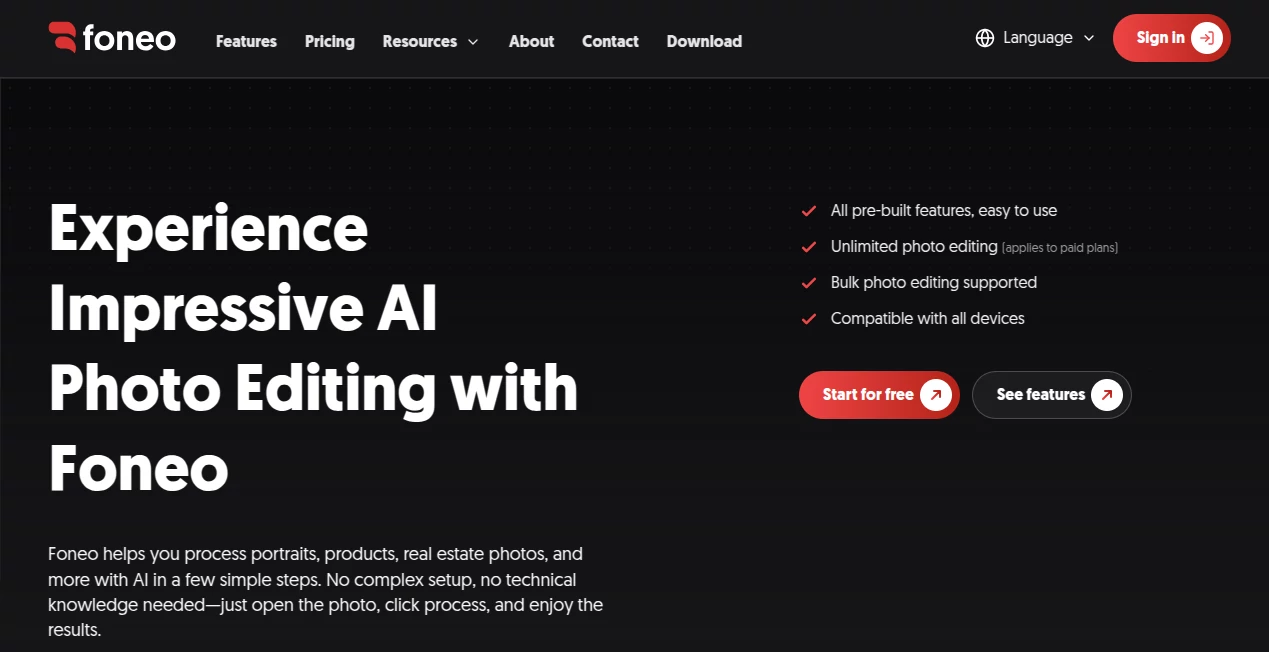
Foneo is a desktop AI photo editing application built for people who want professional-looking results without turning every editing task into a long manual process. It brings a collection of practical AI tools into one straightforward workflow, covering portraits, product photography, architecture, social media images, restoration, and everyday photo cleanup.
The idea is refreshingly simple: open a photo, choose the task you need, process it, and review the result. There is no need to connect third-party APIs, manage a private server, rent a GPU, or learn complicated prompting techniques. That makes the software particularly appealing to photographers, retouchers, studios, online sellers, and content creators who regularly work with large numbers of images.
Key FeaturesUser Interface
The interface is designed around one-click editing tools rather than a complicated collection of technical controls. Users can select a specific function, add an image, and start processing without having to understand how the underlying AI works.
This approach is especially useful when editing becomes repetitive. Instead of spending several minutes looking for the right combination of adjustments, a photographer can choose a purpose-built tool and move directly to the result. The application also supports processing and exporting multiple photos, which can be useful after a large photo shoot.
Accuracy & Performance
The software focuses on practical image-editing tasks where consistency matters. Face enhancement can improve facial detail, object removal can clean unwanted elements from a scene, and upscaling can increase image resolution while retaining important visual details.
For older photographs, restoration and colorization tools provide another useful workflow. Product sellers can clean up product images and create or replace backgrounds, while photographers can use portrait, makeup, skin retouching, and face-related tools to refine people-focused images.
Recent releases have also introduced improvements such as 2K previews, better storage management, new editing add-ons, and Photoshop export capabilities. The development pace suggests that the toolset is continuing to expand rather than remaining fixed.
Capabilities
The range of available tools is one of the strongest parts of the application. Portrait workflows include face enhancement, portrait effects, face swapping, ID photos, makeup, and skin retouching. Product workflows include product enhancement, product backgrounds, background replacement, and fashion try-on.
There are also tools for architecture and interiors, including lighting effects, weather effects, surface transformation, and architecture enhancement. For general image editing, users can remove or add objects, restore and colorize old photographs, upscale images, enhance details, transfer styles, and make edits from descriptions.
One practical advantage is that many of these features are purpose-built. Someone who simply wants to remove an unwanted object does not have to build a complicated prompt or manually recreate the effect from scratch.
Security & Privacy
The application is designed as a desktop product for Windows and macOS rather than a browser-only editor. The official documentation emphasizes that users do not need to rent their own servers or manage GPU infrastructure to use the software.
Users should still review the current privacy policy and terms before processing sensitive or confidential photographs, particularly when working with client portraits, identification documents, or commercial material.
Use CasesFor portrait photographers, the combination of face enhancement, skin retouching, makeup, portrait effects, and face swapping can reduce the amount of repetitive work involved in preparing a finished gallery.
Wedding studios can benefit from the same workflow when dealing with large collections of photographs. Instead of manually correcting every image individually, multiple files can be processed and exported as part of a faster editing routine.
Online sellers have a different reason to use the software. Product enhancement, background generation, background replacement, and fashion try-on can help turn ordinary product photographs into cleaner marketing assets.
Real estate photographers and designers can also use architecture enhancement, lighting, surface transformation, and related tools when preparing interior or property images.
For someone restoring an old family photograph, the experience can be much simpler than working through a traditional professional editing application. Restore and colorize, upscale, detail enhancement, and object removal are available as dedicated workflows.
Pros and Cons Pros: Large collection of practical AI photo editing tools Pros: One-click workflows reduce the need for complicated prompting Pros: Designed for photographers, studios, sellers, and content creators Pros: Supports Windows and macOS Pros: Does not charge separately for every exported photo Pros: Supports processing and exporting multiple images Pros: Includes a free plan for testing the available tools Cons: It is primarily a desktop application rather than a browser-based editor Cons: The free plan places limits on daily exports and adds watermarks Cons: Some advanced functionality may be more suitable for users who regularly edit large numbers of images Pricing PlansThe service offers a free plan alongside paid subscriptions lasting one month, six months, or twelve months. The free option provides access to the AI editing tools but limits users to up to 10 exports per day, includes a watermark, and allows one task at a time.
Paid subscriptions remove the daily export restriction, provide watermark-free results, and offer higher processing priority. The annual option also supports use on two devices, while the shorter subscriptions are intended for one device.
An important difference from many AI image services is the absence of per-photo charges. Users can process photographs according to their workload instead of calculating a separate cost for every export.
How to Use the App Download and install the desktop application on a supported Windows or macOS computer. Sign in to your account after installation. Choose the editing function that matches the job you want to complete. Add the photograph or photographs you want to process. Adjust the available options or provide a description when the selected tool supports custom instructions. Start processing and review the generated result. Export the finished image when you are satisfied with the result. Comparison with Similar ToolsTraditional professional editors remain useful when a designer needs complete manual control over layers, selections, masks, typography, and detailed composition. This application takes a different approach by focusing on repetitive AI-assisted editing tasks.
Compared with general-purpose online AI image generators, its strength is not simply creating an image from a blank prompt. The workflow is centered on editing existing photographs and solving recognizable production tasks such as background replacement, face enhancement, object removal, product improvement, restoration, and upscaling.
For a photographer who already has hundreds of images waiting for post-production, that distinction can make the software more practical than a tool designed mainly for generating new artwork.
ConclusionThis AI photo editor stands out because it concentrates on the work photographers and visual creators actually repeat every day. Instead of presenting AI as another complicated technology to learn, it packages individual editing jobs into accessible tools.
The combination of portrait retouching, product editing, background replacement, restoration, object editing, enhancement, and creative effects gives it a broad range of applications. The lack of per-photo billing is another useful advantage for professionals who routinely process substantial batches of images.
It is not positioned as a complete replacement for a full professional editing suite. Rather, it works well as a practical AI-focused companion for speeding up the parts of photo editing that are repetitive, time-consuming, or simply inconvenient to perform manually.
Frequently Asked Questions (FAQ)Is this an online photo editor?
No. It is a desktop application available for Windows and macOS. Users download and install the software on a supported computer.
Do I need to write AI prompts?
Not for most of the built-in tools. The application provides dedicated one-click workflows for common editing tasks. Some features also support custom descriptions when users want more control over the result.
Does it charge for every photo?
No. The service does not use a per-photo export charge. This makes it more predictable for photographers and studios handling larger volumes of images.
Can it edit multiple photos?
Yes. The application supports editing and exporting several photos at the same time, making it suitable for workflows involving larger photo collections.
Can it improve old photographs?
Yes. Its restoration and colorization tools are designed to improve old or blurry photographs, while additional enhancement and upscaling features can help recover detail.
Can it remove unwanted objects?
Yes. The object removal feature allows users to select unwanted elements and remove them from an image.
Can it replace a photo background?
Yes. Background replacement can be performed using uploaded images, built-in templates, or custom descriptions, depending on the selected workflow.
Who is the software best suited for?
It is particularly well suited to photographers, retouchers, wedding studios, online sellers, content creators, and anyone who regularly needs to make repetitive improvements to photographs.
Does it work with Photoshop?
Recent versions include an option to send results to Photoshop as a layered PSD, allowing users to continue editing the generated result in a familiar professional workflow.
What operating systems are supported?
There are dedicated versions for Windows and macOS. The official download page provides the current version and system requirements for each platform.