
Frameway
What is Frameway?
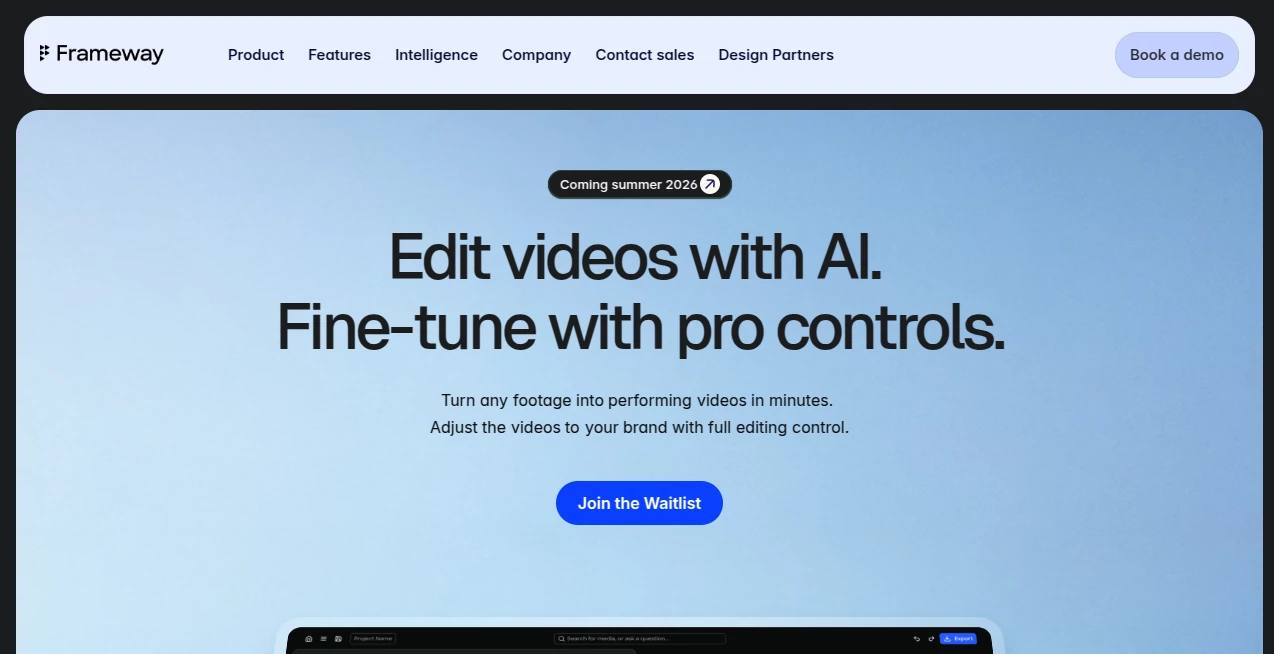
Creating professional videos often requires hours of editing, repeated revisions, and familiarity with complex timelines. This platform approaches the process differently by allowing users to describe what they want in natural language while artificial intelligence handles the repetitive editing work. Instead of forcing creators to learn advanced editing software, it transforms ideas into polished videos through a simple conversational workflow.
Designed for content creators, marketing teams, founders, and businesses, it combines automation with creative freedom. Rather than producing an untouchable result, users can review every step, refine specific edits, and maintain complete control over branding and storytelling. This balance between automation and manual editing makes it especially valuable for professionals who need both speed and quality.
Whether the goal is turning long-form recordings into engaging social media clips, preparing promotional videos, or scaling content production across multiple platforms, the editing experience feels intuitive and refreshingly efficient.
Key Features
User Interface
The chat-first interface removes the intimidation that often comes with traditional editing software. Users simply explain their editing goals, and the system generates an editing plan before producing a first draft. Every stage remains easy to understand, making the workflow accessible for beginners while still offering the flexibility professionals expect.
- Natural language editing workflow
- Guided editing plans before processing
- Simple navigation with minimal learning curve
- Step-by-step manual refinement options
- Fast project organization for multiple videos
Accuracy & Performance
The platform focuses on understanding the intent behind each editing request instead of applying generic templates. Intelligent automation performs repetitive tasks such as clipping, formatting, and preparing content for different social media platforms while preserving consistency throughout the final production.
Its semantic understanding also allows creators to locate important moments inside longer videos much faster than manual searching, significantly reducing production time for podcasts, webinars, interviews, and educational content.
Capabilities
- Create videos through conversational prompts
- Automatically generate editing workflows
- Repurpose long-form content into short clips
- Semantic search across video content
- Platform-ready exports for social media
- Brand-consistent editing support
- Manual fine-tuning whenever needed
- Scalable production for marketing teams
Security & Privacy
The service is built with professional organizations in mind, making controlled editing workflows an important part of the experience. Users retain creative ownership over projects while collaborating efficiently with teams. As the product continues evolving through enterprise partnerships and early adopters, privacy and controlled access remain essential considerations for business users.
Use Cases
- Creating short-form videos from webinars and podcasts.
- Producing social media campaigns for multiple platforms.
- Generating promotional videos for startups and SaaS products.
- Helping agencies deliver client projects more efficiently.
- Editing educational lessons and online courses.
- Building branded content for businesses.
- Accelerating video production for marketing departments.
- Supporting creators who publish content frequently.
Pros and Cons
Pros
- Innovative chat-based editing experience.
- Very easy for beginners to start using.
- Reduces repetitive editing tasks.
- Maintains creative control instead of fully automated black-box editing.
- Excellent for marketers and content creators.
- Supports rapid content repurposing.
Cons
- Some advanced capabilities are still evolving.
- Public availability is relatively new.
- Professional editors may occasionally require external finishing tools for highly specialized projects.
Pricing Plans
The platform currently offers early access and free testing opportunities for eligible users while expanding toward broader public availability. Commercial and enterprise options are expected to continue growing as additional features are released. Visitors should check the official website for the latest pricing information and plan availability.
How to Use Frameway
- Create an account or join the available access program.
- Upload your source video or raw content.
- Describe your editing goal using natural language.
- Review the automatically generated editing plan.
- Allow AI to produce the first edited version.
- Adjust captions, clips, branding, or other elements if needed.
- Export optimized videos for your preferred platforms.
Comparison with Similar Tools
Unlike many AI video editors that generate a finished result with limited customization, this solution keeps users involved throughout the editing process. Instead of replacing creative decisions, it accelerates mechanical editing while allowing complete control over the final output.
Compared with traditional video editors, it dramatically reduces production time through conversational editing and intelligent automation. Compared with fully automated generators, it offers a more transparent workflow that professionals can easily refine and personalize.
Conclusion
For creators, businesses, and marketing teams seeking a faster way to produce professional videos, this platform delivers a refreshing alternative to conventional editing software. Its conversational workflow removes technical barriers while preserving creative flexibility, making video production feel significantly more approachable.
The combination of AI automation, semantic video understanding, rapid content repurposing, and manual refinement creates an editing experience that saves valuable time without sacrificing quality. As new features continue to arrive, it has strong potential to become an essential productivity solution for anyone producing video content at scale.
Frequently Asked Questions (FAQ)
Who is this platform designed for?
It is suitable for content creators, marketers, agencies, founders, and businesses that want to produce videos more efficiently.
Can beginners use it?
Yes. The conversational interface makes video editing much easier than traditional timeline-based software.
Does it support manual editing?
Yes. Users can refine specific editing steps and maintain creative control over the final video.
Can it create short clips from longer videos?
Yes. Repurposing long-form content into short, shareable clips is one of its primary strengths.
Is it suitable for marketing teams?
Absolutely. It is designed to help teams produce consistent, branded content more quickly while scaling video production.
AI Video Editor , AI Video Generator , AI Short Clips Generator , AI Productivity Tools .
These classifications represent its core capabilities and areas of application. For related tools, explore the linked categories above.

Frameway Alternatives Product

KissGen AI

Sourcetable

Youfiliate

Veo

HISAB 360

Eleven AI

Motion Contr…

happyhorse ai

Sora by Open…