

















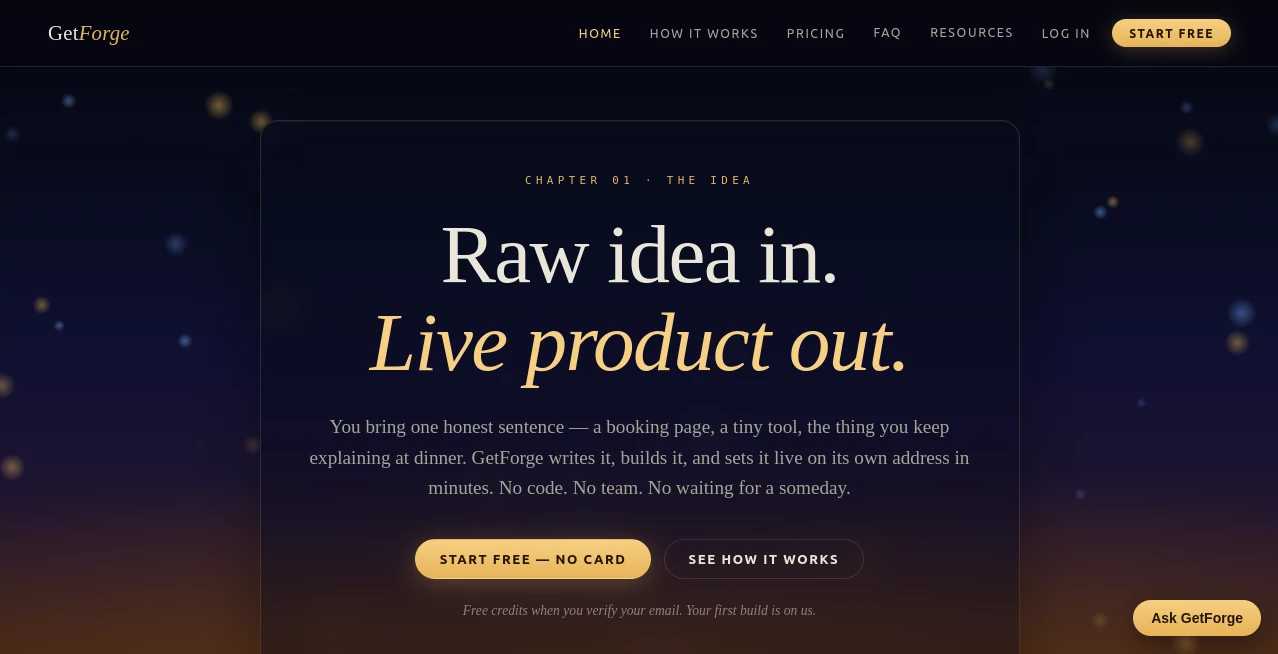
What is Getforge.studio?
Turning a video concept into a polished YouTube episode usually means switching between research tools, writing software, voice generators, image creators, editing utilities, and SEO platforms. That fragmented workflow slows production, introduces inconsistencies, and makes it difficult to publish on a reliable schedule.
This platform brings every essential production step together in a single workspace. Instead of managing multiple disconnected services, creators can move from a simple topic idea to a complete production package without breaking their creative flow. Research, scripting, narration planning, visual prompts, sound design, thumbnails, and publishing assets are generated as part of one connected pipeline, allowing creators to focus more on storytelling and less on repetitive tasks. :contentReference[oaicite:0]{index=0}
Whether producing educational videos, documentaries, technology reviews, finance explainers, travel content, or history channels, the workflow is designed to reduce manual effort while maintaining a consistent brand voice across every episode.
Key Features
- Complete AI-powered YouTube production pipeline
- One Shot Mode for generating an entire production package from a single topic
- Automatic research with topic validation
- Professional script generation
- Multiple AI narration voices
- Intelligent image prompt creation
- Sound design planning with music and effects suggestions
- Thumbnail concepts
- SEO-friendly YouTube titles, descriptions, tags, and chapters
- Trend discovery based on real YouTube data
- Channel-specific production templates
- Export-ready production assets
User Interface
The interface is designed around a logical production sequence rather than isolated tools. Every stage builds naturally upon the previous one, making it easy for beginners to understand while still offering enough flexibility for experienced creators. Users can complete each production phase individually or allow the entire workflow to run automatically in a single session.
Accuracy & Performance
Instead of relying on generic outputs, the system creates channel-specific templates that help maintain a consistent tone across videos. Topic research is supported by real YouTube performance data, giving creators more confidence before investing time in production. Features such as hook scoring, retention analysis, and structured narration planning further improve content quality before recording even begins. :contentReference[oaicite:1]{index=1}
Capabilities
The platform covers nearly every pre-production requirement for YouTube creators. It can research topics, generate detailed scripts, assign multiple AI voices to different speakers, prepare image prompts for visual generation tools, recommend sound effects, organize production files, and generate publishing metadata ready for upload. The final output includes organized assets that simplify editing inside popular video editors.
Security & Privacy
Creators work inside a hosted environment where production assets are generated without requiring users to configure multiple third-party AI services or manage separate API keys. Centralizing production into one platform also reduces the complexity of handling different accounts throughout the creative workflow. :contentReference[oaicite:2]{index=2}
Use Cases
- Educational YouTube channels
- Technology reviews
- Finance and investing content
- History documentaries
- Science explainers
- Travel channels
- Health and wellness videos
- True crime storytelling
- Faceless YouTube automation
- Content agencies managing multiple channels
Pros and Cons
Pros
- Combines multiple production tools into one workflow
- Reduces context switching
- Creates complete production packages quickly
- Supports multiple video niches
- Uses real YouTube trend research
- Maintains consistent channel voice
- Helpful for both solo creators and production teams
Cons
- Focused primarily on YouTube production
- Final video editing still requires external editing software
- Advanced creators may still customize generated assets before publishing
Pricing Plans
A free first episode is available without requiring a credit card. Paid subscriptions include Creator, Studio, and Pro plans with increasing monthly production limits, access to the complete eight-stage production pipeline, hosted AI services, trend research, and additional features such as One Shot Mode and priority support. :contentReference[oaicite:3]{index=3}
How to Use Forge
- Describe your YouTube channel and niche.
- Select or validate a video topic.
- Run the production pipeline.
- Review the generated research and script.
- Select narration voices.
- Generate image prompts and sound planning.
- Review titles, descriptions, and tags.
- Download the production package.
- Assemble the final video inside your preferred editor.
- Publish to YouTube.
Comparison with Similar Tools
Many AI content solutions specialize in only one stage of video creation, such as scripting, voice generation, thumbnail design, or SEO optimization. This platform stands out by connecting every major production stage into a single workflow. Instead of exporting files between multiple applications, creators receive an organized package containing research, narration, visuals, metadata, and production guidance that is ready for editing and publishing. :contentReference[oaicite:4]{index=4}
Conclusion
For creators who want to publish consistently without spending hours moving between disconnected applications, this solution offers a refreshing approach. By combining research, writing, narration planning, visual preparation, sound design, and publishing assets into one streamlined process, it dramatically simplifies YouTube production while helping maintain quality and consistency. It is especially valuable for solo creators, growing channels, and agencies looking to produce more content with less operational overhead.
Frequently Asked Questions (FAQ)
What type of creators is this platform designed for?
It is suitable for YouTube creators across niches including education, finance, technology, travel, documentaries, science, sports, and more.
Can it generate an entire video production package?
Yes. It can produce research, scripts, narration planning, image prompts, sound guidance, thumbnails, and publishing metadata within one workflow.
Does it support multiple AI voices?
Yes. Different voices can be assigned to various characters or narration segments.
Is there a free plan?
Users can create their first episode for free before upgrading to a paid subscription.
Does it replace video editing software?
No. It prepares production assets that can be imported into video editing applications for final assembly.