
GitSetGo
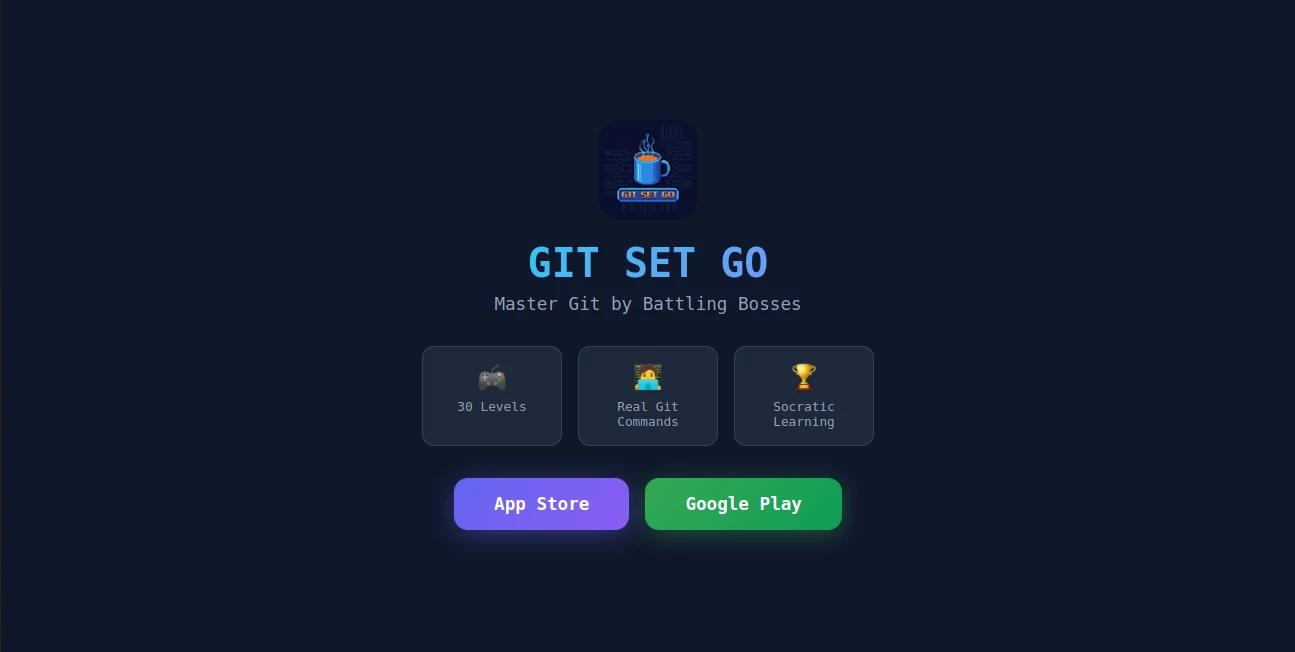
What is GitSetGo?
I still remember the first time I tried to learn Git. I watched endless tutorial videos, copied commands I didn’t fully understand, and somehow still managed to mess up my repository. It felt like I was studying for an exam instead of actually learning a skill. Then I found this platform and everything clicked. It turns Git into a game where you battle bosses by using real commands to solve challenges. No more dry theory — you learn by doing, failing, and winning. The best part? It’s actually fun, and the knowledge sticks.
Introduction
Git is one of those tools that every developer needs, but almost everyone struggles to learn properly at first. Traditional tutorials are often boring and disconnected from real workflows. GitSetGo takes a completely different approach: it gamifies the entire learning process. You progress through 30 carefully designed levels, facing increasingly difficult “bosses” that force you to use real Git commands to defeat them. It uses Socratic-style learning — asking questions, giving hints, and letting you experiment safely in a controlled environment. Whether you’re a complete beginner or someone who’s been using Git for years but still feels shaky on advanced topics, it meets you exactly where you are.
Key Features
User Interface
The interface is clean, colorful, and game-like without feeling childish. You see your progress clearly with a level map, health bars during battles, and immediate feedback after every command. The terminal is built right into the browser, so there’s nothing to install. Everything feels responsive and modern. I especially like how it celebrates small wins — completing a tricky merge or fixing a messy rebase gives you that satisfying dopamine hit that keeps you coming back.
Accuracy & Performance
Every challenge uses real Git under the hood, so what you learn transfers directly to your actual projects. The system is strict about correct usage but forgiving when you’re learning — it gives helpful hints instead of cryptic error messages. Commands execute instantly, and the progression feels natural. By the time you finish the later levels, you’ve internalized branching, merging, rebasing, and conflict resolution in a way that textbooks never managed to teach me.
Capabilities
It covers everything from basic add-commit-push to advanced topics like interactive rebase, cherry-picking, and resolving complex merge conflicts. The 30 levels are grouped into themed worlds, each focusing on different Git concepts. You can track your progress, revisit old battles for practice, and even compete on leaderboards. It’s comprehensive enough for professional developers while remaining approachable for students and bootcamp graduates.
Security & Privacy
Your progress and data stay private to your account. Since everything runs in the browser with simulated repositories, there’s no risk to your real projects. The platform focuses on education without collecting unnecessary personal information, giving you peace of mind while you learn.
Use Cases
A junior developer uses it daily during their first job to build confidence before touching production repositories. A computer science student prepares for technical interviews by mastering Git through gameplay instead of cramming commands. A team lead recommends it to new hires so they can get up to speed quickly without slowing down the rest of the team. Even experienced engineers revisit tough levels to refresh advanced concepts they rarely use. It works beautifully for self-paced learning at any stage of your career.
Pros and Cons
Pros:
- Makes learning Git genuinely fun instead of frustrating.
- Uses real commands in realistic scenarios.
- Excellent progression system that builds confidence gradually.
- Great for both complete beginners and intermediate users.
- Free to play with meaningful content available right away.
Cons:
- Some very advanced or niche Git workflows may not be covered yet.
- Requires consistent practice to get the most value (like any skill).
Pricing Plans
The core game is free and already offers substantial value with dozens of levels. Premium unlocks additional worlds, advanced challenges, detailed analytics on your progress, and removes any occasional limitations. The paid tier feels like a fair upgrade for serious learners who want the complete experience.
How to Use GitSetGo
Sign up in seconds, start at Level 1, and follow the guided battles. Read the story context, try the suggested commands in the in-browser terminal, and watch what happens. If you get stuck, hints are available without spoiling the solution. Complete the level to unlock the next one. Take your time, experiment with different approaches, and watch your Git intuition grow with every victory. You can revisit any level anytime to practice or review concepts.
Comparison with Similar Tools
Traditional Git tutorials are passive and easy to forget. Other gamified platforms often use fake commands or oversimplified mechanics that don’t translate to real work. GitSetGo stands out by combining genuine gameplay with actual Git commands in realistic scenarios. It’s more engaging than documentation and more practical than most coding games, striking an impressive balance that actually helps you become confident with Git.
Conclusion
Learning Git doesn’t have to be painful or boring. This platform proves that with the right mix of challenge, story, and real practice, you can master one of the most important developer skills while actually enjoying the process. Whether you’re just starting your journey or looking to fill knowledge gaps, it offers a fresh, effective, and genuinely fun way to level up. If you’ve been putting off properly learning Git, this might be the push you’ve been waiting for.
Frequently Asked Questions (FAQ)
Do I need any prior Git knowledge?
No — it starts from absolute basics and builds up naturally.
Is it only for beginners?
Not at all. Later levels cover advanced topics that even experienced developers find useful.
Are the commands real?
Yes — everything you type is real Git running in a safe environment.
How long does it take to finish?
Most people complete the main campaign in 10–20 hours, depending on how much they experiment.
AI Developer Docs , AI Developer Tools , Other .
These classifications represent its core capabilities and areas of application. For related tools, explore the linked categories above.
GitSetGo details
Website unavailable — View Alternatives
Pricing
- Free
Apps
- iOS App
- Android App
Categories

GitSetGo Alternatives Product

LPM 1.0

Vibe Code Pi…

ShipAhead

CrawlReady

Discord Time…

ABC Dynamic …

Al Maze Gene…

OGimage

forge calcul…