


















Grok Automation
What is Grok Automation?
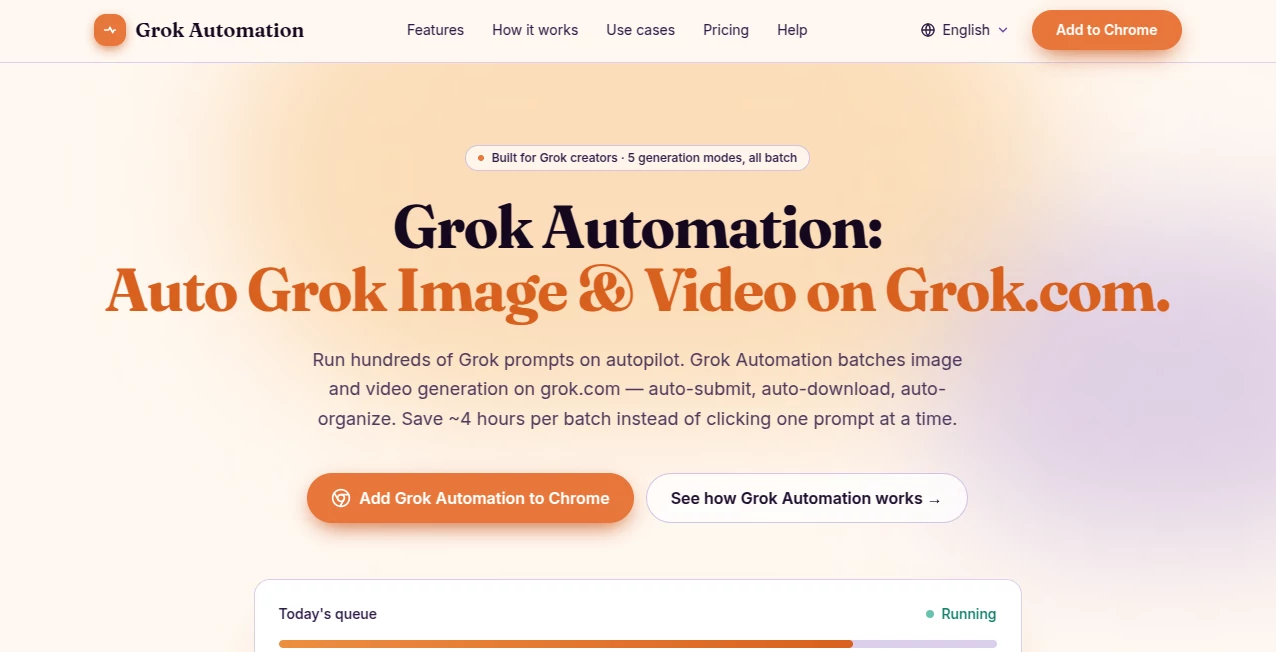
Creating large numbers of AI images or videos often means repeating the same steps over and over. This browser extension removes that repetitive work by automating prompt submission, downloads, and file organization. It is designed for creators who regularly generate visual content and want a faster, cleaner workflow without changing how they already use Grok.
Key Features
User Interface
The extension adds a simple control panel where users can paste multiple prompts, select generation modes, and monitor progress with a live queue. The layout is easy to understand, even during long production sessions.
Accuracy & Performance
Batch processing supports hundreds of prompts while smart delays help avoid interruptions caused by rate limits. Automatic retries and organized downloads reduce manual effort and keep projects moving smoothly.
Capabilities
- Batch image and video generation
- Support for multiple generation modes
- Automatic downloads and project folders
- Parallel prompt processing
- Image-to-image and text-to-video workflows
Security & Privacy
The extension keeps prompts and generated files on the local device instead of sending creative work to external servers, making it a practical choice for users who value privacy.
Use Cases
- Generating large collections of marketing visuals.
- Creating thumbnails for video channels.
- Producing concept art for games and apps.
- Building social media image and video libraries.
Pros and Cons
- Pros: Saves hours of repetitive work, automatic organization, supports multiple media formats, beginner-friendly.
- Cons: Requires Chrome and depends on an active Grok account for generation.
Pricing Plans
The extension is free to install. Premium plans are planned for launch, with early-access pricing available through the waitlist.
How to Use Grok Automation
Install the extension, open your Grok session, paste a list of prompts, choose the preferred generation mode, and start the queue. The extension automatically submits prompts, manages delays, downloads completed files, and sorts everything into organized folders.
Comparison with Similar Tools
Unlike general workflow automation platforms, this solution focuses on visual content creation inside the Grok interface. It offers dedicated batch processing, automatic downloads, and project organization, making it especially useful for creators handling high-volume image and video production.
Conclusion
For creators who generate visual content every day, this extension turns a repetitive workflow into a largely automated process. Its combination of batch execution, smart queue management, and local privacy makes it a practical addition to any AI-powered creative workflow.
Frequently Asked Questions (FAQ)
Is coding required?
No. Everything is managed through a simple browser extension.
Can it generate both images and videos?
Yes, it supports multiple image and video generation workflows.
Does it keep generated files organized?
Yes. Files are automatically downloaded and placed into structured project folders.
Is user data uploaded to external servers?
No. Creative content remains on the local device according to the project's privacy approach.
AI Image to Video , AI Video Generator , AI Developer Tools , AI Productivity Tools .
These classifications represent its core capabilities and areas of application. For related tools, explore the linked categories above.
Grok Automation details
Website unavailable — View Alternatives
Pricing
- Free
Apps
- Web App
Categories

Grok Automation Alternatives Product

Vibebot.gg

Wan AI Video…

Seedance 3.0

Alloy

Seedance 2.0

SnapVee Stud…

Where Is Thi…

HappyHorse A…

AgentOne
