Jobseeker
What is Jobseeker?
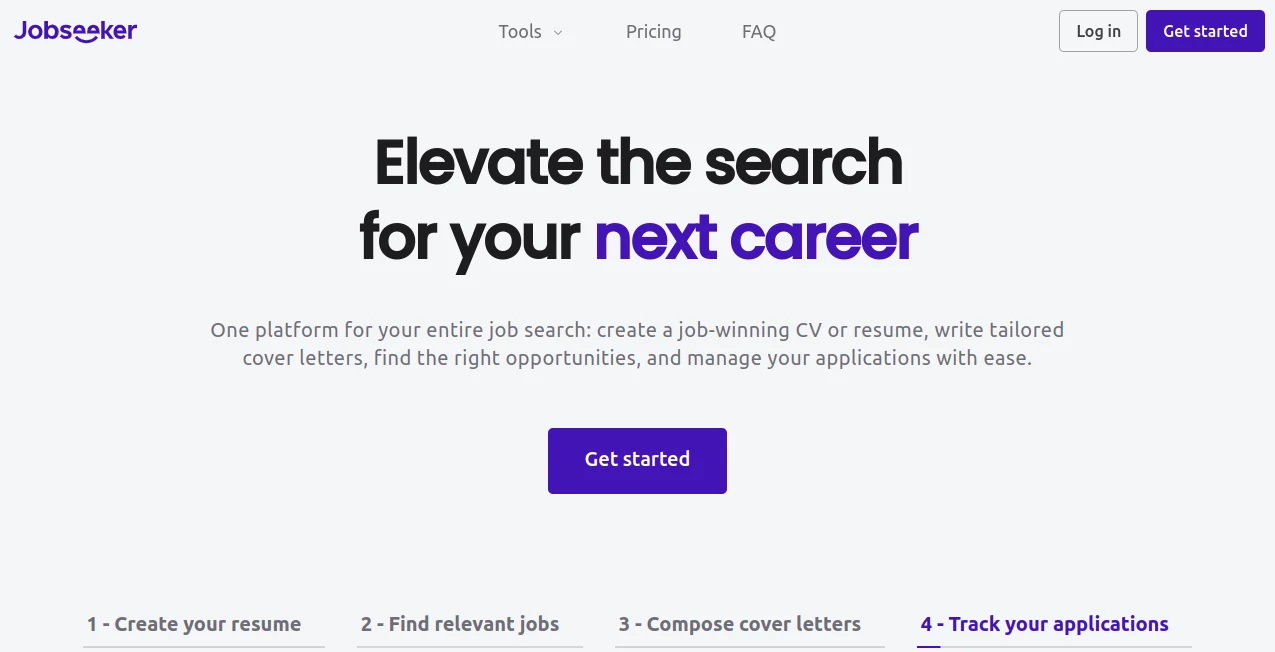
Jobseeker is an all-in-one career platform designed to make the job search process easier from the first draft of a resume to the final application. Instead of jumping between separate websites for resumes, cover letters, job listings, and application tracking, users can handle these important steps in one place.
The platform combines professional resume and CV builders with cover letter creation, job discovery, and application management. It also provides AI-assisted suggestions that can help users improve the way they describe their experience and skills. For someone who has ever stared at a blank resume wondering where to begin, having that guidance available can make the process considerably less frustrating.
The service has been available since 2021 and is currently offered in 26 languages and more than 195 countries. Its platform reports more than 15 million users worldwide, making it a substantial resource for people actively working on their careers.
Key Features
- Professional resume and CV builder with multiple templates.
- AI-assisted suggestions for improving resume and cover letter content.
- Cover letter builder with customizable layouts and sections.
- Access to relevant job opportunities.
- Application tracking and organization tools.
- Resume and cover letter examples for different professions and situations.
- Import support for existing resumes in PDF or Word format.
- Downloadable documents, including PDF output.
- Support for multiple languages.
User Interface
The interface is built around a straightforward editing experience. Users enter their information into guided fields, select a template, and can see how the finished document develops as they work. Sections can be rearranged with drag-and-drop controls, while formatting options allow adjustments to fonts, colors, spacing, and document structure.
This approach is particularly useful for people who are not comfortable designing documents from scratch. Instead of spending an evening trying to make margins, headings, and sections look professional, the user can concentrate on the information that actually matters.
Accuracy & Performance
The quality of a resume still depends heavily on the information supplied by the applicant, but the platform helps turn that information into a more organized professional document. Its AI-assisted suggestions can provide useful starting points for describing skills, responsibilities, and achievements without requiring users to write every section from a blank page.
The resume builder also follows common ATS-friendly formatting practices, helping keep important information structured and readable for applicant tracking systems. Users can review and edit suggested content before downloading the final document, which is important when accuracy and personal tone matter.
Capabilities
The platform covers more than simple resume creation. Users can create resumes, CVs, and cover letters, search for relevant vacancies, and keep track of applications. Existing resumes can also be imported from PDF or Word files, which can save considerable time for someone who already has a document but wants to improve its presentation.
Cover letters can be customized with different styles and sections, while matching resume and cover letter designs can help create a more consistent application package. Users can also reorder sections and adjust formatting according to the requirements of a particular position.
Security & Privacy
Because the service handles personal career information, users should review its current privacy policy and account terms before uploading sensitive documents. Resumes and cover letters can contain names, contact details, employment history, education, and other personal information, so applicants should always make sure they are comfortable with how their information is handled before using any online career platform.
Use Cases
The platform can be useful in several common job-search situations. A recent graduate can use it to build a first professional resume without needing advanced document-design skills. An experienced professional can create a cleaner CV and adjust it for different positions. Someone changing careers can use the writing guidance to present transferable skills more clearly.
It is also practical for active job seekers who apply to several positions at once. Rather than keeping application details in scattered notes or spreadsheets, the application management features provide a central place to keep track of outstanding opportunities.
For example, imagine a marketing specialist applying to five different companies. Instead of sending exactly the same resume everywhere, the applicant can adjust relevant sections, prepare tailored cover letters, and keep track of which applications have already been submitted.
Pros and Cons
- Pros: Combines resume creation, cover letters, job discovery, and application tracking in one platform.
- Pros: Offers professionally designed templates and useful customization options.
- Pros: AI-assisted suggestions can help users get past the blank-page problem.
- Pros: Existing PDF and Word resumes can be imported for editing.
- Pros: Available across many languages and countries.
- Cons: Full access requires a paid subscription.
- Cons: Users should still review AI-generated suggestions carefully and personalize them.
- Cons: The number of available features may feel unnecessary for someone who only needs a basic one-time resume.
Pricing Plans
The platform currently offers a subscription with access to its full set of features and unlimited use. The listed price is $19.99 per month with automatic renewal, while a 14-day trial is available for $0.99. The subscription includes professional resume and CV creation, cover letters, access to relevant jobs, and application organization.
Pricing and trial conditions can change, so users should check the current pricing information before subscribing. It is also worth paying attention to the renewal terms if the service is only needed for a short job search.
How to Use the Platform
- Create an account and open the resume or CV builder.
- Enter your professional information, including experience, education, skills, and other relevant details.
- Choose a resume template that fits your profession and the type of position you want.
- Review the suggested content and edit it so that it accurately represents your background.
- Adjust the structure, typography, spacing, and other available formatting options.
- Create a tailored cover letter when the position requires one.
- Search for relevant job opportunities through the platform.
- Keep track of submitted applications so you know which opportunities require follow-up.
- Download the finished resume or cover letter, including PDF versions when needed.
Comparison with Similar Tools
Many online services focus on only one part of the job search. Some specialize in resume design, others concentrate on cover letters, and separate job boards handle vacancy searches. The main advantage here is the combination of these functions into a single workflow.
That makes it especially attractive to users who want more than a visually polished resume. A dedicated resume designer may offer more specialized design controls, while a general job board may provide a larger discovery-focused experience. The broader appeal of this platform is the connection between document creation, job searching, and application organization.
Another useful distinction is the guided approach. Someone with strong writing and design skills may prefer building everything independently, but users who want examples, templates, structured fields, and AI-assisted suggestions can benefit from having those resources available while creating an application.
Conclusion
A good job application is rarely just about having a resume. It is about presenting relevant experience clearly, adapting the application to the position, writing a convincing introduction, finding suitable opportunities, and remembering where each application stands.
This platform brings those steps together in a practical career toolkit. Its combination of professional templates, AI-assisted writing support, cover letter creation, job discovery, and application tracking makes it a strong option for people who want a more organized approach to their job search.
It will not replace the need for genuine experience, thoughtful applications, or careful editing. What it does well is remove much of the tedious setup work, giving job seekers more time to focus on finding the right opportunity and presenting themselves with confidence.
Frequently Asked Questions (FAQ)
Can I create a resume without designing it from scratch?
Yes. You can enter your information, select a professionally designed template, and customize the document rather than building the layout manually.
Can I import an existing resume?
Yes. Existing resumes can be imported from PDF or Word files. Imported information should be reviewed afterward to make sure every section is complete and accurate.
Does it provide AI assistance?
Yes. AI-assisted suggestions can help users improve descriptions and create stronger application content based on the information they provide.
Can I create cover letters?
Yes. The cover letter builder provides guided fields, templates, customization options, and the ability to edit the generated content before downloading it.
Can I download my resume as a PDF?
Yes. Completed resumes and cover letters can be downloaded digitally, including PDF format.
Is the resume builder ATS-friendly?
The platform states that its resume builder follows ATS resume best practices and uses structured, keyword-friendly formatting. Applicants should still tailor their content to each individual job description.
Can I track my job applications?
Yes. Application management features are included so users can organize and keep track of their outstanding applications.
How much does the full service cost?
The current listed subscription price is $19.99 per month, with a 14-day trial available for $0.99. Subscription terms should be checked before purchase because pricing and offers may change.
AI Cover Letter Generator , AI Interview Assistant , AI Recruiting , AI Resume Builder .
These classifications represent its core capabilities and areas of application. For related tools, explore the linked categories above.

Jobseeker Alternatives Product

Mployee.me

JobbTwine

ResumeFreePro

CoPrep AI

ApplyBtn

Resyfy AI

JobSprout

HeyZinc

ResignWell