
















Krea2 Edit
What is Krea2 Edit?
Modern image editing is no longer limited to complicated software or time-consuming manual adjustments. This platform introduces a refreshingly simple way to transform images with the help of artificial intelligence while keeping complete control over the creative process. Instead of recreating an entire image whenever a small detail needs to change, users can edit only the areas they want, making every revision faster and far more predictable.
Whether you're refining marketing visuals, improving product photography, designing concept art, or experimenting with creative ideas, the editor provides an intuitive workflow that feels natural even for beginners. Professional creators will appreciate the precision, while casual users can achieve impressive results without learning advanced editing techniques.
The editing experience focuses on preserving the original composition while intelligently blending every modification with surrounding elements. This makes it possible to replace objects, modify backgrounds, extend scenes, adjust lighting, or experiment with entirely new artistic directions without sacrificing image quality.
Key Features
- AI-powered region-based image editing
- Brush, rectangle, and automatic object selection
- Move and reposition objects naturally
- Intelligent inpainting for seamless edits
- Image outpainting to expand existing scenes
- Virtual lighting controls for realistic relighting
- Camera angle and perspective adjustments
- Lens simulation with different photographic styles
- Color palette transformation
- AI colorization for black-and-white images
- Multiple edit history with non-destructive workflow
- Fast browser-based editing experience
User Interface
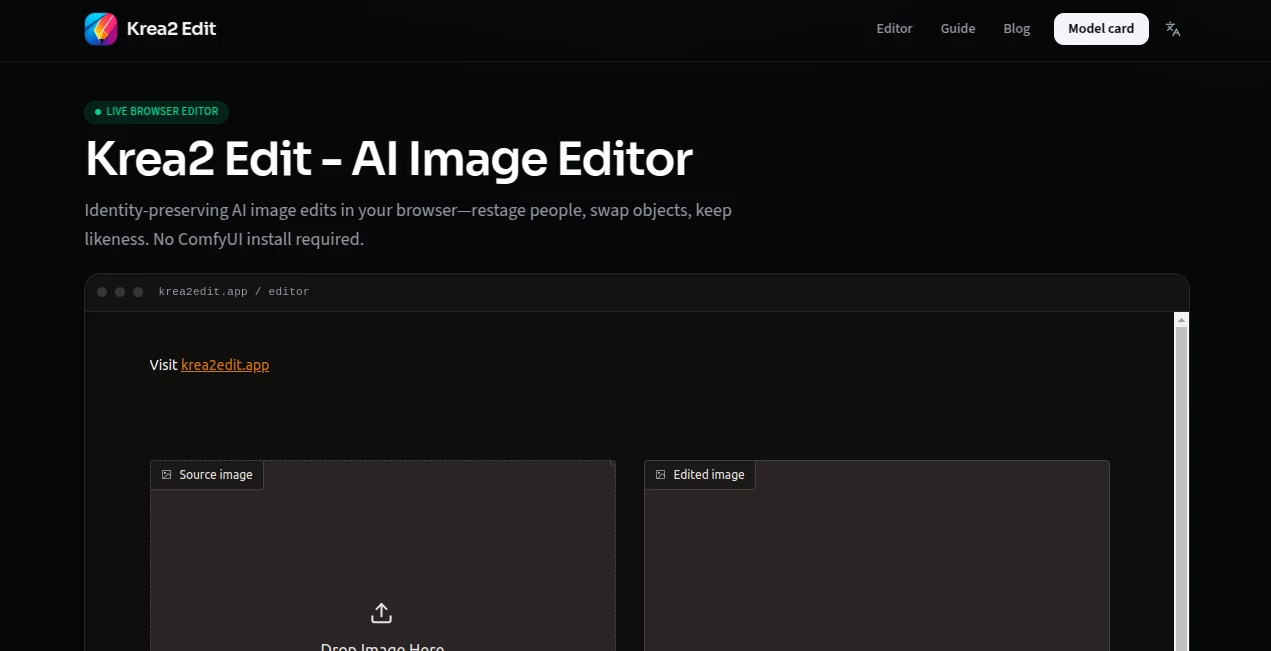
The interface is clean, responsive, and remarkably easy to understand. Most editing tools are only a click away, allowing users to focus on creativity instead of navigating complicated menus. Selecting an object, drawing an editing region, or expanding the canvas feels intuitive, making the platform approachable for both experienced designers and first-time users.
Another welcome touch is the visual editing history, allowing creators to revisit earlier versions without restarting a project. This encourages experimentation because every edit remains reversible throughout the workflow.
Accuracy & Performance
One of the strongest aspects of the editor is its ability to preserve image consistency. Instead of replacing the entire picture after each prompt, only the selected region is regenerated while matching surrounding lighting, textures, colors, and composition. This greatly reduces unwanted changes and produces results that appear naturally integrated.
Performance is equally impressive. Image generation and editing complete quickly, making iterative creative work far more enjoyable than traditional AI workflows that require repeated full-image generations. :contentReference[oaicite:0]{index=0}
Capabilities
The platform goes well beyond simple object replacement. Users can move existing elements, create additional space around an image, modify lighting using multiple virtual light sources, simulate different camera lenses, adjust perspectives, recolor scenes, and transform grayscale images into vibrant color compositions.
These creative controls provide flexibility for designers, advertisers, photographers, illustrators, social media creators, and digital artists who frequently need multiple visual variations from a single source image. :contentReference[oaicite:1]{index=1}
Security & Privacy
Projects are processed within a professional cloud-based creative environment designed for both individuals and commercial users. Paid subscriptions include commercial usage rights, making the platform suitable for agencies, freelancers, startups, and businesses producing client work. Users should review the official privacy policy and terms before uploading confidential or sensitive content. :contentReference[oaicite:2]{index=2}
Use Cases
- Editing product photos for online stores
- Creating advertising creatives
- Generating social media visuals
- Concept art iteration
- Marketing campaign design
- Real estate image enhancement
- Fashion and apparel visualization
- Photography retouching
- Background replacement
- Creative storytelling and illustrations
Pros and Cons
Pros
- Simple interface suitable for all skill levels
- Highly accurate region editing
- Excellent lighting and style preservation
- Fast editing workflow
- Advanced creative controls beyond basic inpainting
- Supports commercial projects on paid plans
Cons
- Some premium capabilities require a subscription
- Cloud processing requires an internet connection
- Large creative projects may consume compute credits quickly
Pricing Plans
A free plan allows users to explore the editor with daily compute credits and access to core functionality. Paid subscriptions provide additional compute capacity, commercial licensing, higher-resolution processing, advanced AI models, workflow automation, and expanded creative capabilities for professional users. :contentReference[oaicite:3]{index=3}
How to Use Krea2Edit
- Upload an existing image or open a previously generated project.
- Select an area using the brush, rectangle, or automatic object selection tool.
- Describe the desired modification with a natural language prompt.
- Generate the edit and review the result.
- Continue refining the image with lighting, color, perspective, or additional regional edits.
- Export the finished image once satisfied.
Comparison with Similar Tools
Many AI image editors regenerate entire scenes whenever a prompt changes, often altering details the creator wanted to keep. This editor follows a more precise workflow by allowing targeted modifications that preserve the rest of the composition. Combined with relighting, lens simulation, outpainting, and advanced object manipulation, it delivers significantly more creative flexibility than many conventional AI editing solutions.
Conclusion
For creators who want both speed and precision, this editor delivers an outstanding balance between automation and artistic control. It simplifies complex editing tasks without limiting creativity, making it equally valuable for professional production work and everyday experimentation. The combination of intuitive controls, powerful AI-assisted editing, and high-quality visual consistency creates an experience that feels polished, efficient, and genuinely enjoyable to use.
Frequently Asked Questions (FAQ)
Can I edit only one part of an image?
Yes. Individual regions can be selected and modified while the rest of the image remains unchanged.
Does it support object removal and replacement?
Yes. Objects can be removed, replaced, repositioned, or transformed using natural language prompts.
Can I expand images beyond their original borders?
Yes. AI-powered outpainting allows users to extend existing scenes while maintaining visual consistency.
Is there a free version available?
Yes. A free plan includes daily compute credits for testing the platform before upgrading.
Who is this tool best suited for?
It is an excellent choice for designers, photographers, marketers, content creators, agencies, and digital artists who require fast, high-quality AI image editing.