K-TL;DR
What is K-TL;DR?
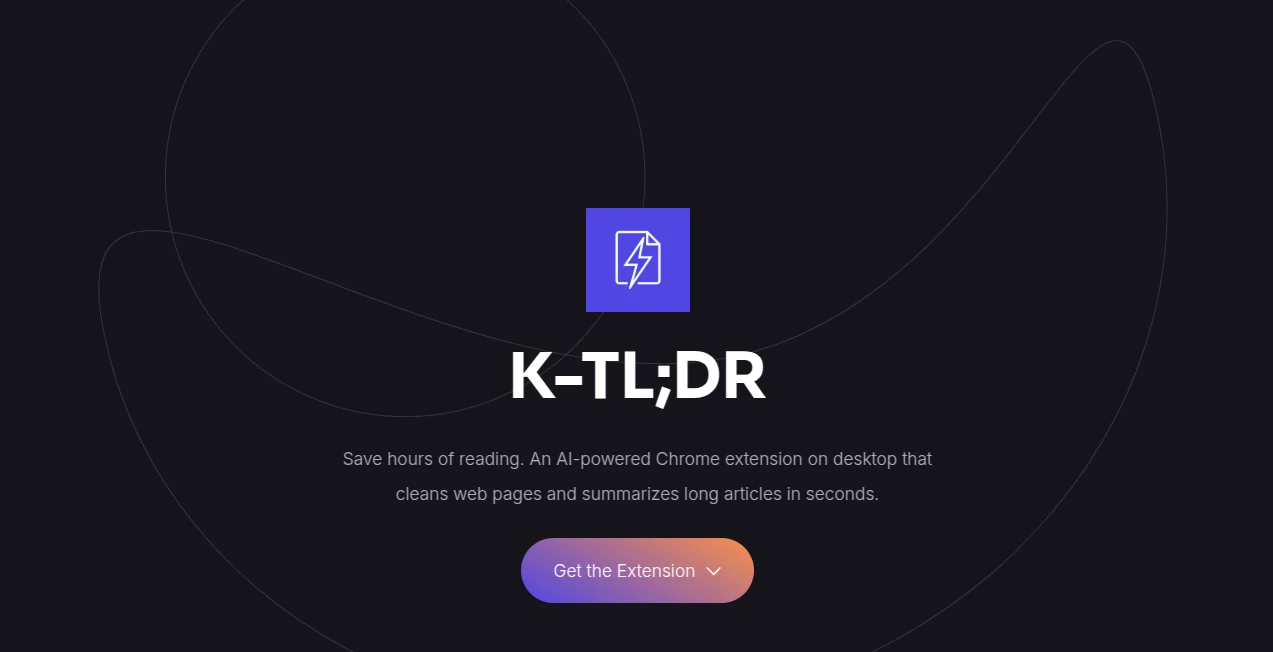
K-TL;DR is an AI-powered Chrome extension designed for people who spend a large part of their day reading articles, reports, news, and other web content. Instead of fighting through ads, pop-ups, navigation elements, and long pages, it extracts the core article and turns it into a concise summary in seconds.
The idea is refreshingly practical: when an article is useful but simply too long, the extension helps you understand the important points without requiring you to read every paragraph. It runs directly on desktop Chrome, making it a convenient option for researchers, professionals, students, and anyone who regularly consumes information online.
Key Features
- AI-powered summaries for long web articles.
- Automatic removal of ads, pop-ups, and unnecessary page clutter.
- Extraction of the main article text before summarization.
- Summaries generated in the user's native browser language.
- Free access with three AI summaries per day.
- Optional Pro plan supporting up to 100 AI summaries per day under fair-use limits.
- Cloud history synchronization for Pro subscribers.
User Interface
The experience is built around simplicity. As a Chrome extension, it is intended to work alongside normal browsing rather than sending users through a complicated dashboard. The main purpose is clear: open useful web content, activate the extension, and get a shorter version that is easier to digest.
This straightforward approach makes the product particularly appealing when speed matters. There is little reason to learn a complicated workflow when the primary task is simply turning a lengthy article into something more manageable.
Accuracy & Performance
The extension first focuses on extracting the core article rather than feeding the entire webpage into the summarization process. This is an important distinction because modern websites often contain advertisements, menus, pop-ups, recommendation blocks, and other elements that have nothing to do with the actual article.
By concentrating on the main text, the summarization process has cleaner material to work with. The website states that summaries are produced using advanced AI models and delivered within seconds, making the tool well suited to quick reading sessions.
Capabilities
The strongest capability is automated article summarization. A long page that might normally require several minutes of reading can instead be reduced to its essential information. The multilingual output is another useful touch: the summary is generated in the native language configured in the browser.
The Pro tier also adds cloud history synchronization, which can be useful for people who regularly summarize articles and want to keep track of previously processed content.
Security & Privacy
Privacy is presented as a central part of the product. According to the website, user data is not sold, and only the article text that the user explicitly chooses to summarize is processed. The service also states that browsing history remains private.
For users who regularly work with online information, this approach is reassuring. It makes the distinction between processing selected article content and tracking general browsing activity especially important.
Use Cases
- Research: Quickly review lengthy articles before deciding which sources deserve deeper attention.
- Students: Turn long educational reading into shorter summaries for initial review.
- Professionals: Stay informed when there are more reports and articles to read than time available.
- News readers: Get the main idea of lengthy stories without spending several minutes on every page.
- Content researchers: Scan multiple sources efficiently while gathering background information.
- Busy readers: Reduce the time spent dealing with cluttered pages and focus on the actual content.
Pros and Cons
- Pros: Fast article summarization, clean reading experience, removal of webpage clutter, multilingual summaries, privacy-focused positioning, and a useful free tier.
- Pros: The Pro plan provides significantly more daily summaries and cloud history synchronization.
- Cons: It is currently designed as a Chrome extension for desktop users, so it may not suit people looking for a standalone cross-platform reading application.
- Cons: The free plan is limited to three AI summaries per day, which may be restrictive for heavy readers.
Pricing Plans
The service uses a simple free-and-paid pricing model. The Free Tier costs $0 and provides three AI summaries per day, making it suitable for occasional readers who only need help with a few lengthy articles.
The Pro plan costs $4.99 per month and increases the allowance to up to 100 AI summaries per day under fair-use conditions. It also includes full cloud history synchronization. The subscription is billed monthly and can be cancelled at any time.
How to Use K-TL;DR
Using the extension is straightforward. First, install the Chrome extension from the Chrome Web Store. Next, open an article or other supported long-form web page that you want to understand more quickly. Activate the extension and let it remove unnecessary page elements and extract the main article content. The AI then processes the selected text and produces a concise summary.
For occasional use, the free allowance can be enough. People who summarize articles throughout the day can move to the Pro plan for the higher daily limit and synchronized history.
Comparison with Similar Tools
Many AI summarization services require users to copy text into a separate website or upload a document. This approach takes an extra step and can become inconvenient when the information is already available in a browser tab.
This extension takes a more direct route by operating inside the Chrome browsing experience. Its focus on cleaning the webpage before summarization is also useful for articles surrounded by advertising and other distracting elements. The combination of browser-native access, multilingual summaries, a free daily allowance, and an inexpensive Pro option gives it a practical position among lightweight reading assistants.
Conclusion
K-TL;DR takes a very familiar problem—having too much to read and too little time—and addresses it without adding unnecessary complexity. Its ability to strip away webpage clutter before summarizing the actual article makes the experience particularly useful for information-heavy browsing.
The free tier makes it easy to try for casual reading, while the Pro option is aimed at people who rely on summaries more frequently. For anyone who regularly researches online, reads industry news, studies lengthy articles, or simply wants to spend less time scrolling through pages, this is a useful addition to a Chrome-based workflow.
Frequently Asked Questions (FAQ)
What is K-TL;DR?
It is an AI-powered Chrome extension that extracts the main content from web pages and creates concise summaries of long articles.
Is there a free version?
Yes. The Free Tier provides three AI summaries per day at no cost.
How much does the Pro plan cost?
The Pro plan costs $4.99 per month and offers up to 100 AI summaries per day under fair-use limits.
Does it remove advertisements from articles?
The extension is designed to bypass ads, pop-ups, and other webpage clutter while extracting the core article text for summarization.
Can it summarize content in different languages?
Yes. The website states that summaries are generated in the user's native browser language.
Does it store browsing history?
The service states that it keeps browsing history private and only processes article text that the user explicitly chooses to summarize.
Does the Pro plan include history synchronization?
Yes. Pro subscribers receive full cloud history synchronization in addition to the higher daily summary allowance.
Who would benefit most from this tool?
It is particularly useful for professionals, researchers, students, news readers, and anyone who regularly encounters long articles while browsing the web.
Is it a standalone desktop application?
No. It is designed as a Chrome extension for desktop browsing.
AI Summarizer , AI Productivity Tools , AI General Writing , AI Writing Assistants .
These classifications represent its core capabilities and areas of application. For related tools, explore the linked categories above.
K-TL;DR details
Website unavailable — View Alternatives
Pricing
- Freemium
Apps
- Web App
- Chrome Extensions
Categories