


















Littlebird
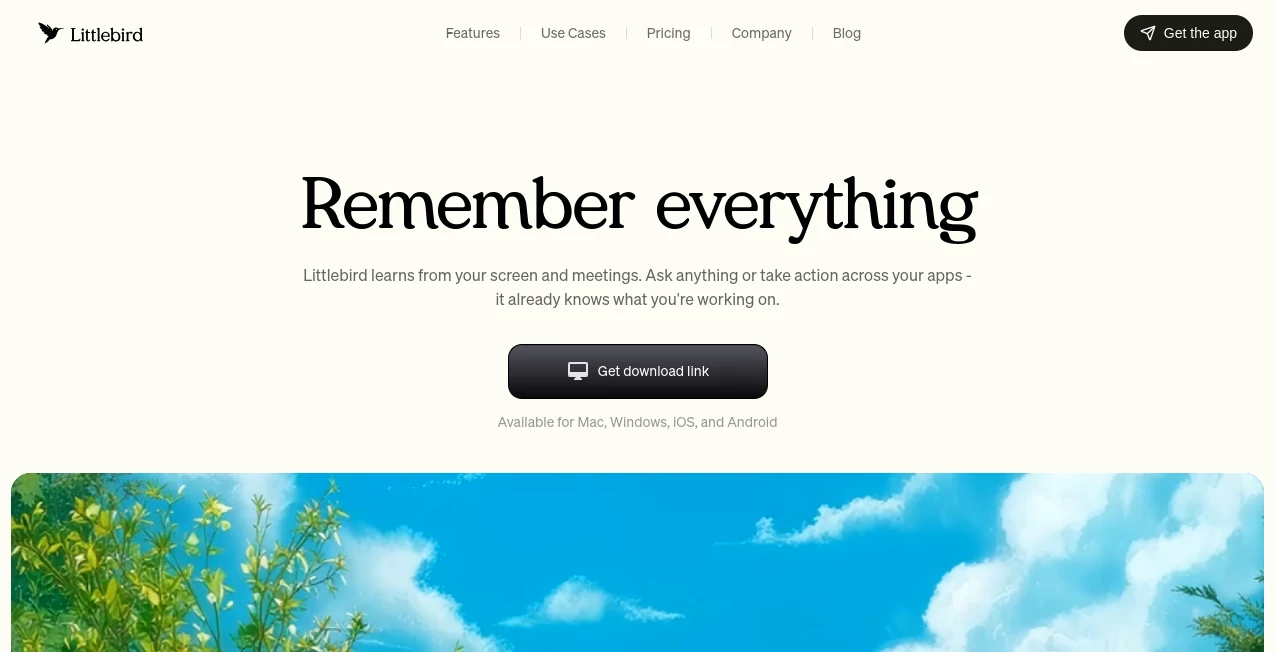
What is Littlebird?
Modern work is spread across meetings, documents, emails, and dozens of apps. Keeping track of everything can quickly become overwhelming. This AI assistant brings all of that context together, helping users remember conversations, organize information, and create useful content without constantly searching through files or notes.
Instead of relying on long prompts, it quietly builds context from everyday work, making every interaction feel faster and more relevant. Whether you're managing projects, attending meetings, or brainstorming new ideas, it helps reduce busywork so you can focus on meaningful tasks.
Key Features
User Interface
The interface is clean, distraction-free, and designed for daily use. Conversations, meeting summaries, and productivity tools are easy to access, making navigation feel natural even for first-time users.
Accuracy & Performance
By understanding ongoing work across meetings and applications, responses are more contextual than traditional AI chatbots. The assistant remembers previous activities, allowing it to generate practical answers with minimal effort from the user.
Capabilities
- Automatic meeting transcription and summaries
- Context-aware AI chat
- Smart document drafting
- Personalized daily insights and reminders
- Cross-app memory for improved productivity
- Optional integrations with popular business tools
Security & Privacy
Privacy is treated seriously with enterprise-grade encryption, user-controlled data management, and compliance with recognized security standards. Users can manage visibility settings, remove stored information, and maintain control over their personal data.
Use Cases
- Creating accurate meeting notes automatically
- Finding information from previous work sessions
- Writing emails, reports, and project documents
- Managing daily priorities and follow-up tasks
- Supporting research and collaborative work
Pros and Cons
Pros
- Excellent contextual understanding
- Automatic meeting documentation
- Minimal setup required
- Strong privacy controls
Cons
- Some advanced features depend on premium plans
- Best experience comes from continuous background usage
Pricing Plans
A free plan is available for getting started, while paid subscriptions unlock additional features, larger usage limits, and advanced productivity capabilities for professionals and teams.
How to Use Littlebird
Install the desktop application, sign in, and allow it to observe your work environment. It automatically captures meeting context, remembers important information, and becomes more useful over time. Simply ask questions, generate documents, or review meeting summaries whenever needed.
Comparison with Similar Tools
Unlike traditional AI chatbots that depend entirely on manual prompts, this solution continuously builds context from your work. That deeper understanding results in more personalized answers, smarter meeting summaries, and faster document creation, making it especially valuable for professionals handling multiple projects.
Conclusion
This platform offers a refreshing approach to AI productivity by remembering the details that matter most. With contextual intelligence, reliable meeting assistance, and thoughtful privacy controls, it becomes a practical companion for anyone looking to simplify daily work without changing existing workflows.
Frequently Asked Questions (FAQ)
Does it record meetings automatically?
Yes. It can transcribe meetings, create summaries, and highlight important action items.
Can it generate documents?
Yes. It can draft emails, reports, and other content using the context of your existing work.
Is my data protected?
Yes. Data is encrypted, users control their stored information, and privacy settings can be customized at any time.
Does it require integrations?
No. It works immediately after installation, while optional integrations provide even richer context.
AI Productivity Tools , AI Team Collaboration , AI Meeting Assistant , AI Notes Assistant .
These classifications represent its core capabilities and areas of application. For related tools, explore the linked categories above.

Littlebird Alternatives Product

VideoLens

Magpie

Oasis

ForthWrite

Eleven AI

Futurwise

morse code t…

Vibebot.gg

AI Agent Ski…
