
Luckiss AI
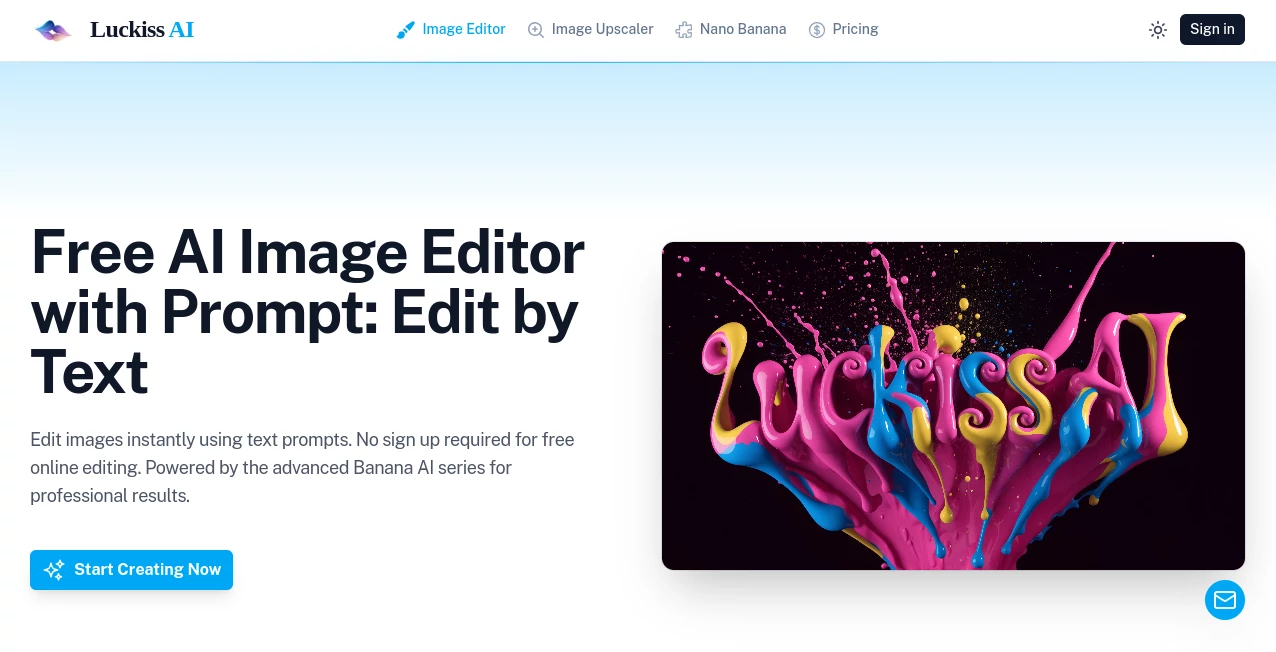
What is Luckiss AI?
Editing images no longer has to involve complicated software or hours of manual work. This AI-powered editor makes it possible to transform photos by simply describing the changes you want in natural language. Whether you want to remove unwanted objects, enhance image quality, or create a fresh visual style, the platform delivers fast results directly in your browser without requiring registration. It is an excellent choice for creators, students, marketers, and anyone looking for quick, high-quality image editing.
Key Features
User Interface
The interface is clean, beginner-friendly, and designed for speed. Upload an image, type a prompt, and receive an edited version within moments. There are no unnecessary menus or complicated settings to slow the process down.
Accuracy & Performance
The editing engine understands natural language instructions surprisingly well. Everyday tasks such as removing backgrounds, replacing objects, improving colors, or enhancing portraits are completed quickly while maintaining impressive image quality.
Capabilities
- Edit images using simple text prompts.
- Remove or replace unwanted objects.
- Enhance photo quality and sharpness.
- Generate creative visual variations.
- Work directly online without creating an account.
Security & Privacy
The platform allows users to begin editing immediately without mandatory registration, making it convenient for quick projects. Users should still avoid uploading sensitive or confidential images when working with any online AI service.
Use Cases
- Creating engaging social media visuals.
- Improving personal photographs.
- Generating marketing graphics.
- Editing product images for online stores.
- Producing creative concepts for design projects.
Pros and Cons
Pros
- No sign-up required.
- Simple prompt-based editing.
- Fast processing.
- Accessible for beginners.
- Free to start.
Cons
- Advanced professional controls are limited.
- Results depend on how clearly prompts are written.
- Complex edits may require multiple attempts.
Pricing Plans
A free version is available for immediate online use. Premium pricing and additional features may change over time as the service continues to develop.
How to Use Luckiss AI
Upload your image, write a clear editing prompt describing the desired changes, submit the request, review the generated result, and download the finished image if it meets your expectations. Refining the prompt often produces even better outcomes.
Comparison with Similar Tools
Compared with many AI image editors that require account creation before use, this platform focuses on simplicity and instant access. Its prompt-based workflow makes it especially appealing for users who need quick edits without learning professional editing software.
Conclusion
For anyone seeking an easy way to edit images through natural language, this solution offers an enjoyable experience with minimal effort. Its combination of accessibility, fast performance, and prompt-driven editing makes it a valuable option for everyday creative work and rapid content production.
Frequently Asked Questions (FAQ)
Is registration required?
No. Basic editing can be started without creating an account.
Can beginners use it?
Yes. The straightforward interface is suitable for users with no editing experience.
Does it support prompt-based editing?
Yes. Most edits are performed by describing the desired changes in plain language.
Can it improve image quality?
Yes. It can enhance photos, modify visual elements, and generate improved versions of uploaded images.
Is there a free plan?
Yes. Users can access core editing features online at no cost.
AI Photo & Image Generator , Photo & Image Editor , AI Photo Enhancer , AI Image to Image .
These classifications represent its core capabilities and areas of application. For related tools, explore the linked categories above.

Luckiss AI Alternatives Product

Better Datin…

AI Thumbnail…

Krea 2
Photoshoot A…
Change-BG

AI Family Ph…

PropFade

Klyra AI

MakeMyOC