Magic Hour AI
What is Magic Hour AI?
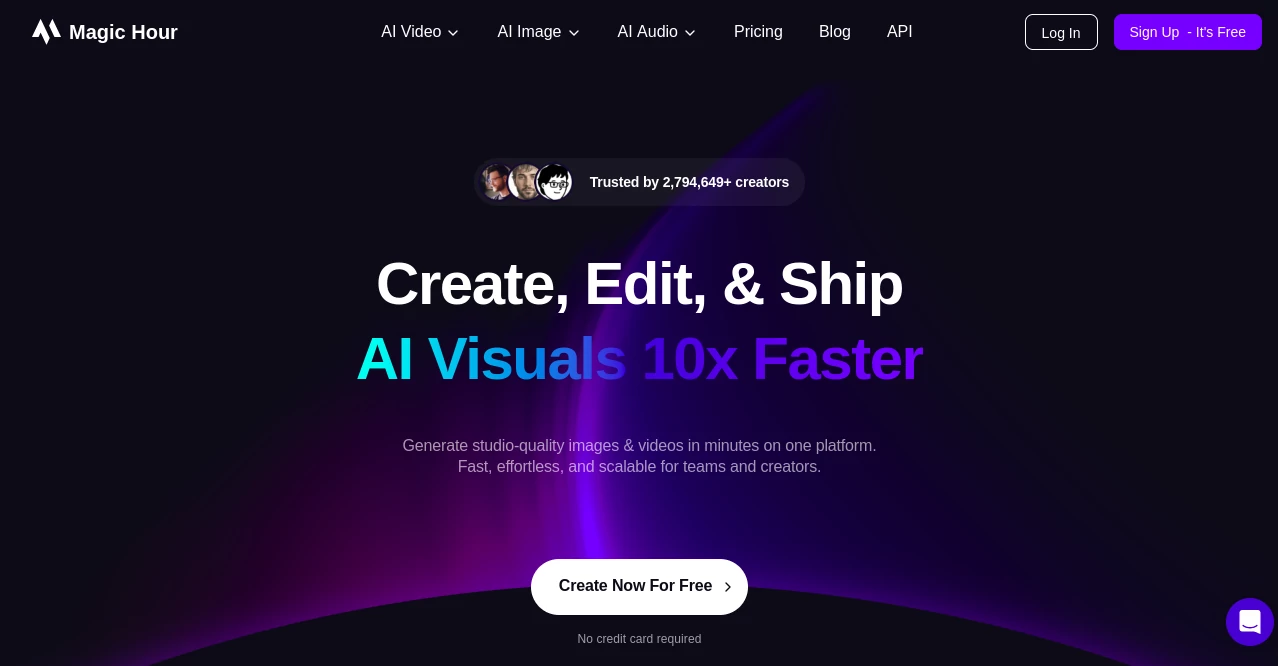
Magic Hour is an AI media creation platform designed to help creators generate and edit video, images, and audio directly from the browser. Its collection of creative tools covers everything from text-to-video and image-to-video generation to animation, lip sync, face swap, and other visual workflows. Developers can also connect these capabilities to their own applications and automated workflows through the Magic Hour API and MCP server.
Introduction
Creating polished media often means moving between several different tools, each built for a specific part of the production process. This platform brings a broad selection of AI-powered creation and editing capabilities into one environment, giving creators a more direct way to experiment with visual and audio content. Whether the goal is to turn a written idea into a video, animate an image, synchronize speech with a face, or experiment with a face swap, the browser-based workflow makes these creative tasks accessible without requiring a traditional editing setup.
Key Features
User Interface
The browser-based experience keeps the creative process centered around the task at hand. Depending on the selected capability, users can provide text, images, video, or other supported inputs and adjust the available options before generating the result. The collection of specialized tools makes it possible to move between different types of media creation without relying entirely on separate applications for every step.
Accuracy & Performance
Results depend on the specific generation or editing capability being used, as well as the quality and detail of the provided input. Text-to-video and image-to-video workflows are designed to translate creative instructions into moving content, while tools such as lip sync and face swap focus on more targeted transformations. Rather than positioning every task around a single generation method, the platform provides different capabilities for different creative requirements.
Capabilities
The platform covers a wide range of AI media workflows. Creators can generate videos from text or images, animate visual assets, experiment with lip synchronization, perform face swaps, and work with additional image, video, and audio capabilities. For developers, the Magic Hour API and MCP server provide access to 44 capabilities, making it possible to integrate AI-powered media generation and editing into software, automated workflows, and custom applications.
Security & Privacy
When working with AI-generated media, creators should review the platform's current terms, documentation, and applicable policies for information about data handling, storage, and privacy. The available public information should be considered when deciding what personal, confidential, or commercially sensitive material to upload or process.
Use Cases
Content creators can use the platform to develop social media videos, visual concepts, animations, and other digital assets without building every element manually. Marketing teams can experiment with promotional visuals and video concepts, while filmmakers and visual storytellers can explore new ways to transform images and footage. Developers can take the workflow further by connecting the available capabilities through the API or MCP server, creating automated media-generation pipelines inside their own products and services.
Pros and Cons
Pros:
- Offers a broad collection of AI tools for video, images, and audio.
- Supports text-to-video and image-to-video creation.
- Includes creative capabilities such as animation, lip sync, and face swap.
- Provides API and MCP server access for developers and automation.
- Supports 44 capabilities through its developer-focused integrations.
Cons:
- The available features and usage limits can vary by plan.
- Different creative tasks may produce different results depending on the input and selected capability.
- Users looking for advanced professional editing may still need dedicated editing software alongside AI generation tools.
Pricing Plans
The platform follows a freemium pricing model, allowing users to access the service while offering paid plans for additional usage and capabilities. Because pricing, included credits, limits, and plan features can change, the current plans should be checked on the official pricing page before making a purchasing decision.
How to Use the Platform
Start by selecting the type of media task you want to accomplish, such as text-to-video, image-to-video, animation, lip sync, or face swap. Provide the required text or media input and configure the available options for that particular workflow. After generating the result, review the output and make further adjustments or try another capability when needed. Developers can instead use the API or MCP server to integrate the platform's capabilities into their own applications and automated workflows.
Comparison with Similar Tools
Many AI media platforms focus heavily on one specific area, such as video generation, image creation, or avatar production. This platform takes a broader approach by bringing video, image, and audio creation and editing capabilities together. Its developer integrations also make it relevant beyond browser-based creative work, particularly for teams that want to automate media workflows through an API or MCP server.
Conclusion
AI media creation is becoming increasingly useful for creators, marketers, developers, and visual storytellers who want to move from an idea to a finished asset more efficiently. With tools covering video, images, and audio alongside capabilities such as text-to-video, image-to-video, animation, lip sync, and face swap, the platform provides a versatile environment for experimentation and production. Its API and MCP server extend that flexibility to developers, offering a way to incorporate 44 media capabilities into custom applications and automated workflows.
Frequently Asked Questions (FAQ)
What is this platform used for?
It is an AI media creation platform for generating and editing video, images, and audio through browser-based tools.
What types of AI tools are available?
Available capabilities include text-to-video, image-to-video, animation, lip sync, face swap, and other video, image, and audio workflows.
Can I use my own images?
Yes. Several of the available workflows are designed around image-based inputs, including image-to-video and other visual editing capabilities.
Is there an API?
Yes. Developers can use the Magic Hour API to automate access to the platform's media capabilities.
Does it support MCP?
Yes. An MCP server is available for developers who want to connect the platform's capabilities to compatible AI and automation workflows.
How many capabilities are available through the developer tools?
The developer offering provides access to 44 capabilities through the API and MCP server.
What is the pricing model?
The platform uses a freemium model. Current plans, pricing, and included usage are published on the official pricing page.
Magic Hour AI: video demonstration
AI Photo & Image Generator , AI Image to Video , AI Video Generator , AI Text to Video .
These classifications represent its core capabilities and areas of application. For related tools, explore the linked categories above.
Magic Hour AI details
Website unavailable — View Alternatives
Pricing
- Freemium
Apps
- Web App
Categories

Magic Hour AI Alternatives Product

Seedance 4.0
GenVideo AI
Kling 3.0
GPT Image 2

ReelsBuilder…

Nano Banana …

Max Studio AI

Ernie Image

Kyncept