


















MediaFind
What is MediaFind?
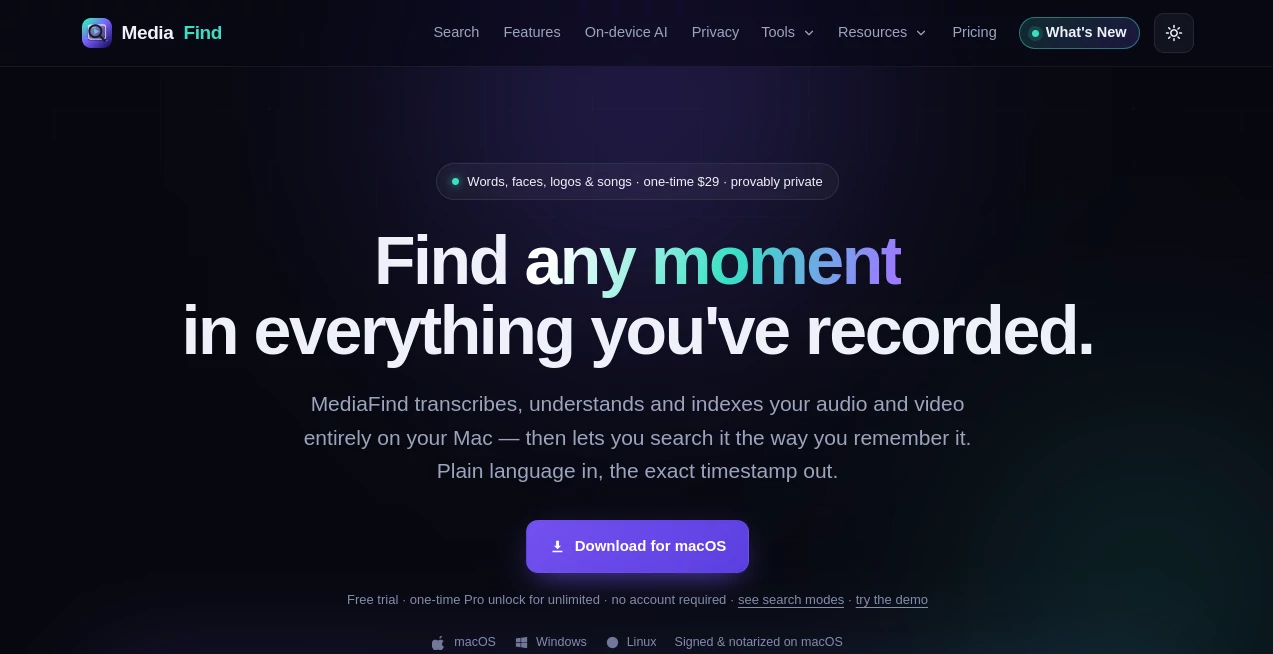
Finding a specific moment inside hours of recorded video or audio can quickly become frustrating. Instead of manually scrubbing through timelines or relying on filenames, this application transforms an entire media library into a searchable knowledge base. It analyzes recordings locally, indexes their content, and helps users locate exact moments in seconds using natural language, visual recognition, spoken words, faces, logos, and much more.
Built with privacy in mind, everything important happens directly on the user's computer without uploading recordings to external servers. This makes it an excellent solution for creators, journalists, researchers, legal professionals, educators, and anyone who regularly works with large collections of video or audio files. The combination of intelligent search, AI-powered understanding, and offline processing delivers a workflow that feels both modern and reassuringly secure.
Key Features
User Interface
The interface is refreshingly simple. Users only need to choose a folder containing their recordings, and the software automatically indexes every compatible file. Search results include precise timestamps, making it easy to jump directly to the desired moment. Clean navigation, organized results, and editor-friendly exports help streamline daily work without requiring technical expertise.
Accuracy & Performance
The application combines speech transcription, OCR, semantic understanding, visual recognition, speaker identification, scene analysis, and facial recognition to produce remarkably accurate search results. Apple Silicon acceleration significantly speeds up processing, while word-level timestamps allow users to locate even small details with impressive precision.
Capabilities
- Natural language search across video and audio libraries.
- Speech transcription with accurate timestamps.
- Visual scene recognition and object detection.
- OCR for searchable on-screen text.
- Face and public figure recognition.
- Speaker identification across recordings.
- Music, sound event, and logo detection.
- AI-generated summaries and chapter segmentation.
- Question answering with cited timestamps.
- Timeline export for professional video editors.
- Duplicate media detection and smart cleanup.
- Basic built-in media editing tools.
Security & Privacy
Privacy is one of the strongest advantages. Media indexing, transcription, AI analysis, summaries, and search all run locally on the device. No cloud account, API key, or continuous internet connection is required for core functionality. Even sensitive recordings remain on the user's machine, making it suitable for confidential projects and professional environments where data security matters.
Use Cases
- Searching hundreds of podcast episodes for memorable quotes.
- Finding interview segments without replaying entire recordings.
- Locating B-roll footage using scene descriptions.
- Reviewing legal depositions privately.
- Managing educational lectures and online courses.
- Searching meeting recordings for decisions and action items.
- Organizing personal video archives.
- Identifying people, brands, or visual elements across large media collections.
Pros and Cons
Pros
- Fully offline AI processing.
- Excellent privacy with no mandatory cloud uploads.
- Fast semantic search across multiple search modes.
- Supports transcription, OCR, faces, speakers, and visual search.
- One-time purchase instead of recurring subscription.
- Professional export options for major video editing software.
Cons
- Best experience is currently available on macOS.
- Windows and Linux versions are still in beta.
- Large media libraries require initial indexing time.
Pricing Plans
A generous free version allows users to evaluate the software with a limited media library and includes a seven-day Pro trial. The Pro edition is available through a one-time payment, unlocking unlimited indexing, advanced AI capabilities, people recognition, meeting tools, smart cleanup, brand detection, and additional productivity features without recurring subscription costs.
How to Use MediaFind
Install the application and select the folders containing your videos or audio recordings. The software automatically analyzes every file, generating transcripts, visual indexes, searchable metadata, and summaries. Once indexing finishes, simply describe the moment you remember using everyday language. Results appear instantly with exact timestamps, allowing immediate playback or export into supported video editing software.
Comparison with Similar Tools
Many media management platforms depend heavily on cloud processing, monthly subscriptions, or manual tagging. This solution takes a different approach by combining local AI processing with a broad range of search technologies. Instead of relying solely on transcripts, it understands scenes, people, logos, sounds, emotions, speakers, and visual content simultaneously. The one-time licensing model also offers long-term value for professionals who prefer predictable costs and complete ownership.
Conclusion
This platform redefines how large media collections are explored. Rather than treating recordings as isolated files, it turns them into an intelligent, searchable archive that understands both spoken language and visual information. Its commitment to local processing, strong privacy protections, fast search capabilities, and practical editing workflow makes it an outstanding companion for anyone who works with growing libraries of video or audio content. Whether the goal is saving time, improving organization, or protecting sensitive recordings, it delivers an experience that feels both efficient and thoughtfully designed.
Frequently Asked Questions (FAQ)
Does it upload my media to the cloud?
No. Core indexing, transcription, AI search, and analysis are performed locally on your computer.
Can it search inside both video and audio files?
Yes. It indexes both formats and supports multiple search methods including speech, scenes, faces, logos, OCR, and semantic understanding.
Is it suitable for professional video editors?
Absolutely. It can export search results into timelines compatible with popular editing software, making post-production much faster.
Does it work without an internet connection?
Yes. After optional model downloads are completed, the primary AI features continue working completely offline.
Who benefits most from this software?
Content creators, journalists, educators, researchers, legal professionals, businesses, and anyone managing extensive media libraries will gain the greatest value.
AI Video Search , AI Video Editor , AI Speech to Text , AI Productivity Tools .
These classifications represent its core capabilities and areas of application. For related tools, explore the linked categories above.
MediaFind details
Website unavailable — View Alternatives
Pricing
- Free
Apps
- Web App
- Windows App
- Mac App
- Linux App
Categories

MediaFind Alternatives Product

Toolquix

IdeaHunter

Mp3ToMidi

XreplyAI

Flow Veo 3

Ovulation Ca…

WhatsMyName …

PDFgear

Maestra
