
MojoMake
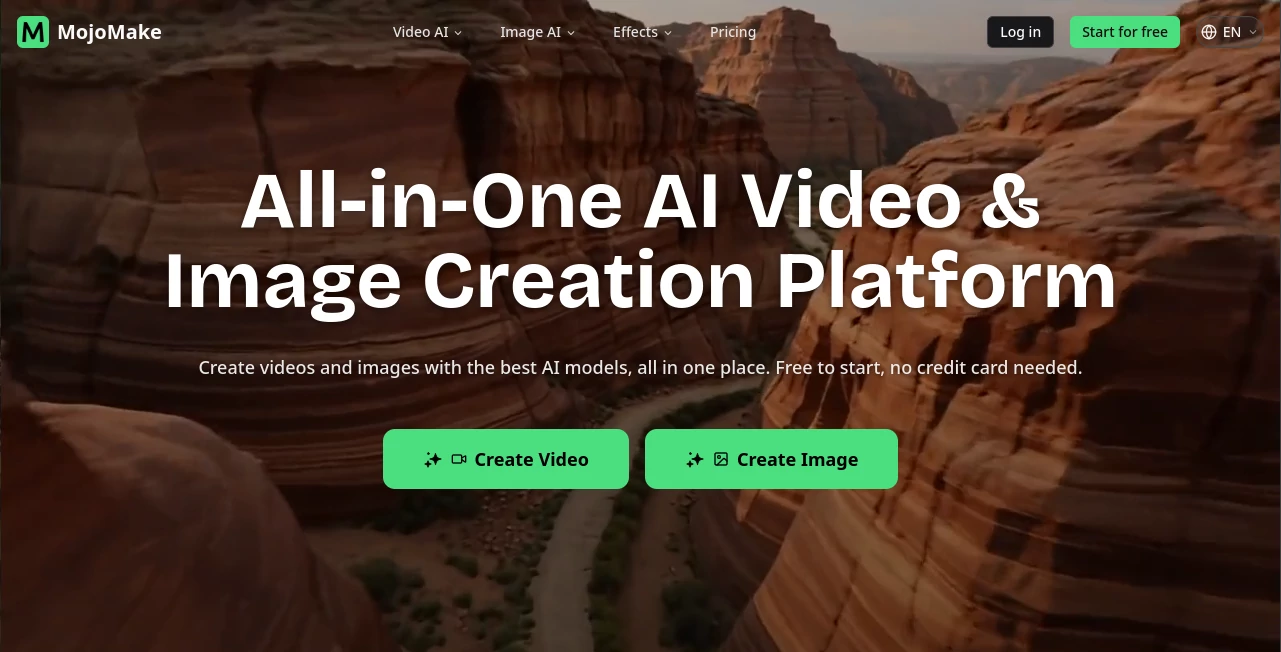
What is MojoMake?
In a world where short-form video dominates social media, creating eye-catching content quickly has become essential for creators, marketers, and businesses. This platform is designed to simplify video creation without requiring advanced editing skills or expensive production tools. It brings together automation, templates, and smart design features to help users turn ideas into polished videos in just a few steps.
Whether you're building content for Instagram, TikTok, or promotional campaigns, it focuses on speed, creativity, and accessibility. Instead of spending hours editing, users can focus more on storytelling and engagement.
Key Features
User Interface
The interface is clean and beginner-friendly. Everything is organized in a way that allows users to quickly find templates, edit scenes, and export content without confusion. Even first-time users can start creating within minutes.
Accuracy & Performance
The system responds quickly and handles rendering efficiently, even when working with high-quality visuals. Edits are applied in real time, making the workflow smooth and uninterrupted.
Capabilities
- Pre-designed video templates for social media
- Automatic text-to-video conversion
- Customization of colors, fonts, and animations
- Support for vertical and horizontal formats
- Built-in media library for assets
Security & Privacy
User content is processed securely, ensuring that uploaded media and project files remain protected. The platform is built with standard privacy practices suitable for individual creators and businesses.
Use Cases
- Creating social media marketing videos
- Producing short promotional ads for products or services
- Designing engaging content for influencers and creators
- Building visual storytelling campaigns
Pros and Cons
Pros
- Fast and simple video creation process
- No advanced editing skills required
- Wide range of templates
- Optimized for short-form content platforms
Cons
- Limited advanced editing control for professionals
- Some features may require paid access
- Dependent on template-based structure
Pricing Plans
The platform typically follows a freemium model. Users can start for free with basic features and upgrade to premium plans for access to advanced templates, higher-quality exports, and additional customization options. Pricing is designed to scale with individual creators and growing teams.
How to Use This Tool
Getting started is straightforward. Users begin by selecting a template or starting from scratch. After choosing a format, they can add text, media, and animations using simple drag-and-drop controls. Once the content is ready, it can be previewed and exported in the desired resolution. The entire process is designed to reduce complexity while maintaining creative control.
Comparison with Similar Tools
Compared to traditional video editing software, this platform focuses more on speed and automation rather than manual editing. While professional tools may offer deeper customization, they often require a learning curve. This solution prioritizes efficiency, making it ideal for content creators who need consistent output without spending hours in editing timelines.
Conclusion
This platform stands out as a practical solution for modern content creation needs. It bridges the gap between creativity and simplicity, allowing users to produce professional-looking videos without technical barriers. For anyone focused on social media growth or digital marketing, it offers a reliable and time-saving approach to video production.
Frequently Asked Questions (FAQ)
Is this platform suitable for beginners?
Yes, it is designed with beginners in mind and requires no prior editing experience.
Can I use it for commercial projects?
Yes, many users create marketing and promotional content for business purposes.
Does it support social media formats?
Yes, it supports multiple formats optimized for platforms like Instagram and TikTok.
Do I need to install any software?
No, it is typically web-based and accessible directly through a browser.
Marketing , AI Video Generator , Image , AI UGC Video Generator .
These classifications represent its core capabilities and areas of application. For related tools, explore the linked categories above.

MojoMake Alternatives Product

Seedance 2 V…

Klyra AI

brainrotkit
SkyReels-V4

happyhorse

seedream 5

Mimo AI

FastMoro AI

Wan AI