

















Multiple Angles
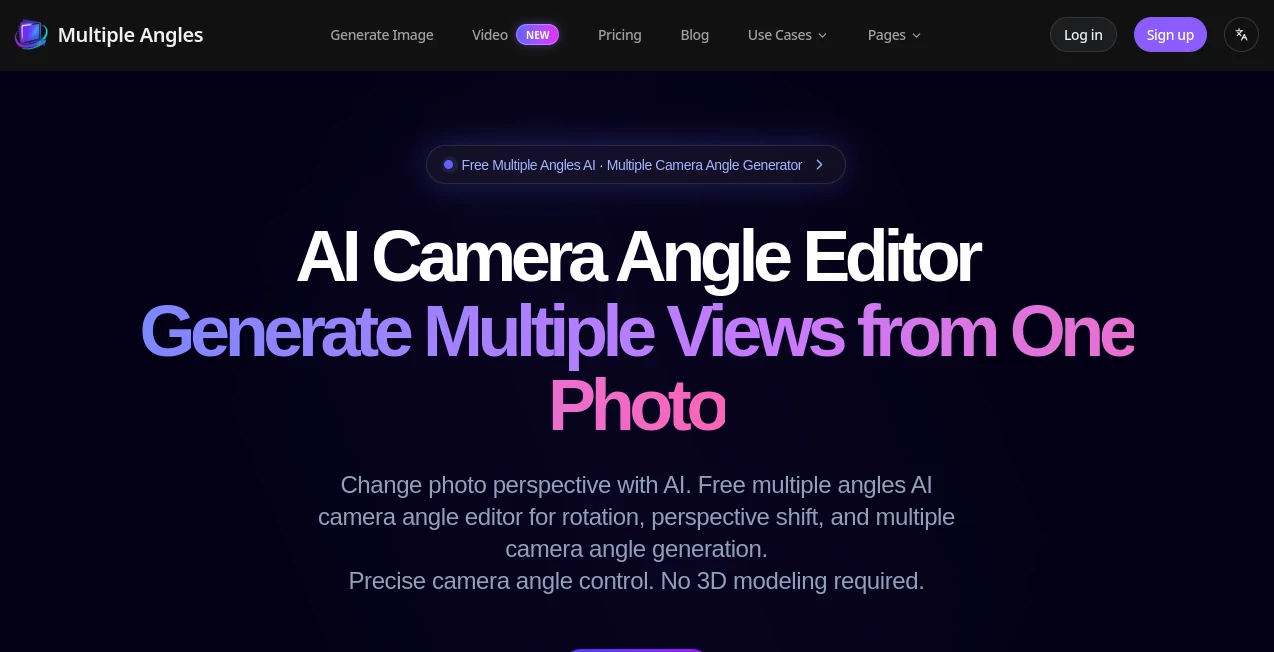
What is Multiple Angles?
Creating realistic views from different perspectives usually requires extra photography or complex 3D software. This tool removes that barrier by turning a single image into multiple camera angles with impressive consistency. Whether you're designing characters, preparing product images, or collecting references for creative work, it delivers fast and convincing results with simple controls.
Key Features
User Interface
The workspace is clean and beginner-friendly. Upload an image, adjust camera rotation, elevation, and distance with intuitive sliders, then generate a new viewpoint in seconds. No technical experience or 3D modeling knowledge is required.
Accuracy & Performance
The platform maintains subject consistency while changing perspective, producing detailed images up to high resolution. Image generation is quick, making it practical for both experimentation and professional workflows.
Capabilities
- Generate front, side, back, and custom camera views from one image.
- Control horizontal rotation, vertical angle, and zoom distance.
- Create references for products, characters, and concept art.
- Produce visuals suitable for marketing, game development, and online stores.
- Export high-quality images for commercial projects.
Security & Privacy
User content is processed through a secure online platform, and subscription plans can be managed or canceled at any time. The service is designed for straightforward and reliable cloud-based image generation.
Use Cases
- Generate product photos from multiple viewpoints for e-commerce.
- Create character turnaround sheets for games and animation.
- Prepare references for 3D modeling and concept design.
- Produce marketing visuals without expensive photo shoots.
- Build synthetic datasets for computer vision projects.
Pros and Cons
- Pros
- Simple interface with precise camera controls.
- Consistent multi-angle image generation.
- No 3D modeling skills needed.
- Fast processing and high-quality output.
- Cons
- Advanced features require paid credits.
- Output quality depends on the uploaded image.
Pricing Plans
A free tier is available for testing. Paid subscriptions include Basic, Standard, and Pro plans with monthly credits, HD exports, video support, and priority assistance for higher-tier users.
How to Use Multiple Angles
Upload a clear image, adjust the camera position using the built-in controls, choose the preferred perspective, and generate the new view. Download the result and repeat with different angles whenever needed.
Comparison with Similar Tools
Unlike many AI image editors that rely mainly on text prompts, this solution focuses on accurate camera positioning and perspective control. It provides a practical alternative for creators who need predictable multi-view results instead of random image variations.
Conclusion
For anyone who needs multiple viewpoints without organizing a new photo session or building a 3D model, this platform offers an efficient and polished solution. Its balance of speed, quality, and precise camera control makes it valuable for designers, online sellers, developers, and creative professionals.
Frequently Asked Questions (FAQ)
Can it generate front and side views from one photo?
Yes. It can create multiple viewpoints, including front, side, back, and custom camera angles.
Do I need 3D modeling experience?
No. Everything is controlled through simple sliders and an easy-to-use interface.
Who can benefit from this tool?
Designers, e-commerce businesses, game developers, marketers, artists, and content creators can all use it effectively.
Is there a free version?
Yes. A free option is available, while additional credits and premium features are offered through paid plans.
AI Photo & Image Generator , AI Design Assistant , AI Photography , AI Image to Image .
These classifications represent its core capabilities and areas of application. For related tools, explore the linked categories above.
Multiple Angles details
Website unavailable — View Alternatives
Pricing
- Free
Apps
- Web App
Categories

Multiple Angles Alternatives Product

UNi-1 AI
Change-BG
NanoBananaPro
Photoshoot A…

MeltFlex AI

Nano Banana 2
DaVinci AI

Image to Ima…

StyleCut
