


















OnboardHive
What is OnboardHive?
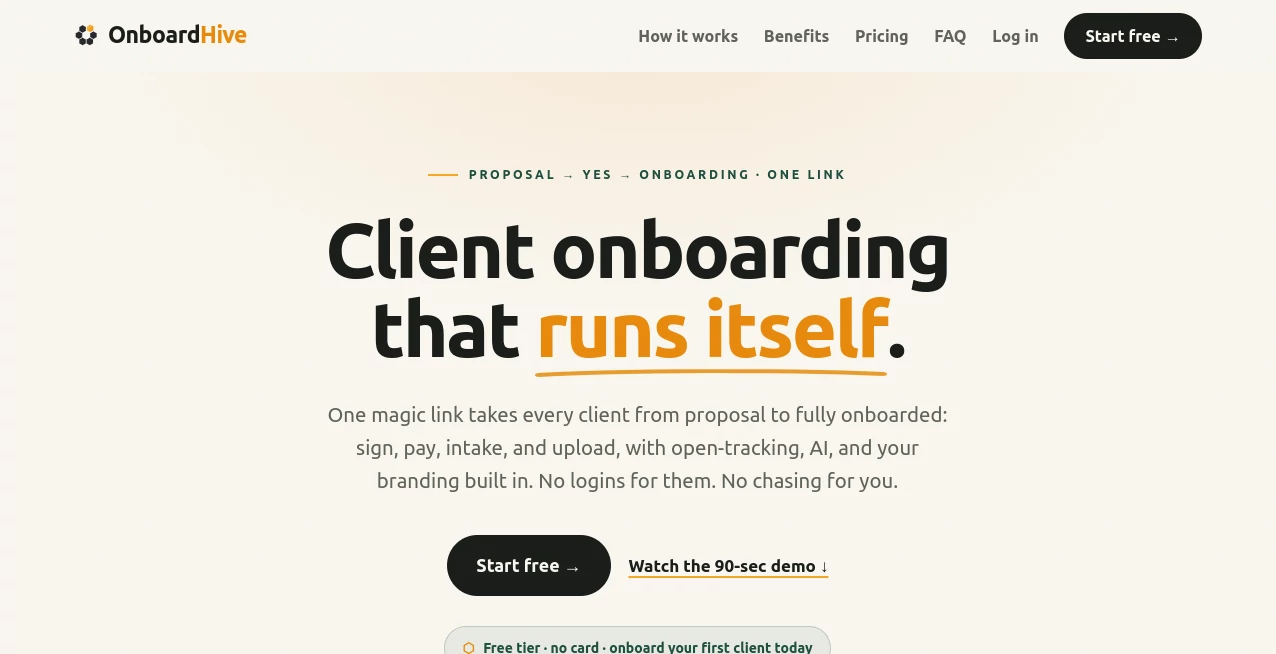
Managing new clients often involves several disconnected tools, countless follow-up emails, and unnecessary delays before work can even begin. This platform simplifies that entire journey by combining proposal delivery, document signing, payments, client intake, and file collection into one streamlined experience. Instead of sending multiple links and asking clients to create accounts, everything happens through a single branded link that feels effortless from start to finish.
Designed for agencies, consultants, freelancers, and service-based businesses, the platform focuses on reducing friction while creating a more professional onboarding experience. Built-in proposal tracking, AI-powered insights, live activity monitoring, and customizable branding help businesses respond faster, improve conversion rates, and launch projects with greater confidence. The result is a smoother experience for both service providers and their clients.
Key Features
- Single magic link for proposal and onboarding
- Proposal open tracking and read-time analytics
- Instant re-open notifications
- Electronic agreement signing
- Integrated payment collection
- Client intake questionnaires
- Secure file uploads
- AI-generated kickoff briefs
- Branded client portal
- Password protection for sensitive information
- Google Drive integration
- Encrypted document storage
- Progress monitoring with stall detection
- Automatic onboarding workflow
- No client login required
User Interface
The interface is refreshingly simple and intentionally designed to reduce unnecessary complexity. Every client receives one private link that guides them naturally through each stage without installing software or creating an account. Progress is clearly displayed, making it easy for both businesses and clients to understand what has already been completed and what remains. Branding options also allow companies to present a polished, consistent experience throughout the onboarding process.
Accuracy & Performance
Proposal tracking goes beyond simple email notifications by recording when documents are opened, how long they remain actively viewed, and when they are revisited later. These engagement signals help businesses identify the best moment to follow up instead of relying on guesswork. Real-time progress monitoring also highlights stalled onboarding steps before they become project delays.
Capabilities
The platform combines multiple onboarding tasks into one continuous workflow. Clients can review proposals, sign agreements, submit deposits, complete intake forms, upload project assets, and provide required information without switching between different systems. AI further improves efficiency by transforming completed intake responses into structured project briefs, allowing teams to begin work much faster.
Security & Privacy
Security is treated as an important part of the workflow rather than an afterthought. Businesses can choose encrypted hosted storage or connect their own Google Drive so uploaded files remain under their control. Only minimal permissions are required, confidential information can be password protected, and stored data can be exported or deleted whenever needed.
Use Cases
- Creative agencies onboarding new clients
- Marketing consultants managing project approvals
- Freelancers collecting deposits before starting work
- Web development companies gathering project assets
- Business consultants streamlining client intake
- Design studios sending branded proposals
- Professional service firms improving onboarding efficiency
- Small teams replacing multiple onboarding tools
Pros and Cons
Pros
- Complete onboarding process managed from one link
- No account creation required for clients
- Detailed proposal engagement analytics
- Fast and professional onboarding experience
- Strong branding customization
- Useful AI-powered onboarding assistance
- Flexible storage options
Cons
- Primarily built for service-based businesses rather than product companies
- Advanced branding features are available on paid plans
- Organizations with highly customized enterprise workflows may require additional integrations
Pricing Plans
A free plan allows businesses to experience the core onboarding workflow without providing a credit card. Paid plans increase completed onboarding limits, unlock advanced branding features, and provide additional capabilities for growing agencies and service teams. Pricing remains accessible for freelancers as well as expanding businesses.
How to Use OnboardHive
- Create a client onboarding link.
- Share the private link with the client.
- The client reviews the proposal.
- Track proposal activity in real time.
- Receive agreement signatures and payments.
- Collect intake responses and project files.
- Review the AI-generated kickoff summary.
- Start the project with all required information already organized.
Comparison with Similar Tools
Many client portal platforms focus mainly on document sharing or project collaboration. This solution distinguishes itself by connecting proposal tracking and onboarding into one uninterrupted workflow. Instead of asking clients to move between proposals, contracts, payment portals, forms, and file-sharing services, everything is completed through a single experience. Real-time engagement tracking, AI-generated kickoff summaries, and login-free access also reduce friction compared with many traditional onboarding solutions.
Conclusion
For agencies, consultants, and professional service providers, simplifying the period between winning a client and starting a project can make a significant difference. Bringing proposals, signatures, payments, questionnaires, and file collection together into one streamlined process removes unnecessary delays while creating a more polished client experience. The addition of engagement tracking, AI assistance, and flexible document management makes it an excellent solution for teams looking to onboard clients faster without sacrificing professionalism.
Frequently Asked Questions (FAQ)
Do clients need to create an account?
No. Clients access every step of the onboarding process through a private link without creating an account.
Can proposals be tracked after sending?
Yes. Businesses can monitor proposal opens, reading activity, and repeat visits in real time.
Does it support online payments?
Yes. Clients can complete payment as part of the onboarding workflow.
Can uploaded documents stay in my own cloud storage?
Yes. Businesses can connect Google Drive or use encrypted hosted storage.
Who benefits the most from this platform?
It is especially suitable for agencies, freelancers, consultants, studios, and B2B service providers that regularly onboard new clients.
AI Workflow Management , AI Project Management , AI Team Collaboration , AI CRM Assistant .
These classifications represent its core capabilities and areas of application. For related tools, explore the linked categories above.
OnboardHive details
Website unavailable — View Alternatives
Pricing
- Freemium
Apps
- Web App
Categories

OnboardHive Alternatives Product

LLaMaRush

KarmaGuy

Lime Social

Zapier

Jotform AI A…

Meet-Ting

Futurwise

VoiceFlow Te…

TrySchedule
