
OpenClaw
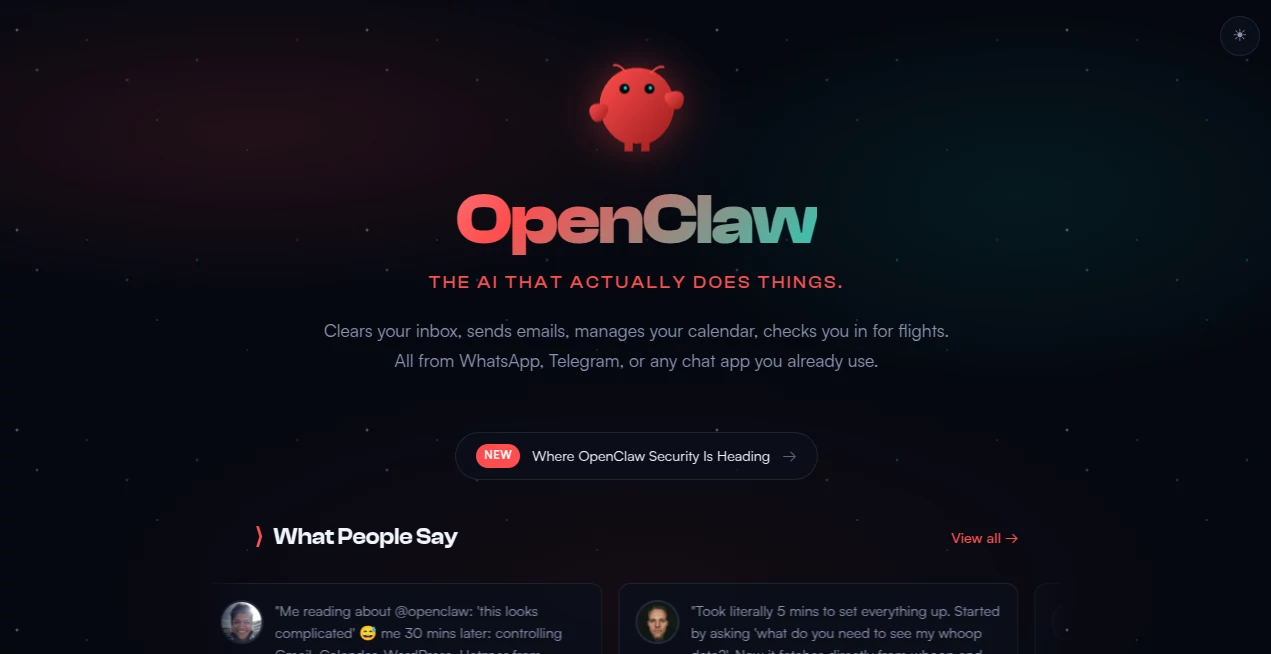
What is OpenClaw?
There’s a big difference between an AI that chats with you and one that actually gets stuff done. This one crosses that line. You message it on WhatsApp, Telegram, Discord, or Slack like you would a real assistant, and it handles real tasks: clearing your inbox, scheduling meetings, checking you in for flights, or even running code on your machine. I’ve had days where I told it to summarize my unread emails while I was making coffee, and by the time I sat down it had already organized everything with smart replies ready. It feels less like a tool and more like a sharp colleague who never sleeps and actually follows through.
Introduction
Most AI assistants stop at answering questions. OpenClaw goes further—it lives on your machine (or a server you control), remembers context across days, and uses tools to take meaningful action. Built as an open-source project, it connects powerful language models with your existing apps and workflows. You keep full ownership of your data, and it works wherever you already chat. What started as an ambitious experiment has grown into something many people now call their daily operating system for life and work. The best part? It keeps getting smarter through community skills and your own instructions, all while staying under your control.
Key Features
User Interface
You talk to it the same way you talk to friends—casual messages in the apps you already use. No special dashboard or complicated commands required. It understands follow-ups, remembers what you told it last week, and even sends proactive updates when something needs your attention. The experience feels natural, almost like texting a very capable human who happens to be available 24/7.
Accuracy & Performance
It doesn’t just guess—it uses real tools to read your emails, check your calendar, browse the web, or run commands on your computer. Actions are reliable because it can verify results and try again if needed. Memory is persistent and surprisingly sharp, so conversations pick up exactly where they left off, even days later. Users consistently mention how few corrections they need compared to other agents.
Capabilities
It can manage Gmail or Outlook, handle Google Calendar, browse websites, execute terminal commands, write and run code, create documents, and integrate with hundreds of services through plugins. You can give it ongoing tasks like “monitor my flight prices” or “summarize meetings every Friday.” Because it runs locally or on your own server, it can access your files and tools securely while staying fully customizable.
Security & Privacy
Your data never leaves your control unless you explicitly allow it. Everything runs on hardware you own or rent, with open-source code you can audit. No mysterious cloud servers holding your private conversations or files. For people tired of giving big tech companies access to everything, this local-first approach brings real peace of mind.
Use Cases
A busy founder uses it to triage emails and schedule meetings while traveling. A developer asks it to debug code, run tests, and even open pull requests. Parents set it up to track family schedules and send reminders. Creative professionals have it monitor trends, draft content, and organize research notes. The common theme is simple: people who want more done with less constant attention.
Pros and Cons
Pros:
- Actually takes action instead of just chatting about it.
- Runs on your own hardware for maximum privacy and control.
- Deep memory and context across long periods.
- Works in the messaging apps you already use daily.
- Highly extensible through community and custom skills.
Cons:
- Requires some initial setup (though it’s getting easier).
- Performance depends on the model you connect and your hardware.
- Still evolving rapidly, so occasional rough edges appear.
Pricing Plans
The core is completely open-source and free to run. You bring your own API keys for models like Claude or GPT. Hosting costs are minimal (can run on a decent laptop or cheap VPS). There are no mandatory subscriptions—pay only for the underlying AI models you choose to use. That freedom is part of what makes it feel refreshing in a world of monthly fees.
How to Use OpenClaw
Install it with a simple one-line command on Mac, Windows, or Linux. Connect it to your preferred chat app (WhatsApp, Telegram, Discord, etc.) and link your accounts or tools. Start chatting naturally—“check my calendar for next week” or “summarize these emails.” Give it ongoing instructions like “remind me about deadlines every morning.” The more you use it, the better it understands your style and needs. It’s designed to grow with you.
Comparison with Similar Tools
Most AI assistants are cloud-only chatbots that can’t touch your real tools or data. Others require complex setups or lock you into one provider. This one combines local control, real action-taking ability, and chat-based simplicity in a way that feels more complete. It’s not trying to be the smartest model—it’s trying to be the most useful assistant, and that focus shows.
Conclusion
In a sea of AI hype, this one quietly delivers on the promise of a real personal assistant. It handles the small (and sometimes big) tasks that eat up your day, remembers what matters to you, and works where you already are. For anyone who’s ever wished for more hours in the day, it’s one of the most practical tools available right now. The future of AI isn’t just smarter answers—it’s getting things done. And this one is already doing it.
Frequently Asked Questions (FAQ)
Do I need to be technical to set it up?
Not really. The install is straightforward, and the community has excellent guides. Many non-technical users run it successfully.
Where does it run?
On your own computer, a home server, or a VPS you control. Your data stays yours.
Which chat apps does it support?
WhatsApp, Telegram, Discord, Slack, and more. It meets you where you already chat.
Is it open source?
Yes, fully open source with an active community contributing improvements daily.
Can it access my private accounts?
Only what you explicitly allow, and everything stays under your control.
AI Workflow Management , AI Productivity Tools , AI Team Collaboration , AI Notes Assistant .
These classifications represent its core capabilities and areas of application. For related tools, explore the linked categories above.

OpenClaw Alternatives Product

Block Poster…

Slackactivity

Linkflare

Jamy.ai | Au…

Sourcetable

AnyToURL

DocReplacer

mainaro

KronoPrompt