


















Oria
What is Oria?
Creating professional presentations has always been one of the most time-consuming parts of business communication. From aligning elements to designing complex frameworks and maintaining visual consistency, even experienced professionals often spend hours perfecting a single slide. This platform was built to change that reality.
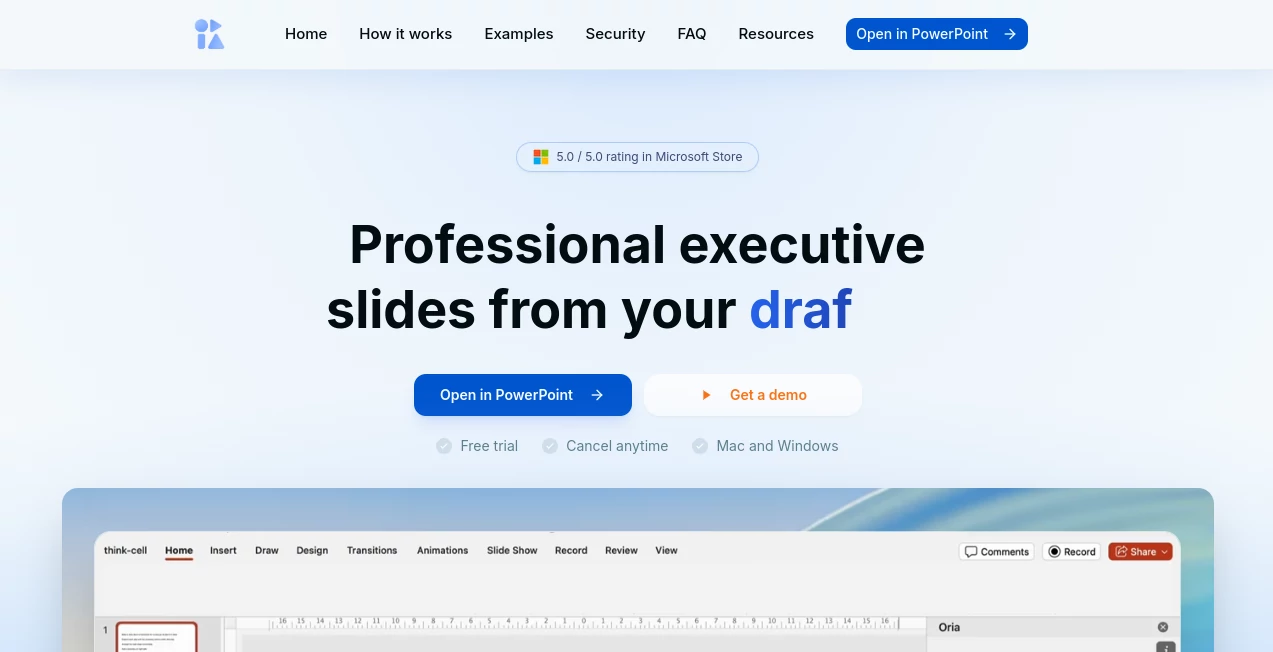
Designed specifically for advanced presentation creation, the solution transforms rough ideas, handwritten notes, outlines, sketches, and even whiteboard photos into polished and fully editable slides. Instead of spending valuable time on formatting and layout adjustments, users can focus on strategy, storytelling, and decision-making.
What makes this technology particularly impressive is its ability to handle sophisticated business visuals. Whether preparing a consulting report, executive presentation, investment proposal, or strategic roadmap, users can generate presentation materials that look professionally designed while maintaining complete control over the final output.
Key Features
User Interface
The platform integrates directly into familiar presentation workflows, making adoption remarkably smooth. Users do not need to learn complex design software or navigate through countless settings. The interface feels intuitive, allowing professionals to move from concept to finished slide with minimal friction.
Its workflow is designed around productivity. Ideas can be submitted in multiple formats and quickly transformed into visual concepts, helping users maintain momentum without getting distracted by design tasks.
Accuracy & Performance
One of the strongest aspects of the platform is its understanding of business communication structures. Rather than producing generic layouts, it recognizes relationships between information, visual hierarchy, and presentation logic.
The generated slides maintain alignment, consistency, and professional formatting standards. This level of precision significantly reduces the need for manual corrections and helps teams deliver polished presentations faster.
Capabilities
- Converts notes, outlines, and sketches into presentation slides.
- Creates complex business frameworks and process diagrams.
- Generates multiple design options for the same concept.
- Maintains branding consistency across presentations.
- Supports sophisticated consulting and strategy workflows.
- Produces fully editable presentation content.
- Transforms whiteboard photos into structured slide designs.
These capabilities make it particularly valuable for consultants, analysts, executives, project managers, and corporate teams that frequently create high-stakes presentations.
Security & Privacy
Professional organizations require strong protection for sensitive business information. The platform is designed with enterprise use cases in mind, supporting secure workflows and providing organizations with confidence when handling strategic documents and confidential materials.
Its focus on business-grade reliability makes it suitable for environments where accuracy, consistency, and data protection are essential requirements.
Use Cases
The platform serves a wide range of professional scenarios where presentation quality directly impacts results.
- Management consulting presentations.
- Executive board meeting decks.
- Corporate strategy reports.
- Investor and fundraising presentations.
- Business transformation roadmaps.
- Project planning and stakeholder communication.
- Financial analysis presentations.
- Process mapping and workflow visualization.
For example, a consultant preparing a client workshop can start with rough brainstorming notes and quickly turn them into structured, visually appealing slides without spending an entire evening adjusting design elements.
Pros and Cons
Pros
- Purpose-built for professional presentation creation.
- Handles complex slide structures effectively.
- Reduces manual formatting work.
- Supports editable outputs.
- Maintains design consistency.
- Integrates naturally into existing workflows.
- Suitable for consulting, finance, and strategy teams.
Cons
- Primarily focused on presentation design rather than general content creation.
- Advanced users may still refine generated slides for highly specialized requirements.
- Best value is achieved by professionals who frequently build complex presentations.
Pricing Plans
The platform offers access through a pilot and early-user program, with pricing structures evolving alongside feature development. Organizations interested in large-scale adoption may benefit from enterprise-focused options and customized implementation support.
Potential users should review the latest pricing information directly through the official platform to explore available plans and access levels.
How to Use Oria
Getting started is straightforward and designed for busy professionals.
- Prepare notes, outlines, sketches, or presentation ideas.
- Import the content into the platform.
- Allow the AI engine to generate design concepts.
- Select the most suitable layout and structure.
- Customize content, branding, and messaging as needed.
- Export or continue editing within the presentation environment.
The entire process dramatically reduces the time spent on formatting while preserving full control over presentation quality.
Comparison with Similar Tools
Many AI presentation tools focus on simple slide generation and basic layouts. While these solutions can be useful for quick presentations, they often struggle with advanced business communication needs.
This platform stands out because it was designed specifically for complex professional slides. Instead of merely generating visual content, it understands structure, narrative flow, business frameworks, and presentation logic.
Professionals working in consulting, finance, corporate strategy, and executive communication will likely appreciate the deeper focus on sophisticated slide creation rather than generic presentation templates.
Conclusion
Professional presentations play a critical role in modern business, yet slide creation remains a surprisingly manual process for many teams. This platform offers a refreshing alternative by combining intelligent design automation with a deep understanding of complex business communication.
Its ability to transform rough concepts into boardroom-ready slides helps professionals spend less time adjusting layouts and more time focusing on insights, recommendations, and strategic decisions. For anyone who regularly creates high-impact presentations, it represents a significant productivity advantage and a compelling step forward in presentation design technology.
Frequently Asked Questions (FAQ)
What is the primary purpose of this platform?
It helps professionals create complex, high-quality presentation slides from notes, sketches, outlines, and other raw inputs.
Can it create editable presentation content?
Yes, generated slides remain editable, allowing users to customize content and design as needed.
Who benefits most from using it?
Consultants, executives, analysts, finance professionals, project managers, and corporate teams can gain significant value from its capabilities.
Can it handle advanced business diagrams and frameworks?
Yes, one of its key strengths is generating sophisticated business visuals, process flows, and strategic frameworks.
Does it replace presentation software?
No. It enhances presentation creation by automating design and formatting tasks while keeping users in control of the final presentation.
AI Design Assistant , AI Productivity Tools , AI Team Collaboration , AI Presentation Generator .
These classifications represent its core capabilities and areas of application. For related tools, explore the linked categories above.

Oria Alternatives Product

MyMap.AI

Claude Desig…

EaseMaker

LorePanic

MachineTrans…

GPT Image 2

Unix Timesta…

UPDF AI

Linkflare
