
Polar
What is Polar?
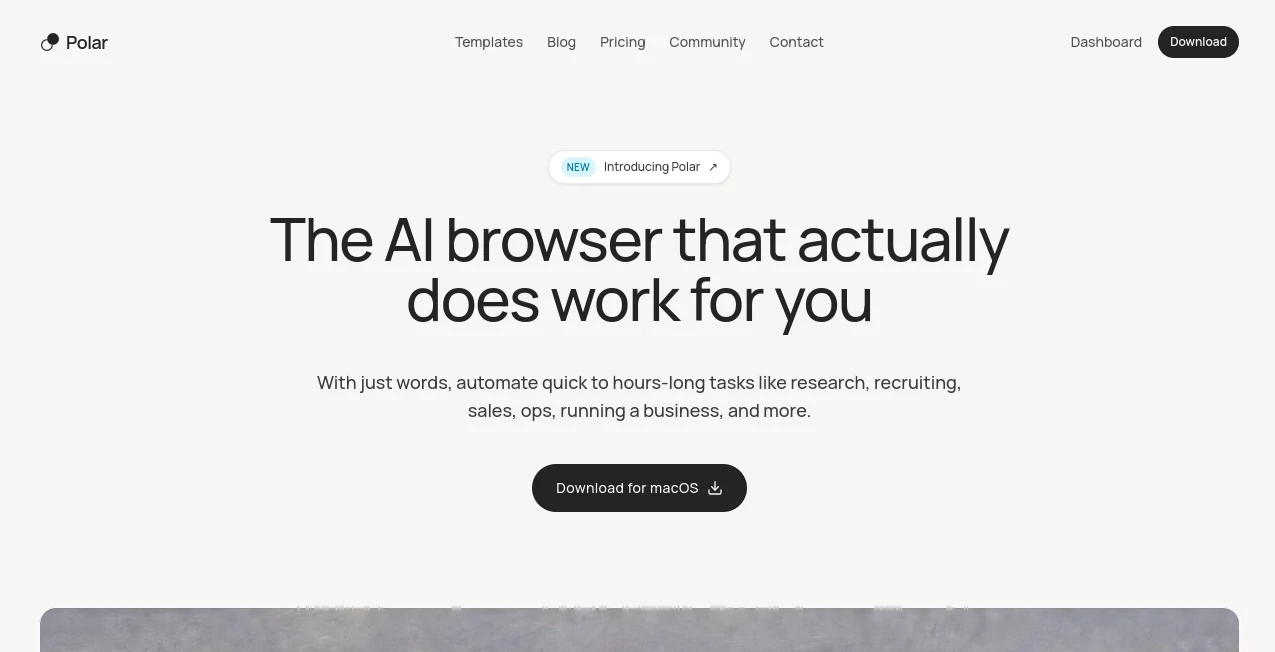
Polar is an AI browser designed to take on the repetitive, time-consuming parts of knowledge work. Instead of simply answering questions about an open webpage, it can navigate websites, click buttons, enter information, work inside existing accounts, and carry out tasks that may take minutes or several hours.
The idea is straightforward: describe what needs to be done in plain language and let the browser handle the execution. This makes it particularly interesting for founders, sales teams, recruiters, researchers, operators, marketers, and anyone who spends a large part of the day moving information between websites.
Because it is built on Chromium, it can work with the websites and accounts people already use. For someone who regularly jumps between spreadsheets, CRMs, email, social networks, research sources, and other web applications, that can remove a surprising amount of context switching.
Key Features
- AI-powered browser automation for real-world web tasks
- Autonomous execution of short and long-running tasks
- Works with existing accounts and browser sessions
- Scheduled workflows for recurring internet tasks
- Reusable prompts that can be saved as workflows
- Hourly, daily, weekly, and custom workflow schedules
- Current-page context for questions and task handoffs
- Research and competitor analysis workflows
- Sales and prospecting automation
- Recruiting and operational workflows
- Support for complex multi-site tasks
- Memory and context designed to improve repeated work
User Interface
The interface is built around a simple interaction: tell the browser what you want accomplished and follow along as the agent works. Rather than forcing users through a complicated automation builder for every task, the natural-language approach makes it possible to start with something as simple as a request to research a group of companies or organize information from several websites.
Another useful part of the experience is the ability to use the current browser tab as context. You can ask a quick question about the page or hand off a larger task without abandoning the workflow you were already doing. For people who live in their browser during the workday, this feels much more practical than constantly moving information into a separate AI chat window.
Accuracy & Performance
Performance is one of the more notable aspects of the product. The company reports a 98.0 score on its cited browser-agent evaluations, ahead of the other systems shown on its comparison chart. It also states that the agent has completed tasks lasting more than 15 hours, highlighting its focus on long-horizon knowledge work rather than only short browser actions.
Real-world performance still depends on the website, task complexity, authentication state, and the quality of the instruction. A useful way to approach it is to begin with a task that is repetitive but easy to verify. Once the workflow proves reliable, it can be expanded into longer automations.
Capabilities
The range of potential applications is broad. For research, it can gather information from public sources, compare vendors, examine competitor discussions, and organize findings into a useful decision-making process. For sales teams, it can assist with account research, prospecting, and repetitive CRM or outreach work.
Recruiters can use browser automation for research and candidate-related workflows, while operations teams can hand off repetitive administrative work. Marketing teams can also use scheduled workflows for recurring activities. The product is especially compelling when the task involves several websites and requires the agent to maintain context as it moves from one step to another.
Security & Privacy
Security is particularly important for an AI browser because the agent may operate inside authenticated accounts. The product gives users visibility into what the agent is doing and allows them to take control when necessary. It also states that guardrails are designed to prevent the agent from independently taking certain high-risk actions.
According to the published privacy policy, most browser profile information, including browsing history, bookmarks, cookies, and local storage, remains on the user's device rather than being synchronized as a complete browser-profile backup. Some browser-derived information, such as page context and screenshots, may be sent to the service when required for agent tasks.
The service also states that it does not sell personal information and that model providers used for agent functionality operate under arrangements that prohibit provider training on customer data, subject to stated legal, safety, and abuse-prevention exceptions. SOC 2 compliance is currently described as in progress.
Use Cases
- Research: Gather information from multiple websites, compare vendors, investigate markets, and prepare research summaries.
- Sales: Research accounts, identify prospects, perform repetitive browser-based sales tasks, and update CRM information.
- Recruiting: Support candidate research and repetitive hiring workflows across web applications.
- Operations: Automate administrative tasks such as checking information, updating records, and following recurring processes.
- Marketing: Handle recurring research, outreach, data collection, and other browser-based marketing activities.
- Business management: Delegate repetitive web work while keeping important decisions with the human operator.
- Personal tasks: Automate useful online activities that involve multiple steps or websites.
Pros and Cons
Pros:
- Can handle considerably longer tasks than a typical browser assistant
- Works inside existing accounts and web applications
- Natural-language instructions make automation approachable
- Scheduled workflows are useful for recurring work
- Current-page context reduces unnecessary context switching
- Strong focus on practical knowledge-work automation
Cons:
- Currently available for macOS rather than Windows
- Complex websites can still introduce reliability challenges
- Long-running tasks can consume credits quickly
- Users should review important actions before allowing extensive automation
- Some advanced security and compliance work is still in progress
Pricing Plans
The pricing structure is based on credits consumed by agent work. Longer or more demanding tasks use more credits.
- Free: $0, including 3,000 credits initially, plus 100 credits daily with a 1,000-credit cap, browser-agent capabilities, and advanced AI features.
- Pro: $20 per month with 10,000 credits per month.
- Max: $100 per month with 60,000 credits per month, priority support, and early access to new features.
- Team: Starts at $50 per seat per month, with 25,000 pooled credits per seat per month, shared billing, usage analytics, and priority support.
The free option is a sensible starting point because it lets users test real tasks before committing to a subscription. For heavier daily usage, the Pro and Max tiers provide substantially larger credit allowances.
How to Use Polar
- Install the browser on a supported macOS device.
- Sign in and set up the accounts you want to use with your workflows.
- Describe the task you want completed using natural language.
- Give the agent enough context to understand the desired result and any important restrictions.
- Watch the browser as the task is performed and take control whenever necessary.
- For recurring work, save the instruction as a workflow.
- Choose an hourly, daily, weekly, or custom schedule when appropriate.
- Review the results, particularly when a workflow involves important business or account actions.
Comparison with Similar Tools
Many AI browsers are primarily designed to answer questions about webpages or perform a handful of browser actions. This product takes a more ambitious approach by focusing on longer, multi-step knowledge-work tasks. Its ability to operate within existing sessions, maintain context, schedule workflows, and continue working for extended periods makes it better suited to automation-heavy use cases.
That distinction matters in practice. Asking an AI to summarize a webpage is one thing; asking it to research dozens of companies, compare information across different sources, update records, and continue working through the process is a very different type of browser automation.
For users who only need occasional assistance with individual webpages, a simpler AI browser may be enough. For people trying to delegate repetitive online work, the long-running agent approach is considerably more interesting.
Conclusion
Polar takes the concept of an AI browser beyond simple chat and webpage assistance. Its strongest appeal is the ability to hand over meaningful browser-based work rather than isolated clicks or questions. Research, sales, recruiting, operations, marketing, and recurring administrative tasks are all natural areas where that approach can save time.
The combination of natural-language instructions, existing account access, scheduled workflows, current-page context, and long-running execution gives it a practical edge for people whose work already happens across dozens of browser tabs. It is not a replacement for human judgment, particularly when sensitive decisions are involved, but it can remove a considerable amount of repetitive work from the day.
Frequently Asked Questions (FAQ)
Does Polar work with existing accounts?
Yes. The browser is built on Chromium and is designed to work with tools and accounts users already access through the web.
Can it perform long-running tasks?
Yes. The service is designed for both quick requests and extended browser tasks. The company reports that its agent has completed tasks lasting more than 15 hours.
Can workflows be scheduled?
Yes. Users can save prompts as workflows and schedule them to run hourly, daily, weekly, or according to a custom schedule.
Is Polar available on Windows?
Not currently. The product is currently available for macOS, while Windows support is planned and users can join the waitlist.
Is there a free plan?
Yes. The Free plan costs $0 and includes an initial credit allocation plus daily credits, allowing users to test the browser agent before upgrading.
Can users monitor what the AI is doing?
Yes. The product is designed so users can follow the agent's actions in the browser and take control when necessary, which is particularly useful for tasks involving sensitive accounts or important decisions.
AI Workflow Management , AI Browsers Builder , AI Research Tool , AI Sales Assistant .
These classifications represent its core capabilities and areas of application. For related tools, explore the linked categories above.

Polar Alternatives Product

Ecom Mediate…

Skillselion

FINIITE AI

Dedoctive

ForexCoupons

AI Podcast I…

Skygen AI

AI Entity

Debate Tello…